 Lensa: photo editor & AI art
4.1

Photography
Ratings
Downloads
Age
Advertisement
Advertisement
Name
Category
Price
Safety
Developer
Version
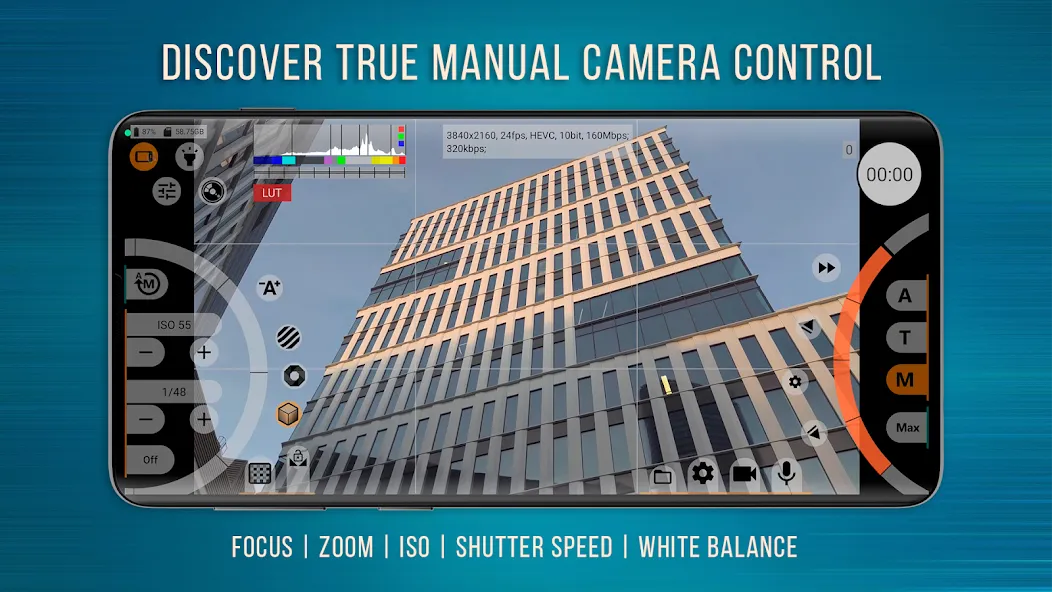
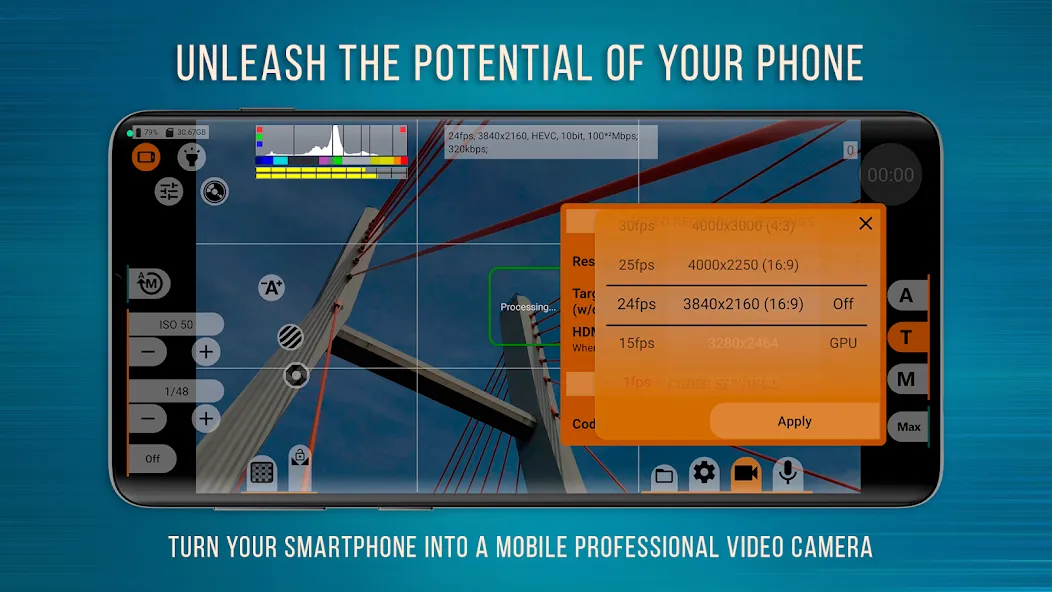
Perhaps the most powerful and advanced professional video camera app on Android! mcpro24fps will open up incredible cinematic possibilities in your phone, previously available only in professional camcorders.
Use the free mcpro24fps Demo app to check the functionality of the features you need specifically on your smartphone model before purchasing it. If you have a question, please contact us: [email protected].
We created mcpro24fps cinema camera exclusively for Android and therefore we are confident that the application is able to get the most out of the technical capabilities of your phone. Thousands of videographers from all over the world are already using our video camera app for professional video filming of their festival films, music videos, live reports, commercials and anything else that needs advanced capabilities to realize the authors’ bold ideas.
Here are just some of the features that will surprise even the most advanced videographer:
★ Shooting in 10-bit for a large number of devices. HLG / HDR10 HDR video
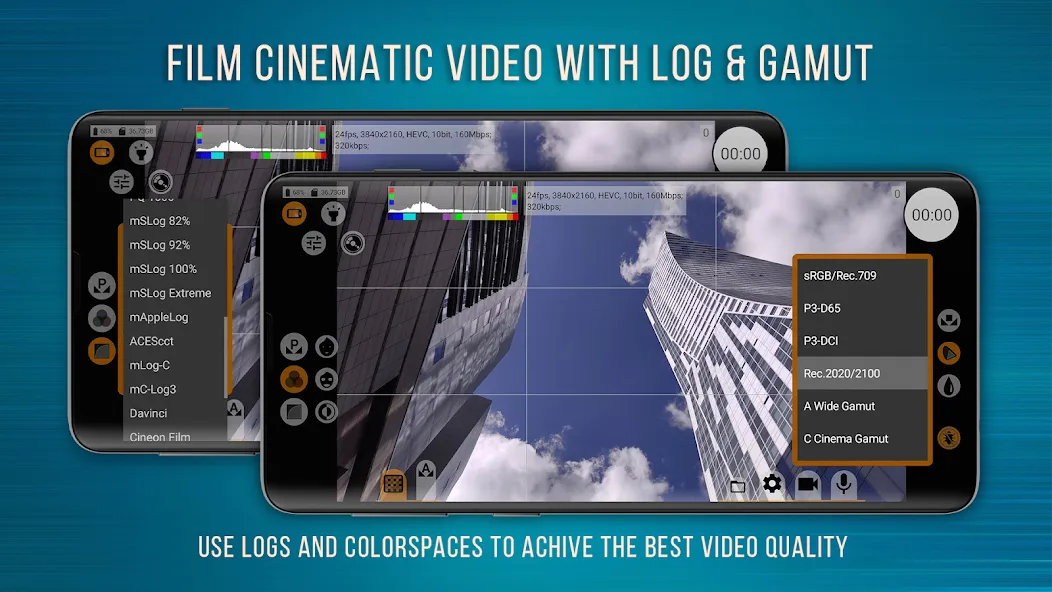
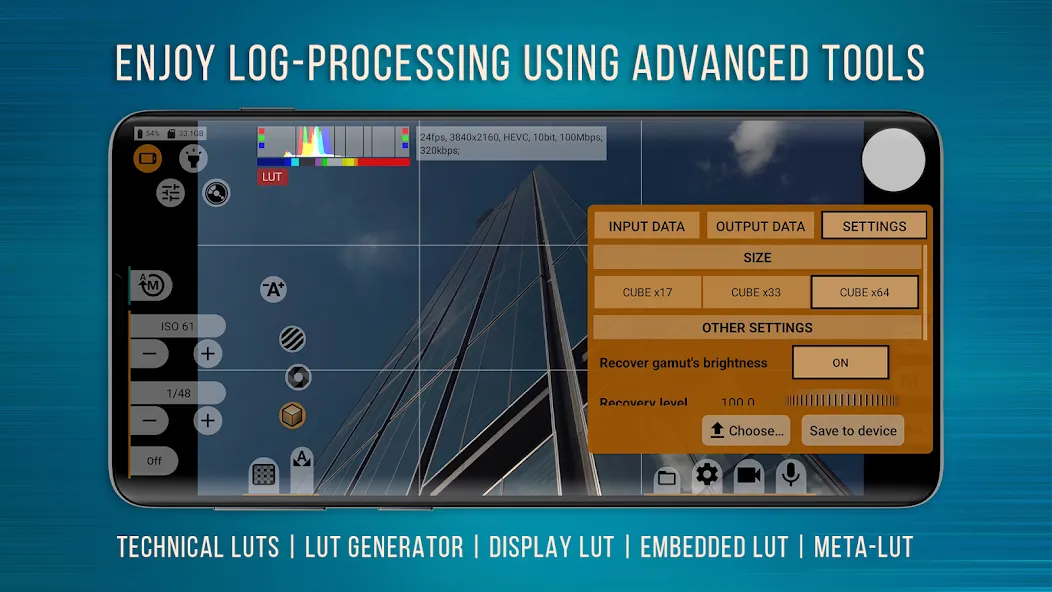
★ Recording video in Log without turning on the GPU, like it is on “big” cameras
★ Huge number of Log modes for any situation
★ Technical LUTs for seamless interpretation of Log in post-production
★ On-screen LUT for precise control of the frame when shooting
★ Deanamorphing and work with attached lenses
★ Programmable Focus and Zoom and how they work together
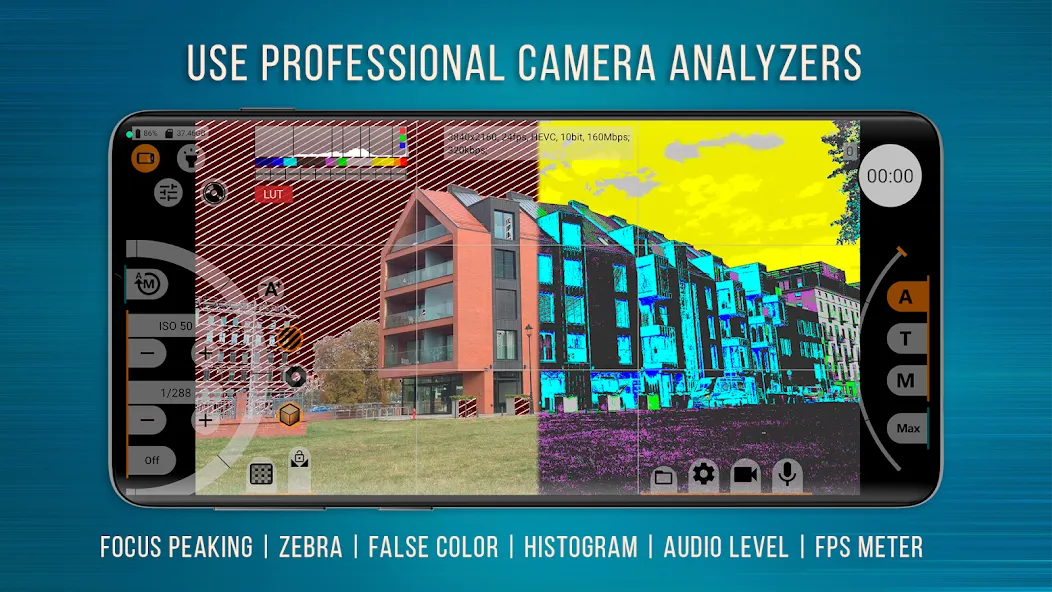
★ Focus Peaking and Expo Peaking for the complete frame control
★ Spectral and Zebra for easy exposure control
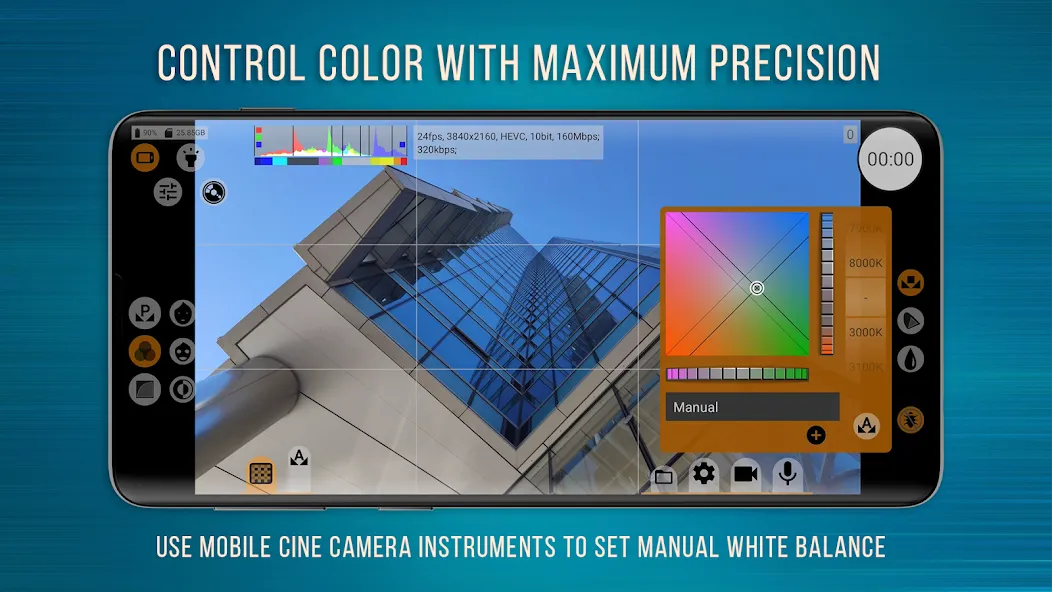
★ Setting up the white balance in Kelvins
★ Advanced work with metadata
★ The most flexible work with sound
★ Huge opportunities for the use of GPU resources
★ Responsive interface
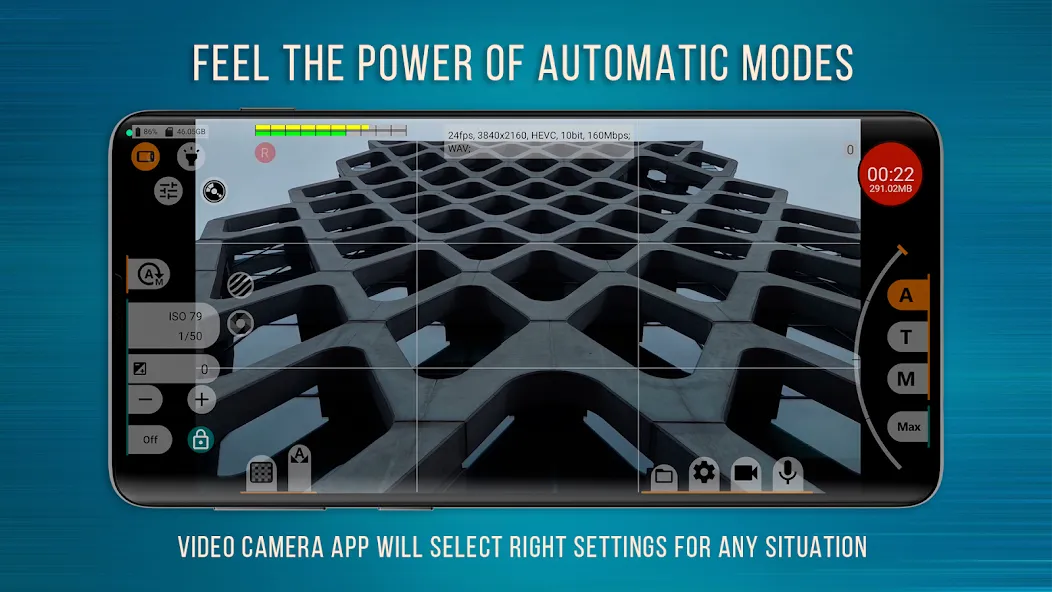
★ Reliable automatic modes and the most convenient manual settings
Turn your phone into a video camera for creating cinematic masterpieces right now!
[Note]: It is important to understand that the functionality of the functions depends on the technical capabilities of your device. The Camera2 API at the Limited level or higher is required for the phone to work correctly.
Useful links:
1. If you have questions about the performance of some functions in your phone, you can ask them in the program chat in Telegram: https://t.me/mcpro24fps_en
2. F.A.Q .: https://www.mcpro24fps.com/faq/
3. Download our free Technical LUTs for instant conversion of log footage in professional editing programs: https://www.mcpro24fps.com/technical-luts/
4. Official site: https://www.mcpro24fps.com/
The complete technical specification is very large and is published on the official website at the link above. Look at a part of them.
CAMERAS
• Multiple cameras support (where it is possible)
• Settings for each of the cameras are saved separately
VIDEO
• Recording in 24 fps, 25 fps, 30 fps, 60 fps etc.*
• Support for all resolutions specified in the Camera2 API
• Two codecs support: AVC (h264) and HEVC (h265)
• Recording up to 500 Mb/s
• Optical and digital video image stabilization
• Setting up Log profiles through a tone curve
• Tone curve adjustment via GPU
• Image adjustment through additional GPU filters
• Settings for hardware noise reduction, hardware sharpness, hardware correction of hot pixels
• Additional noise reduction through the GPU
• Configuring GOP
• Different modes of white balance
• Manual exposure mode and automatic exposure mode
• Adjustment of automatic exposure correction
• Three focus modes: automatic continuous, automatic on touch, manual focus
• Three perfect modes of crop-zoom function
• Variable bitrate mode and experimental constant bitrate mode
• Adjustment of distortion correction
SOUND
• Support for different sound sources
• Support for different sampling rates, AAC (up to 510 kb/s) and WAV
• Ability to integrate WAV into MP4
depends on the capabilities of the device and approvals from the manufacturer for 3rd party applications.
Film your best cinematic works on mcpro24fps!
Google Play
APP STORE
Advertisement
Taptostore.com is an independent app discovery and editorial review platform. We publish reviews, comparisons, and recommendations designed to help users explore apps and make informed choices.
Download links on Taptostore.com direct users to the relevant official app store or another distribution channel designated by the developer or publisher. App downloads and installations take place through those external platforms.
Our content is developed through product research, editorial analysis, publicly available information, and, where appropriate, an assessment of the app’s features and user experience. Reviews and recommendations represent our editorial judgment at the time of publication.
The security and privacy practices of each app are determined by its developer. Before installing an app, users should review its official store listing, developer information, requested permissions, privacy policy, update history, and recent user feedback.
Taptostore.com does not control or independently certify third-party apps and cannot guarantee their security, reliability, performance, or privacy practices.
Not necessarily. Apps may be free, paid, advertising-supported, or include in-app purchases and recurring subscriptions. Pricing and availability may vary by region, device, platform, and time. Please refer to the relevant official store listing for current terms.
Availability may be affected by geographic restrictions, device compatibility, operating-system requirements, age limitations, store policies, or decisions made by the developer or publisher. These factors are outside the control of Taptostore.com.
Taptostore.com does not operate the apps featured on the website and cannot access their accounts or internal systems. Questions about login credentials, account recovery, technical issues, data deletion, or app functionality should be directed to the relevant developer through its official support channels.
Please do not send passwords, verification codes, recovery credentials, or payment information to Taptostore.com.
App-related payments, subscriptions, cancellations, and refunds are administered by the app store, developer, or payment provider responsible for the transaction. Taptostore.com does not process these transactions and cannot manage subscriptions or issue refunds.
Uninstalling an app may not cancel an active subscription. Users should manage subscriptions through the platform on which the purchase was made.
We make reasonable efforts to publish accurate and useful information. However, app features, pricing, compatibility, availability, and policies may change without notice. For the most current details, users should consult the relevant official store listing or developer documentation.
Unless expressly stated, Taptostore.com is not affiliated with, sponsored by, endorsed by, or officially connected with the developers, publishers, brands, or platforms featured on the website.
Product names, logos, brands, and trademarks belong to their respective owners and are referenced solely for identification and informational purposes.
Advertisement