 HD Camera
4.6

Photography
Ratings
Downloads
Age
Advertisement
Advertisement
Name
Category
Price
Safety
Developer
Version
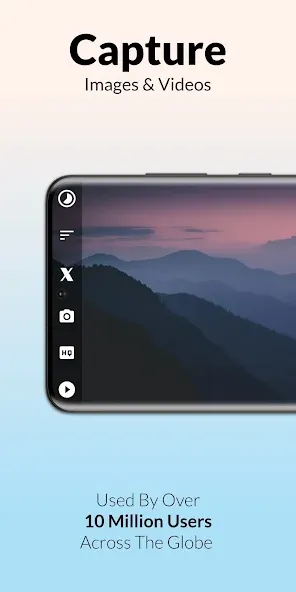
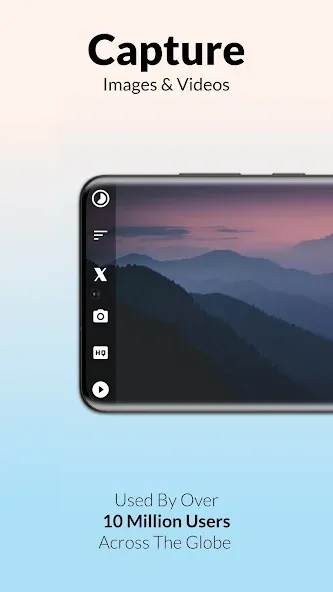
📸 Framelapse 2: is a full featured app for creating amazing time-lapse images, videos or both on your Android™ device.
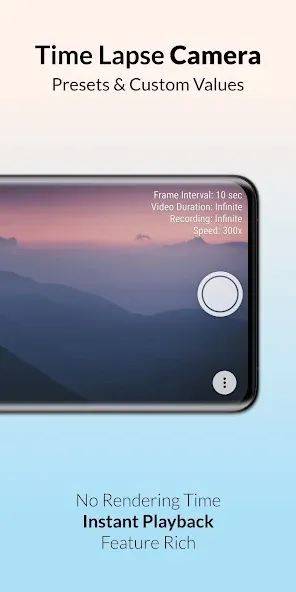
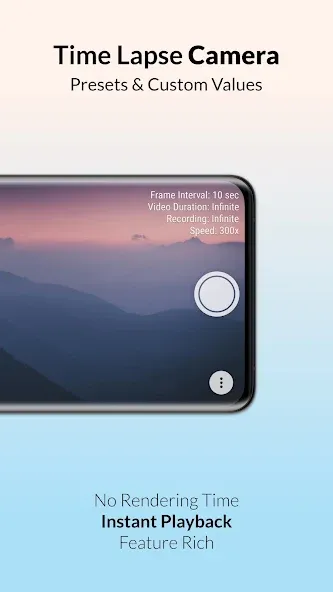
🎞️ Effortlessly record high quality time lapse or fast motion footage with instant playback, no rendering time needed!
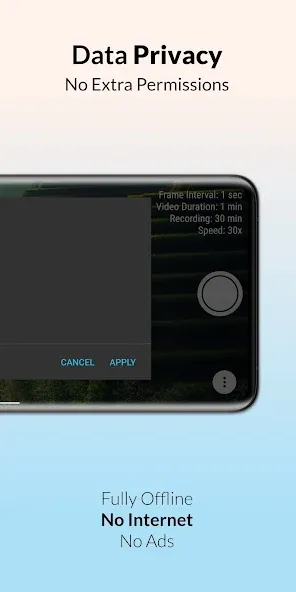
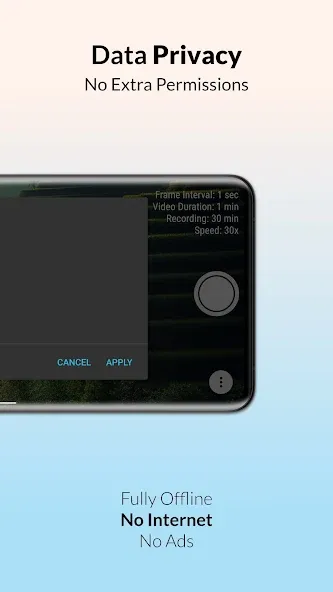
🎬 Create unlimited content with no ads, even internet permission not requested! App built with user privacy and security at its core.
🆕 Get ready for the new iteration of Framelapse. This version has the latest updates and exciting new features.
✨ FEATURES:
• Frame interval to adjust capture frequency.
• Capture video, images or both together.
• Instant playback, no rendering time.
• Set duration to auto-stop recording.
• Video resolution up to 2160p 4K*.
• Front and back camera support.
• Storage with SD Card support.
• Video frame rate options.
• Inbuilt app guide and FAQ.
• Self timer and colour effects.
• Focus options and zoom range.
• Timelapse visible in device gallery.
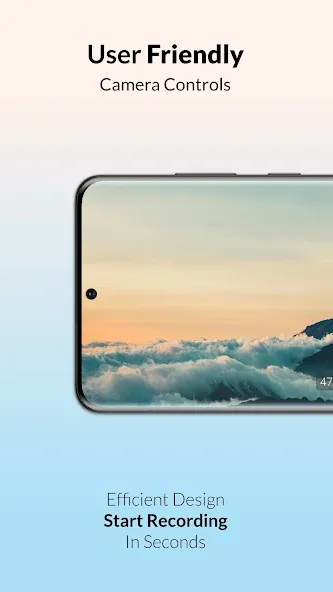
• Dynamic preview with no cropping.
• Displays length of video being recorded.
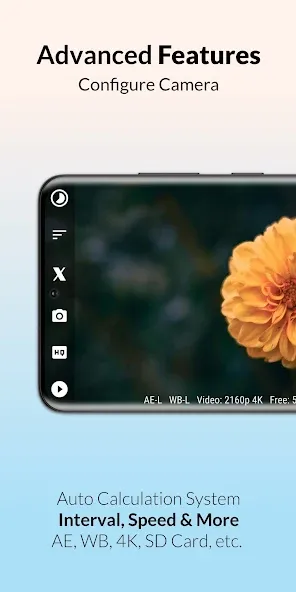
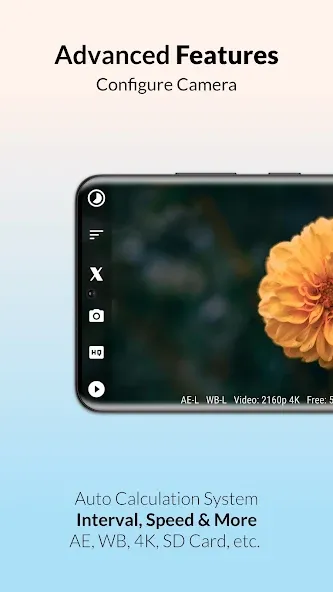
• White balance and exposure compensation.
• Inbuilt calculator to estimate recording duration.
* Support for certain features determined by device camera hardware.
✨ ADVANCED FEATURES:
• Custom intervals starting from 0.1 seconds.
• Save space by directly recording to video.
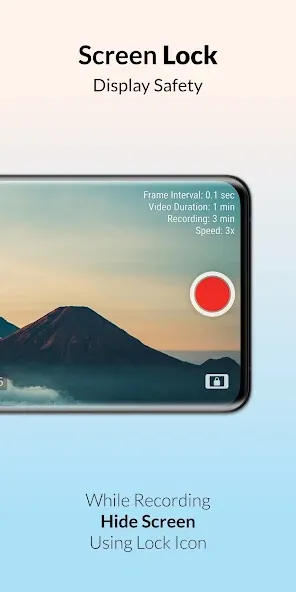
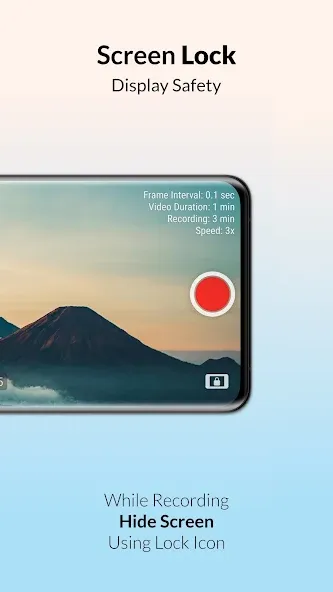
• Black screen option while recording.
• View free space, battery and time.
• Timestamp in image mode.
• Custom video duration.
• White balance lock.
• Remote shutter.
• Exposure lock.
• Video stabilisation.
• Preset wizard mode.
• JPEG image quality control.
• MP4 video bitrate adjustment.
• Custom timer for recording delay.
🌟 BRAND NEW FEATURES:
🖼️ CAPTURE IMAGES let’s you store high resolution pictures captured by the device camera with or without video. Works like an intervalometer for professional quality output.
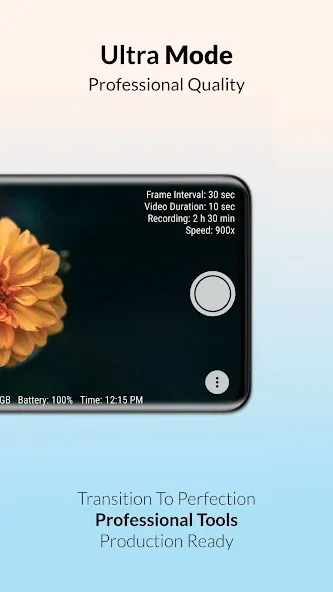
⏱️ SPEED OPTIONS allow you to directly change speed value relative to real-time (starting from 1x to 999x). Thus, avoiding any hassle to calculate frame interval yourself. Scene based suggestions are also included in this feature!
🪄 CUSTOM WIZARD gives you access to custom values in wizard mode instead of being limited to presets. Very useful if you know the time duration you will record for.
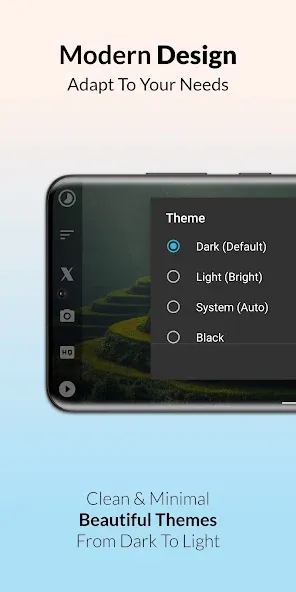
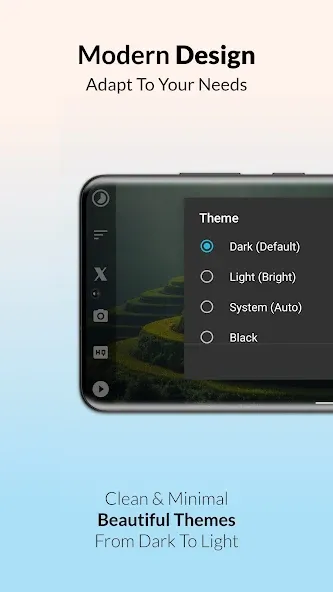
🎨 APP THEMES has over 20 beautiful app themes ranging from dark to light hues, to go along with your personal taste. You’ve got to try ‘midnight ocean’ and many more!
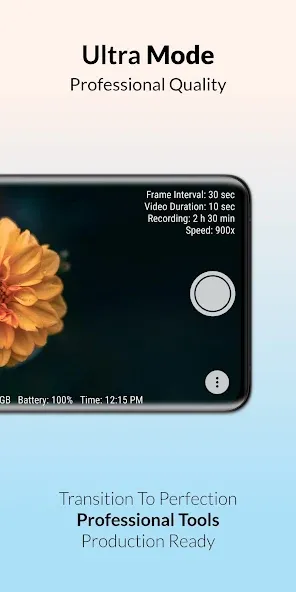
𖣐 REMOTE SHUTTER and ULTRA VIEW also come as bonus features. Remote shutter allows you to control camera with volume buttons or bluetooth remote. Ultra view adds advanced information such as capture quality, storage left, battery and time to the camera preview which helps to see overview in a single glance…
💠 So, let’s discover beautiful new patterns in everyday events which remain invisible to our eyes. Watch the setting sun in a few seconds or a journey in a minute and prepare to be amazed. Record amazing timelapse and hyperlapse videos with ease now.
Please note on most devices turning on video optimisation inside HQ button>Advanced, can help improve performance.
🏆 We are proud to announce Framelapse has been supported on the Google Play Store for over a decade now!
❄️ The most loved time lapse, intervalometer and fast motion app has gotten even better with the release of 11th Anniversary Winter Update!
Advertisement