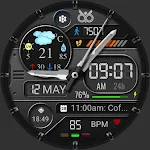
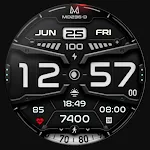
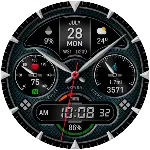
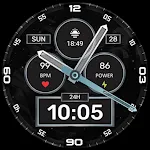
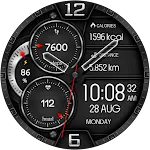
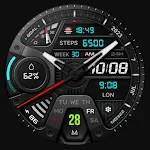
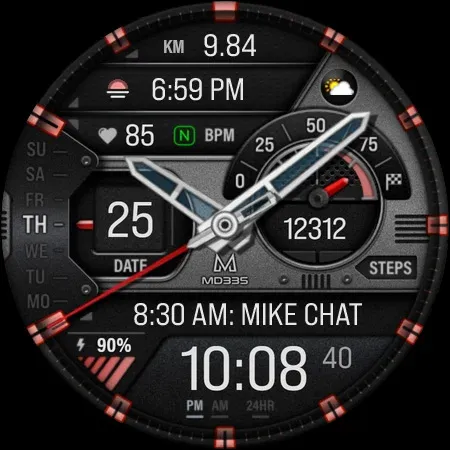
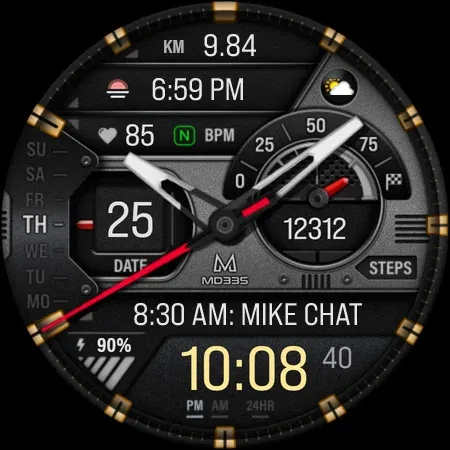
 MD322 Analog watch face
4.7

Personalization
Ratings
Downloads
Age
Advertisement
Advertisement
Name
Category
Price
Safety
Developer
Version
Note for Galaxy Watch Users:
The watch face editor in the Samsung Wearable app often fails to load COMPLEX watch faces like this one.
This is not an issue with the watch face itself.
It is recommended to customize the watch face directly on the watch until Samsung resolves this issue.
TAP AND HOLD SCREEN ON WATCH AND SELECT CUSTOMIZE.
New Watch Face Format
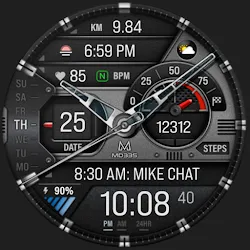
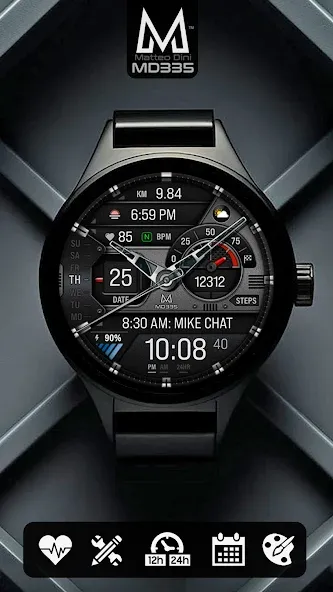
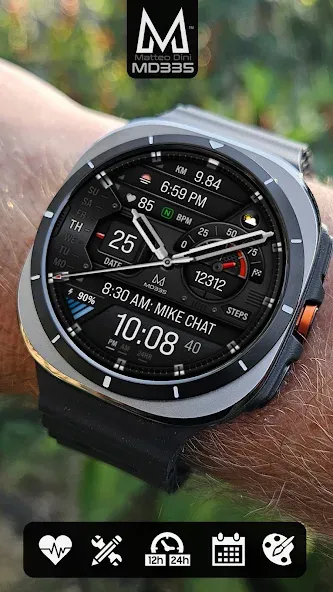
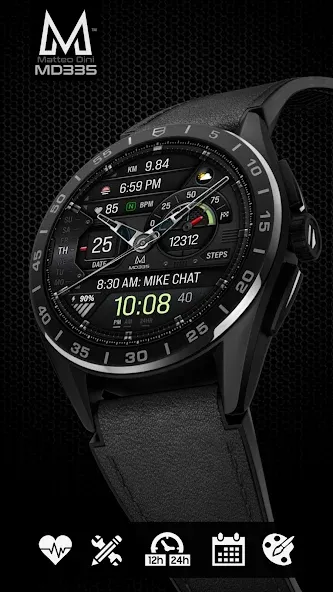
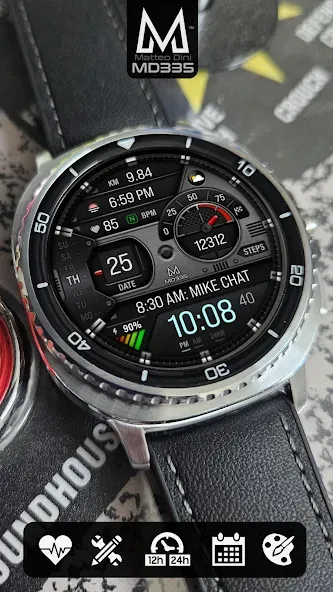
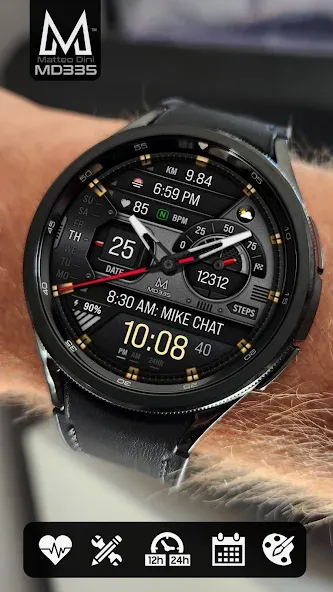
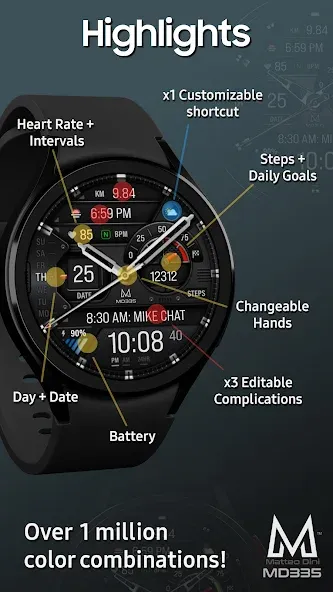
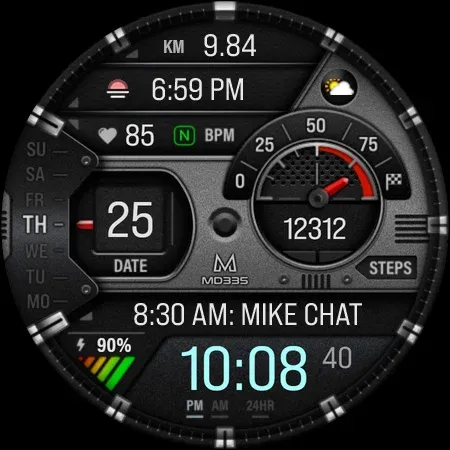
It contains 4 Preset App shortcuts, 1 customizable shortcut, 3 customizable complications where you can have the data you prefer like weather, barometer, distance walked, calories, uv index, chanche of rain and many more.
INSTALLATION NOTES:
Please check this link for installation and troubleshooting guide:
https://www.matteodinimd.com/watchface-installation/
This watch face supports all Wear OS devices with API Level 33+ (Wear OS 4 and later versions) like Samsung Galaxy Watch 4-8, Ultra, Pixel Watch etc.
Highlights:
- 12/24hr based on phone settings
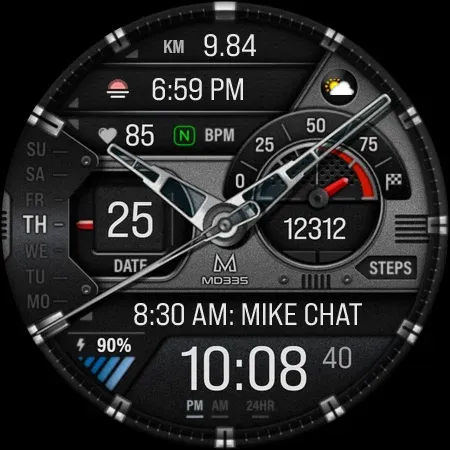
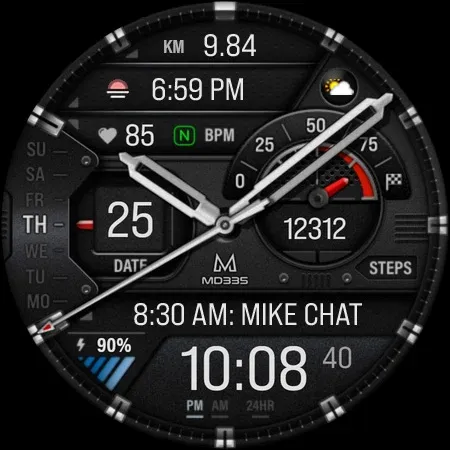
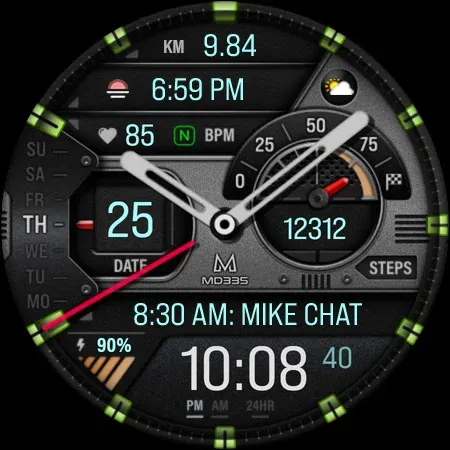
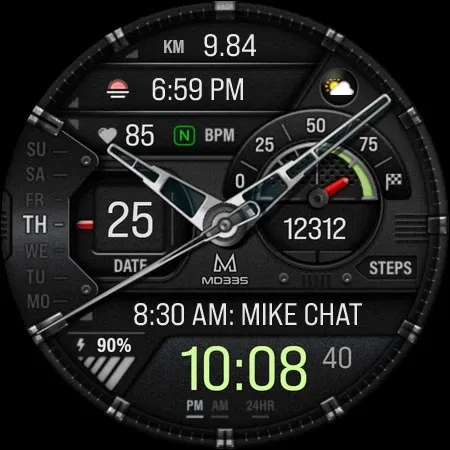
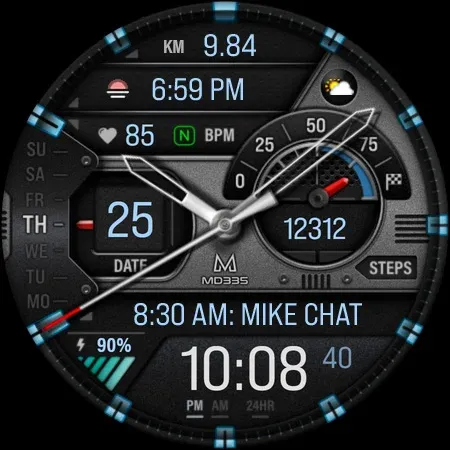
- Hybrid design with hideable hands
- Date
- Day
- Battery
- Heart Rate + Intervals
- 4 Preset app shortcuts
- 1 customizable shortcut
- 3 customizable complications
- Steps + Daily Goals
- Changeable hands
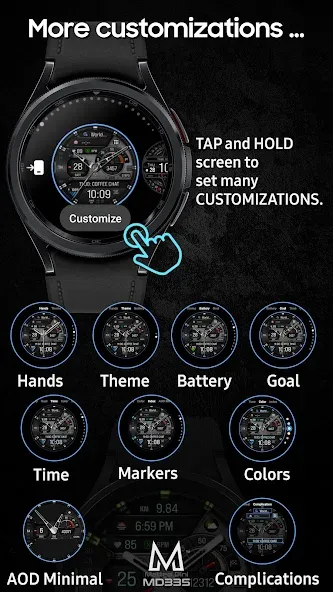
- Changeable theme dark / light
- Changeable colors of time, battery level, goal level, markers and general colors
- Minimal and full AOD
Customization:
1 - Touch and hold display
2 - Tap on customize option
Preset APP Shortcuts:
- Calendar
- Battery
- Measure Heart Rate
- Set alarms
Complications:
you can customize the watch face with the any data you want.
For example, you can select weather, health data such calories, distance walked, world clock, barometer and many more.
To obtain data from “complications” such as distance and more, it will be necessary to install additional complications if they are not already available on your watch.
Please note that complications are NOT part of the watch face but are external apps and we have NO control over them.
If you need support, write us at: [email protected]
**some features may not be available on some watches.
Let’s keep in touch:
Newsletter:
Sign up to stay updated with new watchfaces and promotions!
http://eepurl.com/hlRcvf
FACEBOOK:
https://www.facebook.com/matteodiniwatchfaces
INSTAGRAM:
https://www.instagram.com/mdwatchfaces/
TELEGRAM:
https://t.me/mdwatchfaces
WEB:
https://www.matteodinimd.com
Thank you!
Advertisement