DB051 Hybrid Sport Watch Face icon

DB051 Hybrid Sport Watch Face

Personalization

0.0

Ratings

1.3K

Downloads

3+

Age

DOWNLOAD

Advertisement

Screenshots

DB051 Hybrid Sport Watch Face screenshot 1
DB051 Hybrid Sport Watch Face screenshot 2
DB051 Hybrid Sport Watch Face screenshot 3
DB051 Hybrid Sport Watch Face screenshot 4
DB051 Hybrid Sport Watch Face screenshot 5
DB051 Hybrid Sport Watch Face screenshot 6
DB051 Hybrid Sport Watch Face screenshot 7
DB051 Hybrid Sport Watch Face screenshot 8
DB051 Hybrid Sport Watch Face screenshot 9
DB051 Hybrid Sport Watch Face screenshot 10
DB051 Hybrid Sport Watch Face screenshot 11
DB051 Hybrid Sport Watch Face screenshot 12
DB051 Hybrid Sport Watch Face screenshot 13
DB051 Hybrid Sport Watch Face screenshot 14
DB051 Hybrid Sport Watch Face screenshot 15
DB051 Hybrid Sport Watch Face screenshot 16
DB051 Hybrid Sport Watch Face screenshot 17
DB051 Hybrid Sport Watch Face screenshot 18
DB051 Hybrid Sport Watch Face screenshot 19
DB051 Hybrid Sport Watch Face screenshot 20
DB051 Hybrid Sport Watch Face screenshot 21
DB051 Hybrid Sport Watch Face screenshot 22
DB051 Hybrid Sport Watch Face screenshot 23
DB051 Hybrid Sport Watch Face screenshot 24
DB051 Hybrid Sport Watch Face screenshot 25
DB051 Hybrid Sport Watch Face screenshot 26
DB051 Hybrid Sport Watch Face screenshot 27
DB051 Hybrid Sport Watch Face screenshot 28
DB051 Hybrid Sport Watch Face screenshot 29
See all →
MD305 Analog watch face iconMD305 Analog watch face
4.6

Advertisement

About this app

Name

DB051 Hybrid Sport Watch Face

Category

Personalization

Price

Free

Safety

100% Safe

Developer

DB Watch Face

Version

Varies with device

Description

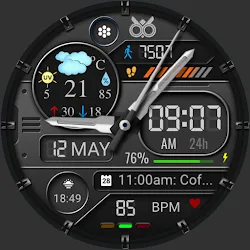
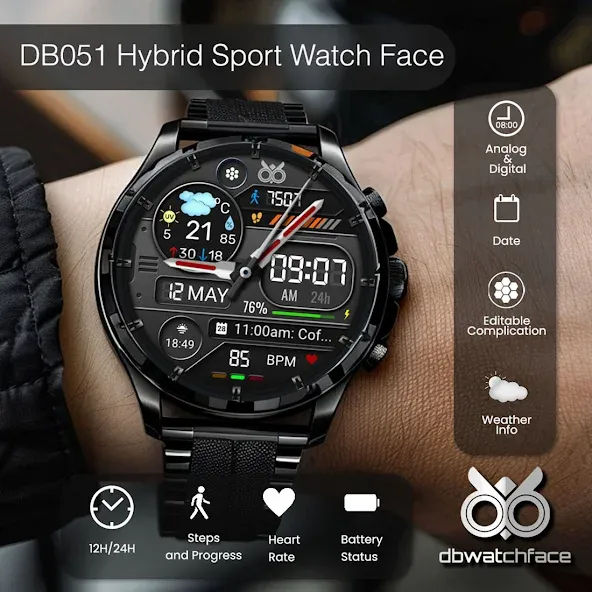
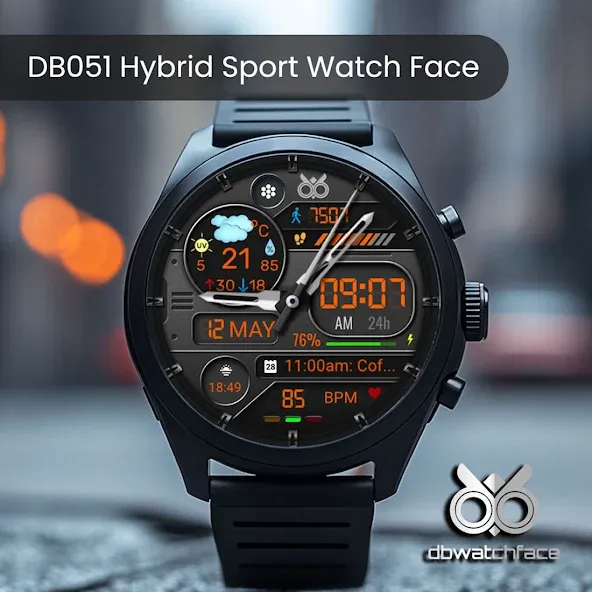
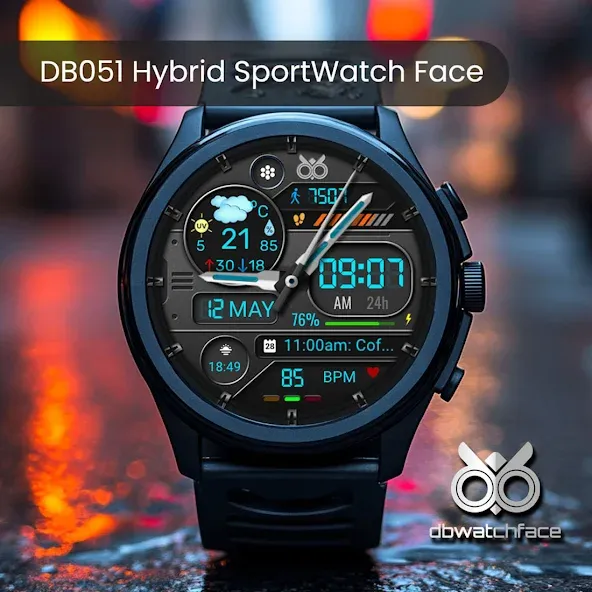
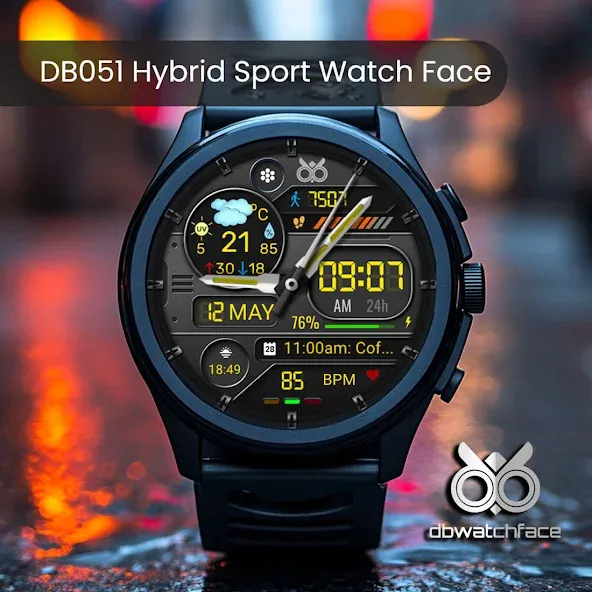
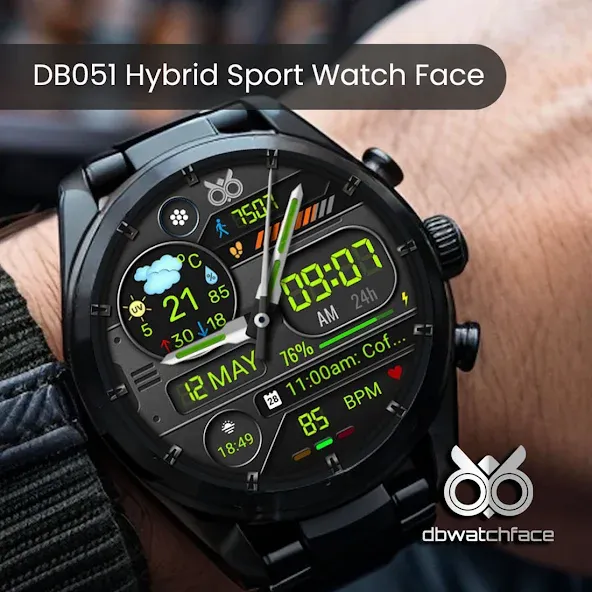
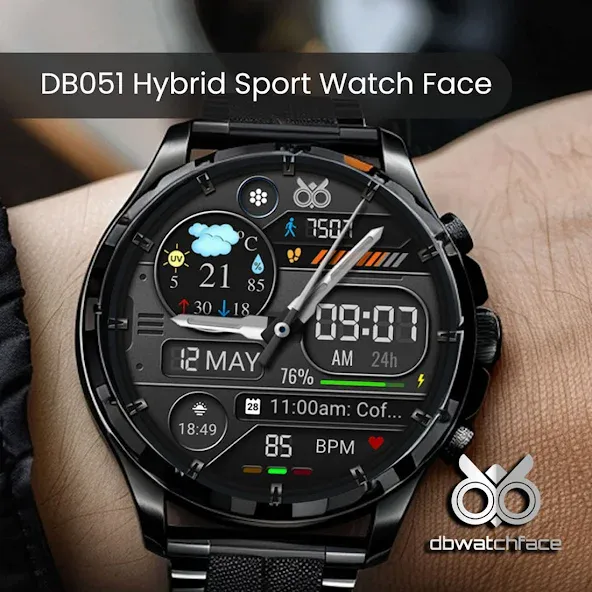
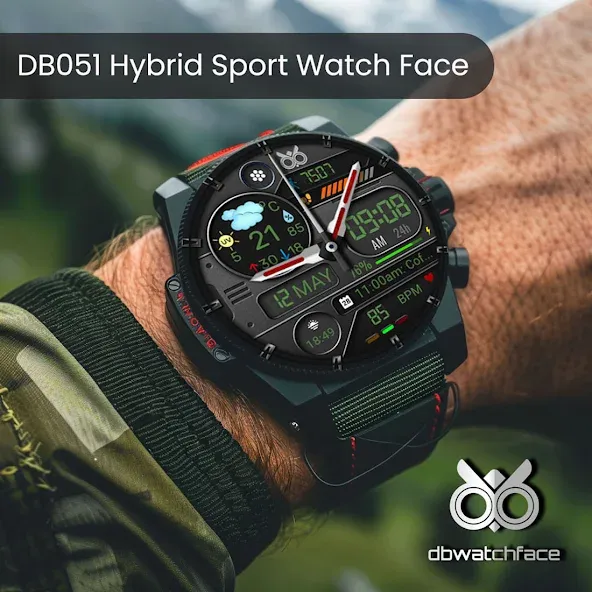
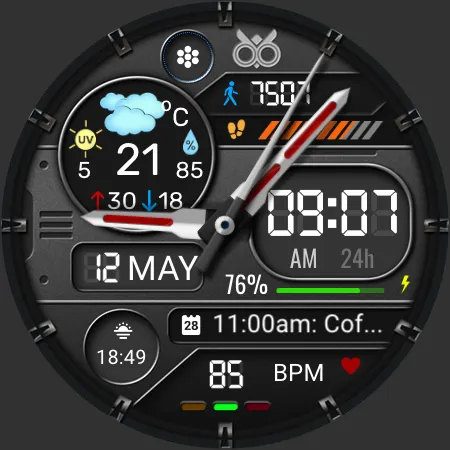
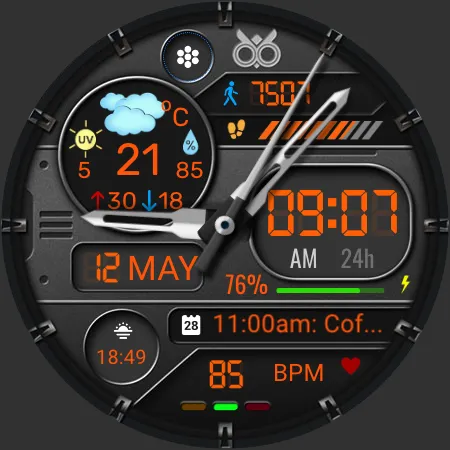
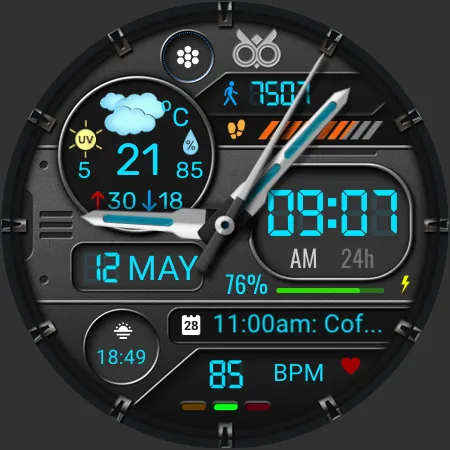
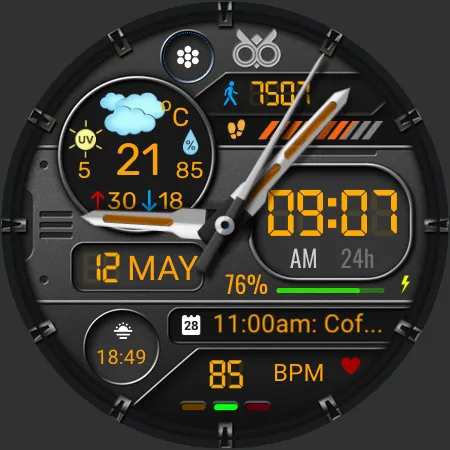
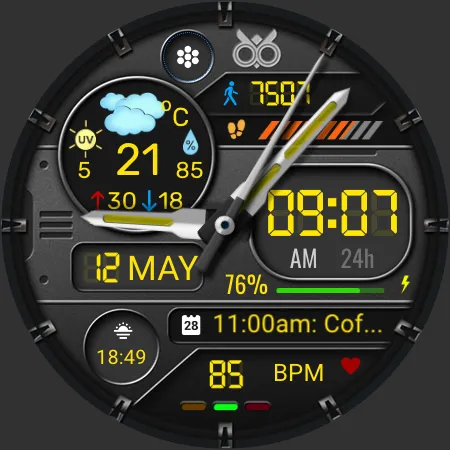
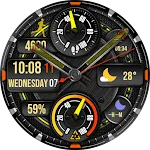
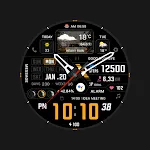
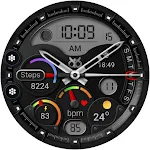
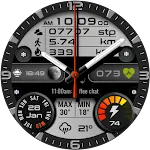
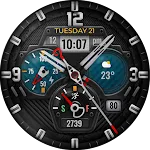
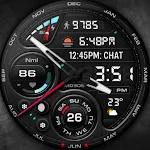
DB051 Hybrid Sport Watch Face is a hybrid watch face with sport inspired masculine design, suitable for any occasion.

DB051 Hybrid Sport Watch Face compatible with all Wear OS devices with API Level 34+ ( Samsung Galaxy Watch 4, 5, 6, 7 and others).

Features :
- Digital and Analog Clock
- Date and Month
- Weather Info
- 12H/24H Format
- Step Count and progress
- Heart Rate
- Battery Status
- 2 Editable Complication
- 1 Editable Apps Shortcut
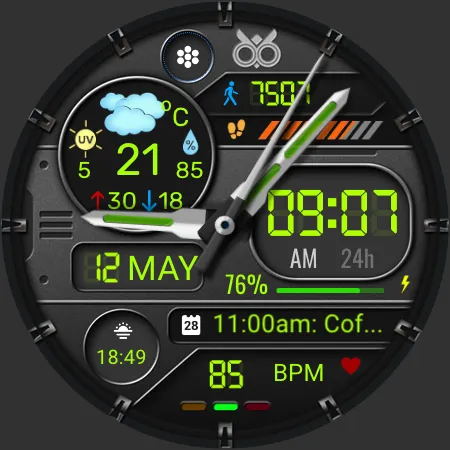
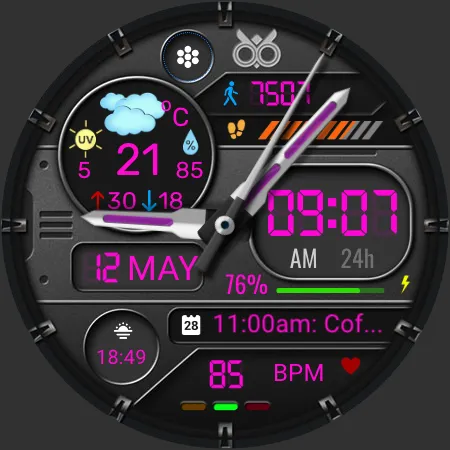
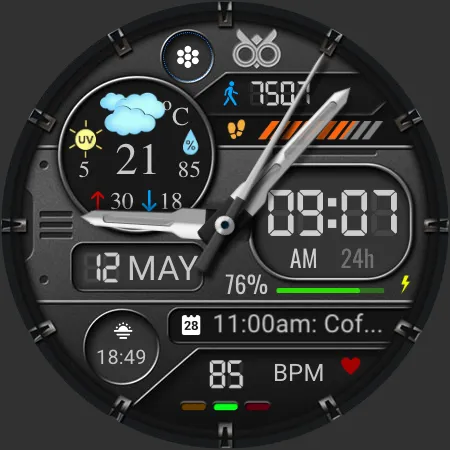
- Different font and analog hand colors
- AOD Mode

To Customize the complication information or color option :
1. Press and hold the watch display
2. Tap the Customize button
3. You can customize the complications with any available data to suit your needs, or choose from the available color options.

The watch face doesn’t automatically apply to your watch screen after installation, you need to apply it manually from your watch.

TOP FREE APPS

See all →
Google Meet iconGoogle MeetCommunication
4.4

TOP FREE GAMES

See all →

Advertisement

Top Downloads

See all →
  1. Files by Google icon
    Files by GoogleTools
    4.5
    GET
  2. 4