 FamilyWall: Family Organizer
4.7


Business
Ratings
Downloads
Age
Advertisement
Advertisement
Name
Category
Price
Safety
Developer
Version
Either sign in with your existing Smartsheet account or enter your email to sign up for a free 30-day trial. Join millions of other innovative users and upgrade to a paid account at any time.
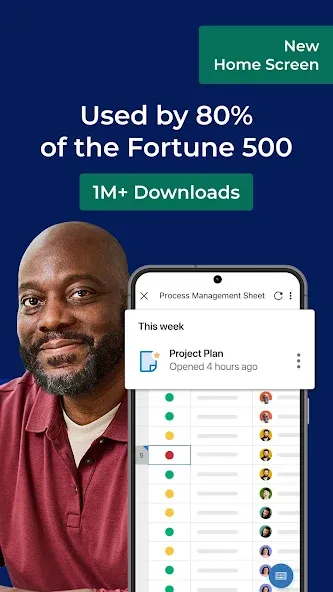
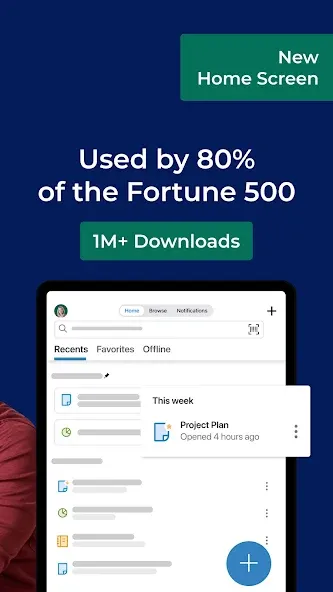
Smartsheet is the Intelligent Work Management Platform that unites people, data, and AI to eliminate execution silos—turning strategic vision into measurable impact. Built for speed, scale, and trust, Smartsheet empowers 123K+ organizations and 85% of the Fortune 500 to move faster, adapt confidently, and lead with AI-powered, intelligent work.
Smartsheet combines AI orchestration, native automation, and enterprise-grade security to accelerate smarter outcomes. Purpose-built to unite people, data, and AI within a secure, scalable architecture, Smartsheet is the Intelligent Work Management Platform enterprises choose when speed, scale, and AI innovation matter most.
Smartsheet empowers better collaboration and AI-powered project management with rich views, workflows, reports, and dashboards for business project planning. It accelerates innovation in 190 countries for 80,000+ leading brands—including 75% of the Fortune 500.
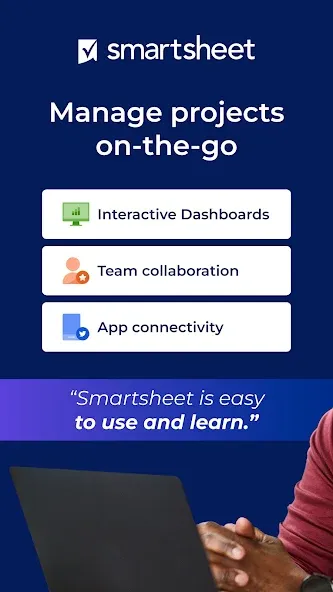
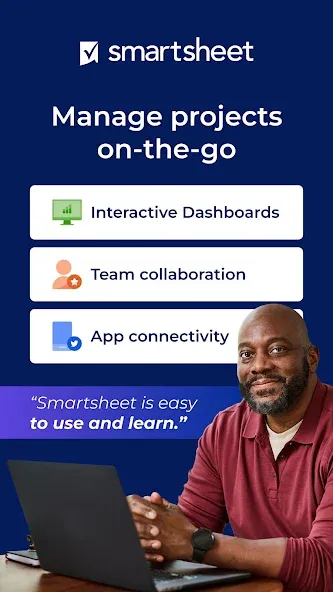
Manage business projects and tasks, automate workflows, collaborate with your team, and maximize productivity anytime, anywhere.
Empower your team to plan, schedule, track, automate, and deliver projects like a pro.
COLLABORATE WITH YOUR TEAM
Create, share, and collaborate on projects anywhere.
Access tasks, workflows, schedules, and sheets anytime.
Get business collaboration and productivity tools to help manage and plan teamwork.
Review and edit documents and sheets your team is working on.
ORGANIZE PROJECTS & TASKS
Use sheets to oversee tasks and workflows, schedule work, plan and track projects, and maximize your team’s productivity.
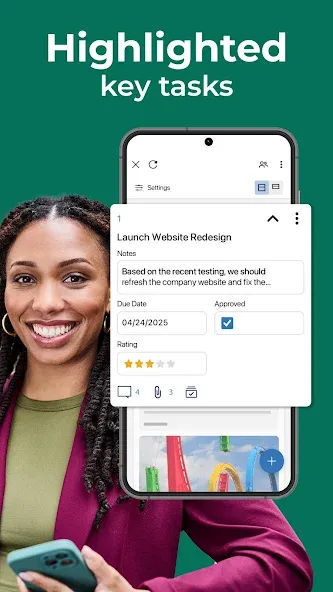
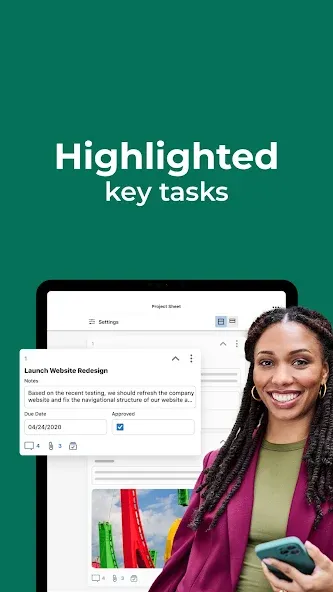
Add assignees, due dates, followers, checklists, predecessors, and files to your tasks and follow the progress of your projects to track everything effectively.
Plan your project and project schedule and choose how to visualize tasks by switching between grid, card, Gantt, and calendar views with the same data.
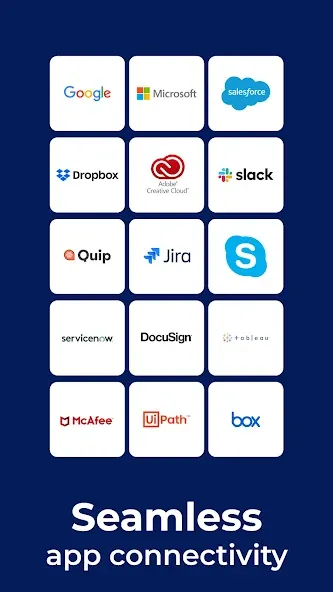
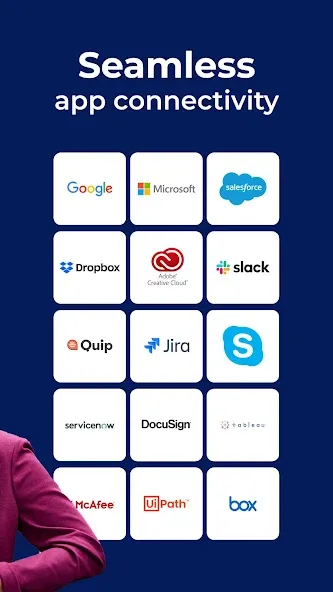
Keep everyone on the same page. Attach files from Google Drive, OneDrive, Dropbox, and more.
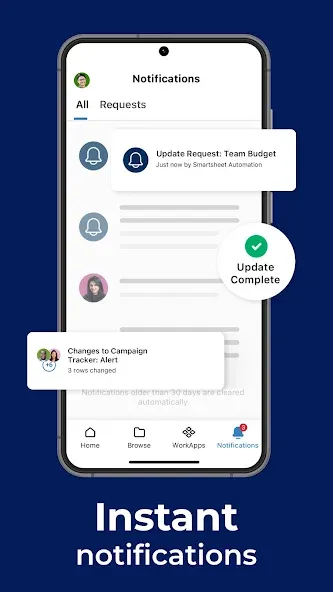
Send automated updates and approval requests to streamline work and reduce the need for meetings to increase productivity.
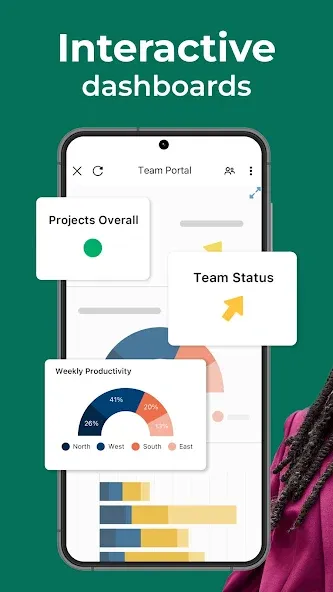
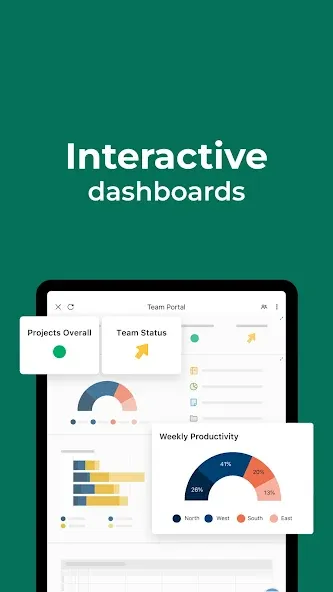
Use dashboards to showcase sheets, reports, charts, and forms and visualize tasks clearly.
AUTOMATE WORKFLOWS
Implement simple yet powerful AI-powered automated workflows in minutes to track progress and boost efficiency.
Automate repetitive processes by sending alerts, requesting approvals, and maximizing productivity.
WORK IN ONE PLACE
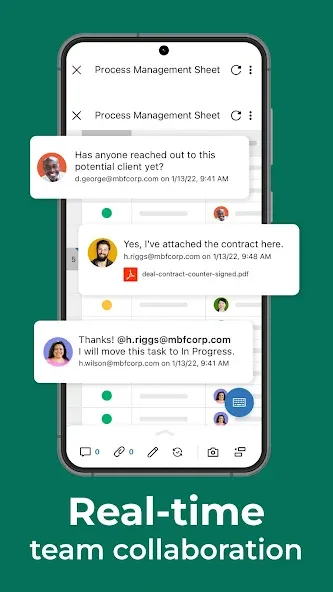
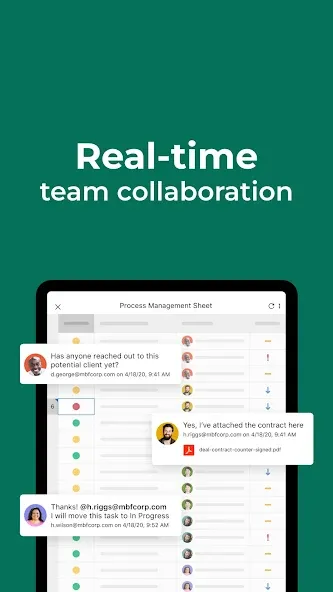
See work alongside key conversations and decisions in one centralized platform.
Improve project visibility and collaboration with shared sheets, comments, and edit access anywhere.
COLLECT INFORMATION WITH FORMS
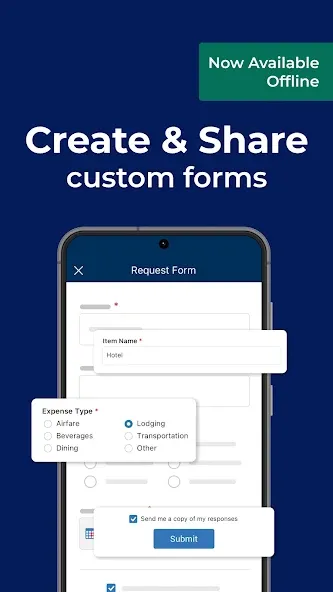
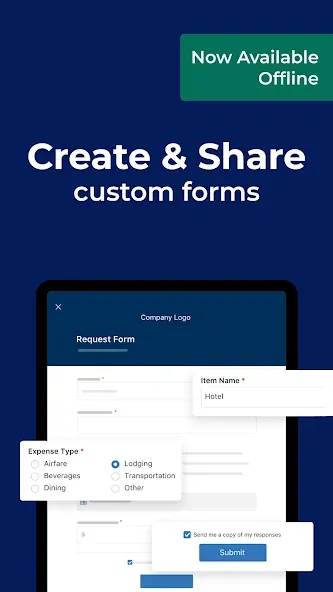
Collect data from the field with forms, capture and upload images, or scan barcodes to track inputs in real time—even offline.
Gather accurate, consistent data that maps directly to your sheets, planners, and schedules.
INCREASE PRODUCTIVITY
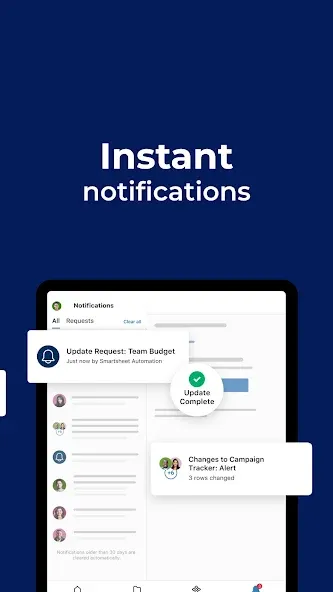
Get notifications about projects and tasks you’re following.
Act on requests, update statuses, and keep workflows and project schedules moving smoothly.
VIEW WORK STATUS IN REAL TIME
Manage dashboards, sheets, planners, and reports on the go.
Provide leadership and stakeholders with real-time visibility into KPIs, trends, and summary reports.
Adapt quickly with live data, charts, and key metrics displayed in dynamic dashboards.
INTEGRATE YOUR APPS
Integrate Smartsheet with the tools you already use for improved collaboration and productivity across your business tech stack.
WorkApps is a no-code platform for building intuitive web and mobile apps to streamline your business.
Smartsheet is built to plan, schedule, track, manage, automate, and report on business work at scale—now with intelligent AI capabilities designed for modern enterprises.
Visit Smartsheet.com
Google Play
APP STORE
Advertisement
Taptostore.com is an independent app discovery and editorial review platform. We publish reviews, comparisons, and recommendations designed to help users explore apps and make informed choices.
Download links on Taptostore.com direct users to the relevant official app store or another distribution channel designated by the developer or publisher. App downloads and installations take place through those external platforms.
Our content is developed through product research, editorial analysis, publicly available information, and, where appropriate, an assessment of the app’s features and user experience. Reviews and recommendations represent our editorial judgment at the time of publication.
The security and privacy practices of each app are determined by its developer. Before installing an app, users should review its official store listing, developer information, requested permissions, privacy policy, update history, and recent user feedback.
Taptostore.com does not control or independently certify third-party apps and cannot guarantee their security, reliability, performance, or privacy practices.
Not necessarily. Apps may be free, paid, advertising-supported, or include in-app purchases and recurring subscriptions. Pricing and availability may vary by region, device, platform, and time. Please refer to the relevant official store listing for current terms.
Availability may be affected by geographic restrictions, device compatibility, operating-system requirements, age limitations, store policies, or decisions made by the developer or publisher. These factors are outside the control of Taptostore.com.
Taptostore.com does not operate the apps featured on the website and cannot access their accounts or internal systems. Questions about login credentials, account recovery, technical issues, data deletion, or app functionality should be directed to the relevant developer through its official support channels.
Please do not send passwords, verification codes, recovery credentials, or payment information to Taptostore.com.
App-related payments, subscriptions, cancellations, and refunds are administered by the app store, developer, or payment provider responsible for the transaction. Taptostore.com does not process these transactions and cannot manage subscriptions or issue refunds.
Uninstalling an app may not cancel an active subscription. Users should manage subscriptions through the platform on which the purchase was made.
We make reasonable efforts to publish accurate and useful information. However, app features, pricing, compatibility, availability, and policies may change without notice. For the most current details, users should consult the relevant official store listing or developer documentation.
Unless expressly stated, Taptostore.com is not affiliated with, sponsored by, endorsed by, or officially connected with the developers, publishers, brands, or platforms featured on the website.
Product names, logos, brands, and trademarks belong to their respective owners and are referenced solely for identification and informational purposes.
Advertisement