 HubSpot
4.5


Productivity
Ratings
Downloads
Age
Advertisement


Advertisement
Name
Category
Price
Safety
Developer
Version
Increase productivity and save time with Android, home, and business automation.
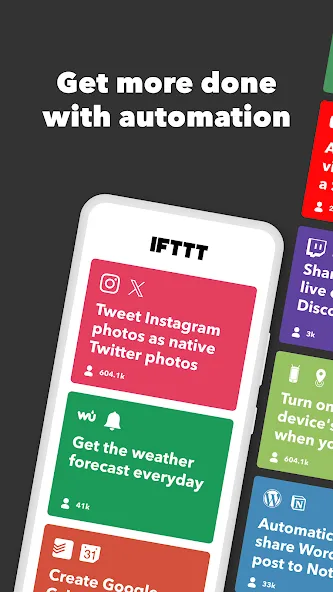
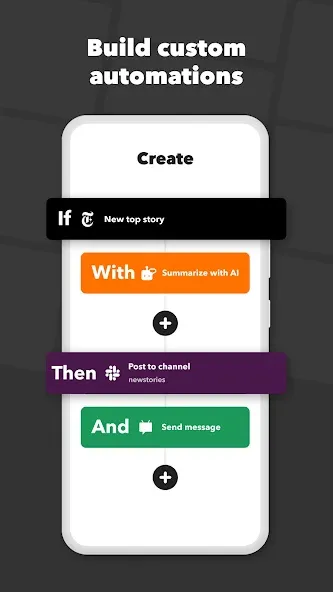
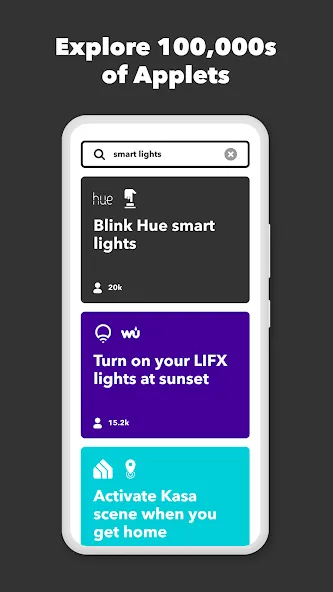
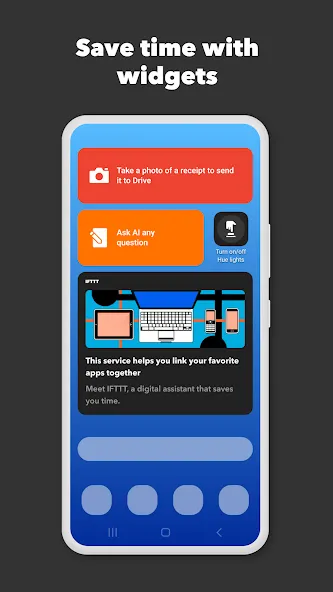
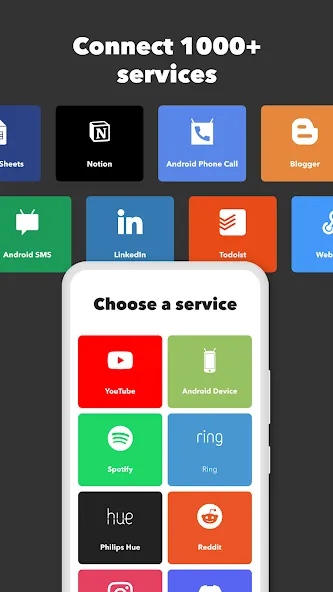
IFTTT (aka IF This Then That) is a no-code automation tool that allows you to connect the services and devices in your life. Join a community of almost 30 million creators, smart home enthusiasts, and small business owners that use IFTTT to save multiple hours out of a typical day. IFTTT’s simple interface, combined with 1000+ of today’s most popular business, personal and smart home apps, allows you to quickly create sophisticated workflows. Discover the power of Android device automations while on the go with location based features, custom notifications, and widgets. Download the app today for your Android device or Wear OS.
Here are a few automation ideas to get you started:
Control and automate key features of your Android phone like Bluetooth, WiFi, ringtone volume, and battery.
Use Webhooks to create custom integrations.
Connect and control every aspect of your smart home.
Create and cross post content to multiple social networks.
Create and summarize content with IFTTT AI.
Top productivity apps on IFTTT include
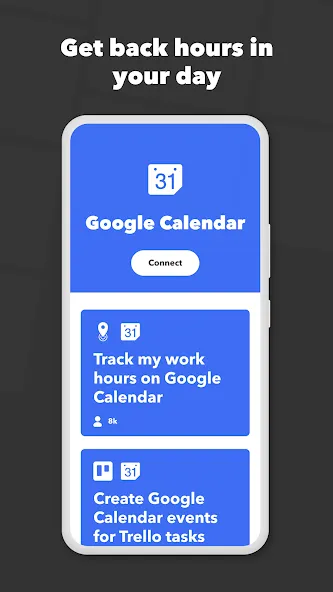
Acuity, Airtable, Aweber, Buffer, Calendly, Clickup, Constant Contact, Discord, DocuSign, Dropbox, Eventbrite, FaceBook Lead Ads, Gmail, Google Ads, Google Calendar, Google Docs, Google Forms, Google Meet, Google My Business, Google Sheets, Gumroad, Instagram, LinkedIn, Mailchimp, Microsoft, Notion, Pipedrive, QuickBooks, RSS, Shippo, Slack, Stripe, SurveyMonkey, Todoist, Telegram, Webflow, WordPress, X(Twitter), YouTube, Zoom
Top smart home apps on IFTTT
Aqara, Arlo, August, Blink, Coinbase, ESPN, FitBit, GE, Google Assistant, Google Nest, Google Wifi, Home Connect, Honeywell, Husqvarna, iRobot, LaMetric, LIFX, Midea, MyQ, Nanoleaf, NZXT, Philips Hue, Ring, Sengled, Somfy, Smart Life, SmartThings, Soundcloud, Spotify, Strava, SwitchBot, Twitch, Weather Underground, WeMo, Wink, Withings, Wyze, Yeelight, Yelp
Get help https://help.ifttt.com
Terms of Use: https://ifttt.com/terms
Advertisement