 HMKWatch Analog 210
4.8

Art & Design
Ratings
Downloads
Age
Advertisement
Advertisement
Name
Category
Price
Safety
Developer
Version
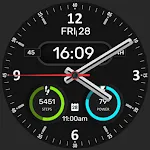
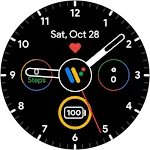
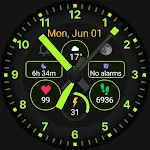
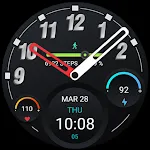
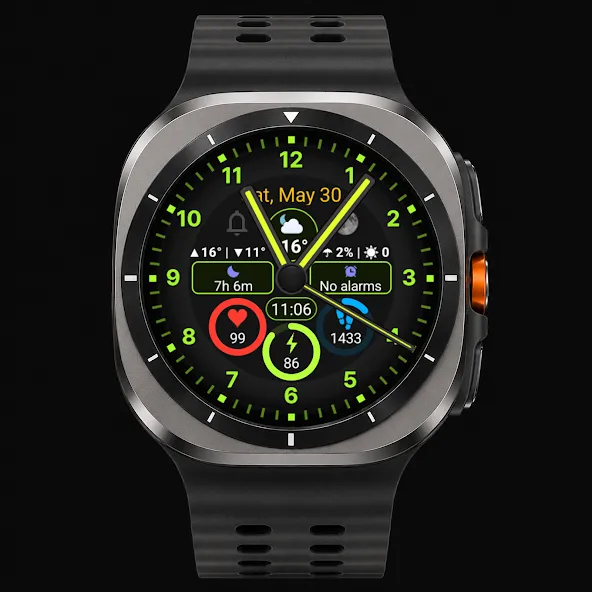
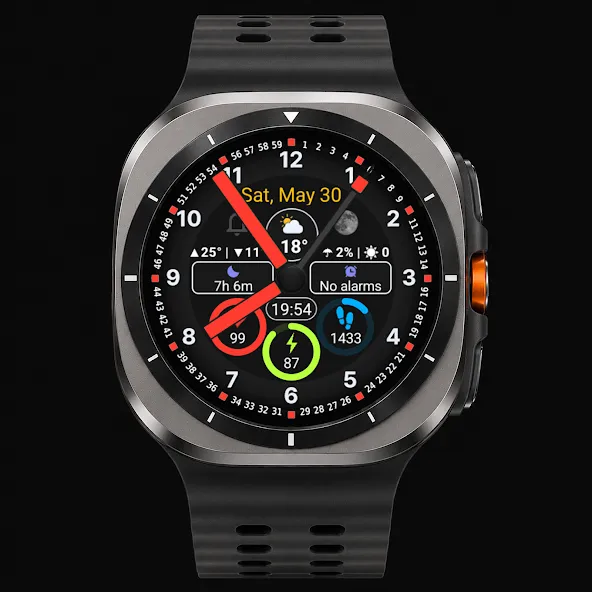
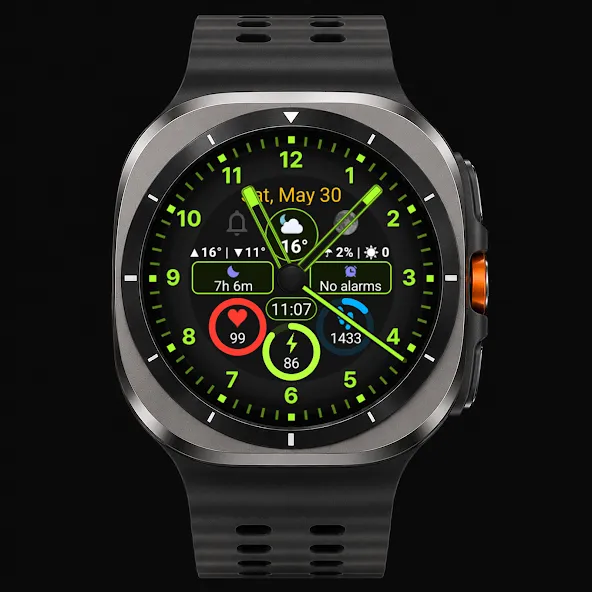
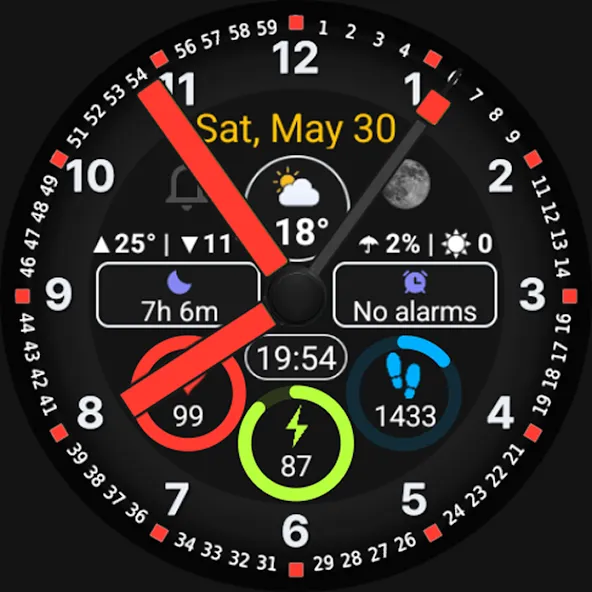
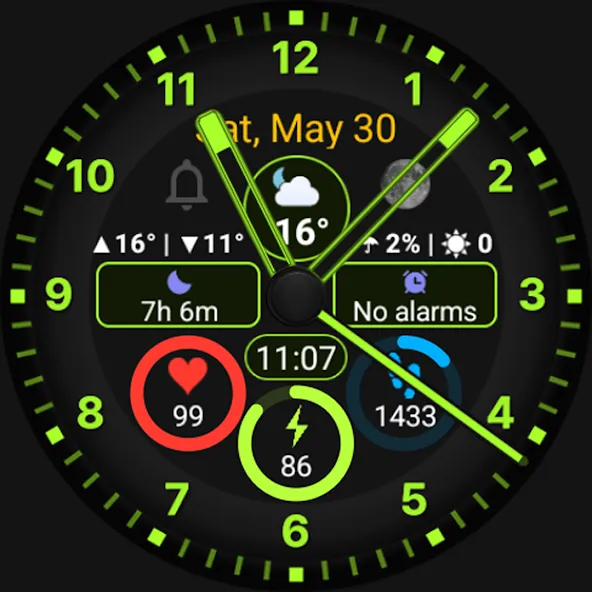
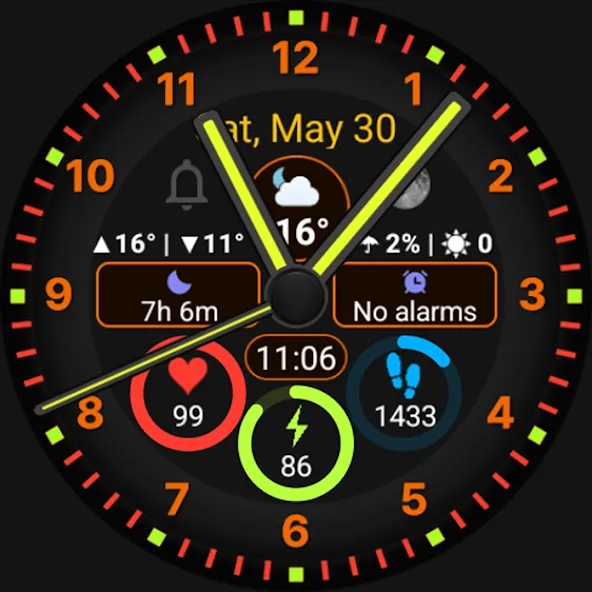
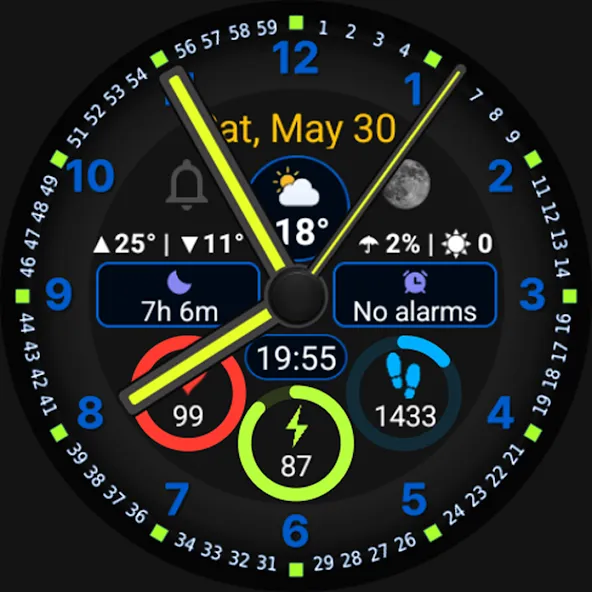
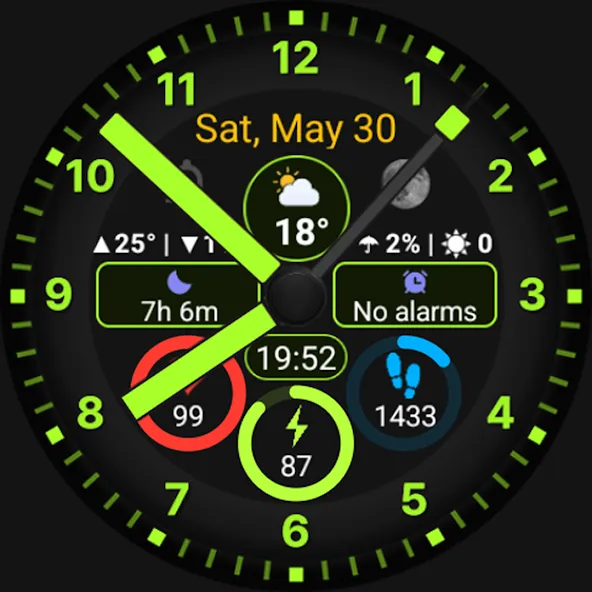
JK Lume V2 is a completely redesigned watch face inspired by JK Lume PRO, newly built with a focus on readability, quick access to information, and everyday practicality.
Key features
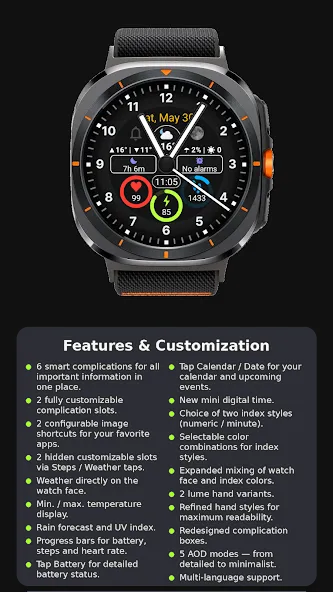
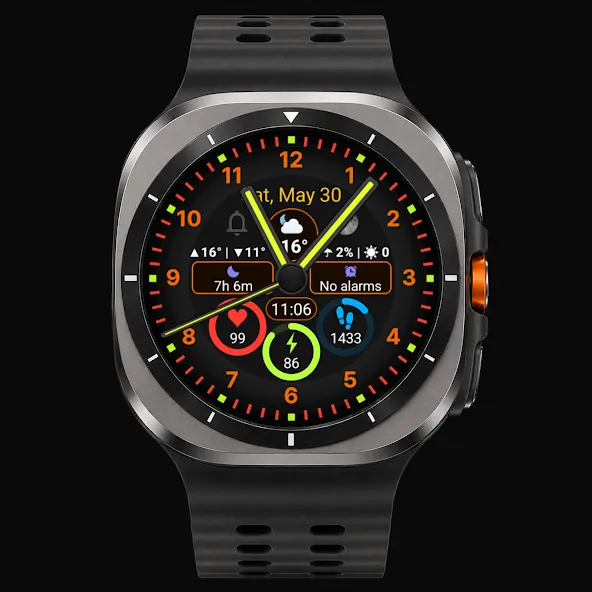
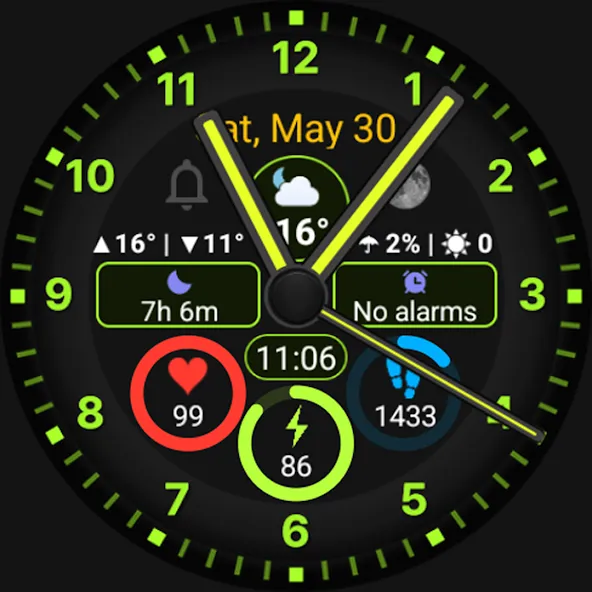
✔️ 7 smart complications for all important information in one place
✔️ 2 fully customizable complication slots – set the data the way you want
✔️ 2 configurable image shortcuts for your favorite apps
✔️ 3 hidden fully customizable complication slots – by tapping Steps, Weather, or the mini digital time, you can assign actions such as launching Health, Weather, or Alarm Clock
✔️ Newly implemented weather directly on the watch face
✔️ Min. / max. temperature display
✔️ Rain forecast and UV index
✔️ Newly added progress bars – now not only for battery, but also for steps and heart rate
✔️ Tap Battery to view detailed battery status
✔️ Tap the heart rate progress ring to start heart rate measurement
✔️ Tap Calendar / Date to view your calendar and upcoming events
✔️ Newly added mini digital time
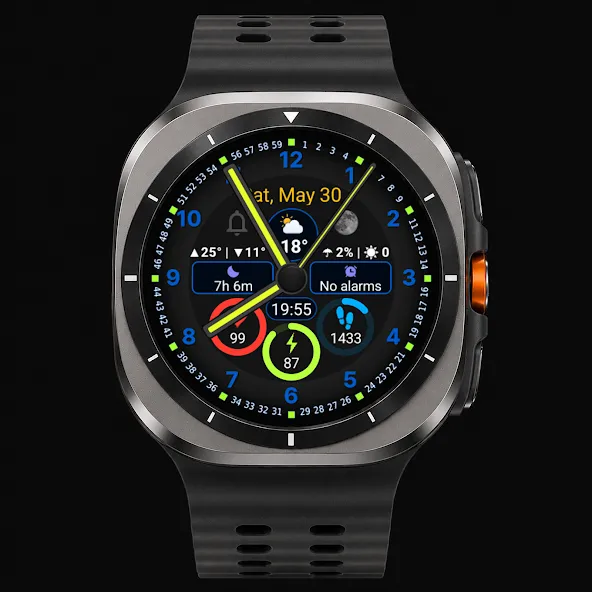
✔️ Choice of two index styles (numeric / minute)
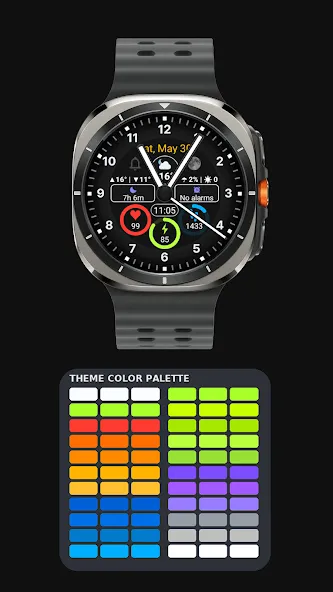
✔️ Selectable color combinations for index styles
✔️ Significantly expanded color combinations thanks to combining watch face and index colors
✔️ 3 lume hand variants and refined hand styles for maximum readability
✔️ Redesigned complication boxes
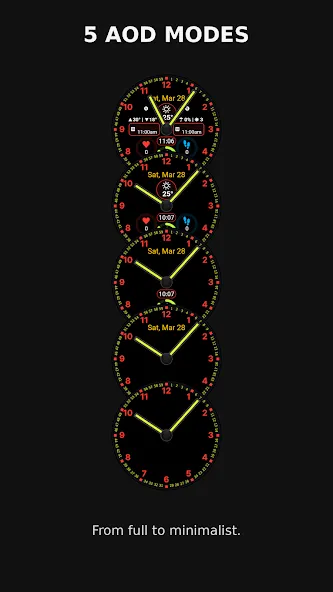
✔️ Full Always On Display support – 5 AOD modes available, from detailed to minimalist
✔️ Multi-language support – texts adapt to the system language when available
✔️ Designed for everyday use – clear layout, excellent readability, and everything important just one tap away
Recommendation
If the weather does not appear immediately after installation, switch to another watch face and then switch back. The weather should then update correctly.
Compatibility
This watch face is designed for watches running Wear OS 4 (API 34+) and newer.
Support
If you encounter any issues with installation or features, feel free to contact me.
✉️ Email: [email protected]
Advertisement