 HMKWatch Digital 043
3.4

Personalization
Ratings
Downloads
Age
Advertisement
Advertisement
Name
Category
Price
Safety
Developer
Version
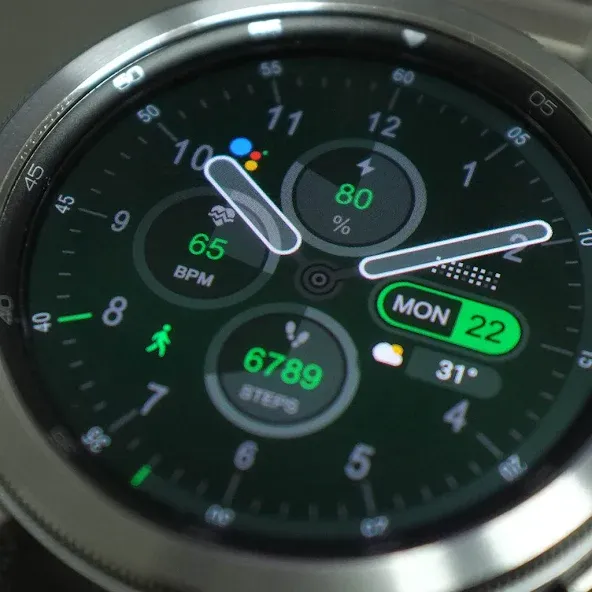
This analog watch face supports wear OS devices.
Please install additional apps by referring to ‘About this app’.
=======================================================
=======================================================
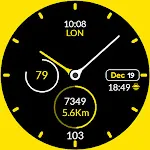
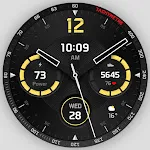
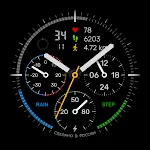
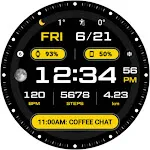
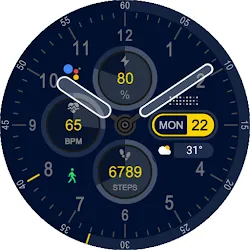
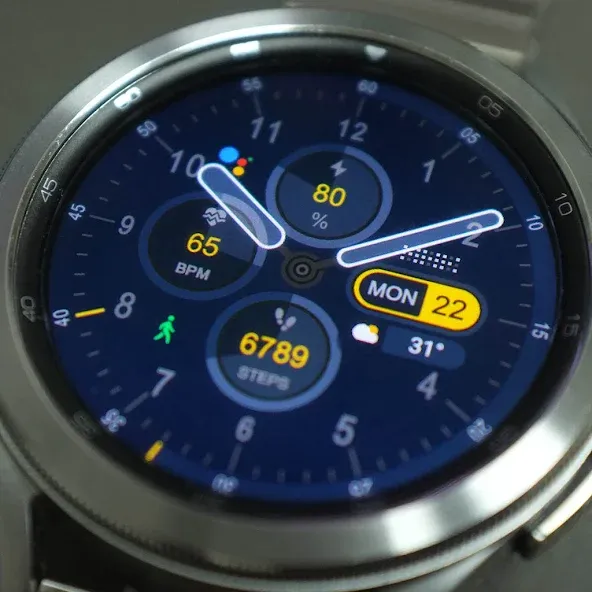
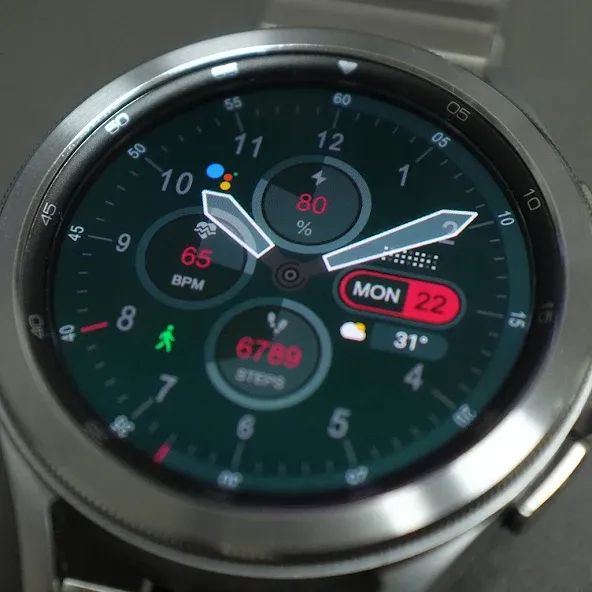
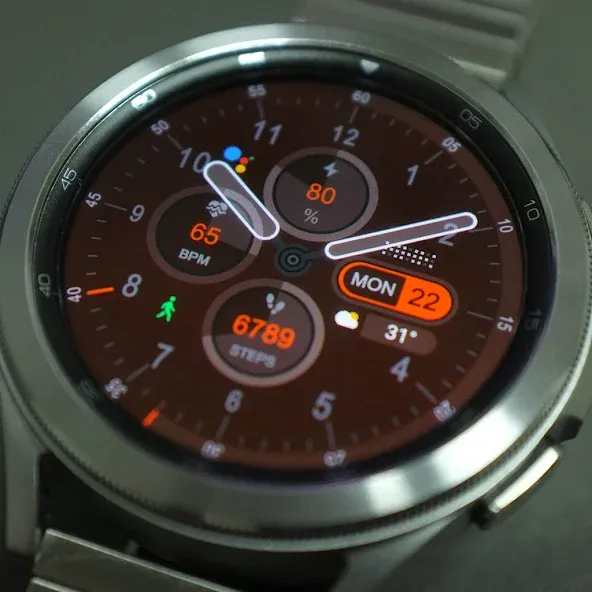
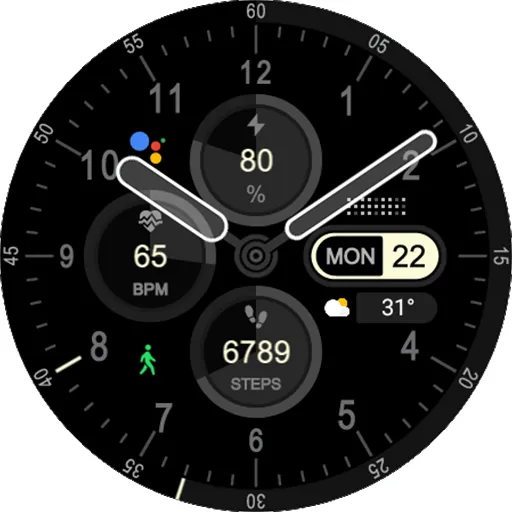
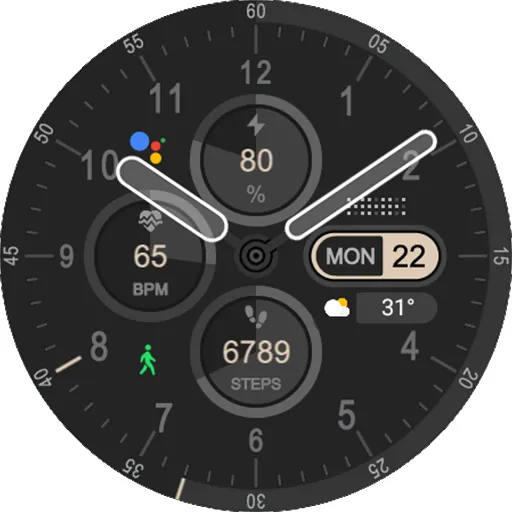
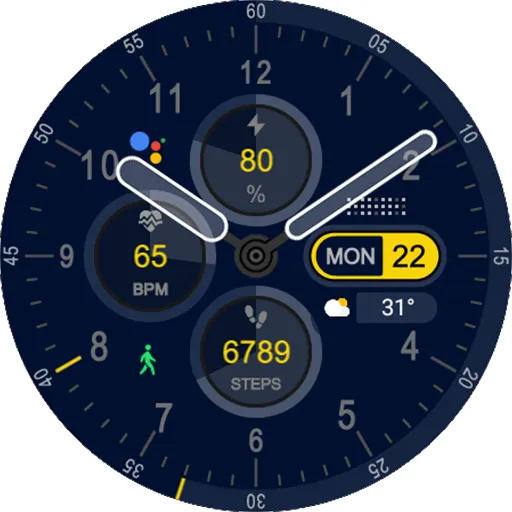
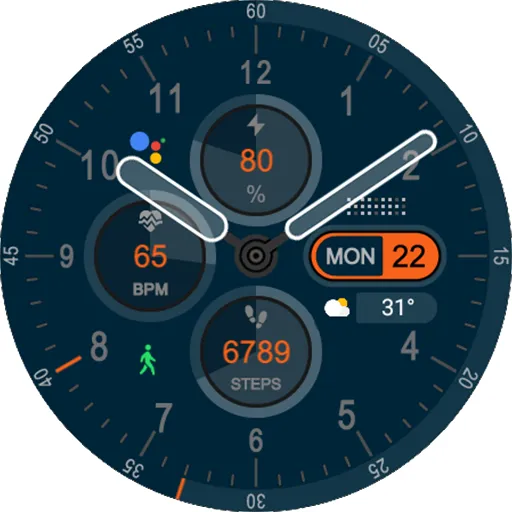
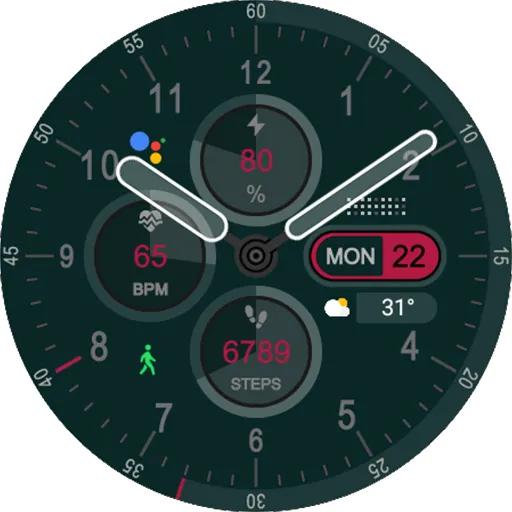
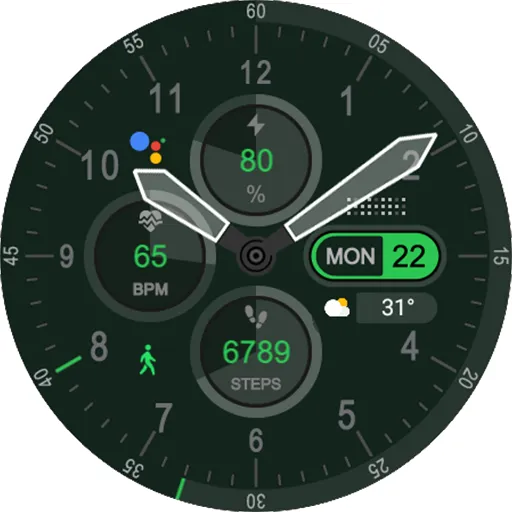
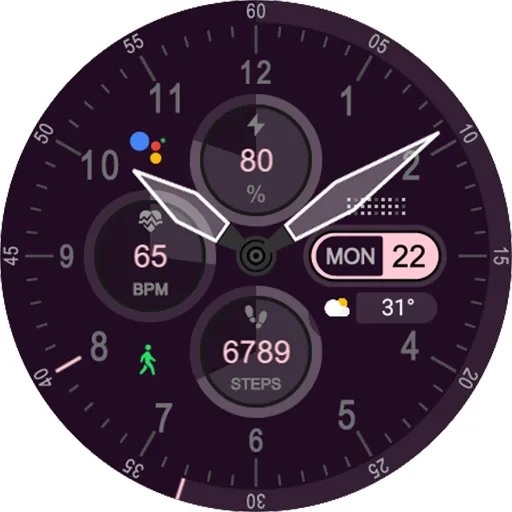
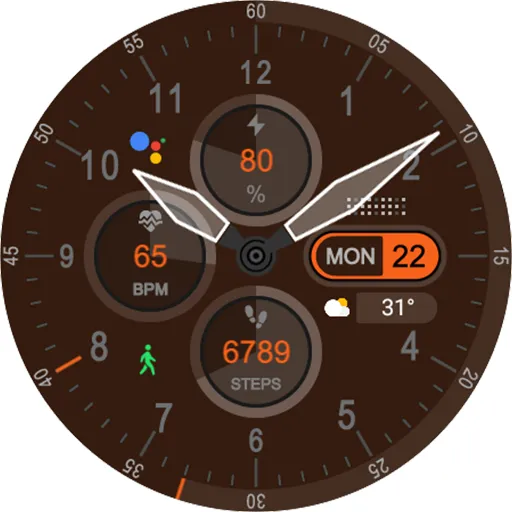
HMK Analog 210 — A clean and stylish analog watch face with powerful customization.
Enjoy a perfect balance of classic analog design and smart features.
✨ Key Features
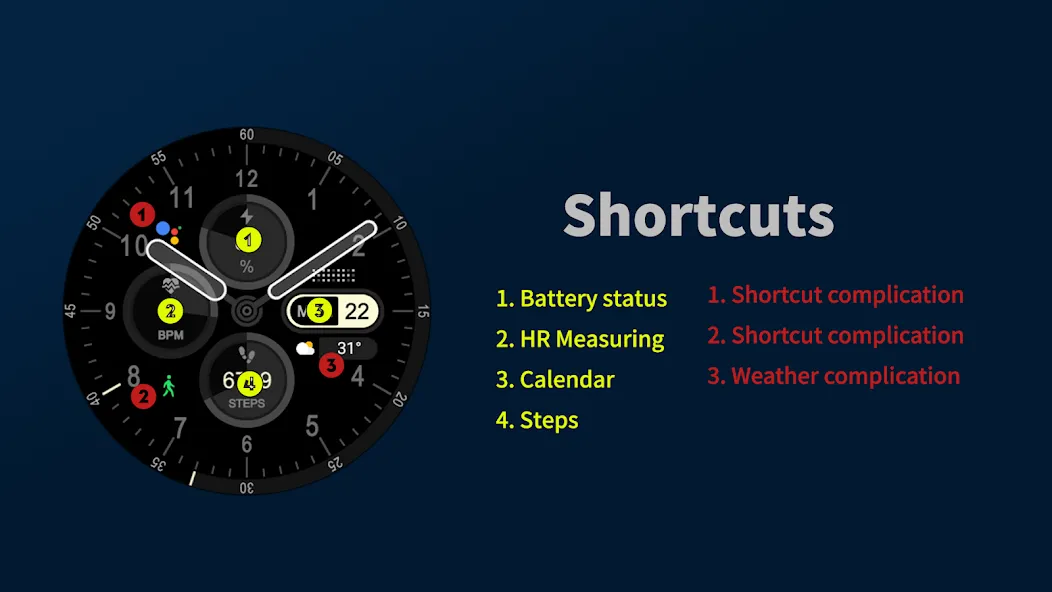
🔋 Preset Shortcuts: Battery status, Heart rate, Calendar, Steps
⚡ 3 Custom complications
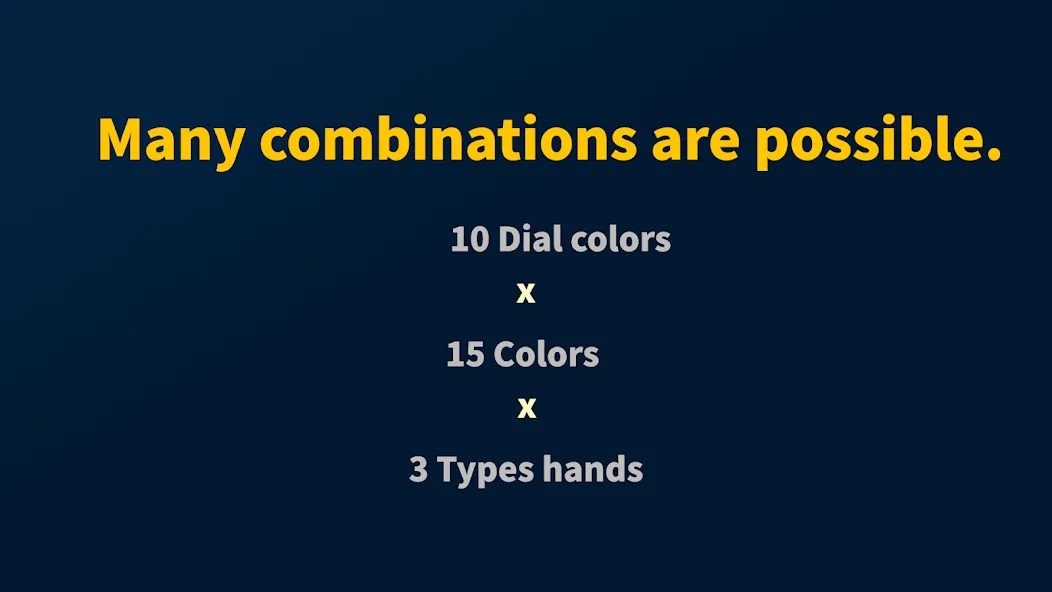
🎨 10 Dial colors & 12 theme colors
🕘 3 Hand styles
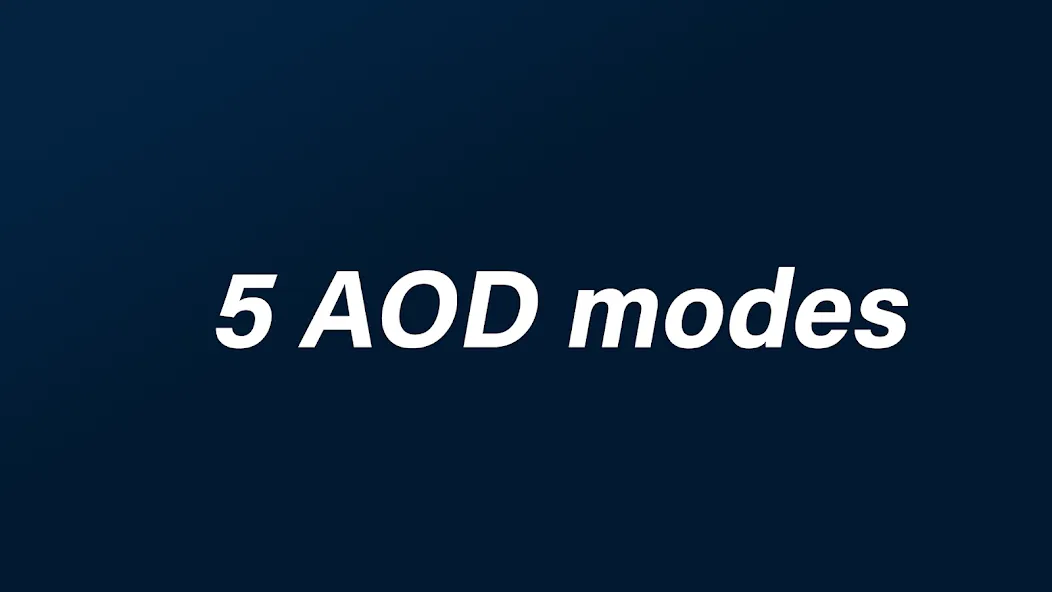
🖼 5 Always-On Display (AOD) modes
👉 Classic analog look meets modern smartwatch convenience!
🔎 Keywords / Hashtags
#WatchFace #AnalogWatch #GalaxyWatch #Smartwatch #Customization #DigitalWatchFace #GalaxyWatchFace #ClassicStyle
=======================================================
[Additional installation app]
1. Smart phone battery app (Free app)
Please install the additional app of the link below on the watch and smartphone, and set up the complication.
If the link does not open, please search for the ‘Phone Battery Complication’ app and install it.
https://play.google.com/store/apps/details?id=com.weartools.phonebattcomp
2. Complications Suite - Wear OS (Free app)
https://play.google.com/store/apps/details?id=com.weartools.weekdayutccomp
3. Heart Rate Complication (Paid app)
https://play.google.com/store/apps/details?id=com.weartools.heartratecomp
4. Health Services Complications (Paid app)
https://play.google.com/store/apps/details?id=com.weartools.hscomplications
All credits goes to original app creator:
amoledwatchfaces - https://play.google.com/store/apps/dev?id=5591589606735981545
=======================================================
Get new news from my Instagram.
www.instagram.com/hmkwatch
https://hmkwatch.tistory.com/
Please send me an email if you have any errors or suggestions.
[email protected]
Advertisement