 Microsoft Outlook
4.3


Business
Ratings
Downloads
Age
Advertisement
Advertisement
Name
Category
Price
Safety
Developer
Version
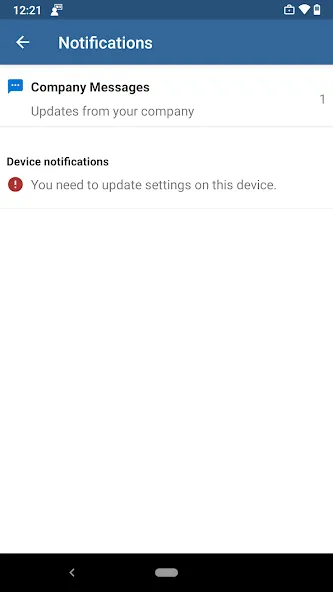
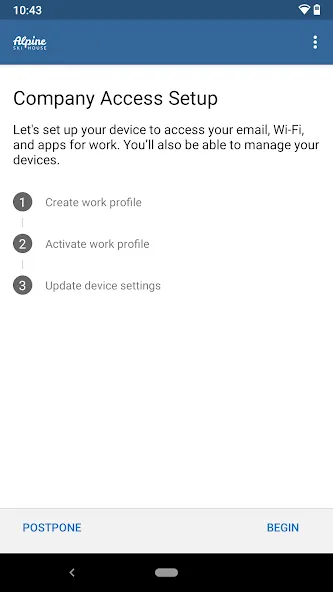
The Company Portal provides access to corporate apps and resources from almost any network. Your company must already subscribe to Microsoft Intune, and your IT admin must set up your account before you can use this app.
Features:
• Enroll to access corporate resources
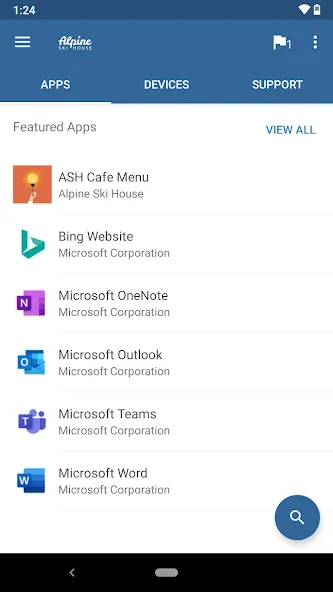
• Browse and install company apps
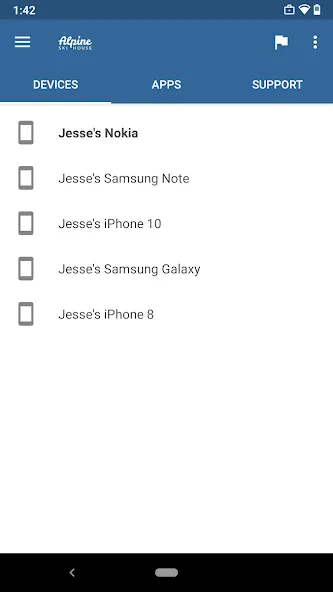
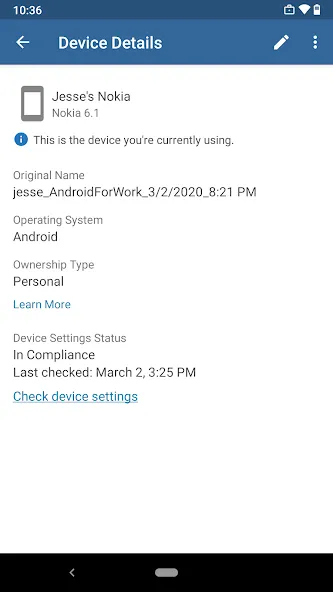
• View and manage all your enrolled devices
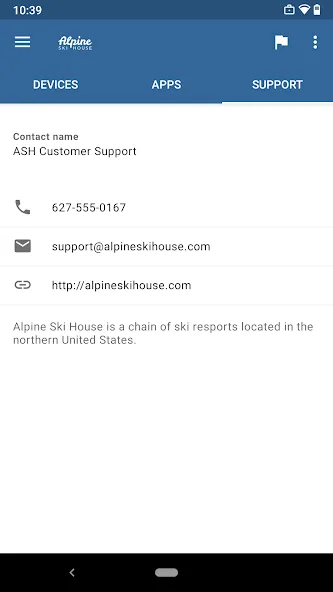
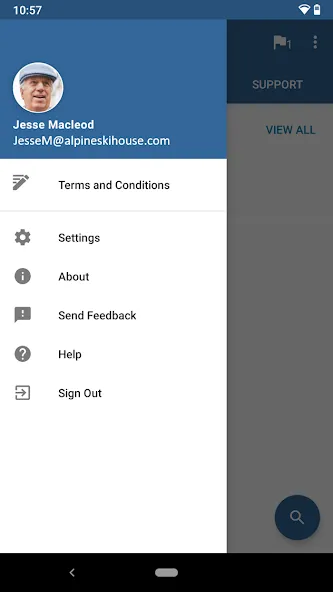
• View IT department contact information
• Change your work account password
• Unenroll or remotely wipe devices
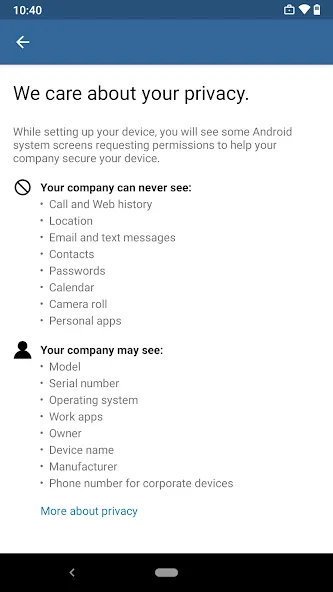
Important: This app requires you to use your work account to enroll in Intune. Some functionality is unavailable in certain countries. If you have issues with this app or questions about its use (including your company’s privacy policy) contact your IT administrator and not Microsoft, your network operator, or your device manufacturer.
https://docs.microsoft.com/Intune/EndUser/using-your-android-device-with-intune
How to uninstall Company Portal:
Before you can uninstall Company Portal, you need to unenroll your device from Intune first. Here are the steps:
1) Follow these directions to unenroll: https://docs.microsoft.com/intune/enduser/unenroll-your-device-from-intune-android
2) Now, you can uninstall Company Portal like you would any other app
Advertisement