 Microsoft SwiftKey AI Keyboard
4.3

Personalization
Ratings
Downloads
Age
Advertisement
Advertisement
Name
Category
Price
Safety
Developer
Version
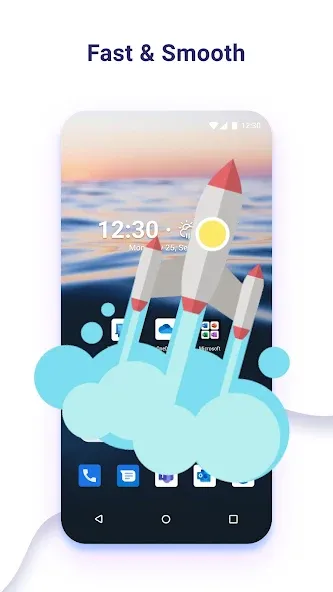
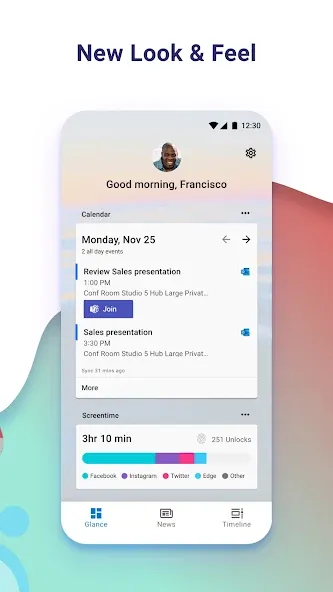
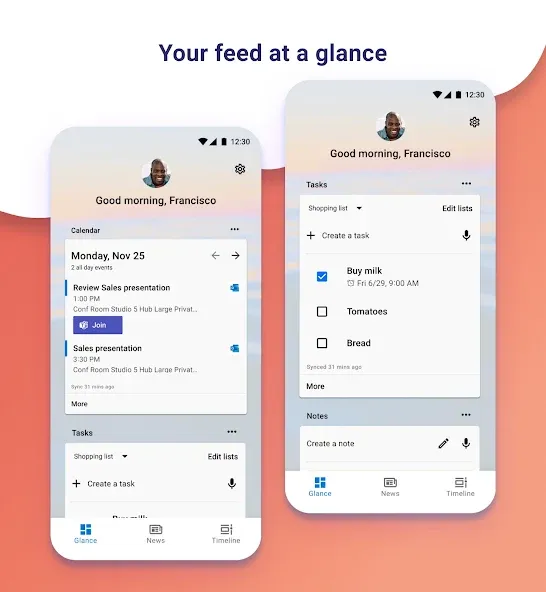
Microsoft Launcher provides a new home screen experience that empowers you to be more productive on your Android device. Microsoft Launcher is highly customizable, allowing you to organize everything on your phone. Your personalized feed makes it easy to view your calendar, to do lists, and more. Sticky Notes on the go. When you set up Microsoft Launcher as your new home screen, you can either start fresh with your favorite apps or import your current home screen layout. Need to switch back to your previous home screen? You can do that, too!
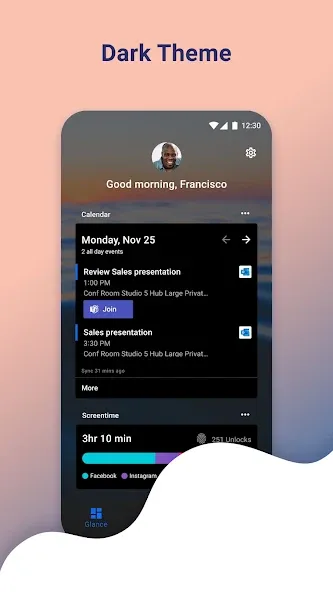
This version of Microsoft Launcher has been rebuilt on a new codebase to make new features possible, including dark mode, and personalized news.
MICROSOFT LAUNCHER FEATURES
Customizable icons:
· Give your phone a consistent look and feel with custom icon packs and adaptive icons.
Beautiful wallpapers:
· Enjoy a fresh new image from Bing every day or choose your own photos.
Dark theme:
· Comfortably use your phone at night or in low light environments with Microsoft Launcher’s new dark theme. This feature is compatible with Android’s dark mode settings.
Backup and Restore:
· Easily move between your phones or try Home Screen setups through Microsoft Launcher’s Backup and Restore feature. Backups can be stored locally or saved to the cloud for easy transfers.
Gestures:
· Swipe, pinch, double tap, and more on the home screen to easily navigate on the Microsoft Launcher surface.
This app uses Accessibility Service Permission for optional gesture of screen lock and recent apps view.
Microsoft Launcher asks for the following optional permissions:
· Microphone: Used for speech-to-text functionality for Launcher features, such as Bing Search, Bing Chat, To Do, and Sticky Notes.
· Photo and video: Used for getting features, such as your wallpaper, Blur Effect, and Bing Chat Visual Search, and to show recent activities and backups. On Android 13 and higher, these permissions are replaced with the ‘All file’ access permissions.
· Notifications: Needed to notify you of any update or app activity.
· Contacts: Used for searching contacts on Bing Search.
· Location: Used for the Weather widget.
· Phone: Allows you to call your contacts with a swipe in Launcher.
· Camera: Used to create image notes for the Sticky Notes card and to search for images in Bing Search.
· Calendar: Used to show calendar info for the Calendar card in your Launcher feed.
You can still use Microsoft Launcher even if you do not consent to these permissions, but some functions may be restricted.
TERM OF USE
By installing this app, you agree to the Terms of Use (http://go.microsoft.com/fwlink/?LinkID=246338) and Privacy Policy (http://go.microsoft.com/fwlink/?LinkID=248686).
Downloading Microsoft Launcher gives the option to replace the default launcher or to toggle between device launchers. Microsoft Launcher does not replicate the user’s PC home screen on the Android phone. Users must still purchase and/or download any new apps from Google Play. Requires Android 7.0+.
Advertisement