 Evernote - Note Organizer
3.5

Productivity
Ratings
Downloads
Age
Advertisement
Advertisement
Name
Category
Price
Safety
Developer
Version
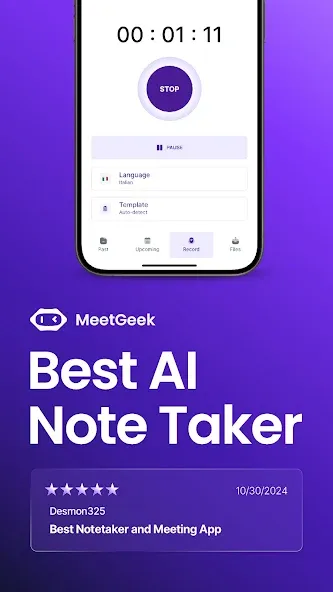
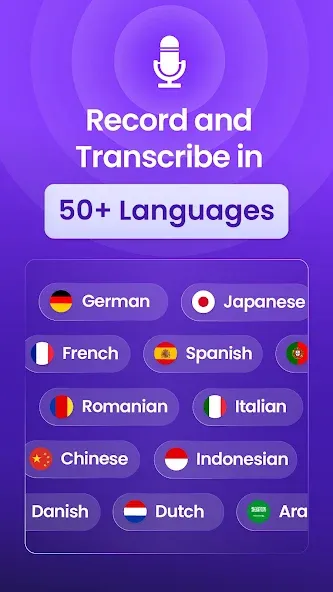
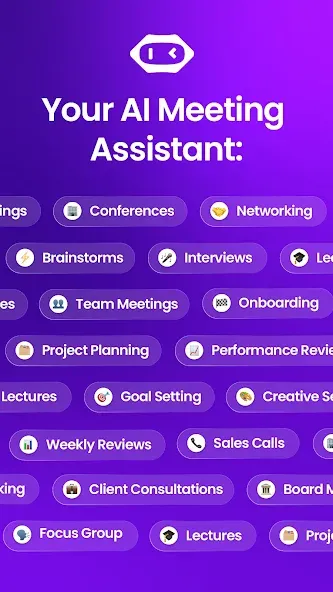
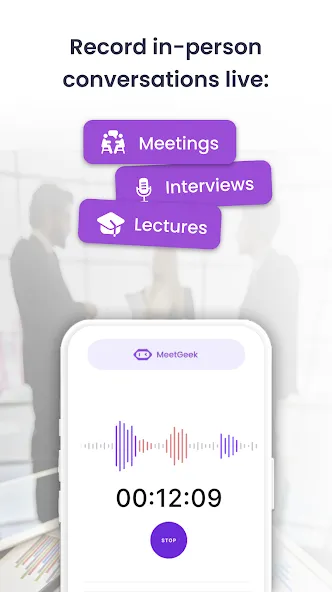
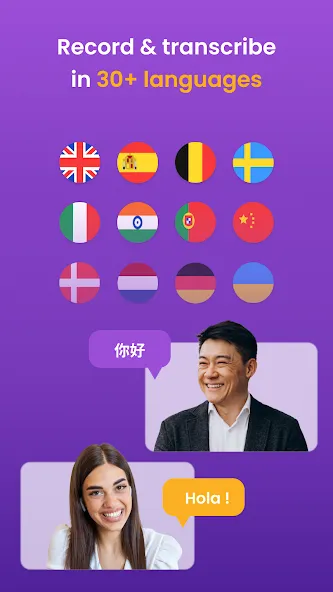
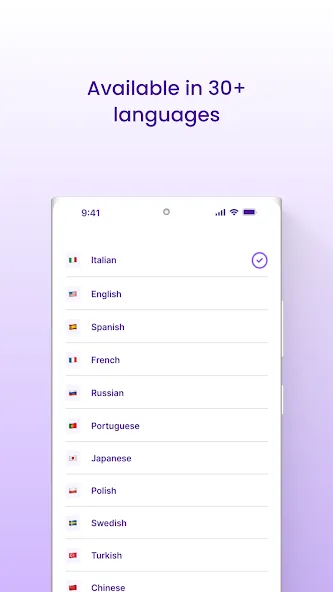
MeetGeek is the AI-powered voice recorder app & AI Note Taker that allows you to transcribe speech to text and record audio in over 50 languages for:
✓ face-to-face conversations
✓ online meetings
✓ training courses
✓ interviews & more
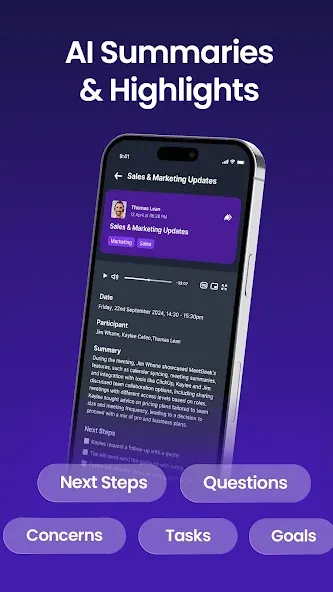
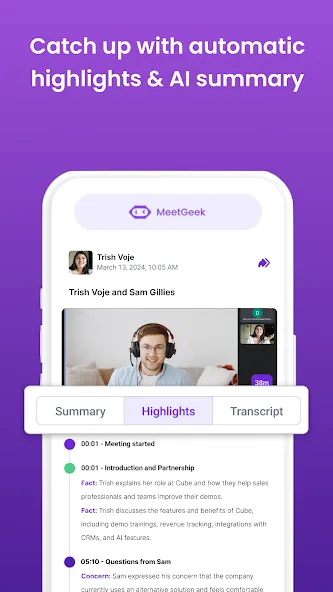
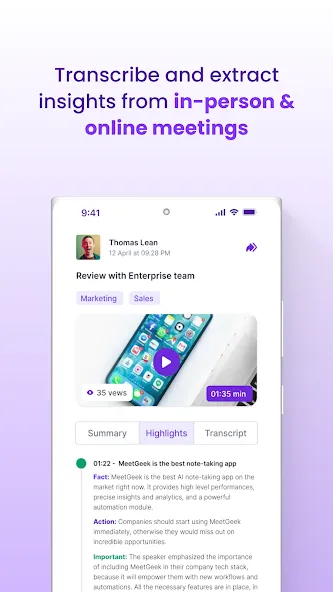
From today onward, your meetings can end with an accurate transcript & an AI-generated summary in your inbox that includes key highlights, decisions, and action items discussed.
Supported languages: Afrikaans, Albanian, Arabic, Armenian, Azerbaijani, Bengali, Bosnian, Bulgarian, Burmese, Chinese, Croatian, Czech, Danish, Dutch, English, Estonian, Filipino, Finnish, French, Georgian, German, Greek, Hebrew, Hindi, Hungarian, Icelandic, Indonesian, Italian, Japanese, Kazakh, Korean, Latvian, Lithuanian, Macedonian, Malay, Maltese, Mongolian, Nepali, Norwegian, Persian, Polish, Portuguese, Punjabi, Romanian, Russian, Serbian, Slovak, Slovenian, Spanish, Sundanese, Swahili, Swedish, Tamil, Telugu, Thai, Turkish, Ukrainian, Urdu, Uzbek, Vietnamese, Zulu.
MeetGeek Works With the Major Video Calling Apps
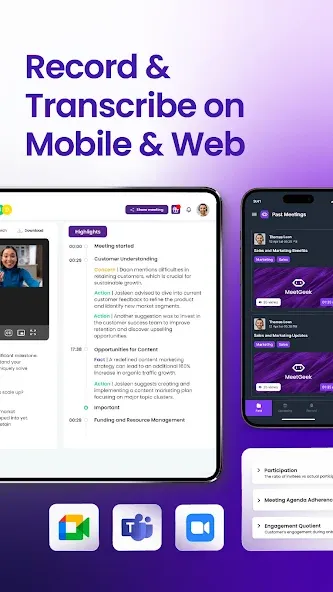
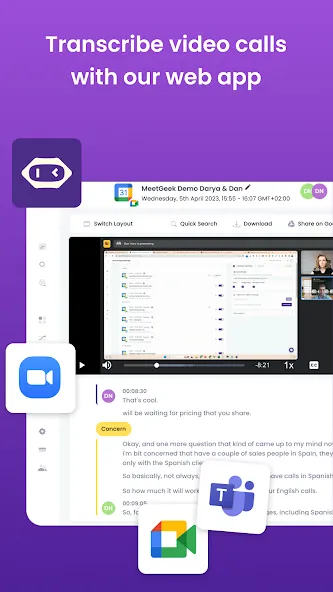
MeetGeek is a versatile notetaking app for meeting automation that you can use on multiple platforms to help you record audio & get AI-generated summaries. You can easily transcribe speech to text, take notes & summarize meetings conducted on:
✓ Zoom,
✓ Google Meet
✓ Microsoft Teams
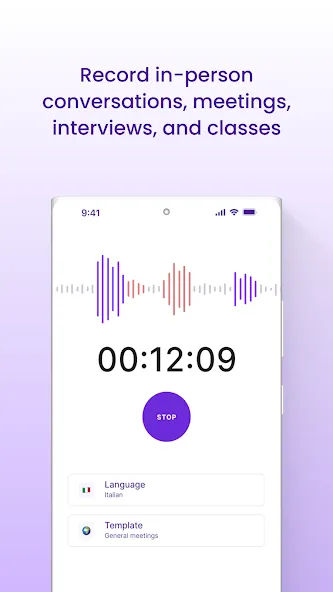
Record face-to-face conversations
MeetGeek is a speech-to-text app that allows you to record audio with just one touch of a button, get voice transcription & a summary of the chat shortly afterward inside the app and via email. This is especially useful if you need to keep records of your business meetings, talks from conferences, or offline meetings with clients.
Record & Transcribe speech to text
✓ Record audio & transcribe speech to text for meetings with just one click.
✓ Automatically take meeting notes so you can focus on the conversation.
✓ Have speakers labeled with tags for easy navigation.
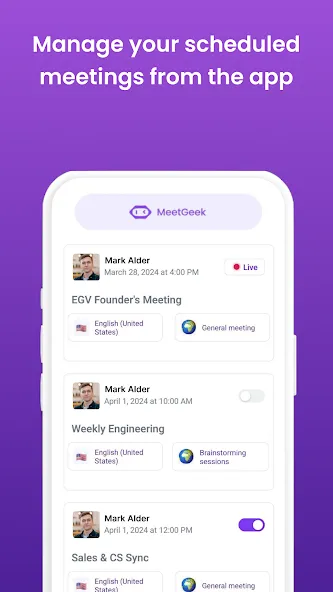
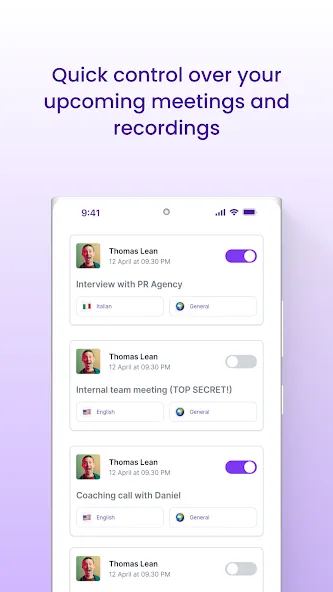
✓ Simply invite MeetGeek to meetings on your calendar & you are ready to go
Get a Smart AI Summary of Your Meetings
✓ Get a 5-min summary out of a 1-hour meeting.
✓ MeetGeek detects action items, important moments, facts from your meetings & automatically tags them.
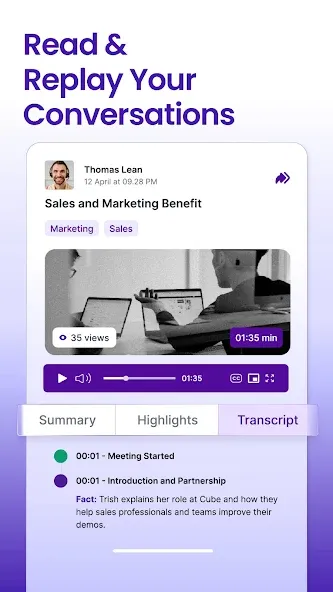
✓ Use AI Highlights to quickly review the transcripts of your past conversations.
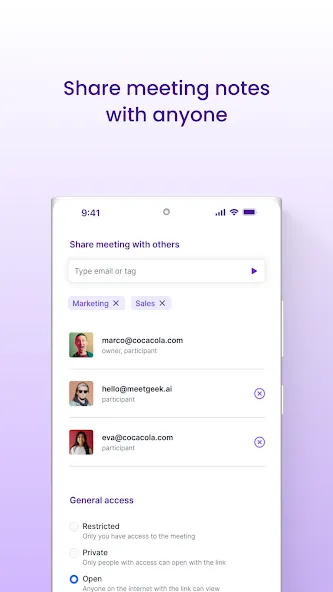
✓ Send an AI summary over email to other participants of the offline meeting or video call.
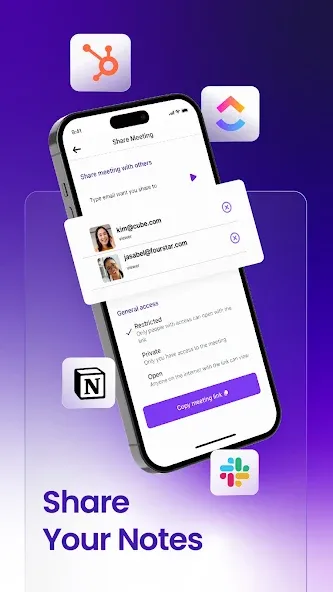
Highlight & Share Transcripts
✓ Scroll back through the transcript to recall important details.
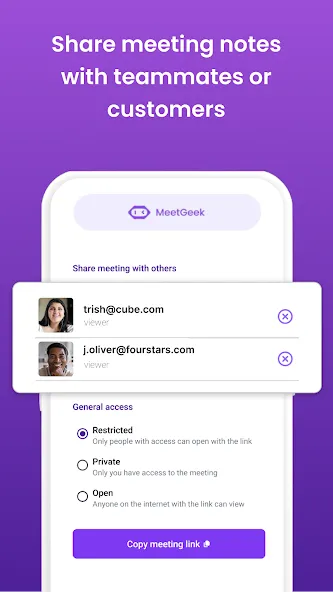
✓ Share voice, video & text notes with others.
✓ Search past recordings for keywords.
✓ Export transcripts of your conversations as docs.
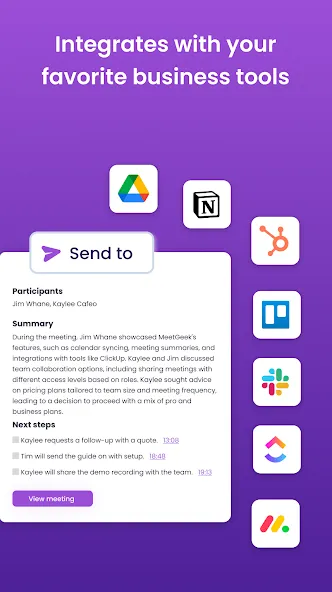
✓ Integrate with apps like Notion, Slack, ClickUp, Pipedrive, HubSpot, and others.
Why Choose MeetGeek?
MeetGeek isn’t just a voice recorder or a notes app; it’s an all-in-one solution designed to enhance your productivity. With MeetGeek, you can effortlessly record audio during any video call & get comprehensive AI summaries, making it easier than ever to keep track of key information & action items.
This voice to text app supports over 50 languages & provides 180 minutes of free transcription per month.
Using MeetGeek during your Zoom, Google Meet, or Microsoft Teams video calls is straightforward. Similarly to Otter AI, Fireflies, Sembly AI, Fathom, Minutes, Transcribe, or Notta, the app provides automatic transcription & note-taking, ensuring you can focus on the discussion rather than worrying about missing important points. The notes app functionality means you can easily organize & review your meeting notes anytime.
In addition to its core features, MeetGeek offers detailed & descriptive summaries highlighting key points from your meetings. The app can also transcribe descript face-to-face conversations, making it a versatile tool for various settings.
With the MeetGeek AI notetaker, your offline meetings & online video calls become more productive & efficient.
Google Play
APP STORE
Advertisement
Taptostore.com is an independent app discovery and editorial review platform. We publish reviews, comparisons, and recommendations designed to help users explore apps and make informed choices.
Download links on Taptostore.com direct users to the relevant official app store or another distribution channel designated by the developer or publisher. App downloads and installations take place through those external platforms.
Our content is developed through product research, editorial analysis, publicly available information, and, where appropriate, an assessment of the app’s features and user experience. Reviews and recommendations represent our editorial judgment at the time of publication.
The security and privacy practices of each app are determined by its developer. Before installing an app, users should review its official store listing, developer information, requested permissions, privacy policy, update history, and recent user feedback.
Taptostore.com does not control or independently certify third-party apps and cannot guarantee their security, reliability, performance, or privacy practices.
Not necessarily. Apps may be free, paid, advertising-supported, or include in-app purchases and recurring subscriptions. Pricing and availability may vary by region, device, platform, and time. Please refer to the relevant official store listing for current terms.
Availability may be affected by geographic restrictions, device compatibility, operating-system requirements, age limitations, store policies, or decisions made by the developer or publisher. These factors are outside the control of Taptostore.com.
Taptostore.com does not operate the apps featured on the website and cannot access their accounts or internal systems. Questions about login credentials, account recovery, technical issues, data deletion, or app functionality should be directed to the relevant developer through its official support channels.
Please do not send passwords, verification codes, recovery credentials, or payment information to Taptostore.com.
App-related payments, subscriptions, cancellations, and refunds are administered by the app store, developer, or payment provider responsible for the transaction. Taptostore.com does not process these transactions and cannot manage subscriptions or issue refunds.
Uninstalling an app may not cancel an active subscription. Users should manage subscriptions through the platform on which the purchase was made.
We make reasonable efforts to publish accurate and useful information. However, app features, pricing, compatibility, availability, and policies may change without notice. For the most current details, users should consult the relevant official store listing or developer documentation.
Unless expressly stated, Taptostore.com is not affiliated with, sponsored by, endorsed by, or officially connected with the developers, publishers, brands, or platforms featured on the website.
Product names, logos, brands, and trademarks belong to their respective owners and are referenced solely for identification and informational purposes.
Advertisement