

The Recipe Cards Grandma Left Behind Deserve Better Than a Kitchen Drawer
Almost every family has a small collection of recipes that matter far beyond the food itself.
Maybe it is a faded banana bread recipe written on a stained index card. Maybe it is a handwritten Thanksgiving stuffing recipe folded into an old cookbook. Or maybe it is an entire recipe box that nobody has touched in years because everyone is afraid the paper will eventually fall apart.
That emotional connection is exactly why recipe digitization apps have become increasingly popular in 2026.
The best apps do much more than simply save recipes. They scan handwritten cards, organize them into searchable collections, sync them across devices, and make them easy to share with siblings, children, and future generations. Some even use AI to recognize cursive handwriting that would otherwise be nearly impossible to preserve manually.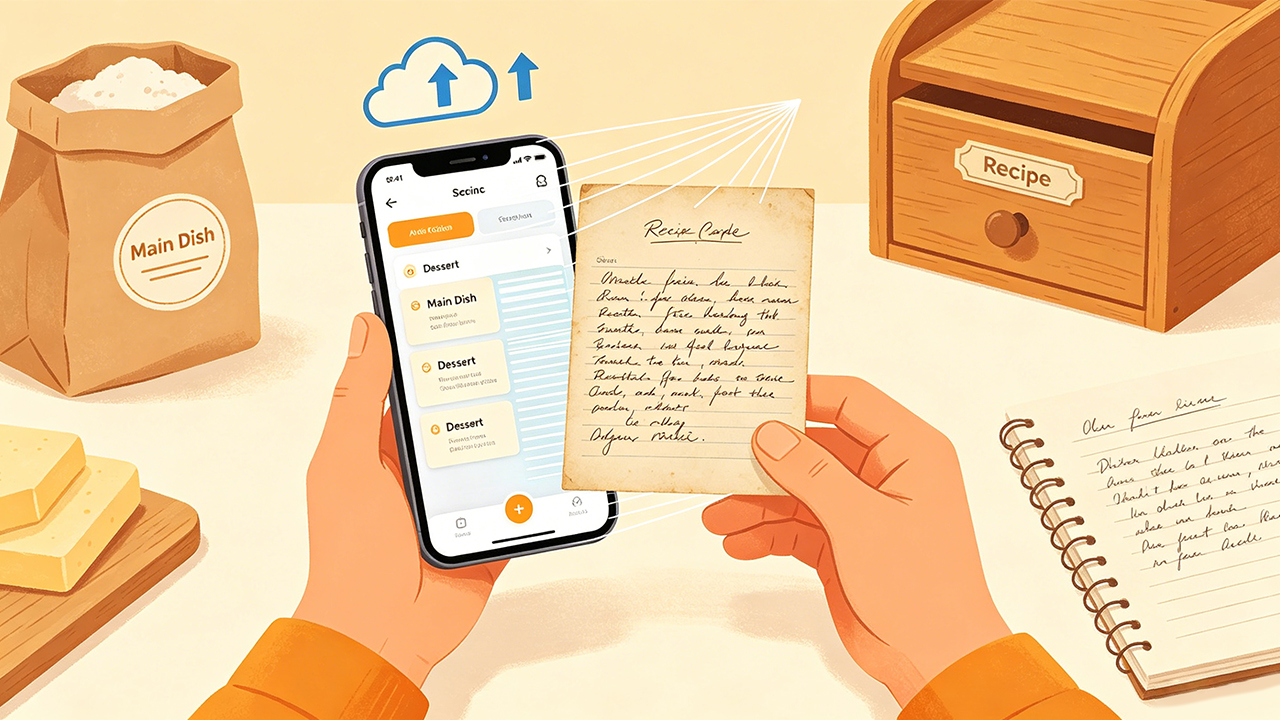
But after testing the major recipe apps currently available on the US Apple App Store and Google Play Store, one thing became immediately obvious: many recipe apps are designed for food bloggers and meal planners, not for preserving old family history.
For this guide, the testing focused specifically on apps that could realistically help families digitize handwritten recipes without turning the process into a frustrating technical project.
The evaluation criteria included:
Handwriting recognition accuracy
Ease of scanning recipe cards
Long-term organization tools
Sharing and family collaboration features
Cloud syncing and backup reliability
Pricing transparency
Overall ease of use during real-world testing
These were the apps that genuinely stood out.
RecipeKeeper (iOS & Android)
The Reality Check: The Best Overall Experience for Preserving Family Recipes
RecipeKeeper consistently felt like the app most intentionally designed for preserving family recipes rather than simply managing weekly dinners.
During testing, the scanning feature handled handwritten recipe cards surprisingly well, including faded ink, uneven lighting, and older paper textures. Users can photograph recipes directly inside the app, and the built-in OCR system automatically extracts ingredients and instructions into editable digital recipes.
What makes RecipeKeeper especially effective is how personal the organization system feels. Recipes can be grouped into categories like “Grandma’s Recipes,” “Holiday Baking,” or “Family Favorites,” which makes the app feel more emotional and less clinical than many modern cooking platforms.
One particularly useful feature is PDF cookbook exporting. During testing, creating printable digital family cookbooks turned out to be far more practical than expected, especially for sharing recipes with relatives who may not want another app installed on their phones.
The pricing structure is also refreshingly simple. RecipeKeeper offers a free version with limited storage, while the premium upgrade uses a one-time purchase model instead of recurring monthly subscriptions. That matters for users who want permanent long-term recipe storage without ongoing costs.
Pros
Excellent handwritten recipe scanning
Family-focused organization works very well
Easy PDF cookbook exports
One-time purchase option
Clean and beginner-friendly interface
Cons
OCR still requires occasional manual corrections
Smaller ecosystem than major cooking apps
Limited social or community features
Paprika Recipe Manager 3 (iOS & Android)
The Reality Check: The Best Long-Term Recipe Management System
Paprika has been recommended by home cooks for years, and after extensive testing, it remains one of the strongest recipe management apps available.
However, Paprika approaches family recipes differently than RecipeKeeper.
Instead of focusing primarily on scanning and emotional preservation, Paprika excels at deep recipe organization. Once recipes are added into the system, the app becomes incredibly powerful for long-term storage and management.
Recipes can be categorized, tagged, searched by ingredient, scaled for serving sizes, linked to grocery lists, and synced across devices. For users building large digital family cookbooks with hundreds of recipes, Paprika quickly becomes one of the most efficient systems available.
During testing, the biggest weakness was handwritten scanning. Paprika does not specialize in AI handwriting recognition the way newer apps do. Older recipe cards often required manual typing or cleanup after import.
Still, once recipes were entered, the organizational flexibility was outstanding.
Another major advantage is pricing transparency. Paprika currently uses a one-time purchase model of roughly $4.99 on iOS rather than a subscription.
The interface does feel slightly dated compared to newer AI-driven apps, but the functionality remains excellent.
Pros
Outstanding long-term recipe organization
Excellent cross-device syncing
Powerful search and categorization tools
One-time purchase pricing
Extremely reliable after years of use
Cons
Weak handwriting recognition tools
Interface feels older than competitors
Better for organization than digitization
Pluck Recipes (iOS & Android)
The Reality Check: The Strongest AI Handwriting Recognition
Pluck was one of the biggest surprises during testing.
The app is heavily focused on AI-powered recipe extraction, and unlike many competitors, it genuinely performs well with messy handwritten recipes. Users simply photograph recipe cards or cookbook pages, and the app attempts to automatically identify ingredients, measurements, and cooking instructions.
What stood out most was how well Pluck handled difficult cursive writing. Several older family recipes that confused other apps were recognized fairly accurately here, even when the original handwriting was faded or inconsistent.
The app also supports multilingual handwriting recognition, which makes it especially useful for families preserving recipes written in languages other than English.
During testing, the digitization process felt extremely fast. A stack of old recipe cards that normally would have taken hours to manually type could realistically be processed in a fraction of the time.
However, Pluck still feels newer and slightly less polished overall compared to established apps like Paprika. The AI tools are impressive, but the organizational ecosystem is not quite as mature yet.
Pricing currently follows a subscription model, which may discourage some users looking for permanent archival storage without ongoing fees.
Pros
Excellent AI handwriting recognition
Handles cursive surprisingly well
Fast recipe digitization workflow
Strong multilingual support
Very modern interface
Cons
Subscription pricing model
Smaller overall ecosystem
Some scans still require editing
Recipe Notes (iOS & Android)
The Reality Check: Best for Families Sharing Recipes Together
Recipe Notes focuses heavily on collaboration and family sharing rather than individual recipe storage.
During testing, the app worked particularly well for families trying to build a shared recipe archive across multiple households. Recipes can be scanned, categorized, and shared with relatives through synchronized collections.
One especially useful feature is the ability to attach stories, photos, and personal notes alongside recipes. That feature may sound small, but it transforms recipes from simple instructions into preserved family memories.
The cloud backup system also performed reliably during testing. For irreplaceable handwritten recipes, automatic backup matters far more than flashy design features.
The main downside is that Recipe Notes still feels somewhat smaller and less polished compared to bigger recipe platforms. Some menus and workflows occasionally felt unfinished.
Still, for families prioritizing collaboration over advanced cooking tools, the app performs extremely well.
Pros
Excellent family sharing features
Strong cloud backup system
Emotional storytelling features add value
Easy collaborative recipe collections
Good handwritten recipe support
Cons
Smaller platform overall
Interface occasionally feels rough
Fewer advanced cooking features
Recipify (iOS & Android)
The Reality Check: The Simplest Option for Beginners
Recipify focuses almost entirely on making recipe scanning feel simple.
Users point a phone camera at handwritten cards, cookbook pages, or printed recipes, and the app quickly converts them into searchable digital recipes. During testing, the process felt very approachable even for users with limited technical experience.
The interface is intentionally lightweight and beginner-friendly. Unlike more complex recipe management systems, Recipify prioritizes speed over deep customization.
The AI extraction system performed reasonably well on clear handwriting, although older cursive recipes still occasionally required manual edits.
Recipify also includes helpful organization tools like collections and categories, but it is less powerful than Paprika for managing extremely large recipe archives.
The app offers a free tier with premium subscription upgrades available for advanced functionality.
Pros
Extremely beginner-friendly
Fast scanning process
Simple and clean interface
Good basic organization tools
Easy learning curve
Cons
AI struggles with difficult handwriting
Less advanced organization features
Subscription required for premium tools
The Final Verdict
For families specifically trying to digitize, preserve, and share handwritten family recipes, RecipeKeeper stands out as the strongest overall option in 2026.
It consistently delivered the best balance of handwriting recognition, emotional organization, family sharing, and long-term usability during testing. Unlike many recipe apps designed primarily for meal planning or online recipe imports, RecipeKeeper genuinely feels designed to preserve family cooking traditions before they disappear.
That said, the best app still depends on the specific situation:
Choose RecipeKeeper for the best all-around family recipe preservation experience.
Choose Paprika for advanced long-term recipe organization.
Choose Pluck for the strongest AI handwriting recognition.
Choose Recipe Notes for collaborative family sharing.
Choose Recipify for the simplest beginner-friendly experience.
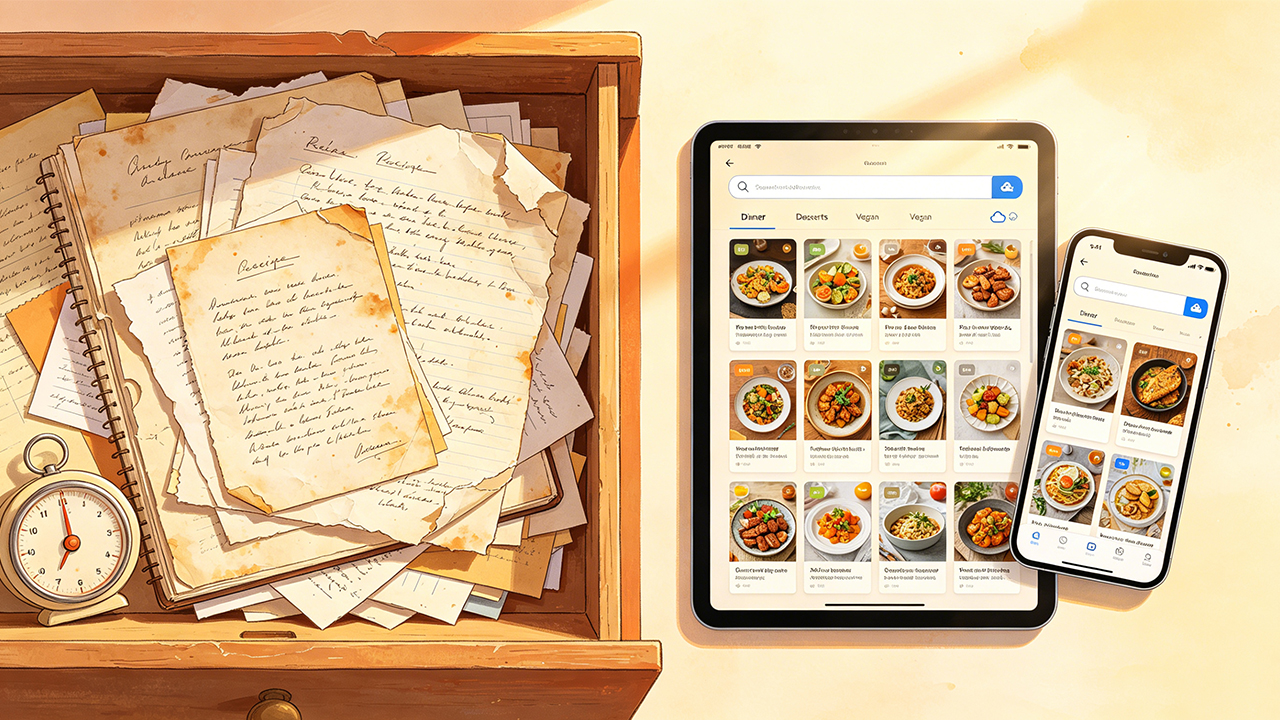
The biggest surprise during testing was how emotional this category of apps actually becomes. Preserving old recipes is not really about technology. It is about making sure family memories survive long after the paper cards themselves eventually fade away.