

No Signal, No Problem: 3 Best Offline Hiking Maps That Actually Work in Dead Zones
Every experienced hiker knows the moment: the trail disappears into dense forest or a narrow canyon, the signal bars vanish, and the map on your phone suddenly stops loading. In remote terrain, losing navigation isn’t just frustrating — it can quickly become dangerous.
Paper maps and a compass still matter, especially for serious backcountry travel. But modern smartphones have become remarkably capable offline GPS tools. Even without cellular service or Wi-Fi, your phone can still communicate directly with GPS satellites to determine your location.
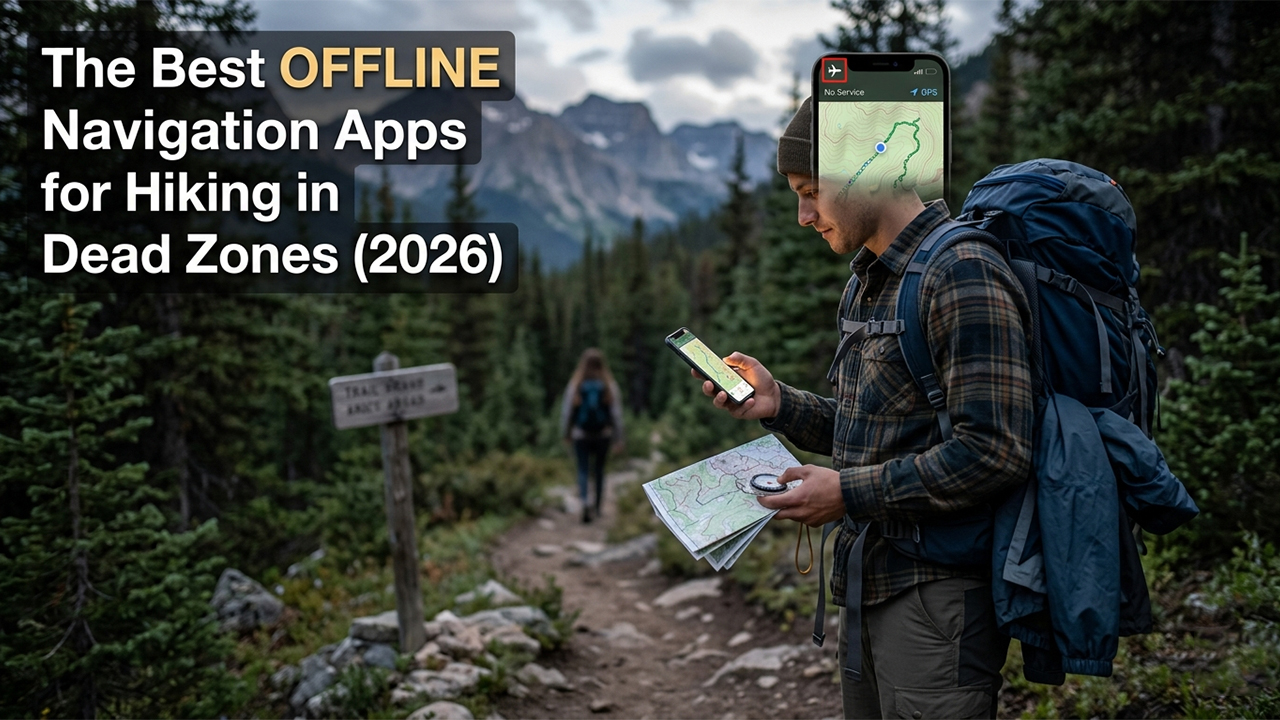
The real difference comes down to the app. A good offline navigation app keeps working when service disappears, with reliable downloaded maps, stable GPS tracking, and battery-efficient performance. To find the best options, we tested the most popular hiking navigation apps across remote trails, forested valleys, and mountain dead zones, focusing on offline reliability, map quality, battery usage, and route tracking stability.
Here are the three best offline hiking navigation apps currently available on the U.S. App Store and Google Play in 2026.
1. AllTrails
What Works Well Offline?
For hikers who mainly stick to established trails, AllTrails remains one of the easiest and most dependable options available. Its biggest advantage is simplicity. Before heading out, users can download an entire trail map directly to their phone through the AllTrails+ subscription.
In our testing, the offline maps remained stable even in deep canyon areas with zero signal. The app continued showing real-time GPS positioning, elevation gain, distance, and pace without needing any connection.
The standout feature is the off-route alert system. If you drift away from the downloaded trail, the app sends a vibration and audio warning — especially useful at poorly marked intersections or during low-visibility conditions.
Pros
Massive library of trail reviews, photos, and recent condition updates.
Extremely beginner-friendly interface.
Reliable off-route alerts that work fully offline.
Cons
Offline downloads are locked behind the paid subscription.
Limited tools for advanced off-trail navigation.
GPS tracking can drain battery during long hikes.
2. onX Backcountry
Platforms: iOS
Pricing: Free limited version / Premium ($29.99/year) / Elite ($99.99/year)
What Works Well Offline?
For hikers venturing beyond marked trails, onX Backcountry feels built specifically for remote terrain. Its offline system is more flexible than most competitors because users can download large custom map areas instead of just individual routes.
During testing, the app handled offline topographic maps and satellite imagery exceptionally well, even under dense tree cover. Switching between terrain layers remained fast and smooth without service.
One of its most valuable features is slope-angle shading, which helps hikers identify steep or avalanche-prone terrain. Public and private land overlays are also excellent for avoiding accidental trespassing in remote areas.
The offline waypoint system worked flawlessly throughout testing, making it easy to mark campsites, water sources, or parking locations without any network connection.
Pros
Excellent offline 3D terrain visualization.
Reliable GPS tracking in difficult terrain.
Strong land-boundary and terrain awareness tools.
Cons
The interface can feel overwhelming for casual hikers.
High-resolution downloads consume significant storage space.
Elite membership is expensive unless you specifically need advanced land ownership data.
3. Gaia GPS
What Works Well Offline?
Gaia GPS remains one of the most powerful navigation tools for experienced backcountry hikers. Its biggest strength is map customization.
Users can download and layer multiple map sources for the same region, including topographic maps, satellite imagery, historical USGS maps, and weather overlays. In offline conditions, switching between these layers is seamless and incredibly useful for route planning in unfamiliar terrain.
Gaia also performs well in long-duration tracking tests. Battery consumption was noticeably lower than expected when using airplane mode and background GPS tracking.
For advanced users who prefer creating their own routes rather than following prebuilt trails, Gaia offers far more flexibility than beginner-focused apps.
Pros
Huge selection of professional-grade map layers.
Excellent tools for custom route planning.
Efficient background GPS tracking and battery management.
Cons
The interface has become more complicated over time.
Premium pricing is relatively high.
Large offline map libraries can sync slowly across devices.
Final Verdict
Each app serves a slightly different type of hiker.
AllTrails is the best choice for casual hikers who want a simple, reliable way to stay on established trails.
Gaia GPS is ideal for experienced backcountry users who want advanced mapping tools and maximum flexibility.
onX Backcountry offers the best balance between ease of use, offline reliability, and terrain awareness.
For most hikers heading into true dead zones, onX Backcountry stands out as the strongest overall option. Its combination of offline satellite imagery, terrain visualization, stable GPS tracking, and land-boundary data makes it especially useful when trails become unclear or conditions change unexpectedly.
At around $30 per year for the Premium plan, it delivers some of the best offline navigation value currently available for backcountry travel.
Important Safety Tip
No matter which app you use, download all maps before leaving home or the trailhead. Once you enter remote terrain, switch your phone to Airplane Mode. Your GPS will continue working normally, but the phone will stop wasting battery searching for cellular towers that may not exist nearby.
And most importantly: never rely entirely on a phone for wilderness navigation. Batteries die, screens break, and weather changes fast. Carrying a paper map and compass is still one of the smartest backup plans any hiker can have.