

No More Manual Typing: Top OCR Apps to Simplify Your Life
Why OCR Apps Are Indispensable for Travel and Daily Productivity
Nearly everyone runs into the same small, annoying roadblock at some point. You spot a foreign-language menu while traveling. You need to turn a printed contract into editable text. You want to digitize handwritten class notes, save contact details from a business card, or pull key information from a photo that you can’t copy and paste directly.
This is where OCR technology changes everything.
Short for Optical Character Recognition, OCR lets mobile apps identify printed and handwritten text inside images and convert it into fully editable, searchable digital content. Today’s top OCR tools go far beyond basic text extraction. They can decode street signs, restaurant menus, receipts, formal documents, handwritten notes, and even translate live camera footage in real time.
Still, not all OCR performance is created equal.
Many apps struggle with dim lighting, skewed photo angles, or mixed-language text. Others lock decent features behind expensive subscriptions while delivering spotty accuracy. Only a select few balance fast, reliable text extraction, smooth translation tools, and consistent mobile performance for everyday real-world use.
We curated this 2026 guide exclusively for active, reputable apps on the Apple App Store and Google Play. We evaluated each tool based on real OCR precision, translation quality, live camera scanning, offline usability, multilingual support, simplicity, and honest pricing. These are the apps that consistently deliver reliable results.
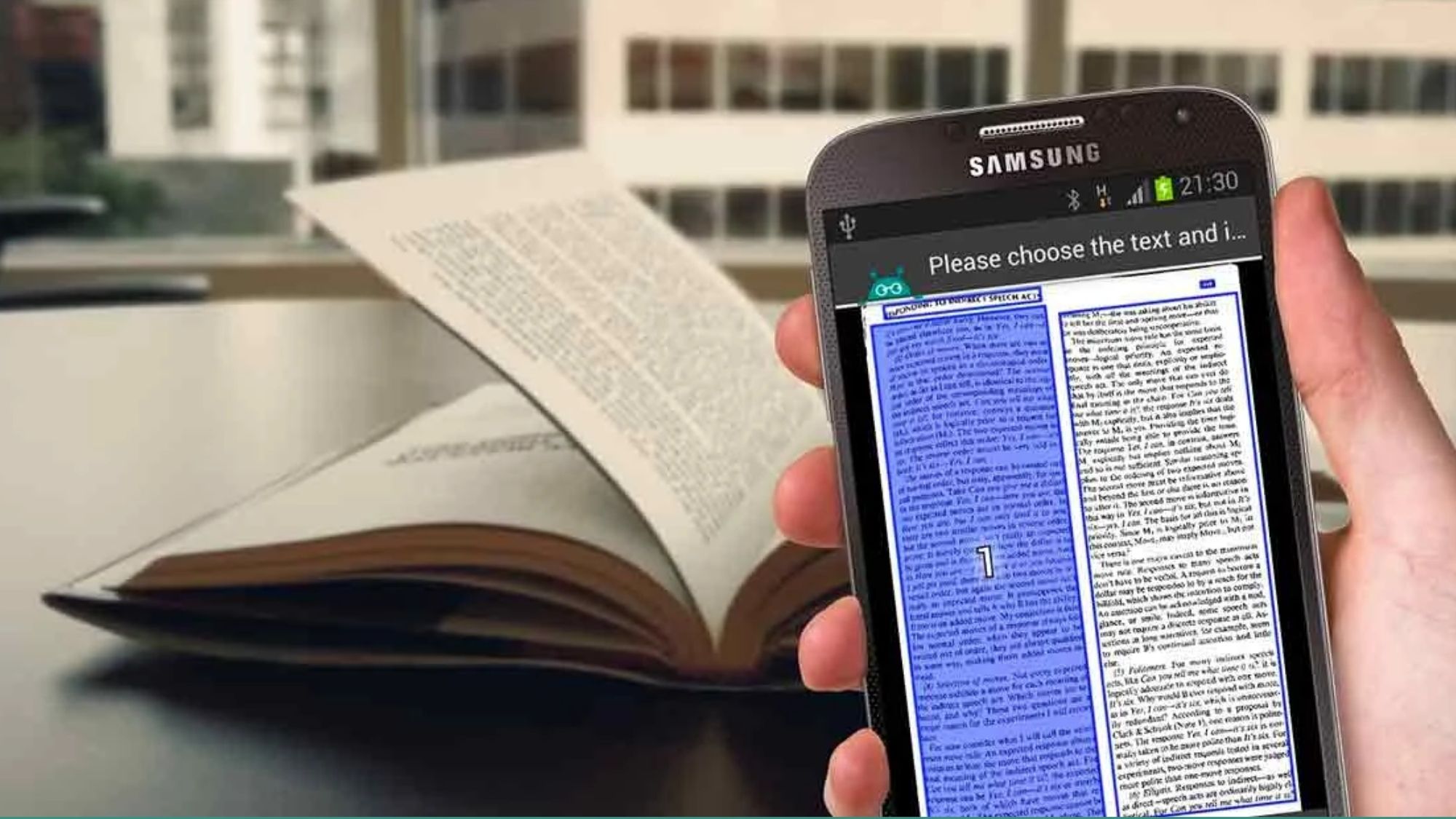
Google Translate (iOS & Android)
Availability: iPhone, Android
Pricing: Free
How It Performs in Real Use
Google Translate remains the gold-standard pick for one simple reason: its live camera translation feels effortlessly powerful, even years after launch. Point your phone camera at a foreign menu, street sign, product label, or printed document, and the app instantly overlays translated text directly over your live view. It’s fast, intuitive, and shockingly convenient for travel.
The platform supports over 100 total languages, with live camera translation enabled for dozens of the most widely used options. Users can also download offline language packs to access translation features without an active internet connection.
Its built-in OCR engine recognizes text quickly and accurately under solid lighting conditions, pairing seamlessly with its translation workflow. It won’t help much with organizing or formatting formal documents, but for on-the-spot text translation from physical media, no free app moves faster or more reliably.
Pros
100% free with no mandatory upgrades
Industry-leading live camera translation
Massive library of supported languages
Downloadable offline translation packs
Near-instant OCR text recognition
Cons
Does not preserve original document formatting well
Struggles with stylized, decorative, or distorted fonts
Lacks robust tools for document filing and organization
Best For
Travelers and casual users needing quick, accurate translations for signs, menus, and everyday printed materials.
Google Drive (Android & iOS)
Availability: Android and iPhone
Pricing: Free with Google account storage limits.
The Reality Check: What Actually Works?
Google Drive has quietly become one of the best lightweight OCR scanners on mobile.
Many users still don’t realize the app includes built-in document scanning tools directly inside the mobile app.
On Android especially, the scanning experience is surprisingly polished:
Automatic cropping
Perspective correction
Searchable PDFs
OCR indexing
Several users migrating away from Microsoft Lens specifically highlighted Google Drive and Google Files as reliable replacements.
It lacks the advanced workflow features of Adobe Scan or CamScanner, but for quick OCR tasks, it’s remarkably effective.
Pros
Free
Built into Google ecosystem
Good OCR accuracy
Fast scanning workflow
Searchable PDFs
Cons
Fewer export controls
Limited advanced editing tools
Translation features are basic
Who Should Use It?
People who want a simple, built-in OCR scanner without installing extra apps.
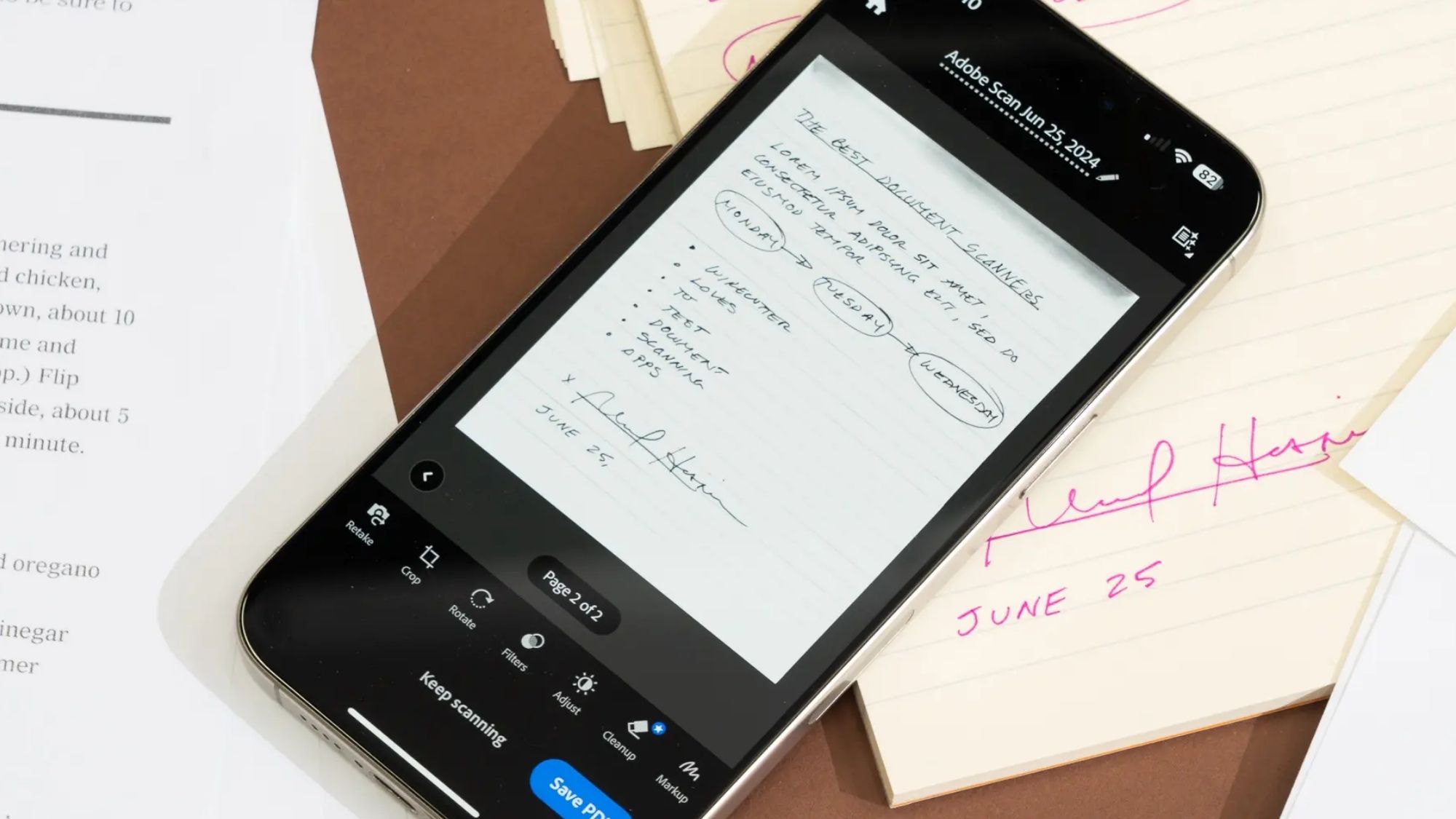
Adobe Scan (iOS & Android)
Availability: iPhone, Android
Pricing: Free core features; optional subscription for premium tools
How It Performs in Real Use
Adobe Scan approaches OCR from a professional document perspective, rather than catering to casual travel translation needs. It’s built to turn physical paperwork into clean, polished digital PDFs with minimal effort.
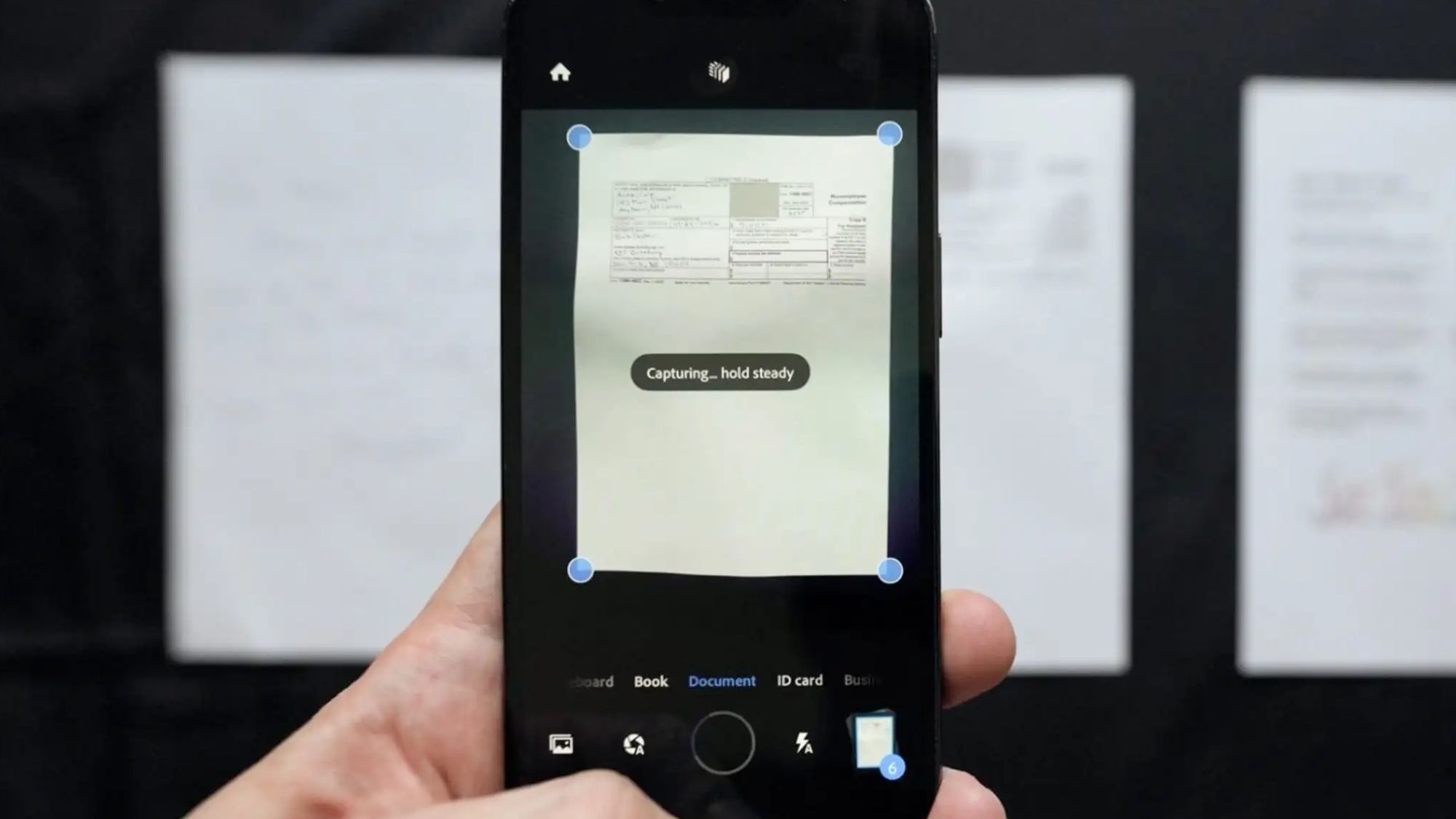
The app automatically detects document borders, corrects uneven lighting, removes shadows and glare, and sharpens text before applying OCR. Its text recognition engine excels with structured, clean content like contracts, invoices, forms, and multi-page formal documents. Every scanned file exports as a fully searchable PDF, perfect for professional archiving and sharing.
When working with multi-page files, Adobe Scan feels noticeably more refined than most free alternatives. Where it falls short is real-time translation — this functionality is extremely limited compared to dedicated translation apps.
Pros
Highly accurate OCR for formal printed documents
Premium-quality PDF exports
Intelligent image enhancement for crisp scans
Smooth multi-page document scanning workflow
Full-featured free tier for everyday use
Cons
Bare-bones translation capabilities
Frequent subscription upgrade prompts can be intrusive
Advanced PDF tools require a paid Adobe subscription
Best For
Professional users managing contracts, invoices, business paperwork, and formal documentation.
iTranslate Translator (iOS &Android)
Availability: iPhone, Android
Pricing: Free limited version; subscription unlocks full features
How It Performs in Real Use
iTranslate prioritizes conversational, travel-focused translation over document scanning and organization. It combines camera-based OCR, voice translation, and image text extraction into a streamlined tool built for real-time cross-language communication.
It shines brightest with short-form printed text: street signs, restaurant menus, product packaging, and casual printed materials. The interface is clean and intuitive, requiring zero technical know-how to jump straight into scanning and translating text. It also adds reliable voice translation for in-person conversations, a huge bonus for international travel.
The catch? Nearly all its most powerful tools sit behind a recurring subscription paywall, leaving the free version feeling sparse and limited.
Pros
Travel-focused translation features tailored for real-world use
Reliable camera OCR and image translation
Beginner-friendly, clutter-free interface
Broad multilingual coverage
Handy voice translation for live conversations
Cons
Heavy reliance on subscription upgrades
Free version lacks key functionality
Less precise OCR for long, complex documents
Best For
Travelers who prioritize fast, intuitive translation over formal document scanning.
CamScanner (iOS & Android)
Availability: iPhone, Android
Pricing: Free version with watermarks; premium subscription available
How It Performs in Real Use
CamScanner pioneered mainstream mobile document scanning and OCR long before many competing apps existed. It popularized on-the-go scanning, cloud syncing, and text extraction for everyday users — and it remains a powerful tool in 2026 for high-volume document work.
It delivers robust OCR extraction, automatic document cleanup, multi-page batch scanning, annotation tools, and seamless cloud exports. Its OCR engine performs exceptionally well on receipts, textbooks, forms, and standard printed paperwork.
It’s not without notable downsides, though. The app constantly pushes premium subscription upgrades, which can disrupt casual use. Privacy-focused users should also note CamScanner made headlines years ago for malicious ad modules found in older Android builds. Google removed the problematic versions from the Play Store, and the developer issued fixes, but the historical security concern still lingers in many user evaluations.
Pros
Industry-proven scanning and text capture quality
Strong, consistent OCR performance
Robust document organization and cloud sync tools
Effortless multi-page document processing
Full cross-platform support
Cons
Aggressive and frequent subscription upsells
Lingering historical security reputation issues
Free version applies visible watermarks to exports
Best For
Users who regularly process and organize large batches of scanned documents.
The Final Verdict
For most users, Google Translate remains the best overall OCR app.
Its combination of:
Real-time camera translation
Strong OCR accuracy
Offline support
Speed
Zero cost
makes it the most useful option for everyday situations.
Best Overall
Google Translate
Best for Professional Document Scanning
Adobe Scan
Best Advanced OCR Workflow
CamScanner
Best Lightweight Built-In Scanner
Google Drive
Best Travel Translation App
iTranslate
The Biggest OCR Mistake Most People Make
Many users think OCR apps are mainly about “scanning.”
In reality, the best OCR experiences now combine:
AI image cleanup
Perspective correction
Live translation
Searchable indexing
Cloud syncing
Smart document enhancement
That’s why modern OCR apps feel dramatically better than older-generation scanners.
A blurry angled menu photo that once produced unreadable garbage can now become an instantly translated overlay in seconds.
And with Microsoft Lens officially gone from app stores in 2026, the competition has shifted toward ecosystems like Google Translate, Adobe Scan, and Google Drive, which now offer stronger long-term support and better integration across mobile platforms.