

Managing Hourly Workers Is Hard. These Apps Help.
Anyone who manages hourly workers knows how quickly scheduling can turn into chaos.
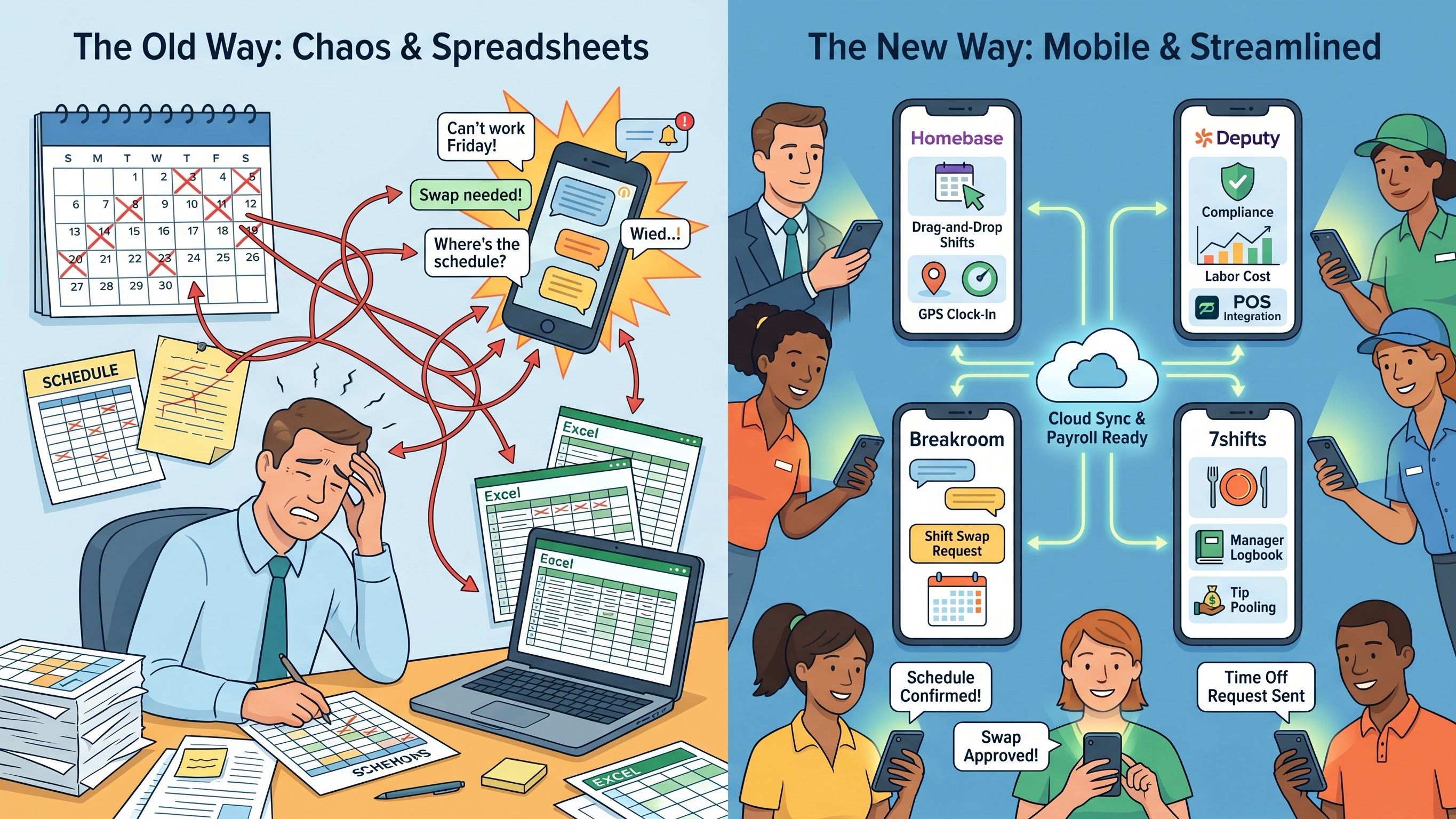
One employee suddenly needs Friday off. Another accidentally gets pushed into overtime. Someone forgets to check the group chat. Meanwhile, managers are stuck updating spreadsheets late at night while juggling shift swaps, labor costs, and last-minute callouts.
For years, many small businesses handled scheduling through Excel sheets, text messages, or printed calendars taped to a breakroom wall. That system technically works — until the business grows, turnover increases, or labor laws become harder to track manually.
Modern shift-planning apps solve a much bigger problem than simply organizing shifts. The best ones reduce communication errors, help control labor costs, simplify payroll prep, and make it easier for employees to manage their schedules directly from their phones.
To see which apps actually work in real-world retail and frontline environments, several scheduling platforms were tested on both iPhone and Android devices. The evaluation focused on mobile usability, overtime prevention, shift-swap handling, employee adoption, and whether managers could realistically build schedules without spending hours inside complicated dashboards.
These are the four apps that stood out the most in 2026.
1. Homebase(iOS/Android)
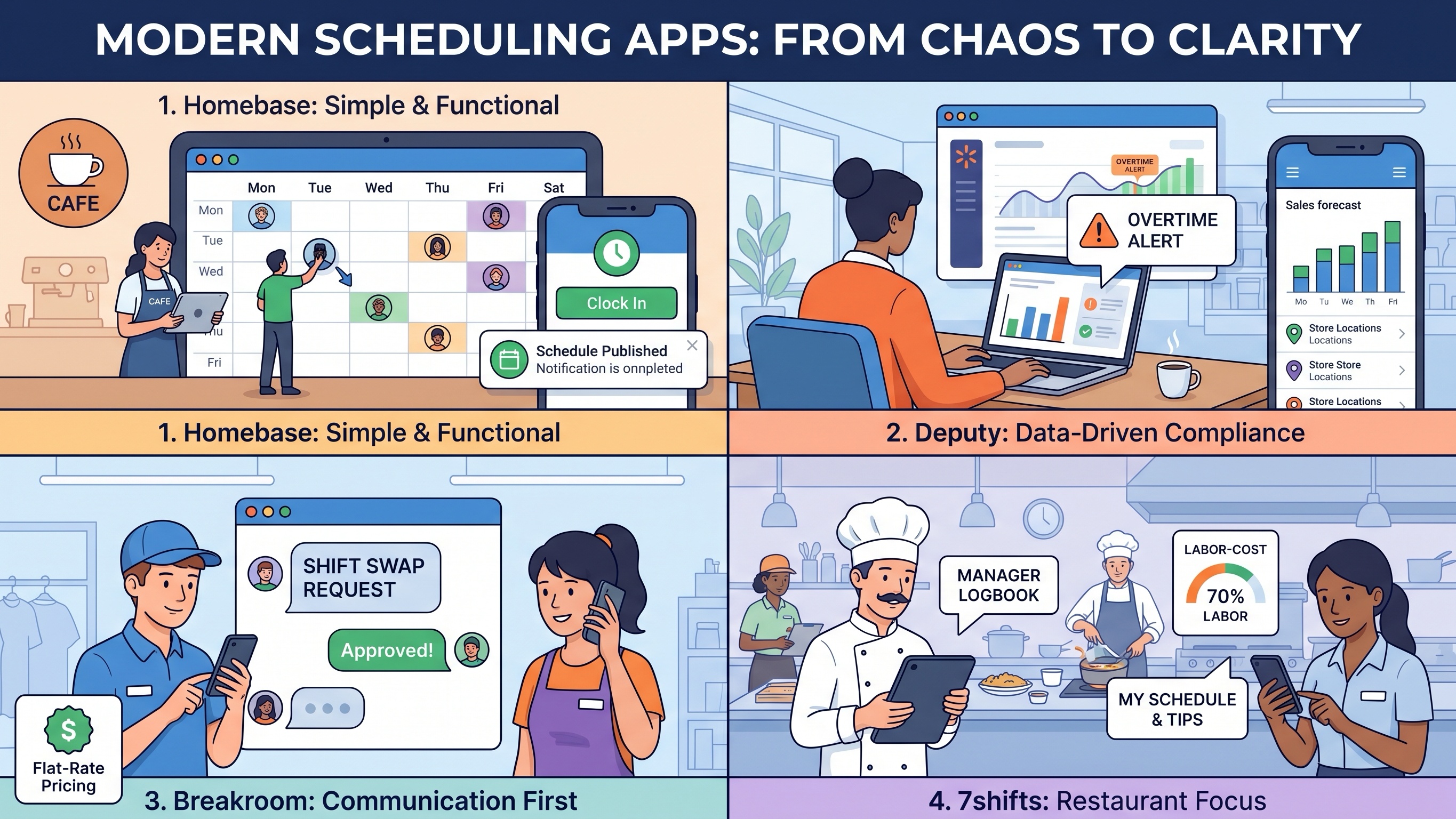
Homebase remains one of the strongest overall scheduling platforms for small retail stores, cafes, salons, and single-location businesses.
What makes the app so popular is its balance between simplicity and functionality. Unlike enterprise workforce-management systems that can feel overwhelming, Homebase keeps most core scheduling tools straightforward enough for small business owners to learn quickly.
During testing, the drag-and-drop scheduling system was the feature that saved the most time. Managers can build a weekly template once and reuse it repeatedly with only small adjustments. If an employee’s availability changes or someone is accidentally scheduled during unavailable hours, the app immediately flags the conflict before the schedule is published.
Publishing schedules is also extremely simple. Employees receive notifications directly through the app or by text message, which reduces the classic “I didn’t know I was working today” problem that still happens constantly with spreadsheet scheduling.
Homebase also includes built-in time tracking with GPS verification and optional photo clock-ins, helping reduce “buddy punching” and inaccurate time records.
One correction worth mentioning: while Homebase does include payroll integrations and payroll services in certain plans, the exact payroll availability and pricing vary depending on region and subscription tier.
What Actually Works
Homebase works best for smaller businesses that want scheduling, team communication, and time tracking combined into one easy system.
Pros
Strong free plan for small teams
Very easy employee onboarding
Excellent mobile scheduling workflow
Helpful overtime and availability alerts
Built-in team messaging and time tracking
Cons
Costs rise quickly with advanced features
Less ideal for large enterprise operations
Reporting tools are more basic than enterprise competitors
Pricing: Free plan available for one location; paid plans start around $25/month per location depending on features.
2. Deputy(iOS/Android)
Deputy is built for businesses with more operational complexity, especially companies managing multiple locations or strict labor compliance requirements.
Compared to simpler scheduling apps, Deputy feels far more data-driven. During testing, its labor compliance warnings stood out immediately.
If a manager accidentally scheduled an employee into overtime, violated a required rest period, or created a potentially noncompliant shift, Deputy flagged the issue before the schedule went live. That feature alone can prevent expensive payroll mistakes and labor law violations.
Deputy also integrates with POS systems like Square and Clover to help forecast staffing needs based on sales trends and customer traffic. For restaurants, grocery stores, or busy retail chains, that forecasting can significantly reduce overstaffing during slow hours.
The tradeoff is complexity. Deputy is clearly designed for businesses that need detailed workforce management tools, and the platform has a steeper learning curve than simpler apps like Homebase or Breakroom.
Managers unfamiliar with workforce software may initially feel overwhelmed by the number of settings and configuration options available.
What Actually Works
Deputy excels at compliance management, labor forecasting, and multi-location scheduling.
Pros
Excellent labor law compliance tools
Strong integrations with POS and payroll systems
Helpful overtime prevention alerts
Great for larger teams and multi-location operations
Cons
No permanent free plan
Can become expensive for large hourly staffs
More complicated setup process
Pricing: Free trial available; paid plans generally start around $4–$6 per user/month depending on features.
3. Breakroom(iOS/Android)
Breakroom takes a very different approach from most workforce-management platforms.
Instead of focusing heavily on analytics and forecasting, it prioritizes communication and schedule accessibility for frontline workers.
That simplicity turned out to be one of the app’s biggest strengths during testing.
Many hourly employees simply do not want another complicated workplace app. Breakroom’s interface feels closer to a messaging platform than enterprise scheduling software, which makes adoption much easier for younger retail and service teams.
The shift-swap system worked especially well. Employees can request coverage directly inside the app, broadcast the request to qualified coworkers, and finalize swaps with manager approval — all without endless text-message chains.
Another major advantage is pricing. Unlike most scheduling software that charges per employee, Breakroom uses a flat-rate pricing model, which can save larger hourly teams a significant amount of money.
However, businesses looking for advanced labor forecasting, payroll analytics, or deep reporting tools may find the platform too lightweight.
What Actually Works
Breakroom works best for businesses that mainly want clear schedules and reliable employee communication.
Pros
Very simple mobile interface
Excellent shift-swap workflow
Affordable flat-rate pricing
High employee adoption rate
Cons
Limited advanced reporting tools
Minimal forecasting features
Less suitable for enterprise-scale workforce management
Pricing: Flat-rate plans start around $30/month for larger teams.
4. 7shifts(iOS/Android)
Although 7shifts originally focused on restaurants, it has become increasingly popular with cafes, bakeries, food halls, and hybrid retail businesses.
The app is particularly strong in environments where scheduling, tipping, and shift communication all overlap.
During testing, employee usability stood out immediately. Workers can easily view schedules, submit availability, request time off, and manage shift trades directly from their phones without much training.
Managers also get access to engagement tracking tools that help monitor attendance patterns, late arrivals, and shift reliability over time.
One feature that worked especially well was the manager logbook system. Shift leaders can leave notes for the next team, creating smoother handoffs between opening, mid-day, and closing crews.
The app’s labor-cost tracking and sales integrations are also very useful for food-service environments where staffing levels fluctuate heavily throughout the day.
That said, businesses outside food service may find parts of the platform unnecessary. Clothing stores or hardware retailers, for example, probably will not use features related to tip pooling or restaurant reporting.
What Actually Works
7shifts works best for restaurants, cafes, and hybrid food-retail operations that need scheduling combined with team communication.
Pros
Excellent employee scheduling experience
Strong shift communication tools
Helpful labor-cost tracking
Great for food-service environments
Cons
Some features are too restaurant-focused for general retail
Advanced tools require higher-tier plans
Pricing: Free basic tier available for small teams; paid plans typically start around $35–$45/month per location.
The Final Verdict
The best scheduling app ultimately depends on the size of the business and the complexity of the workforce.
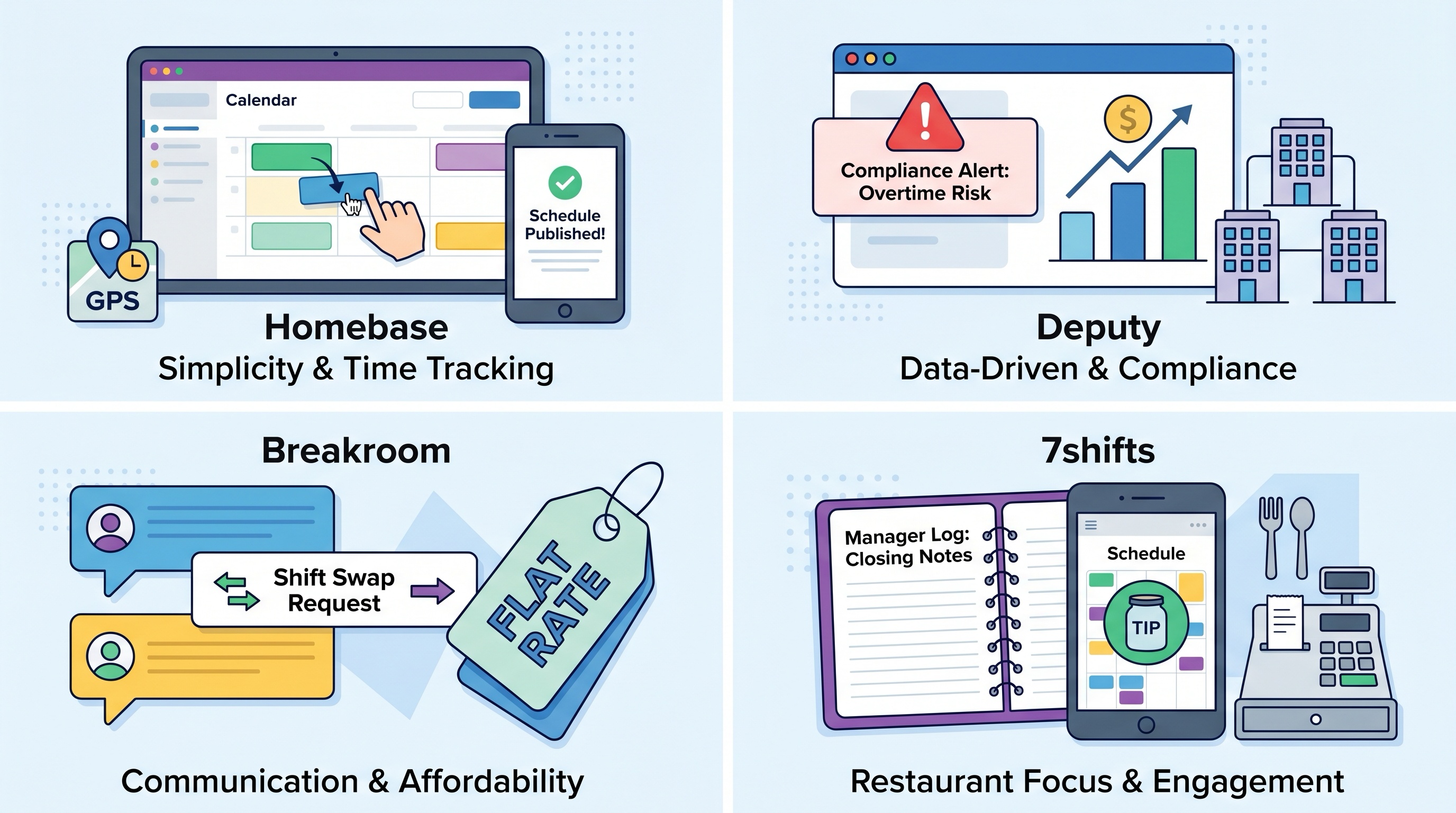
For small businesses and independent retail stores, Homebase remains the strongest overall option because it balances affordability, simplicity, and useful day-to-day scheduling tools extremely well.
For larger operations dealing with labor compliance and multiple locations, Deputy is the better fit thanks to its forecasting systems and compliance protections.
Breakroom stands out for businesses that mainly want simple communication and affordable scheduling without enterprise-level complexity, while 7shifts is one of the best options available for restaurants and cafe-style operations.
At the end of the day, good scheduling software does more than organize shifts. It reduces payroll mistakes, cuts down on communication chaos, and gives employees a clearer, more reliable view of their work lives — all from a device they already carry in their pocket every day.