

Don’t Get Stuck with Slow Wi-Fi: The Best Apps to Find the Fastest Internet Providers at Your New Address
Moving into a new home comes with an endless checklist: packing boxes, forwarding mail, setting up utilities, and updating accounts. But for remote workers, gamers, streamers, and smart-home users, one task matters more than most — getting reliable internet service in place before move-in day.
Too often, people wait until after they arrive to compare providers. By then, the decision is usually rushed, based on whichever company mailed the most aggressive promotion or knocked on the door first. That often leads to paying too much for outdated cable plans, dealing with weak upload speeds, or missing out on fiber service that may already be available on the same block.
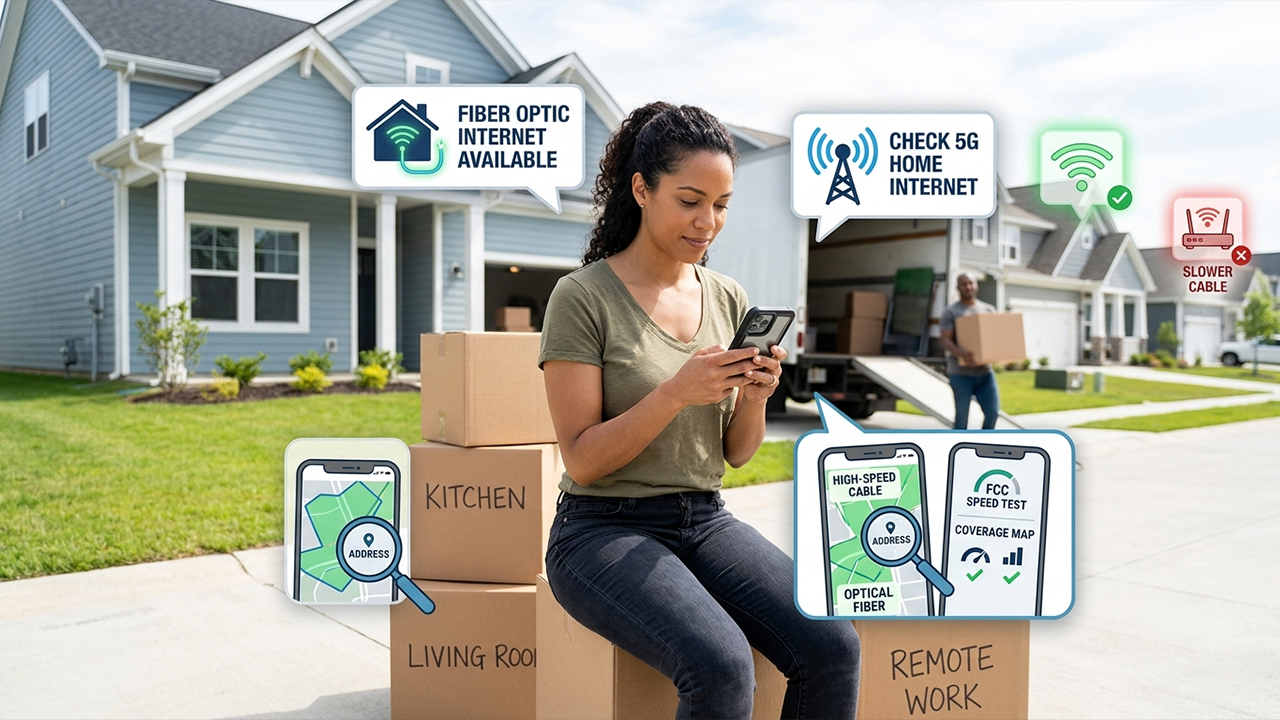
Finding internet service in the United States is surprisingly complicated. Availability can change house by house, not just city by city. One side of a street may have access to multi-gig fiber, while homes directly across the road are limited to slower cable or fixed wireless options.
To simplify the process, several popular broadband discovery and network utility apps were tested using verified residential addresses across multiple states. The evaluation focused on provider accuracy, plan comparison tools, usability, and how effectively each app helped identify the best internet option for a specific address.
Here are the best apps for researching internet providers before moving into a new home.
1. Speed Test | HighSpeedInternet
Available on: App store, Google Play
Pricing: Free
Developed by Clear Link Technologies, HighSpeedInternet combines traditional speed-testing tools with one of the most useful ISP lookup databases currently available for consumers in the US.
What It Does Well
During testing on an iPhone 15 Pro and several Android devices, the app consistently delivered accurate provider listings tied to exact residential addresses rather than broad regional estimates. That distinction matters because broadband availability is often hyper-local.
The standout feature is its integrated ISP search system. After entering a street address, the app generates a list of available providers in the area, including fiber, cable, DSL, satellite, and fixed-wireless options. It also includes estimated speed tiers, customer satisfaction data, and starting price ranges.
Another helpful addition is the built-in bandwidth calculator. Instead of pushing users toward the most expensive gigabit plan available, it estimates actual household needs based on the number of devices, streamers, gamers, and remote workers in the home.
The overall experience feels practical rather than overly technical, making it especially useful for people who simply want to know which providers are worth considering before they move.
Pros
Accurate address-based ISP discovery
Helpful side-by-side provider comparisons
Free to use without major feature restrictions
Built-in bandwidth recommendation tool
Cons
Some provider pages open inside embedded web views that can feel sluggish
Includes advertising and tracking permissions that privacy-conscious users may want to review carefully
2. FCC Mobile Speed Test
Available on: App store, Google Play
Pricing: Free
The FCC Mobile Speed Test app serves a very different purpose from commercial ISP comparison tools. Instead of focusing on promotions and shopping features, it emphasizes transparency and broadband accuracy.
What It Does Well
The app connects directly to data associated with the FCC’s National Broadband Map and allows users to compare real-world network performance against provider claims.
In testing, the app proved particularly useful in newly developed suburban neighborhoods where ISP marketing materials often overstated available service levels. Rather than presenting polished advertisements, the FCC app focuses on measurable connection quality and coverage data.
Its most valuable feature is the challenge system. Users can submit verified speed test results when actual service performance does not match what providers report to the government. Over time, this crowdsourced reporting helps improve broadband coverage accuracy nationwide.
That makes the app less of a shopping platform and more of a reality-check tool — especially for renters or homeowners skeptical of marketing claims.
Pros
Official government-backed broadband data
Completely free and ad-free
Strong privacy transparency
Useful for verifying real-world ISP performance claims
Cons
No integrated pricing comparisons or signup tools
More technical and data-focused than consumer-oriented alternatives
Official challenge submissions require personal contact information
3. Opensignal
Available on: App Store, Google Play
Pricing: Free
As fixed wireless and 5G home internet options from carriers like T-Mobile, Verizon, and AT&T continue gaining popularity, understanding real-world cellular performance has become increasingly important. Opensignal has established itself as one of the most trusted tools for analyzing wireless coverage and network speeds using independent, crowdsourced data.
What It Does Well
Unlike the overly optimistic coverage maps often published by carriers, Opensignal focuses on real-world performance. During testing, the app’s interactive coverage maps made it easy to evaluate actual signal strength, download speeds, upload speeds, and latency in specific neighborhoods and addresses.
One of the app’s most useful features is the dedicated coverage map tab, where users can filter results by carrier (T-Mobile, Verizon, or AT&T) and network type (5G or 4G/LTE). This is especially valuable for anyone considering 5G home internet, since it can reveal whether a particular area experiences weak signals, congestion, or inconsistent speeds during peak usage hours.
Another standout feature is the “Stats” section, which provides independent performance ratings for activities like video streaming, gaming, and voice calls across different carriers in your region. Rather than relying on marketing claims, users can compare real customer experiences to determine whether a provider can reliably support Zoom meetings, cloud gaming, or 4K streaming.
Pros
Independent, real-world network coverage and speed data
Excellent for evaluating 5G home internet before signing up
Includes performance insights for gaming, streaming, and voice apps
Clean, intuitive, and ad-free interface
Cons
Does not include traditional wired broadband providers such as fiber or cable ISPs
Crowdsourced data may be less comprehensive in remote rural areas
Final Verdict
Checking internet availability before moving can save a significant amount of frustration after move-in day. Broadband availability is often far more localized than many people realize, and relying solely on advertisements or provider websites can lead to disappointing results.
For most households, Speed Test | HighSpeedInternet provides the best overall balance of provider discovery, usability, and shopping tools. It simplifies the process of identifying which ISPs are actually available at a specific address while helping users estimate how much internet speed they realistically need.
Meanwhile, FCC Mobile Speed Test serves as an excellent companion tool for comparing carrier claims against real-world performance data and government coverage maps.
For renters or homeowners considering 5G home internet as a replacement for traditional broadband, Opensignal offers particularly valuable insights into local wireless performance. Its crowdsourced data can help users avoid weak coverage areas, inconsistent speeds, and frustrating dead zones before committing to a provider.
Spending just a few extra minutes researching internet options before signing a contract can make the difference between years of reliable high-speed service and an ongoing battle with an underperforming connection.