

Ditch the Paper: How to Organize and Read Intricate Knitting & Crochet Patterns on Your Phone
Every knitter or crocheter eventually hits that moment. Usually somewhere deep into a complicated project — maybe row 47 of a lace shawl or halfway through a colorwork sweater — when you glance away for two seconds, look back at the pattern, and suddenly have no idea where you are anymore. One tiny mistake later, the entire chart shifts sideways like a collapsing domino line. Now you’re ripping out two hours of work while quietly questioning your life choices.
Paper patterns and generic PDF readers just aren’t built for this kind of chaos. That’s why dedicated fiber arts apps have become such a game changer for serious crafters.
The best ones do far more than count rows. They track repeats automatically, highlight your exact place in a chart, organize your yarn stash, sync projects across devices, and basically function like a digital project assistant sitting beside your knitting bag. After testing the major options across iOS and Android, a handful stood out immediately — not because they looked trendy, but because they genuinely made complex projects easier to manage.
Here are the apps worth keeping open beside your needles.
knitCompanion (iOS, Android)
Why experienced knitters swear by it
knitCompanion has a reputation for being intimidating at first. That reputation is deserved.
Open the app for the first time and it feels less like a hobby app and more like professional drafting software. Buttons everywhere. Menus inside menus. Features stacked on top of features.
But once it clicks? Nothing else really works the same way.
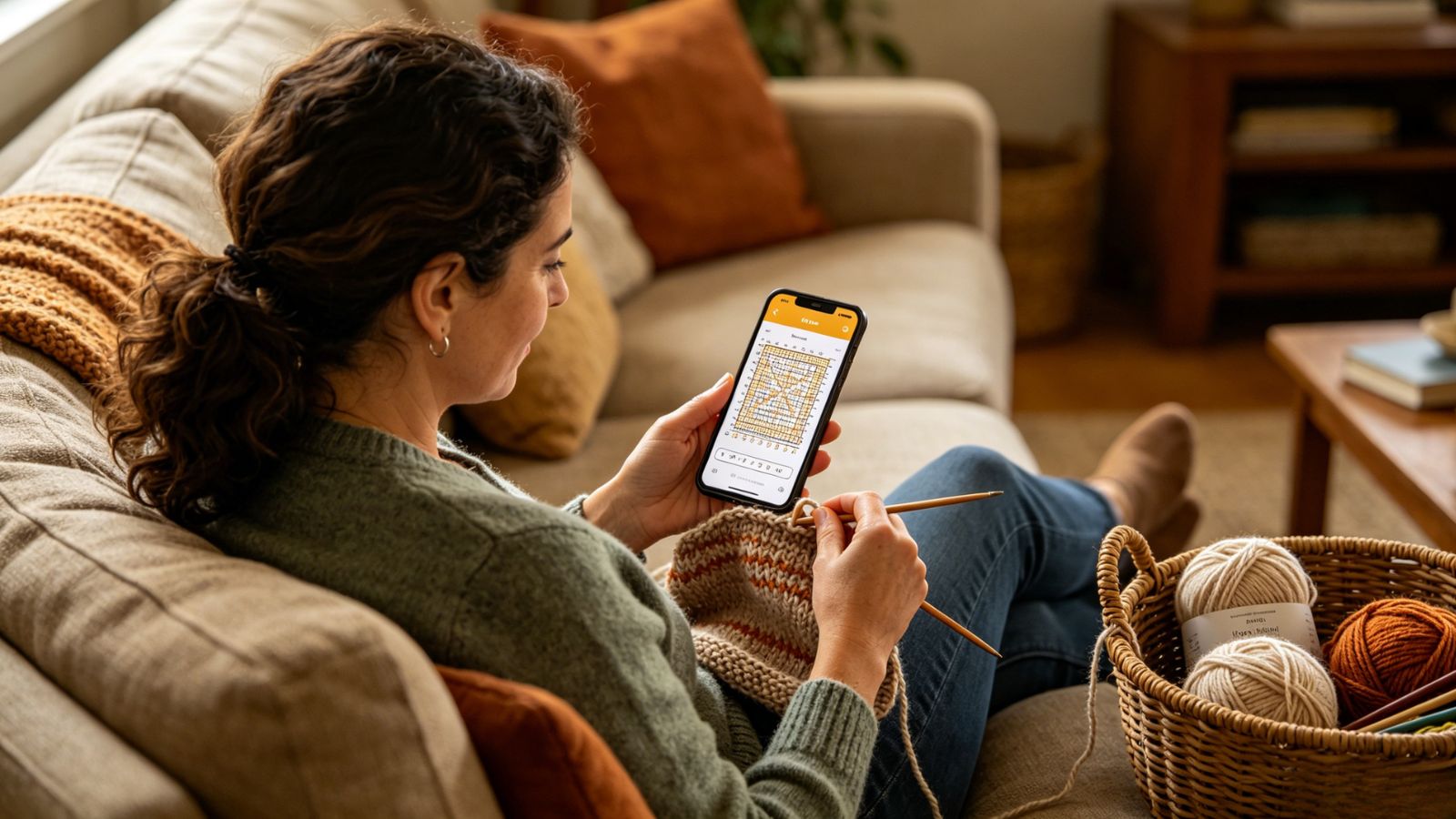
The app’s biggest strength is chart management. Instead of constantly bouncing between written instructions and visual stitch charts, knitCompanion lets you layer, align, crop, and connect everything together into one workflow. Its sliding row marker becomes weirdly addictive after a while because it eliminates the classic “wait… which line was I on?” panic entirely.
For complicated lacework, cables, or multi-color charts, that matters enormously.
The app also handles simultaneous instructions surprisingly well. If a pattern says something like “decrease every 6th row while continuing sleeve shaping and maintaining chart pattern,” knitCompanion can actually keep those moving parts organized without your brain melting halfway through.
Pricing
Free version available with basic tracking tools
Premium Setup+Essentials tier: roughly $29.99/year
Pros
Outstanding chart tracking and row highlighting
Excellent Ravelry and Dropbox integration
Handles highly technical patterns beautifully
Works offline once projects are downloaded
Cons
Steep learning curve for beginners
Feels cramped on smaller phone screens
My Row Counter (iOS, Android)
What makes it so practical?
My Row Counter understands one important thing most apps forget: knitters and crocheters usually have both hands occupied.
That’s why the voice-control system ends up being far more useful than it sounds on paper.
Instead of constantly stopping to tap a screen, you can increment rows verbally while continuing to work. It sounds small until you’re deep into repetitive stitches and realize how much smoother your rhythm feels when you’re not breaking tension every few minutes to poke your phone.
The custom reminders are excellent too. You can program alerts for specific rows, which becomes incredibly helpful during shaping sections or color transitions. No more forgetting the sleeve decrease because you got distracted halfway through a podcast episode.
The app also strikes a nice balance between functionality and accessibility. It’s feature-rich without becoming overwhelming.
Pricing
Free version available with light ads
Premium subscription: about $11.99/year
Pros
Surprisingly effective voice-control features
Great annotation tools for PDFs and charts
Smartwatch support works well
Useful built-in knitting utilities and calculators
Cons
Voice tracking can drain battery during long sessions
Color customization options feel somewhat limited
YarnBuddy (iOS)
Who will love this app?
YarnBuddy feels designed for the type of crafter who knows exactly how many skeins are hidden in their stash closet… and still buys more yarn anyway.
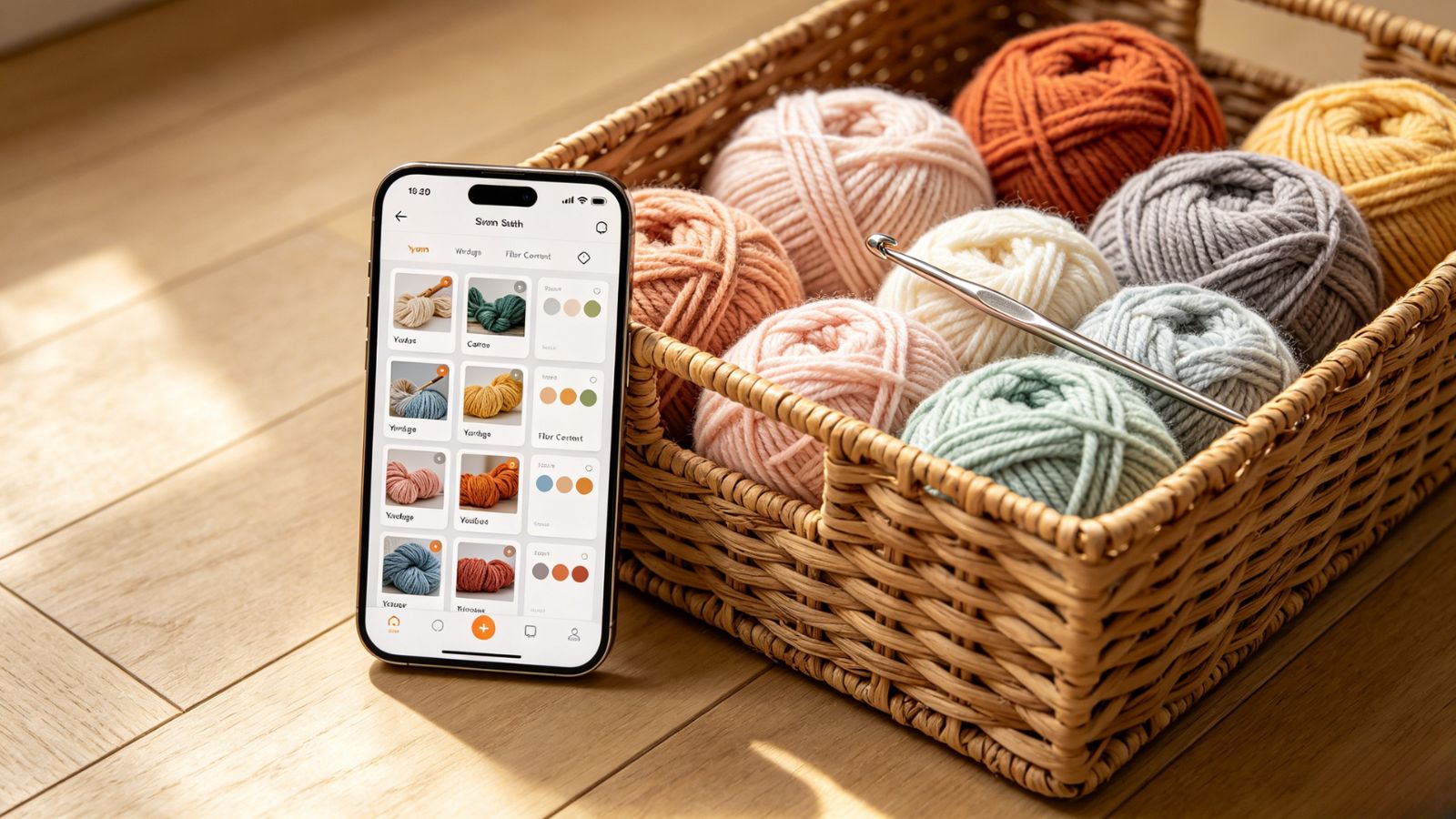
The app treats your materials almost like a living inventory system. You can connect specific yarns directly to projects, track remaining yardage automatically, log dye lots, organize hooks and needles, and even remember where you bought everything in the first place.
That level of organization becomes weirdly satisfying once your collection starts growing beyond a few random skeins stuffed into baskets around the house.
Visually, YarnBuddy is also one of the cleanest apps in this category. Everything feels polished, calm, and intentionally designed for long crafting sessions without overwhelming the screen.
It’s less industrial than knitCompanion and more lifestyle-oriented without sacrificing useful functionality.
Pricing
Free version supports up to 10 projects
Pro version: $14.99/year or $44.99 lifetime
Pros
Beautiful, polished Apple-focused design
Excellent stash and tool tracking
Smooth syncing across Apple devices
Flexible counters and progress tracking
Cons
Apple ecosystem only
Less powerful for extremely technical chart-heavy projects
Knitflow (iOS)
Where it stands out
Knitflow feels refreshingly uncluttered.
Some crafting apps throw every imaginable feature at the screen until the interface becomes exhausting to navigate. Knitflow goes in the opposite direction. Large buttons, clean layouts, simple workflows. Everything feels intentionally stripped down.
That simplicity works especially well when you’re trying to follow a pattern while physically handling yarn, needles, stitch markers, and coffee simultaneously.
One especially smart feature is the built-in tutorial linking system. If a pattern references a stitch technique you’ve forgotten, you can attach tutorial videos directly inside the project dashboard instead of jumping between browser tabs hunting for explanations.
It keeps everything centralized, which sounds minor until you realize how often crafting sessions get derailed by endless searching.
Pricing
Limited free version
Premium: $3.98/month, $34.98/year, or lifetime option available
Pros
Extremely clean interface
Helpful integrated tutorial support
Strong iCloud syncing
Easy-to-read layouts during active crafting
Cons
Fewer advanced markup tools than competitors
Requires newer iOS hardware for best performance
Croqly (iOS)
What makes it different?
Croqly is particularly good at handling large, multi-part projects.
Sweaters, amigurumi dolls, garments with separate sleeves, collars, panels, shaping sections — the app breaks everything into manageable chunks instead of forcing you to track one giant project blob mentally.
That sounds simple, but it dramatically reduces overwhelm during complicated builds.
Each project section can have its own counters, progress tracking, stash allocation, and workflow setup. So instead of losing track of whether you already completed the second sleeve decrease sequence, the app isolates everything neatly.
The visual design deserves credit too. High-contrast text, dark mode support, readable layouts — it’s clearly built by people who understand that many crafters spend hours staring at patterns late at night under questionable lighting conditions.
Pricing
Free trial available
Pro version: around $39.98/year
Lifetime access available for $149.98
Pros
Excellent organization for multi-part garments
Strong personalization during setup
Very readable interface design
Helpful progress segmentation tools
Cons
Lifetime pricing feels expensive
Better optimized for tablets than phones
Final Verdict
If you regularly tackle highly technical patterns — lace charts, complex colorwork, intricate garment construction — knitCompanion is still the heavyweight champion. Once you learn the system, it becomes incredibly hard to go back to standard PDF readers or manual counters.
That said, My Row Counter probably offers the best overall balance for most knitters and crocheters. It’s easier to learn, works across multiple platforms, and the voice-control feature genuinely improves the crafting experience more than you’d expect.
Because honestly, the biggest challenge in fiber arts usually isn’t the stitching itself. It’s staying organized long enough to actually finish the project without losing your place, losing your count, or losing your mind halfway through row 47.