

BValuing Your Vision: The Best Apps for Digital Artists Pricing Online Commissions
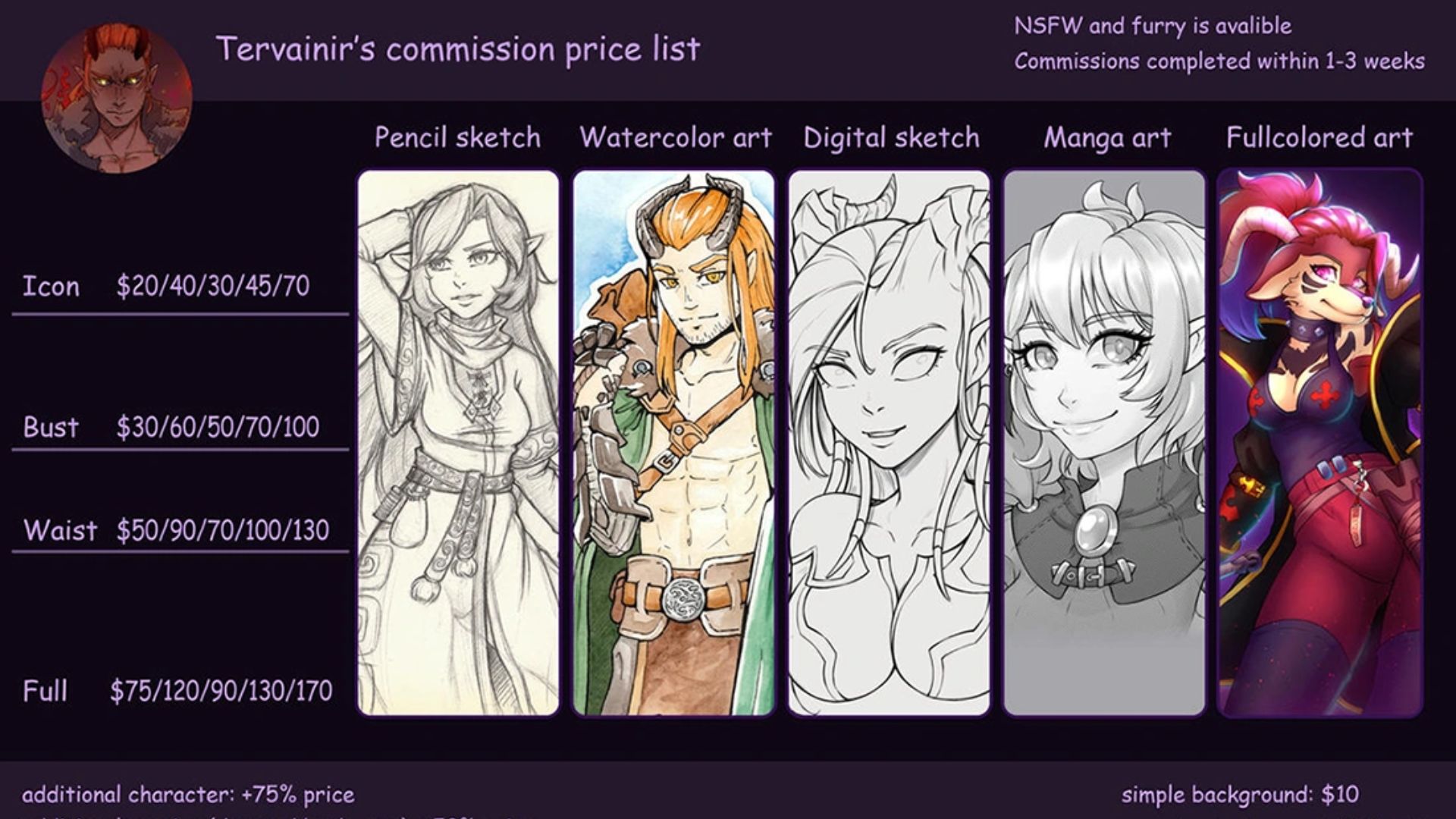
Opening commissions for the first time feels exciting... right up until someone sends that message:
"Hi! I'd love to commission you. How much would this cost?"
And suddenly you're staring at the screen wondering whether to say $30, $80, $250—or quietly disappear for a few hours while you panic-search what other artists charge.
Every freelance artist hits this wall eventually.
Charge too little and you end up spending ten hours painting a detailed character piece only to realize you earned less than minimum wage. Charge too much based on pure instinct? Your commission post gets likes, maybe a few bookmarks... and absolute silence in your inbox.
Because pricing art is weird. You're not selling a simple product. You're pricing time, revisions, commercial rights, background complexity, file delivery, emotional labor, and all those invisible hours spent sketching, revising, emailing, and fixing tiny details clients suddenly remember at the last minute.
Guessing only works for so long.
So we looked at apps that help artists move away from the classic "I copied someone else's price sheet and hoped for the best" strategy. These stood out.
1. FreelaCalc
Availability: Android
Pricing: Free (ad-supported)
The Reality Check
FreelaCalc does something a lot of artists avoid for years: it forces you to look at the math.
Not the fun math either.
Real-life math.
Software subscriptions. Hardware wear and tear. Electricity. Taxes. Revision time. Living expenses. The costs that quietly pile up while you're focused on drawing.
Its strongest feature is the Production-Based Pricing system. Instead of asking, "What feels fair?" it asks a much tougher question:
"What's the minimum price you can charge and still stay profitable?"
That shift matters.
Because once you see the numbers laid out in front of you, it's hard to go back to charging random rates pulled from social media threads.
Pros & Cons
Pros:
· Clean interface that works offline with no account setup headaches.
· Exports pricing breakdowns into shareable visuals.
· Helps estimate realistic day rates while factoring in taxes and profit goals.
Cons:
· Android only, which immediately leaves iPad-heavy artists out.
· Limited note-taking and project organization features.
2. Freelance Rate Calculator (by Blas Prieto)
Availability: iOS,Android
Pricing: Free (ad-supported)
The Reality Check
One of the biggest traps freelancers fall into is assuming every work hour equals paid work.
It doesn't.
Artists spend enormous chunks of time answering DMs, updating portfolios, posting online, chasing invoices, fixing files, and handling admin work no one ever sees.
That's where this app gets surprisingly realistic.
Instead of pretending you'll work at peak productivity every hour of every week, it asks questions many artists skip entirely:
How many vacation days do you want?
What about sick days?
Insurance?
Taxes?
How many hours are actually billable?
Once you plug in the numbers, things can get eye-opening fast. Sometimes uncomfortable, honestly.
That "$40 commission" suddenly starts looking very different.
Pros & Cons
Pros:
· Accounts for real-world downtime and non-billable work.
· Full calculations available without premium walls getting in the way.
· Lightweight and runs smoothly.
Cons:
· Ads occasionally interrupt the flow.
· Doesn't break projects into visual assets or commission variables.
3. Harvest
Availability: iOS, Android
Pricing: Free basic plan / Pro from $13 monthly
The Reality Check
Eventually every artist encounters the same freelance monster:
Scope creep.
You know the situation.
A client orders a simple portrait. Then comes:
"Can we slightly change the pose?"
"Maybe adjust the colors?"
"Actually... can I see another version?"
"Also could you add a background?"
Five hours becomes ten. Ten becomes fifteen.
And somehow you're still charging the original price.
Harvest shines because it tracks reality instead of memory.
Start the timer when you begin sketching. Keep it running through revisions. Log edits. Watch the hours accumulate.
Then, when a "small adjustment" suddenly turns into a second project, you aren't relying on vague feelings. You have receipts.
Actual numbers.
That changes the conversation.
Pros & Cons
Pros:
· Excellent time tracking and invoicing tools.
· Makes it easy to see where your hours actually disappear.
· Syncs smoothly between desktop and mobile.
Cons:
· Two-project limit on the free version feels restrictive.
· Built more for general freelancers than artists specifically.

Final Verdict
If you're just opening commissions and trying to answer that terrifying "How much do you charge?" question, FreelaCalc for Android and Freelance Rate Calculator for iPhone are fantastic starting points.
But for artists already juggling active clients and recurring work, Harvest becomes the long-game pick.
Because eventually pricing stops being about confidence.
It's about evidence.
The artists who survive long-term usually aren't the ones who simply draw better. They're the ones who understand where their time goes, where their boundaries sit, and what their work actually costs.
Your art deserves a fair price.
And so does your time.