
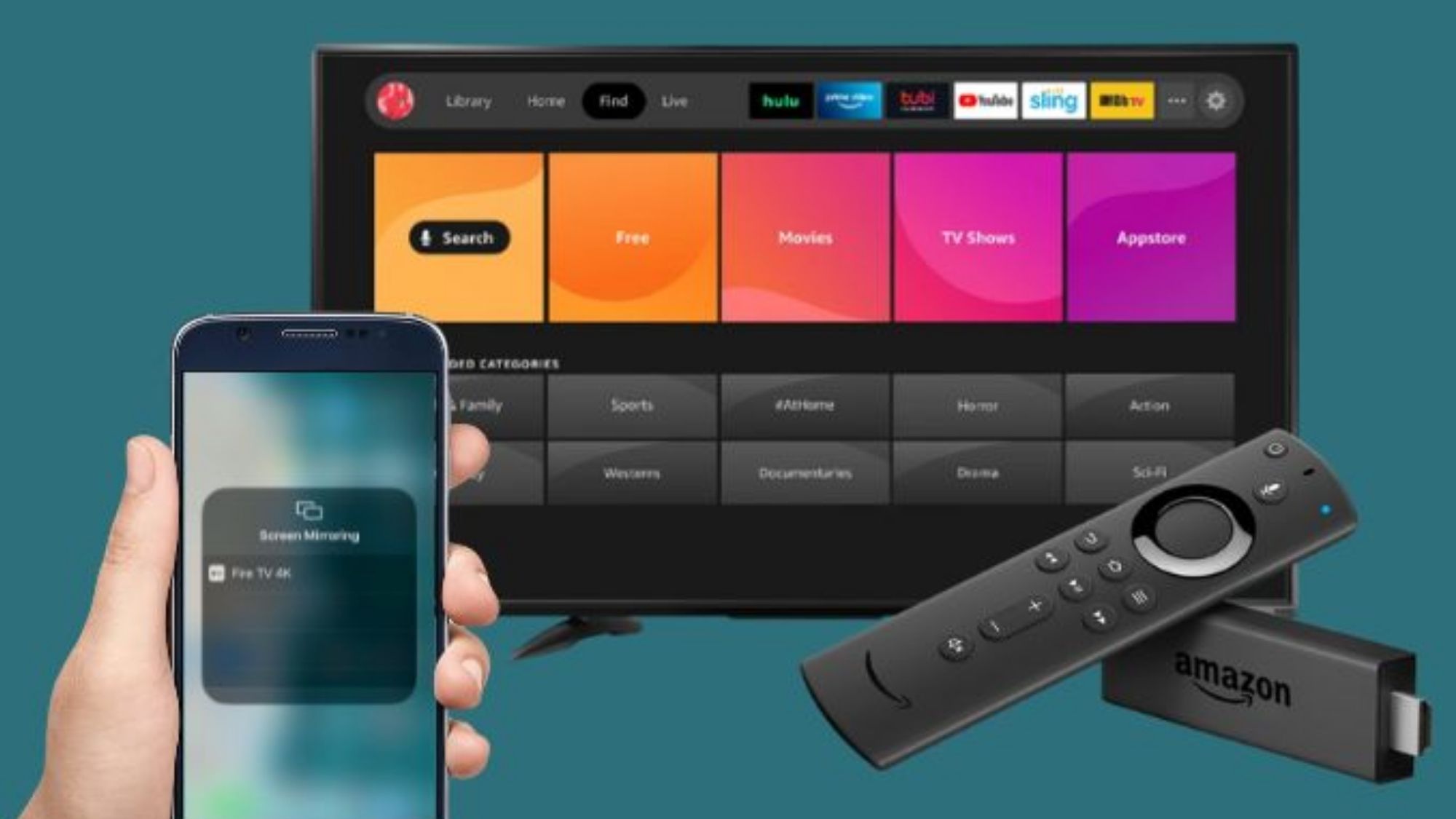
Buggy Mirroring on Roku/Fire TV? Here Are the Best Solutions
Why Phone-to-TV Screen Mirroring Is Still Surprisingly Buggy
You’d think wireless screen mirroring would be seamless by now. Unfortunately, anyone who’s tried casting their phone to a Roku or aging Fire TV knows how inconsistent it can be.
One minute you’re trying to watch a video or share photos. The next, you’re stuck with choppy playback, missing audio, sudden connection drops, blank screens, or apps that simply refuse to mirror at all. These hiccups happen far too often, and they boil down to messy device compatibility gaps.
The streaming ecosystem is incredibly fragmented. Roku and Fire TV run entirely different mirroring protocols. iPhones and Android phones communicate with streaming hardware in distinct ways. Old Fire TV sticks lack native AirPlay support entirely. Many Roku devices handle basic casting far better than full screen duplication.
This is why third-party mirroring apps still matter so much in 2026. The right tools bridge those stubborn compatibility gaps, simplify finicky connections, and breathe new life into older streaming hardware that would otherwise feel outdated and restrictive.
We curated this roundup using fully functional, widely trusted apps from the Apple App Store and Google Play. We judged each option based on real-world connection reliability, compatibility with older Fire TV and Roku models, audio-video sync quality, setup simplicity, long-term stability, clear pricing, and cross-device flexibility.
A quick reality check before diving in: No software can fix fundamental hardware limitations. Very old Fire TV sticks with weak processors will always struggle with low-latency mirroring, no matter which app you use. Even so, the tools below deliver vastly more consistent results than default system casting.
AirScreen (Fire TV & Android TV)
Availability: Android, iPhone
Pricing: Free version available; premium subscription upgrade optional
How It Actually Performs
AirScreen flies under the radar for many users, but it’s one of the most reliable fixes for problematic older Fire TV setups. Unlike phone-based mirroring tools, it installs directly onto your Fire TV or Android TV device.
Once active, it adds full support for AirPlay, Google Cast, and Miracast streaming protocols. This solves the biggest pain point of aging Fire TV hardware: zero native compatibility with iPhone mirroring. It single-handedly makes old Fire TV sticks work smoothly with Apple devices.
It excels for everyday, casual use cases: mirroring iPhone screens, sharing photos and home videos, and running simple presentations. Setup is incredibly straightforward. After installing the app on your TV device, your phone will detect the connection almost instantly.
Pros
Fixes iPhone mirroring issues on legacy Fire TV hardware
Adds official-style AirPlay support to non-Apple streaming devices
Works with all major casting and mirroring standards
Consistent, smooth video playback for casual streaming
Fully usable free tier
Cons
Higher streaming quality locked behind a premium subscription
Noticeable latency during fast-paced gaming
Free version includes advertisements
Best For
Anyone with an older Fire TV Stick who struggles to mirror iPhone content reliably.
Roku Official App (iOS & Android)
Availability: iPhone, Android
Pricing: Completely free
How It Actually Performs
Most Roku owners only use the official app as a replacement remote control. They miss its full suite of built-in casting and media sharing features — and that’s a huge oversight.
The app handles photo sharing, local video playback, music streaming, and private listening seamlessly. On Android devices, it taps into Roku’s native Miracast support for stable screen mirroring across compatible models.
Its biggest advantage is consistency. Since Roku develops this tool in-house, it avoids the random compatibility errors that plague many third-party alternatives. Connections stay steady, and media playback rarely glitches out.
It’s not perfect, though. Full, system-wide screen mirroring works differently depending on your phone OS and Roku model, and iPhone users face more restrictions than Android users.
Pros
100% free with no hidden paywalls
Flawless native integration with all Roku hardware
Ultra-stable connections for media streaming
Built-in remote control functionality adds extra value
No mandatory subscriptions or upsells
Cons
Full unrestricted screen mirroring is limited on iPhones
Available features vary across older and newer Roku devices
Less flexible than dedicated third-party mirroring apps
Best For
Roku users who prioritize stable media sharing over constant full-screen mirroring.
DoCast (iOS)
Availability: iPhone
Pricing: Free version available; premium upgrade optional
How It Actually Performs
DoCast targets one of the most frustrating pairing problems out there: unreliable iPhone mirroring on Roku and older Fire TV devices. Apple’s restrictive casting protocols often leave iOS users with broken or spotty connections — issues this app is built specifically to fix.
It supports full screen mirroring, photo streaming, and video casting across Roku, Fire TV, Chromecast, and other smart TVs. Users consistently praise its one-tap setup and smooth AirPlay-style performance, even on hardware that lacks official Apple certification.
It works beautifully for passive media consumption like streaming shows, movies, and slideshows. Just don’t expect zero-latency performance for fast gaming or real-time interactive use.
Pros
Exceptionally reliable iPhone-to-TV compatibility
Works with both Roku and legacy Fire TV devices
Extremely quick, hassle-free setup
Solid stability for video streaming and media mirroring
Clean, modern interface design
Cons
Advanced features require a premium upgrade
Minor latency during live, interactive screen use
Exclusive to Apple mobile devices
Best For
iPhone users tired of inconsistent, buggy mirroring on Roku and Fire TV.
TV Cast for Roku / TV Cast for Fire TV (iOS & Android)
Availability: iPhone, Android
Pricing: Free download with optional in-app purchases
How It Actually Performs
These 2kit-developed TV Cast apps rank among the most popular casting tools for Roku and Fire TV — and for good reason. They don’t focus on duplicating your entire phone screen in real time. Instead, they specialize in direct browser and media casting.
You can push web-based videos, local media files, and online streams straight to your TV. This method outperforms standard screen mirroring on older hardware every single time.
Why? Direct casting lets the TV device stream content independently, rather than mirroring every single frame from your phone. The result is sharper video, far less lag, and almost no dropped frames — perfect for aging streaming sticks struggling with processing power.
Pros
Optimized specifically for high-quality media streaming
More stable video playback than traditional screen mirroring
Fully compatible with both Roku and Fire TV
Works on iOS and Android devices
Cons
Some advanced functionality locked behind in-app purchases
Poorly suited for gaming or full-app mirroring
Interface can feel cluttered for new users
Best For
Users who primarily stream movies, online videos, and browser-based content to their TV.
ApowerMirror (iOS & Android)
Availability: iPhone, Android
Pricing: Free version available; full features unlocked via subscription
How It Actually Performs
ApowerMirror stands apart as the most professional-grade mirroring tool in this lineup. It’s built for full, complete phone screen duplication, not just basic media casting.
It syncs on-screen activity and audio flawlessly, and adds bonus tools like screen recording, screenshot capture, and limited remote device control. It replicates your entire mobile experience on the big screen.
This makes it ideal for presentations, app demos, casual big-screen gaming, and detailed content previews. That said, performance leans heavily on your Wi-Fi strength and TV hardware. Older Fire TV sticks struggle to keep up with its high processing demands during intensive mirroring sessions.
Pros
Full-featured, complete screen mirroring solution
Works across iOS and Android
Reliable audio sync alongside video
Built-in recording and capture tools for productivity
Far more versatile than basic casting apps
Cons
Requires a paid subscription for full functionality
Feature-rich layout can feel overly complex for casual use
Lag is common on older, low-power streaming devices
Best For
Users who need true full-screen device mirroring instead of simple media casting.
Final Verdict
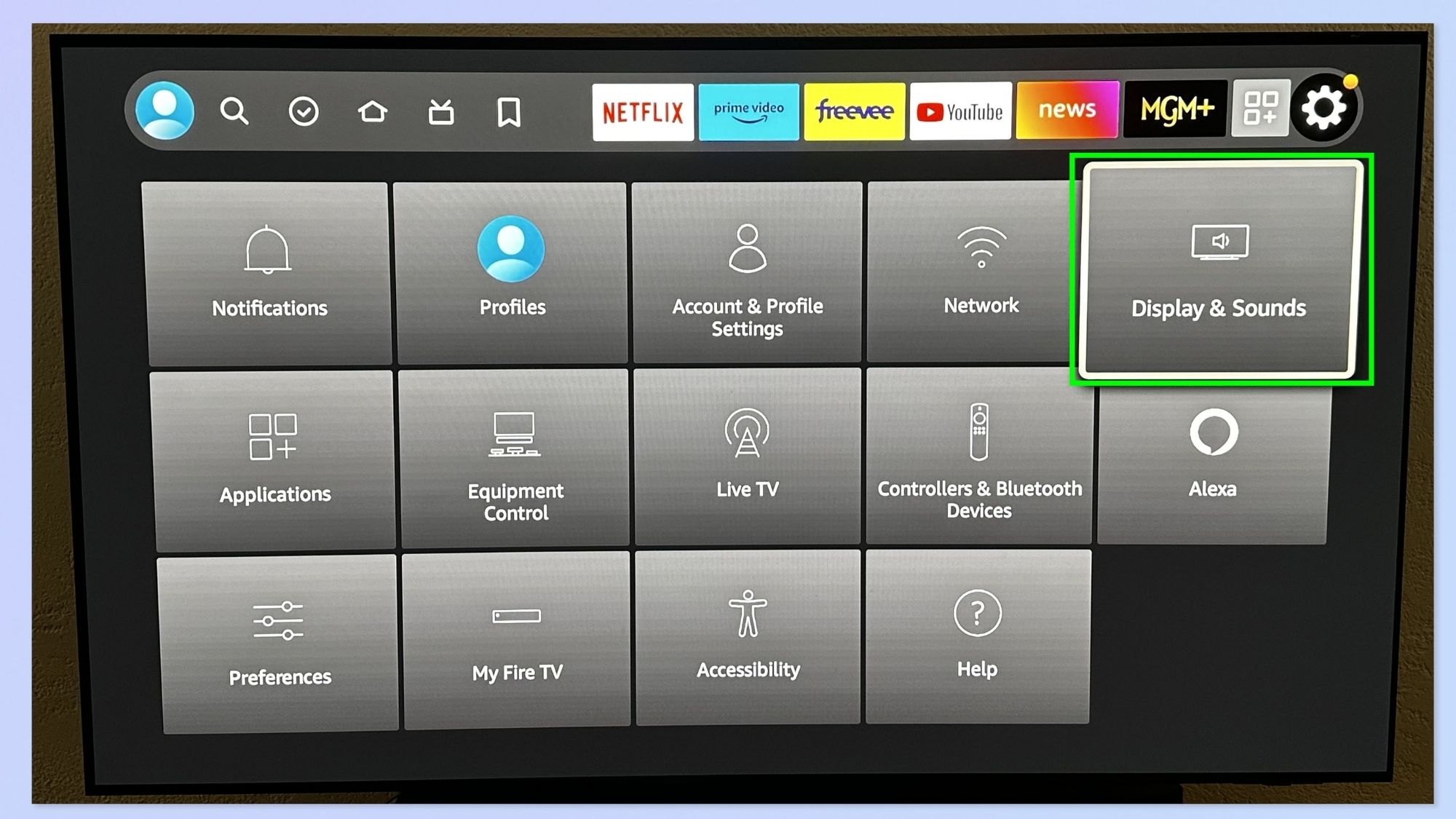
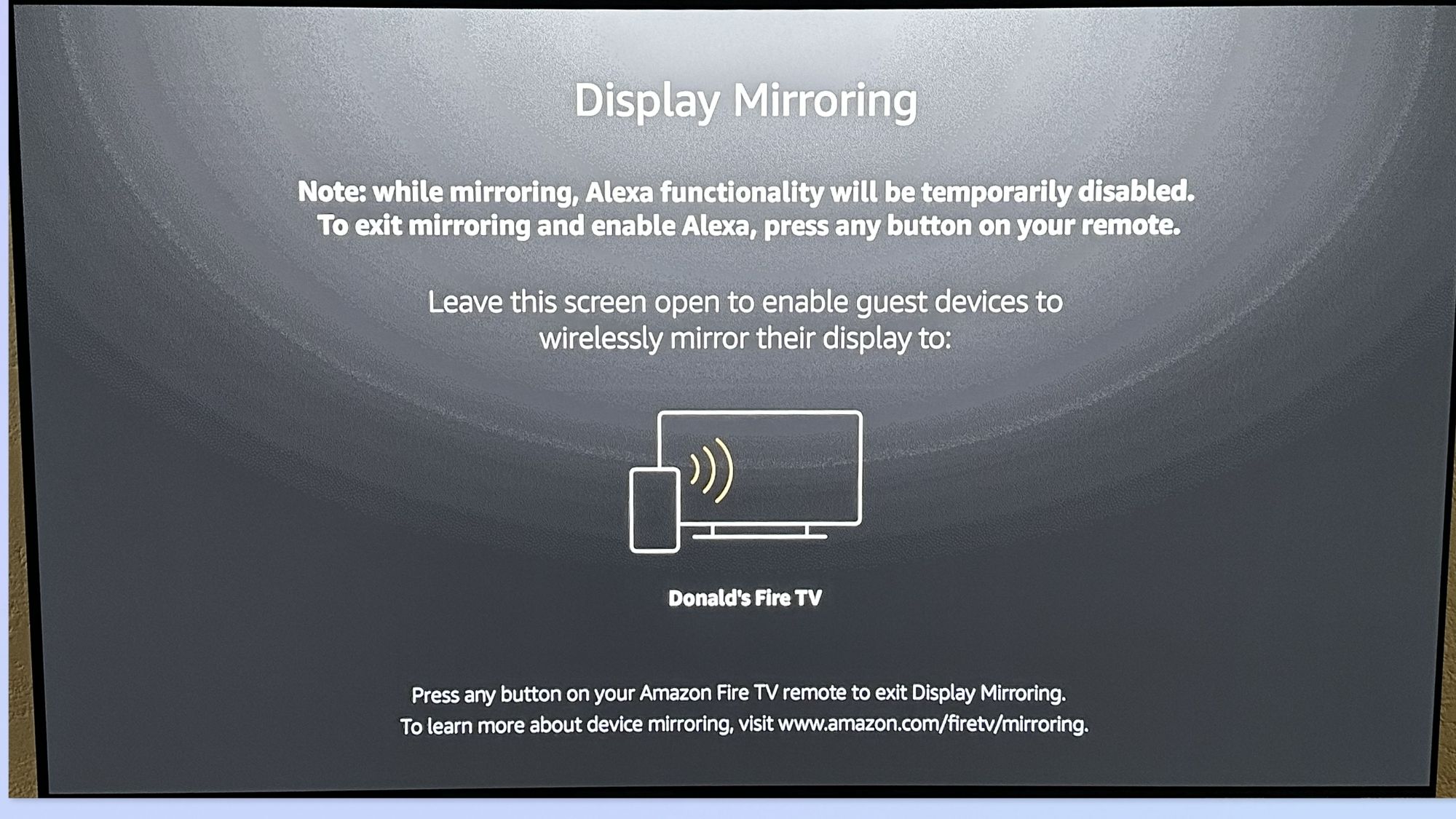
For most people mirroring phones to Roku or older Fire TV hardware in 2026, AirScreen delivers the best all-around experience. It’s especially transformative for iPhone users stuck with outdated Fire TV sticks, as it adds missing AirPlay protocols directly to the TV device and fixes the most common compatibility roadblocks.
Best Overall for Older Fire TV Devices: AirScreen
Best Native Roku Experience: Roku Official App
Best iPhone-to-Roku Mirroring Tool: DoCast
Best for Streaming Movies & Videos: TV Cast for Roku / Fire TV
Best Advanced Full-Screen Mirroring: ApowerMirror
The Critical Difference Between Casting and Mirroring (Most Users Miss This)
Plenty of people treat “casting” and “screen mirroring” as identical functions. They’re not — and mixing them up is the main reason for lag, poor quality, and failed connections on older TVs.
Screen Mirroring
Mirrors every single action on your phone in real time.
Perfect for: Presentations, web browsing, app demos, live interactive use
Terrible for: Weak Wi-Fi networks, aging streaming hardware, competitive gaming
Media Casting
Sends standalone video streams directly to your TV, letting the TV handle playback independently.
Perfect for: Movies, YouTube videos, streaming platforms, high-quality playback
Terrible for: Full app interaction and real-time phone screen duplication
On older Roku and Fire TV devices, media casting is almost always smoother and sharper than full-screen mirroring. This explains why streamlined tools like TV Cast often outperform heavy-duty mirroring apps in everyday use.
In 2026, the best mirroring experience doesn’t come from the most hyped app. It comes from picking the right tool for your content type — whether you need quick media streaming or full live screen duplication.