

Beyond the Trail: Apps That Actually Teach Outdoor Survival and Knot Skills
There’s a strange irony in modern outdoor adventure.
The most powerful tool most of us carry into the wilderness—a smartphone—can become a shiny, expensive brick the moment the signal bars disappear. No service. No videos. No search results. Just a battery percentage slowly ticking downward.
And when you're deep in the backcountry, knowledge matters a lot more than hardware.
Knowing how to purify questionable water from a stream. Knowing how to start a fire when your lighter decides not to cooperate. Knowing what to do after a snakebite, or how to tie a shelter line that won’t loosen at 2 a.m. when wind starts rattling through camp.
Those skills still live in the analog world.
That’s also where a lot of survival apps fall apart. Some assume you'll always have internet access. Others feel like they were assembled by someone who has read about the outdoors without spending much time in it. Lots of glossy design. Not much field usefulness.
If you're miles from the nearest cell tower, an app needs to earn its place on your phone. It should work offline, avoid draining your battery, and give clear instructions when your hands are cold and patience is running low.
We looked at the top options with a few practical questions in mind: Does everything work without internet access? Are visual guides genuinely useful? And most importantly—would this app still help when conditions stop being comfortable?
Here’s what stood out.
Knots 3D
Pricing: One-time purchase ($5.99)
What It’s Like to Use
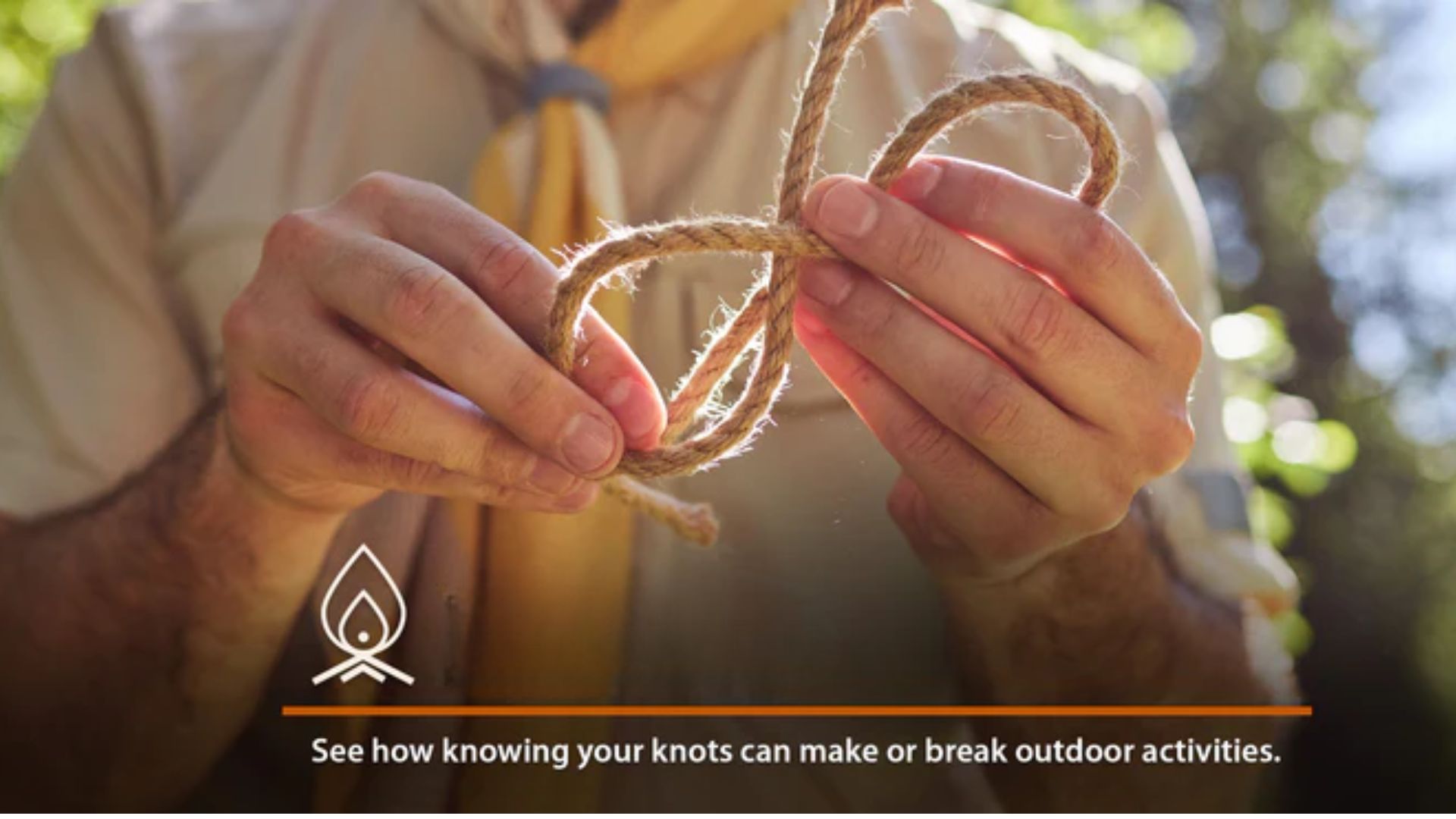
Learning knots from flat diagrams can feel weirdly frustrating.
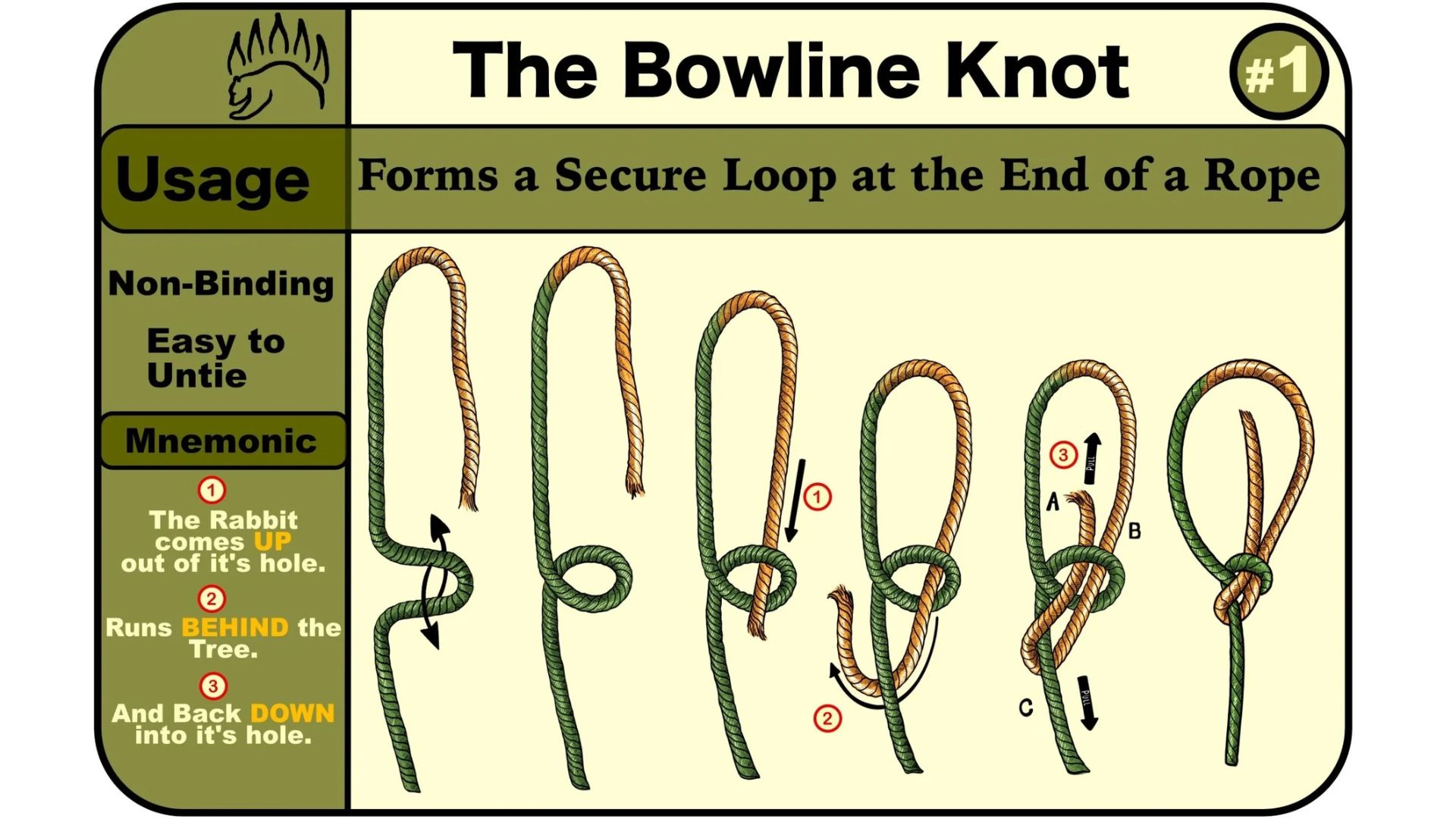
You stare at arrows. Follow lines. Flip the rope. Somehow end up with a tangled mess that looks absolutely nothing like the picture.
Knots are physical. Spatial. They make more sense once you can actually see them from every angle.
That’s where Knots 3D earns its reputation.
The app contains more than 220 knots displayed as interactive 3D models. You can rotate them, zoom in, slow animations down, or move backward frame by frame. And suddenly that confusing overlap or hidden loop becomes obvious.
Small difference. Huge improvement.
Instead of memorizing steps, you start understanding the structure behind them.
Pros
· Everything works offline after installation.
· Searches are task-based, which is surprisingly helpful. Need to secure a load or join two ropes? Just search by situation rather than trying to remember knot names.
Cons
· It focuses entirely on ropework. No first aid, bushcraft, or broader survival content.
· There’s no built-in testing system to help reinforce memory.
· Still, if knots are your priority, very few apps come close.
Offline Survival Guide
Availability: Android
Pricing: Free with ads
What It’s Like to Use
This app feels less like a sleek mobile product and more like carrying a digital field manual in your pocket.
And honestly? That’s not criticism.
Its content pulls heavily from U.S. Army survival manuals, focusing on practical information rather than flashy presentation. Shelter building. Water sourcing. Animal traps. Desert travel. Poisonous plants.
Page after page of useful material.
No dramatic animations. No fancy transitions.
Just information.
That approach may sound boring until you're somewhere remote and suddenly need answers fast.
Pros
· Huge library of offline survival information at no cost.
· Includes mental survival topics too—panic management, isolation, stress response.
Cons
· Visuals are sparse and often limited to basic diagrams.
· Ads can appear when connected online, and the interface feels noticeably dated.
· Not the prettiest app in this category.
· Possibly one of the most practical.
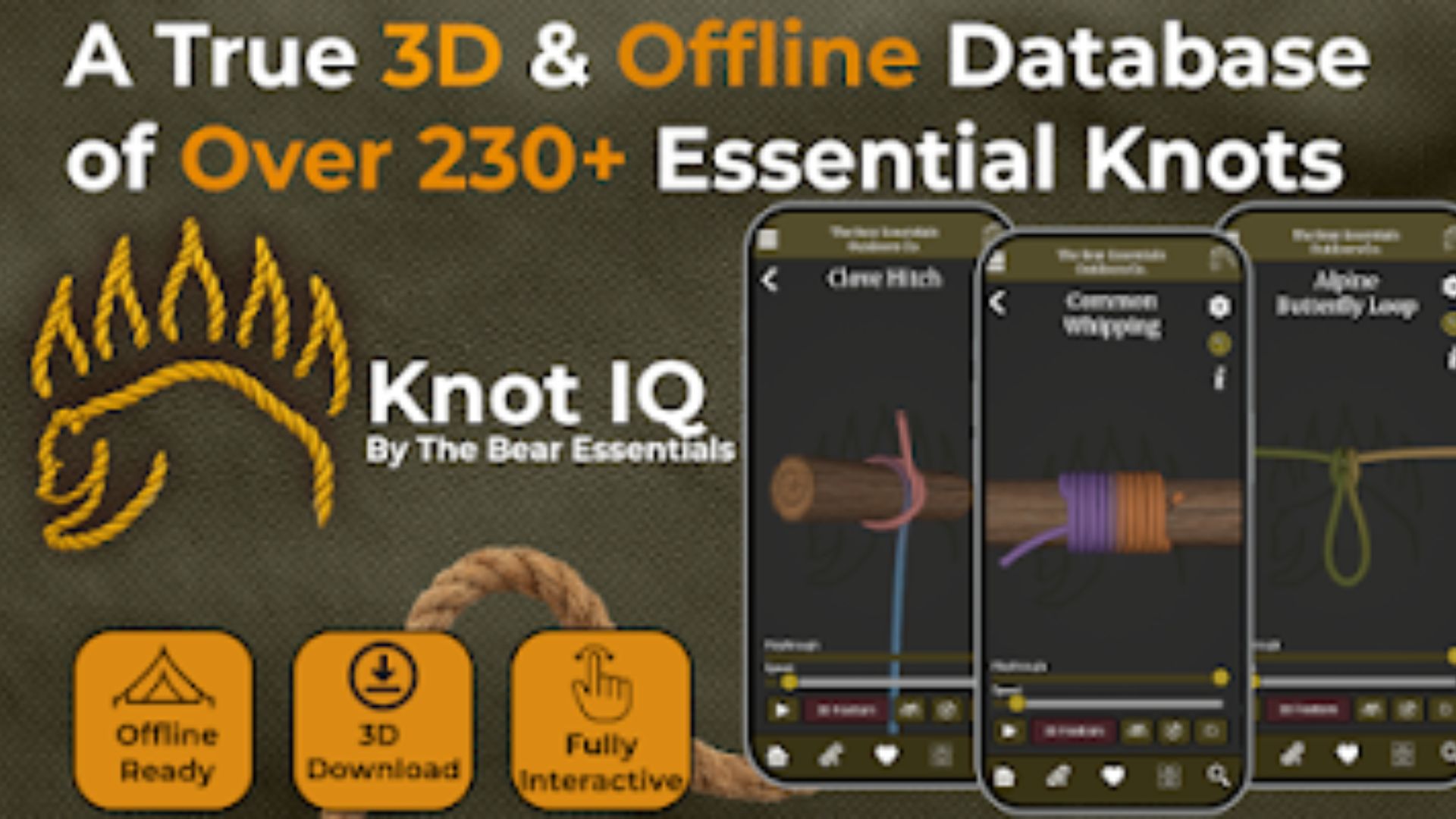
Knot IQ: The Bear Essentials
Pricing: One-time purchase ($6.99)
What It’s Like to Use
Some knot apps organize everything alphabetically.
Helpful… if you already know exactly what you're looking for.
Most people don't.
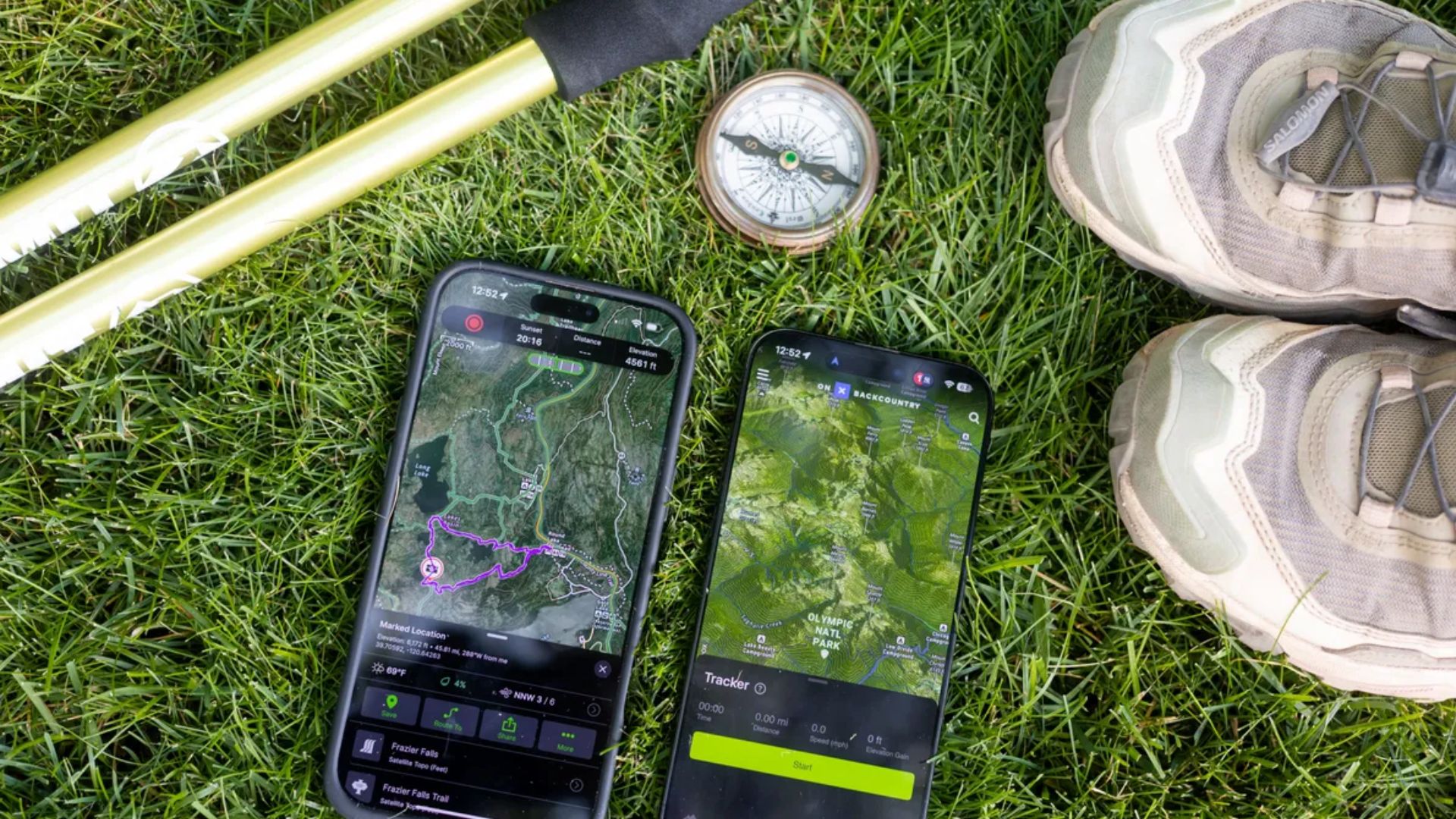
Knot IQ takes a different route. Instead of sorting by technical names, it groups knots around actual activities: bushcraft, search and rescue, climbing, boating, and more.
That sounds small until you're outdoors trying to solve a problem quickly.
You aren't thinking: I need a Zeppelin Bend.
You're thinking: How do I secure this?
The app understands that distinction.
Each knot also includes useful context—rope strength reduction, real-world applications, and reasons you'd choose one setup over another.
Pros
· Clean, modern design with full offline support.
· Flexible storage settings allow you to download heavier 3D content only where you want it.
Cons
· iOS only.
· Pricing lands on the higher side for a utility app.
· Casual hikers might hesitate.
· People who spend weekends outdoors probably won't.
Wilderness Survival Skills (by Egbert Chandler)
Availability: iOS
Pricing: Free with optional upgrades
What It’s Like to Use
This app tries to become your all-in-one survival companion.
That’s ambitious.
Its most practical feature is a collection of emergency checklists built for high visibility and quick scanning. Wildlife encounters. Sudden hypothermia. Losing your route. High-stress situations where your attention span suddenly gets very short.
Because when something goes wrong outdoors, nobody wants to read three paragraphs.
You want bullets.
Fast.
Clear.
Actionable.
The app gets that part right.
Pros
· Strong visual design with high-contrast readability outdoors.
· Packs multiple emergency tools into a single place.
Cons
· Hardware-based tools can drain battery faster than you'd want in a genuine emergency.
· More advanced content sits behind paid upgrades.
· Useful? Definitely.
· Just keep an eye on your battery percentage.
Final Thoughts
If you're serious about learning rope skills that actually transfer into the real world, Knots 3D stands out as the strongest overall choice across both iOS and Android.
Android users looking for broader wilderness knowledge should absolutely keep Offline Survival Guide downloaded too.
Because survival skills are different from trivia.
Reading about tying a rescue loop and physically understanding how a rope folds back through itself are not the same thing. Anyone who's struggled through confusing diagrams already knows this.
That’s where Knots 3D separates itself.
Rotate the knot. Slow it down. Zoom in. Watch the structure unfold from every angle.
Do it enough times and eventually your hands remember—even when your phone battery doesn't.