

Aesthetic Widgets: Build Trendy iPhone Home Screens Fast
Why iPhone Home Screen Customization Has Become So Popular
There once was a time when every iPhone home screen looked identical. Stock icons, generic widgets, zero personal flair. That all changed the second Apple opened up full home screen widget support. Suddenly, users could redesign their entire UI — and people went all in.
Today’s iPhone layouts are endlessly creative: crisp monochrome setups, retro digital dashboards, sleek transparent weather panels, anime-themed lock screens, and productivity-focused interfaces that shift throughout the day. Entire online communities now revolve around sharing layout inspiration, tips, and custom designs.
But anyone who’s tried customizing their home screen quickly learns a hard truth: Apple’s default widgets work fine for basic tasks. They just aren’t pretty. They lack personality, flexibility, and visual polish.
This gap is why third-party widget apps have exploded in popularity. The best tools don’t just display generic weather or clock data. They let users build fully personalized home screens with dynamic motion, custom typography, transparent backdrops, streamlined dashboards, interactive shortcuts, curated photo displays, themed lock screens, and smooth animated elements.
For this 2026 roundup, we focused exclusively on active, well-reviewed apps from the Apple App Store. Every tool below balances strong aesthetic design with real functionality, so customization never turns into a buggy, frustrating hassle.
We judged each app on design quality, creative flexibility, everyday usability, lock screen compatibility, long-term stability, clear pricing, and access to community-made templates. Some tools cater perfectly to beginners. Others function like mobile design studios for dedicated enthusiasts. These are the five worth installing this year.
Widgetsmith (iOS)
Availability: iPhone, iPad
Pricing: Free to use; optional subscription unlocks premium features
Real-World Performance Breakdown
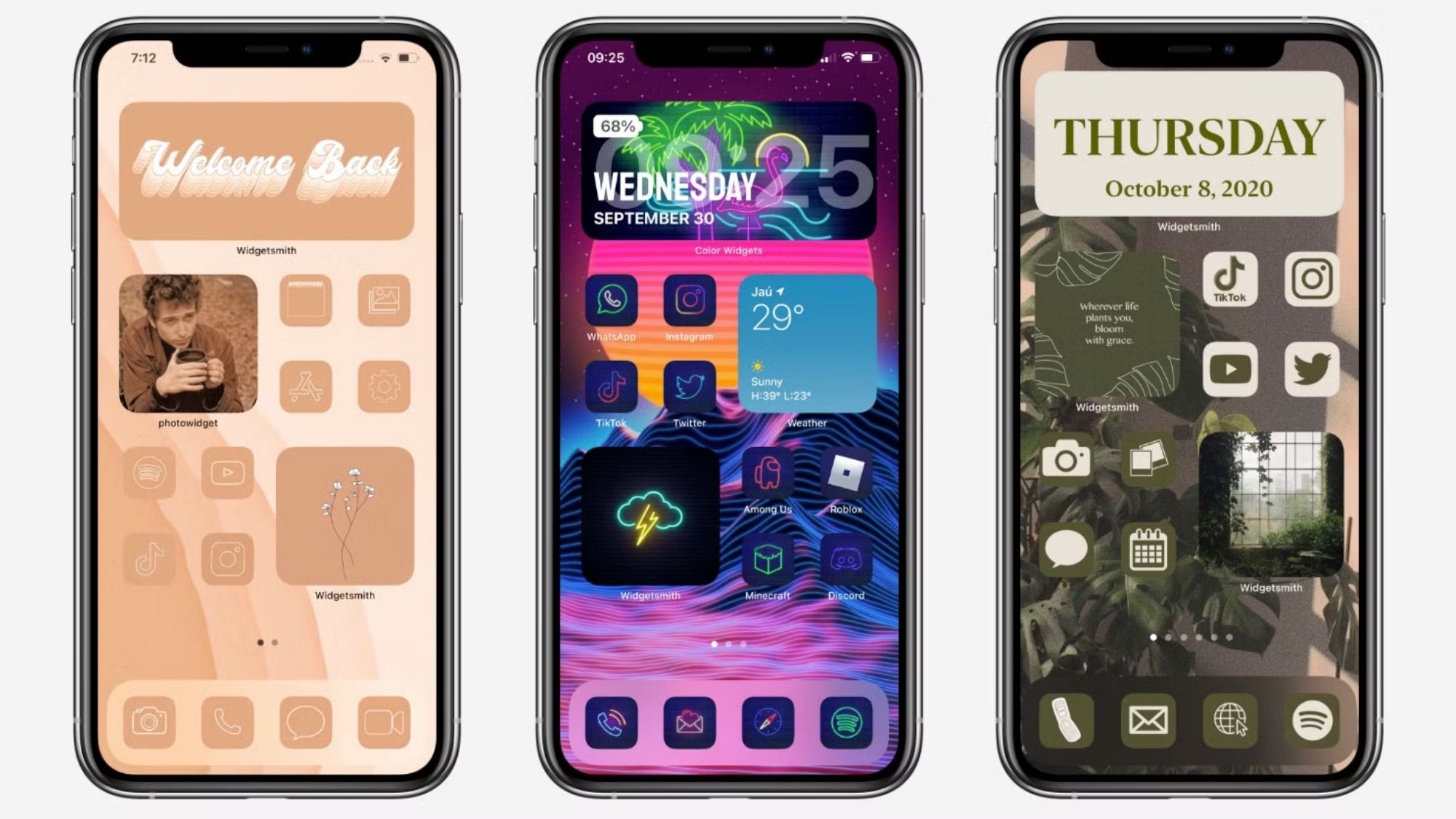
Widgetsmith single-handedly started the modern iPhone widget customization trend. Years after its launch, it still stands as the most well-rounded option for casual users and enthusiasts alike.
Its greatest strength is balanced flexibility. It never overwhelms new users, yet still offers enough depth for creative tweaks. Users can build custom widgets for photos, calendars, analog and digital clocks, localized weather updates, battery metrics, fitness activity data, astronomy visuals, and pending reminders.
The app’s standout feature remains timed widget scheduling. It automatically swaps your home screen widgets throughout the day to match your routine. You can display weather updates each morning, calendar grids during work hours, fitness stats in the evening, and personal photo widgets overnight. This small detail turns a static home screen into a living, adaptive interface that feels uniquely yours.
Pros
Extremely approachable for first-time customizers
Impressive range of functional and aesthetic customization
Industry-leading timed widget scheduling system
Clean, minimalist design language across all widgets
Massive global community for layout inspiration
Cons
Many advanced quality-of-life features sit behind a subscription paywall
Some default widgets prioritize function over artistic flair
Polished professional layouts require minor trial and error
Best For
Anyone who wants stylish, dynamic home screen widgets without mastering complex design tools.
Widgy Widgets: Home/Lock/Watch (iOS)
Availability: iPhone
Pricing: Free base version; in-app purchases for upgrades
Real-World Performance Breakdown
If Widgetsmith is for casual customization, Widgy is for people who treat home screen design as a serious hobby. This app delivers nearly limitless creative power.
Unlike Widgetsmith’s guided, simplified workflow, Widgy hands users full design control. You can layer elements, fine-tune transparency, build data charts, embed live real-time metrics, craft entirely custom layouts, add smooth animations, blend gradients, and integrate app shortcuts. Every viral, jaw-dropping iPhone setup you’ve seen online almost certainly started in Widgy.
Its community ecosystem amplifies its value even more. Thousands of user-made templates circulate across Reddit, Discord, and Widgy’s built-in Explore hub, letting designers share and remix elaborate widgets for free. It also supports custom Apple Watch widgets, unifying your entire Apple device aesthetic.
The tradeoff? This level of power comes with a noticeable learning curve. New users will need time to master its full toolset.
Pros
Unmatched depth for granular widget customization
Vast community template library for quick inspiration
Robust lock screen widget support
Capable of ultra-polished, high-end aesthetic designs
Cross-device compatibility with Apple Watch
Cons
Far steeper learning curve than competing apps
Free version limits the number of active widget slots
Detailed design work can be incredibly time-intensive
Best For
Creative users who want to build their entire home screen aesthetic completely from scratch.
Color Widgets (iOS)
Availability: iPhone
Pricing: Free version available; optional subscription upgrade
Real-World Performance Breakdown
Not everyone wants to spend hours tweaking fonts, gradients, and spacing rules. Most users just want a beautiful, cohesive home screen fast — and that’s exactly what Color Widgets delivers.
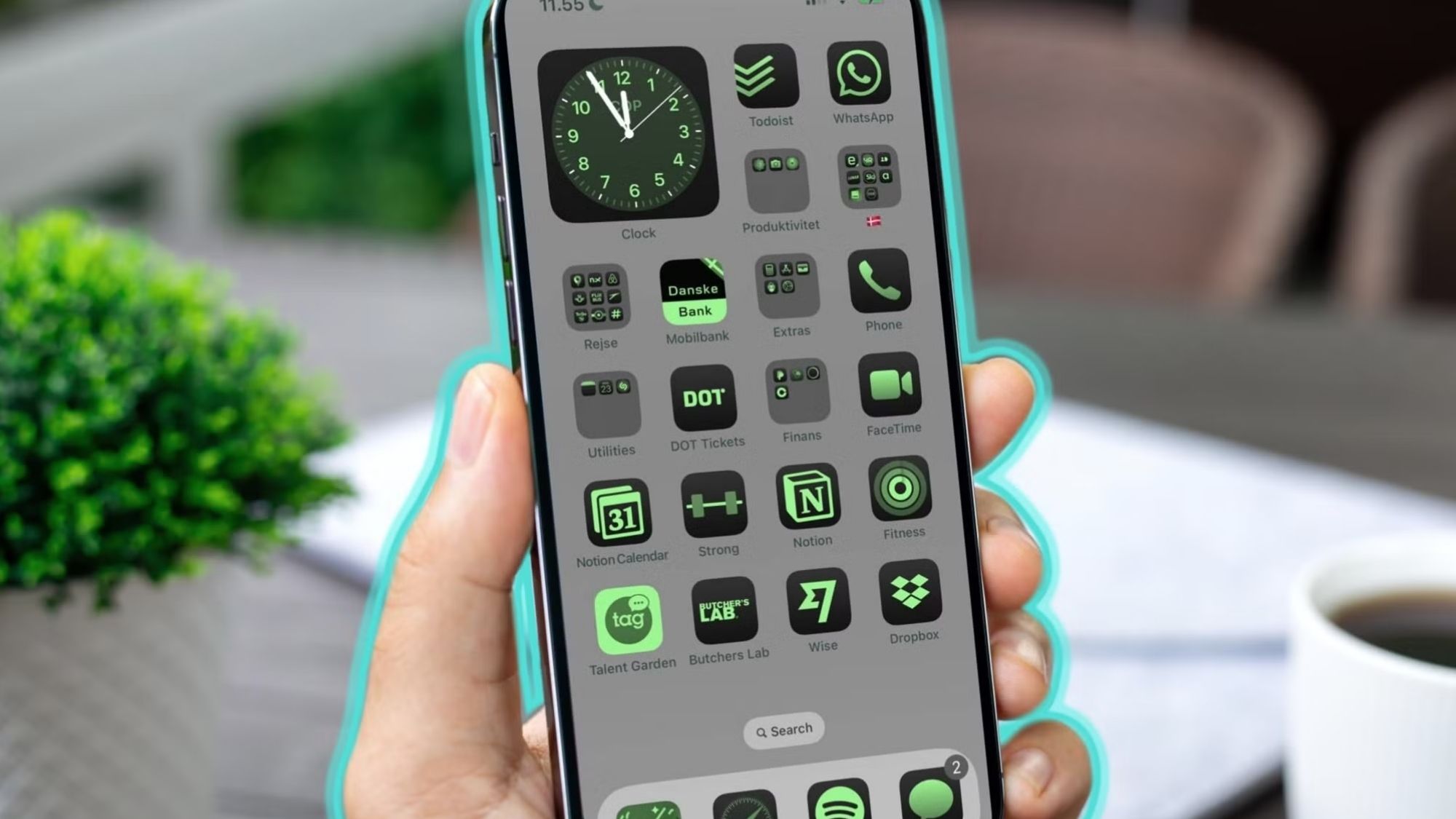
The app specializes in ready-to-use aesthetic packs that tie your entire home screen together in one tap. It includes polished clock widgets, minimalist calendar layouts, motivational text widgets, and fully matched icon sets. Every prebuilt theme feels intentional and cohesive.
It’s the go-to choice for trending aesthetic setups: soft pastel palettes, sleek dark-mode configurations, ultra-clean minimalist layouts, and seasonal holiday-themed home screens. It eliminates the guesswork of mixing and matching disjointed widgets manually.
Pros
Incredibly intuitive, zero-fuss interface
Complete home screen setups in minutes
Curated, high-quality prebuilt themes
Seamless matching icon pack integration
Perfect for beginners with no design experience
Cons
Far less customizable than advanced tools like Widgy
Frequent subscription prompts can feel intrusive
Many themes follow similar formulas, leading to repetitive designs
Best For
Users who want an instantly stylish home screen without manual design work.
Photo Widget: Simple (iOS)
Availability: iPhone
Pricing: Free base version; optional premium features
Real-World Performance Breakdown
Most widget apps try to do everything at once. Photo Widget: Simple does one job and does it exceptionally well: making photo-based home screen widgets look clean and intentional.
It skips bloated productivity tools and complex editing features entirely. Instead, it focuses on elegant photo rotation widgets, minimalist single-image displays, polished collage layouts, and transparent background styling that blends seamlessly with your wallpaper. Setup takes seconds, with no confusing menus or technical steps.
This app shines for memory-focused home screens, mood board layouts, minimalist photo grids, and personal couple or family lock screen setups. It’s lightweight, fast, and purpose-built for visual warmth rather than data display.
Pros
Ultra-fast, beginner-proof setup process
Industry-best polished photo widget designs
Lightweight app with no lag or bloat
Virtually no learning curve
Consistently clean, cohesive visual styling
Cons
No advanced productivity or data-focused widgets
Poor fit for users building utility-driven home screens
Overall customization flexibility is limited
Best For
Users prioritizing personal, photo-driven aesthetic layouts.
Top Widgets (iOS)
Availability: iPhone
Pricing: Free version available; subscription unlocks full themes
Real-World Performance Breakdown
Top Widgets combines every popular home screen customization tool into one single app: widgets, full themes, custom app icons, charging animations, interactive utilities, and complete home screen packs. All-in-one tools usually feel bloated and disjointed, but this app pulls it off surprisingly well.
It specializes in trending, modern aesthetic setups popular across social media. Its library includes vibrant anime layouts, sleek glassmorphism designs, moody minimalist dark themes, and on-trend TikTok-style UI packs. It’s not as refined or precise as Widgy’s custom builds, but it’s far more approachable for casual users chasing current design trends.
Pros
Massive, frequently updated template library
Unified theme and icon integration for cohesive designs
Regular new aesthetic pack updates year-round
Simple setup for complete home screen overhauls
Wide variety of trendy visual styles
Cons
Aggressive subscription upgrade prompts
Some widgets prioritize style over practical daily use
Busy interface can feel cluttered at first glance
Best For
Users who want trendy, polished home screens without building every element manually.
Final Verdict
Widgetsmith remains the best overall widget app for most iPhone users in 2026. It strikes the perfect middle ground anyone can appreciate: simple enough for beginners, flexible enough for creative tweaks, stable for daily use, and balanced equally for aesthetics and functionality.
Best All-Around Widget App: Widgetsmith
Best for Advanced Customization: Widgy
Best for Instant Aesthetic Themes: Color Widgets
Best Minimal Photo Widget Tool: Photo Widget: Simple
Best Trending Theme Packs: Top Widgets
The Real Truth Behind Stunning iPhone Aesthetic Setups
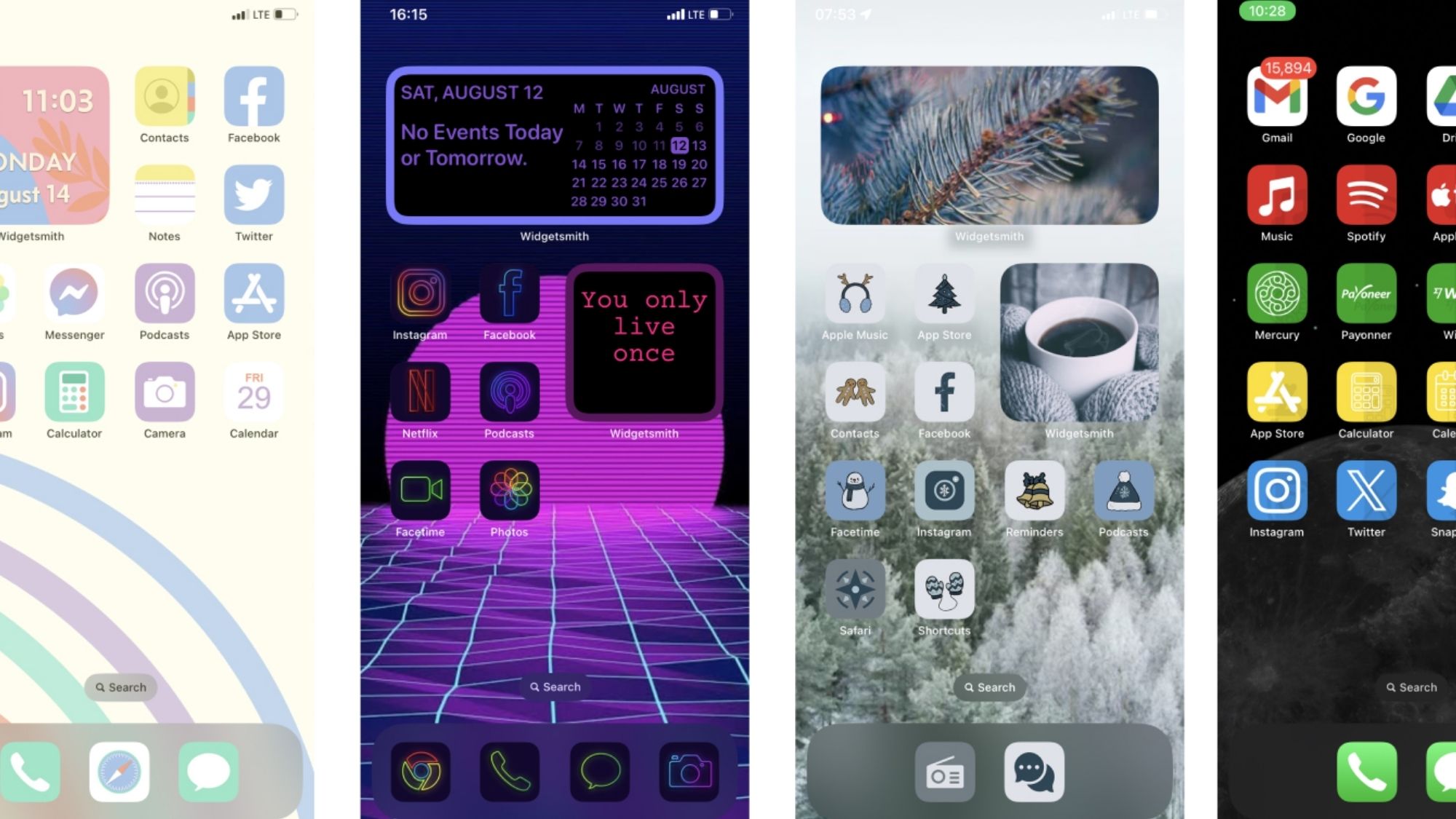
Perfect viral-worthy home screens almost never rely on just one app. They’re carefully layered combinations of tools and design choices. Most top-tier layouts blend custom Widgy designs, timed Widgetsmith rotations, custom Shortcuts icons, tailored wallpapers, transparent overlays, and cohesive color palettes.
This layered approach explains why Widgy dominates design communities on Reddit and YouTube. Its flexible framework lets creators build unique templates others can download, adapt, and remix endlessly.
Still, there’s a critical balance every customizer needs to consider. Many ultra-stylized layouts look incredible in screenshots but feel cumbersome during daily use. The best designs always merge clean visual appeal with practicality: smart information density, uncluttered visuals, one-tap access to key tools, and consistent styling across every screen.
iPhone home screen customization has evolved far past basic widget swapping in 2026. It’s now a form of personal UI design. These accessible apps let anyone craft a phone interface that looks beautiful and works better for their unique daily routine.