

Ace the Interview: Apps That Can Actually Help You Pass the US Citizenship Civics Test
For many people, becoming a naturalized U.S. citizen comes down to one final hurdle: the interview.
And despite what a lot of applicants assume, the civics section isn’t a standard multiple-choice test where you tap answers on a screen and move on. It’s personal. Face-to-face. A USCIS officer asks questions out loud—in English—and you respond on the spot.
That changes things.
Knowing the facts is only part of the challenge. You also have to hear the question clearly, process it quickly, and answer with confidence. Easy when you're studying at home? Maybe. Sitting across from an officer during an immigration interview? Different story.
The structure itself can vary, too. Applicants who filed Form N-400 before October 20, 2025 follow the older 2008 format: a pool of 100 questions, with six correct answers needed out of ten asked. File later, and you may be tested under the newer 2025 version—128 possible questions, with twelve correct answers required out of twenty.
Then there’s the local information piece, which catches plenty of people off guard. Questions about your governor, senators, or House representative aren’t universal. They depend entirely on where you live.
So not every study app deserves a spot on your phone.
We looked beyond flashy quiz interfaces and endless multiple-choice drills. The focus was simple: Does the app prepare you for speaking out loud? Does it support the correct test version? And can it handle location-specific questions automatically?
Here are the apps worth your time.
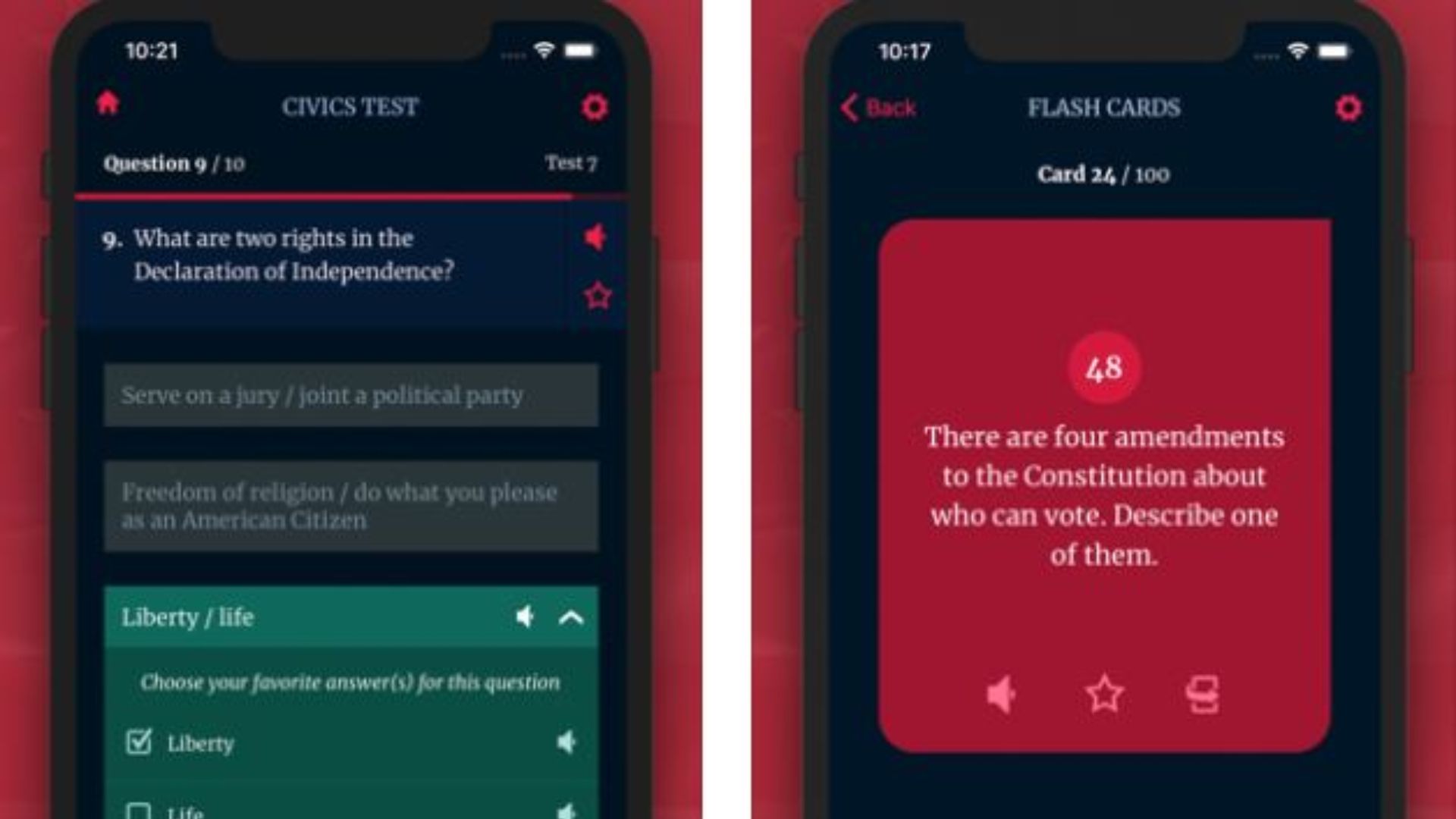
Citizenry: US Citizenship
Availability: Android
Pricing: Free basic features / Premium unlocks full mock interview access
What It Feels Like to Use
If there’s one thing that throws people off during the naturalization interview, it’s nerves.
You know the answer. You studied the answer. Then suddenly someone asks the question directly and your brain decides to take a brief vacation.
Citizenry seems built around that exact problem.
Its strongest feature is a Video Mock Interview Simulator, and unlike many apps that simply recycle flashcards, this one creates a practice experience that feels surprisingly close to the real thing. A virtual USCIS officer asks questions aloud, and you answer directly into your microphone. The app listens, checks pronunciation, and evaluates your response.
Not perfect, of course. But close enough to create a little pressure.
Which turns out to be useful.
Because the first time you answer citizenship questions out loud probably shouldn’t be during the actual interview.
Pros
· Supports both the older 2008 test and the newer 2025 question bank depending on filing date.
· Strong multilingual support, including Spanish, Chinese, Arabic, and Vietnamese, making it easier to learn concepts before transitioning into English practice.
Cons
· The strongest features sit behind a premium subscription.
· Android users currently miss out entirely.
US Citizenship Test 2026 Plus
Availability: IOS
Pricing: Free with ads / One-time purchase removes ads
What It Feels Like to Use
Some civics questions are straightforward.
How many amendments does the Constitution have? Fine.
Who wrote the Declaration of Independence? Also fine.
Then you hit: Who is your current representative?
That’s where things become annoying.
Most people end up opening browser tabs, searching government sites, scribbling names into notes—and hoping nothing changes before test day.
This app handles that part well.
Its location system automatically pulls your governor, senators, and representatives into your study materials. Flashcards and practice tests adapt based on your area, and if election results change the lineup, updates happen automatically.
Small feature. Big time saver.
Pros
· No subscription treadmill. Remove ads once and you're done.
· Flexible audio playback lets you repeat questions while driving, commuting, or doing chores.
Cons
· Practice sessions lean heavily toward multiple-choice testing.
· The interface works fine, but visually it feels pretty basic.
· Functional? Absolutely. Memorable? Not really.
US Citizenship Test 2026 (by VZ Inc)
Pricing: Free with ads
What It Feels Like to Use
For Android users who just want a straightforward study tool without subscriptions or complicated systems, this one keeps things simple.
Its best feature isn't flashy.
You can "star" questions that repeatedly trip you up—historical dates, constitutional amendments, names, whatever keeps slipping through the cracks. The app then cycles those weak areas back into future sessions over and over.
Sounds repetitive.
That’s because memorization often is.
And for a test built around recalling dozens of facts under pressure, repetition matters more than people sometimes want to admit.
Pros
· Full question access without paywalls.
· Built-in audio reads questions aloud, which helps train listening comprehension.
Cons
· Frequent advertisements interrupt study flow.
· No interactive voice testing. You still have to judge your own spoken answers.
· That last part matters more than it sounds.
Recognizing an answer and saying it confidently are two different skills.
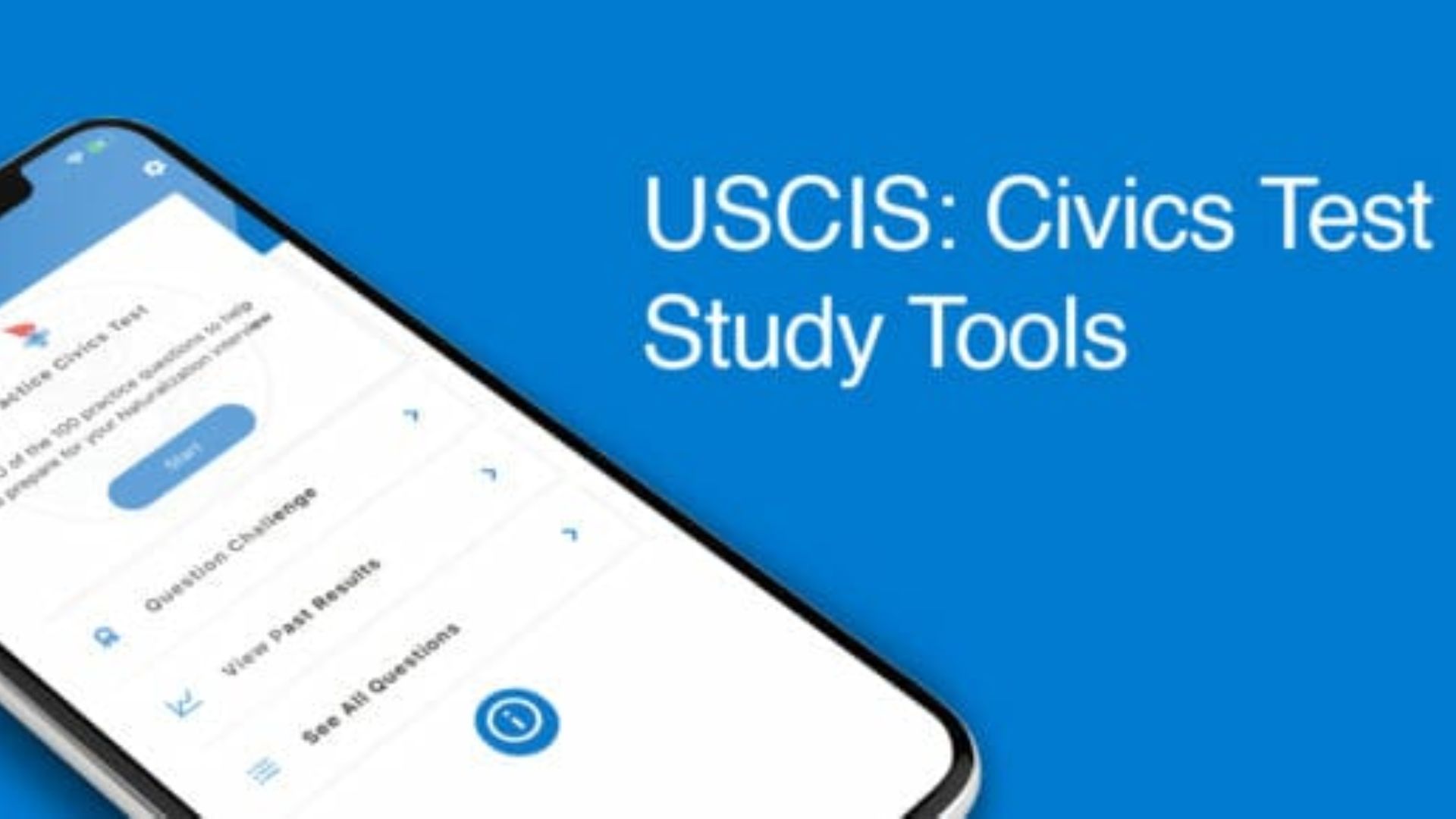
USCIS: Civics Test Study Tools
Pricing: Completely free
What It Feels Like to Use
Sometimes the biggest advantage isn't design or features.
It's certainty.
This is the official app created by USCIS itself, which means there’s no guessing whether information has been simplified, reworded, or interpreted by a third party. The wording matches the official material because it is the official material.
That peace of mind carries weight.
Especially for an exam where accuracy matters.
Pros
· Free. No ads. No subscriptions. No hidden upgrades.
· Built directly by the agency responsible for the actual test.
Cons
· Very limited feature set.
· No mock interviews, voice practice, or automatic local question support.
· It feels more like a study handbook in app form than a modern learning tool.
Useful? Definitely.
Exciting? Not exactly.
Final Thoughts
For iPhone users, Citizenry: US Citizenship stands out as the strongest overall option. Android users will probably get the most practical value from US Citizenship Test 2026 (by VZ Inc).
Because here’s the thing: the difficult part of the citizenship interview usually isn’t spotting the right answer on a screen.
It’s hearing a question in English from a government officer... pausing for a split second... and saying the answer back confidently.
Flashcards help build knowledge. Official materials keep you accurate. But Citizenry goes one step further by recreating the pressure of the actual experience.
It gets you talking.
And when interview day finally arrives, that matters. A lot.