

Stop Texting “Do We Need Milk?”: 5 Grocery List Apps Couples Swear By in 2026
Almost every couple has experienced the same frustrating scenario: one person buys eggs because they assume the fridge is empty, while the other person buys another carton at a different store an hour later. Somehow, there are now too many eggs in the kitchen — but nobody remembered paper towels.
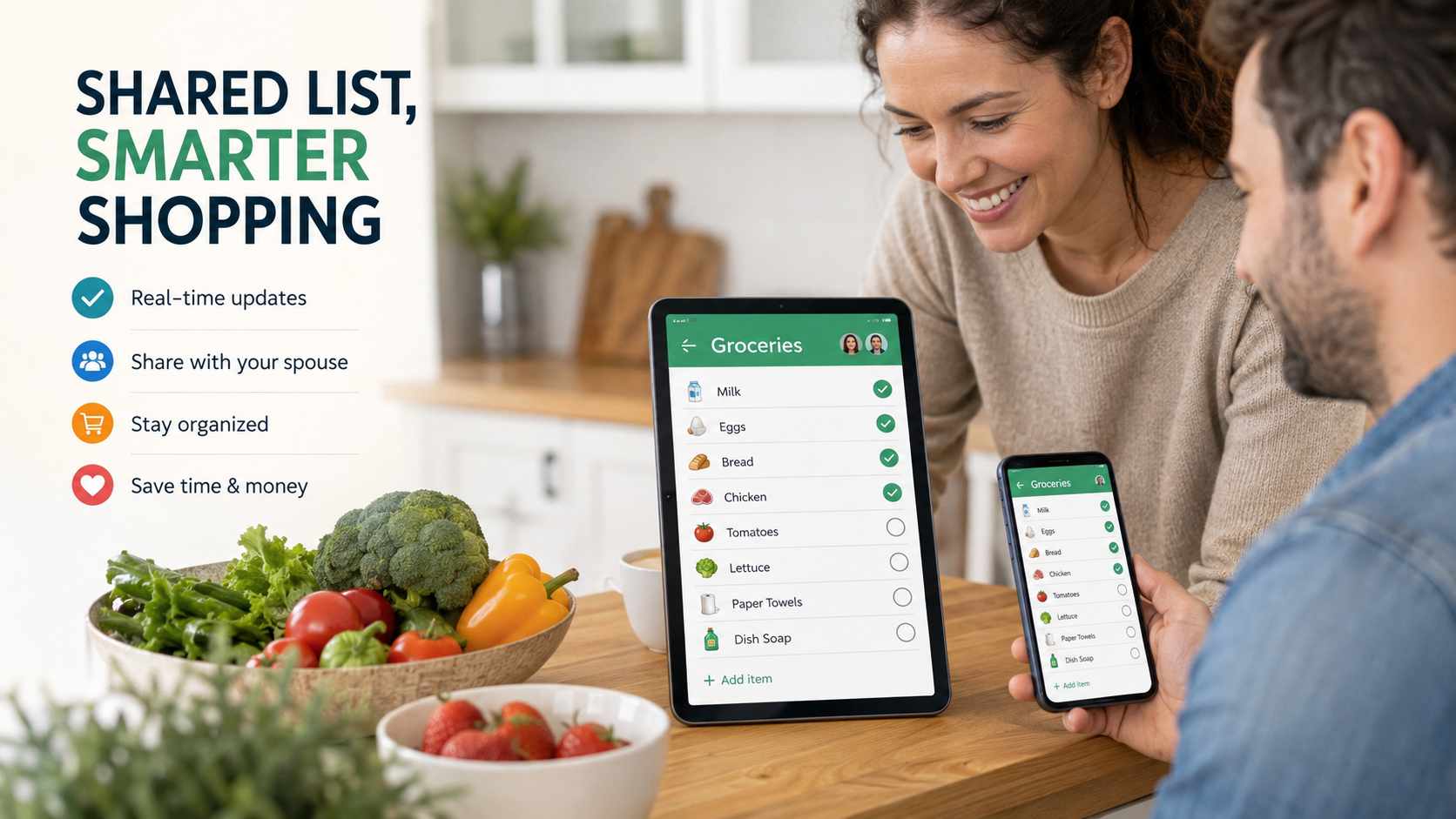
That exact problem is why shared grocery list apps have become increasingly popular over the past few years. The best apps reduce unnecessary texting, prevent duplicate purchases, and allow couples to update shopping lists in real time while shopping separately.
However, after comparing many grocery and family organizer apps currently available in 2026, one thing quickly becomes obvious: many apps advertise “real-time syncing,” but only a small number actually deliver a smooth, reliable experience consistently.
For this guide, the evaluation focused exclusively on apps currently available on the US Apple App Store and Google Play Store. The testing criteria centered specifically on couples managing a shared household rather than productivity teams or business collaboration.
The evaluation considered:
Real-time syncing reliability
Ease of use during grocery trips
Cross-platform compatibility
Pricing transparency
Speed of adding and editing items
Long-term usability after several weeks of use
These were the apps that stood out the most.
AnyList (iOS & Android)
AnyList
The Reality: The Most Complete Grocery List Experience for Couples
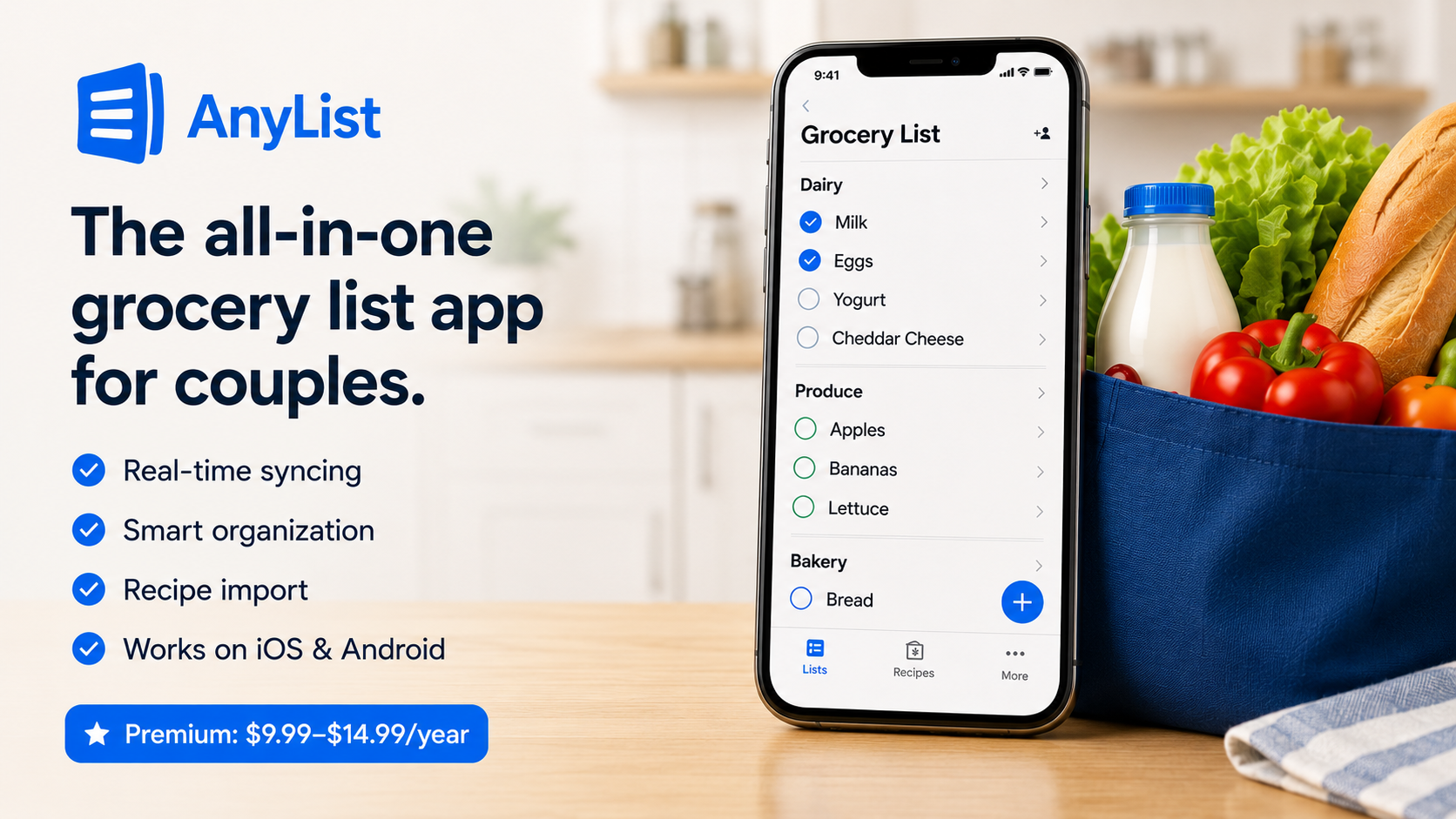
Among all the grocery list apps tested, AnyList consistently delivered the most polished overall experience for couples sharing household shopping responsibilities.
One of the app’s strongest features is its intelligent grocery organization. Items are automatically grouped into categories such as dairy, produce, frozen foods, and bakery items. While that may sound minor at first, it noticeably improves the shopping experience inside larger grocery stores by reducing backtracking through aisles.
Its real-time syncing performance was also excellent. During testing across multiple devices, updates appeared almost instantly. If one person checked off “bread,” it disappeared from the second device within seconds.
Another standout feature is recipe integration. Users can import recipes directly from websites and automatically transfer ingredients into a shared grocery list. For couples who regularly cook or meal prep together, this feature adds meaningful convenience.
The free version covers basic functionality, but many of the more advanced collaboration and meal-planning features require an AnyList Complete subscription, which typically ranges from approximately $9.99 to $14.99 per year.
Pros
Excellent real-time syncing
Smart grocery category organization
Strong recipe import functionality
Clean, modern design
Smooth experience across iPhone and Android
Cons
Best features require a paid subscription
Advanced tools may feel excessive for casual users
Slight learning curve for power features
OurGroceries (iOS & Android)
OurGroceries
The Reality: The Most Reliable Syncing Performance
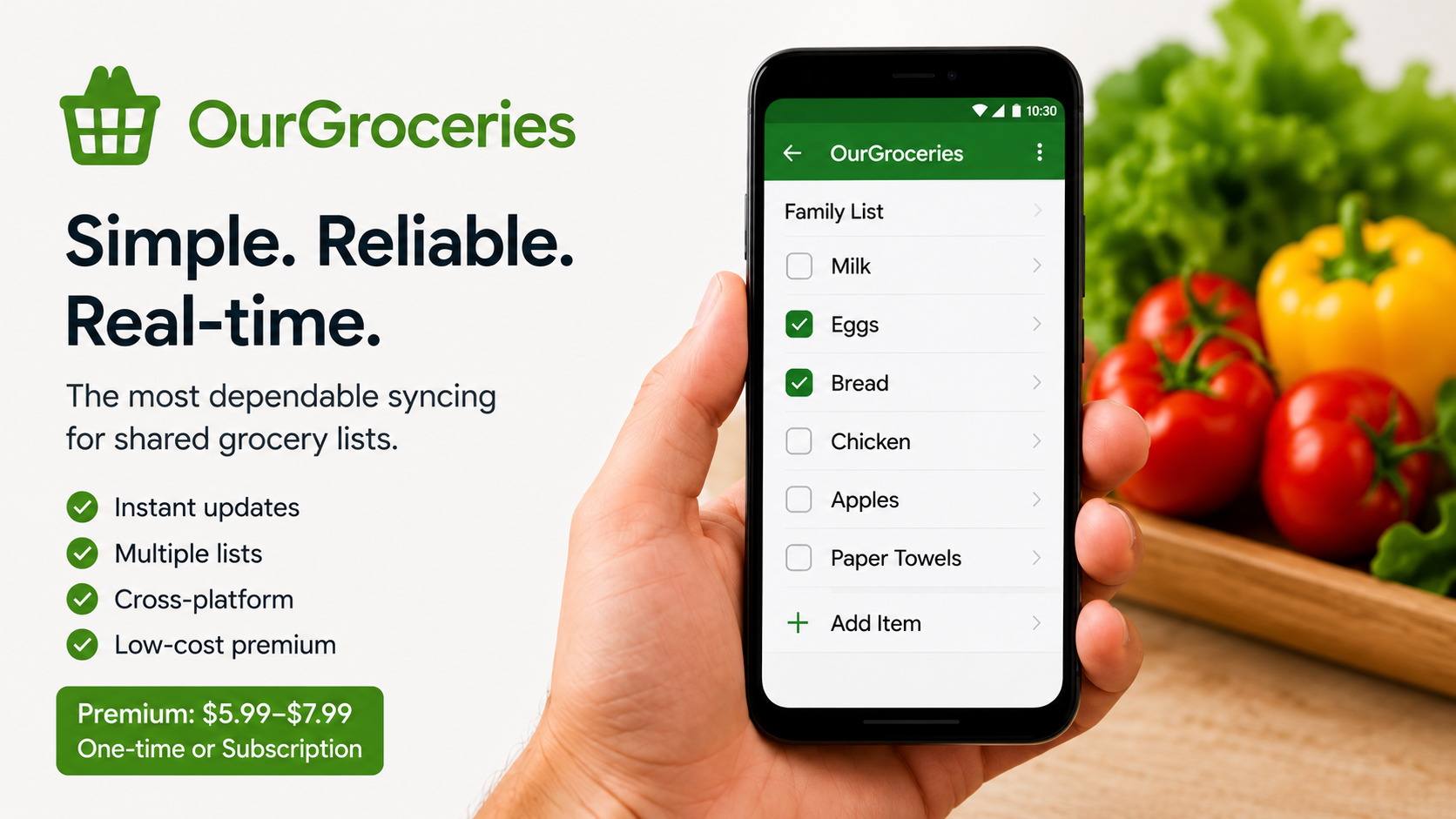
OurGroceries does not have the flashiest interface, but it may be the most dependable grocery-sharing app currently available.
Compared to newer competitors, the design feels noticeably dated. However, once used during actual shopping trips, the app’s practical strengths become much more apparent.
The biggest advantage is syncing reliability.
Updates appeared almost immediately across multiple devices throughout testing, even in stores with weaker mobile reception. For couples who frequently divide shopping duties between different locations, that level of reliability becomes extremely valuable.
The app also handles multiple shopping lists particularly well. Separate lists for warehouse stores, pharmacies, weekly groceries, and household supplies were easy to organize and manage.
The free version contains ads, but the premium upgrade remains relatively affordable, typically ranging between $5.99 and $7.99 depending on platform and region.
Pros
Extremely dependable syncing
Fast item entry
Excellent multi-list support
Performs well on older devices
Affordable premium pricing
Cons
Interface feels outdated
Ads included in the free version
Fewer automation features than competitors
Bring! (iOS & Android)
Bring!
The Reality: The Best Option for Visual Shoppers
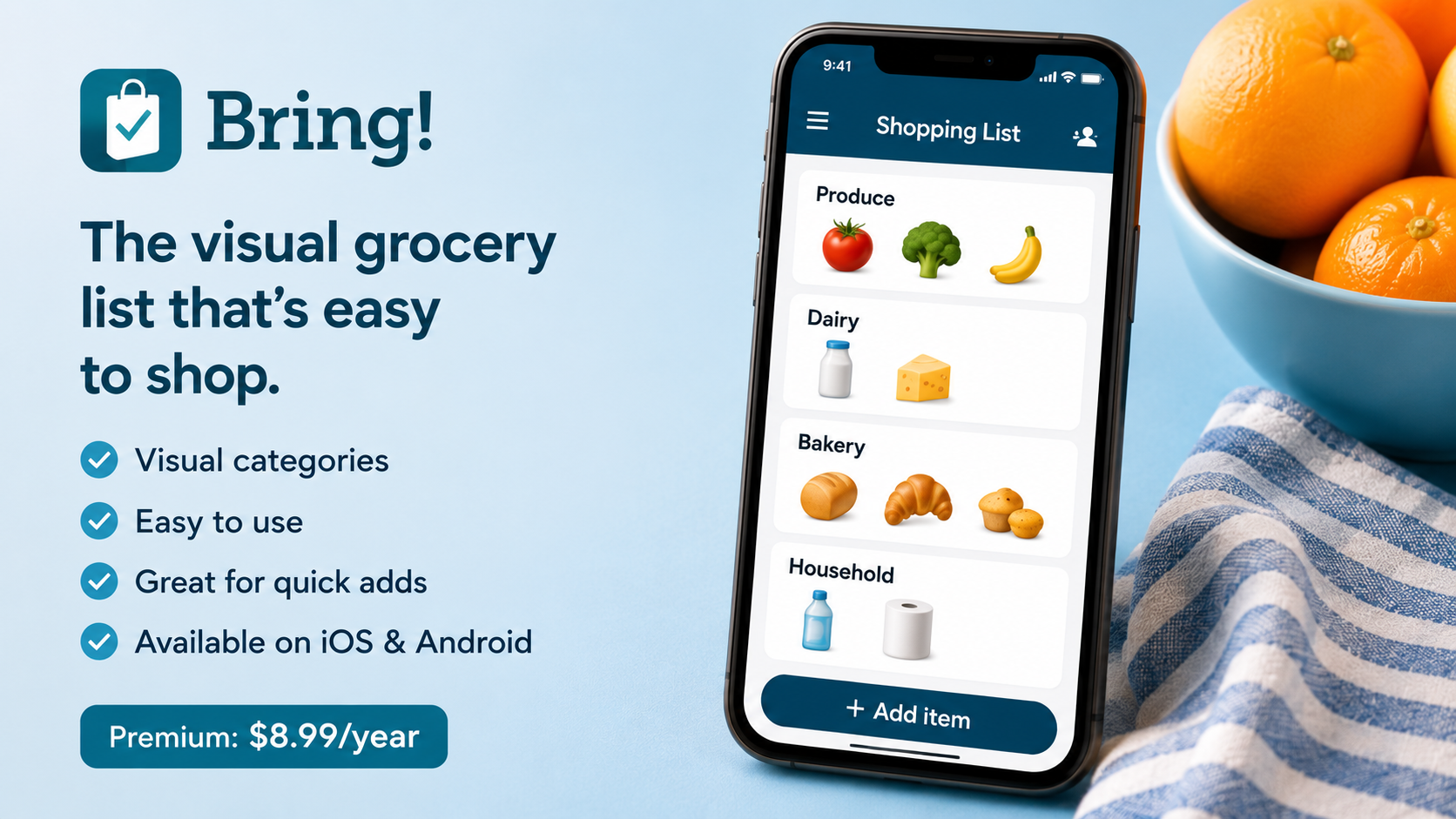
Bring! takes a more visual approach than most grocery list apps currently available.
Instead of relying heavily on text-based lists, the app uses large icons and category visuals that are easier to scan while walking through a store. During testing, this design genuinely made shopping feel quicker and less cluttered.
For couples who dislike overly technical or productivity-focused apps, Bring! feels more approachable and casual.
Item entry is fast, and the collaborative features generally performed well across multiple devices. Syncing reliability remained solid overall, although there were occasional delays in areas with weak internet connections. While still usable, competitors like OurGroceries felt slightly faster under poor network conditions.
One potentially divisive feature is the app’s built-in promotions and shopping suggestions. Some users may appreciate the additional shopping assistance, while others may find the promotional content distracting.
Bring! is free to use, with optional premium subscriptions available at approximately $8.99 annually.
Pros
Attractive visual design
Easy to use while shopping
Strong collaboration tools
Fast item management
Beginner-friendly interface
Cons
Promotional content may feel cluttered
Organization tools are less advanced
Occasional syncing delays
Google Keep (iOS & Android)
Google Keep
The Reality: The Best Completely Free Alternative
Although Google Keep is technically a note-taking app rather than a grocery list app, many couples still use it successfully for shared shopping lists.
The biggest advantage is simplicity.
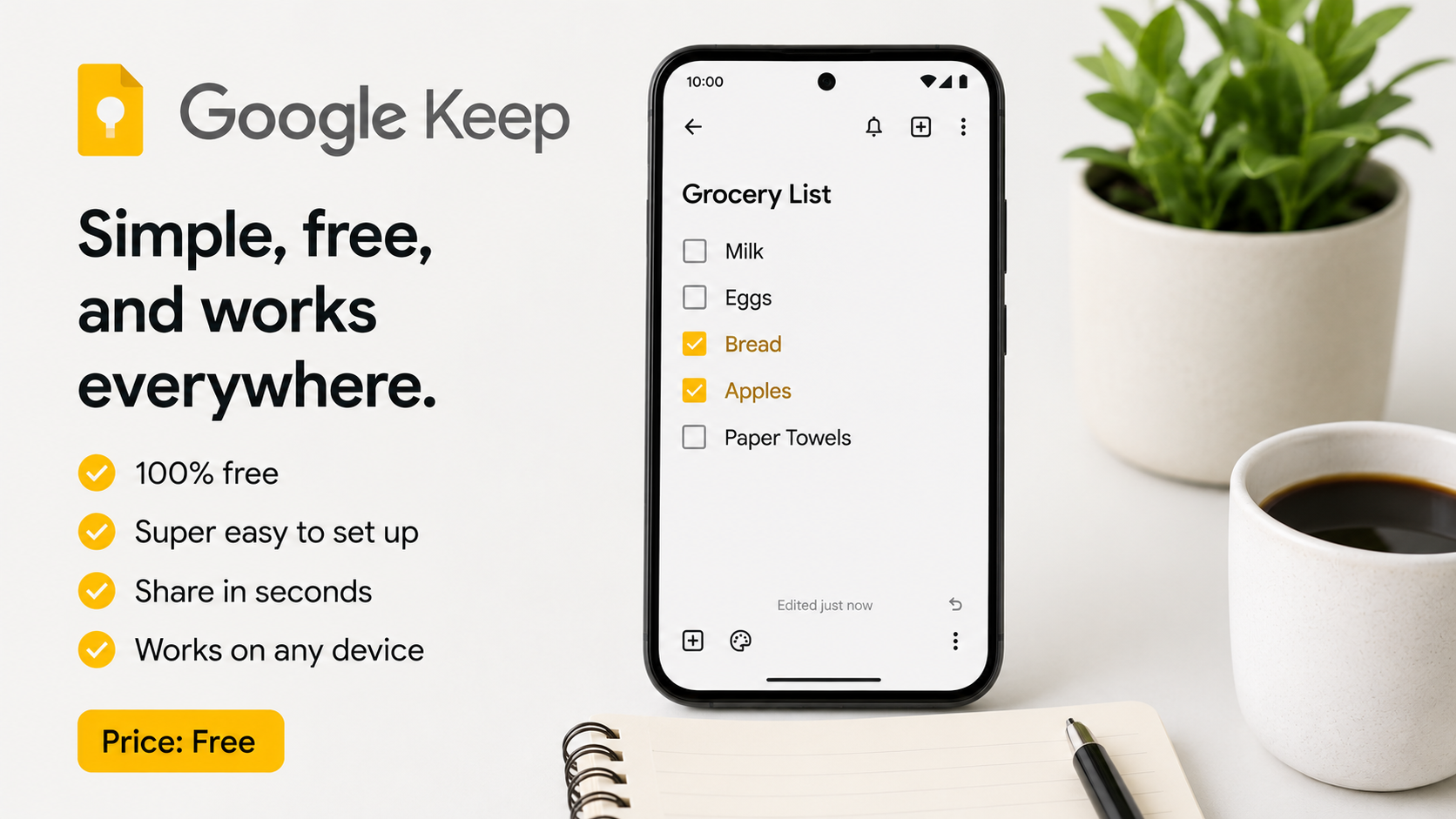
Creating a shared checklist takes less than a minute, and most users already have a Google account connected to their devices. Both users can edit lists simultaneously without needing additional setup or subscriptions.
For basic grocery coordination, Google Keep performs surprisingly well.
During testing, checklist updates synced quickly most of the time, and the minimalist interface made the app extremely easy to use. Unlike many competitors, Google Keep does not constantly encourage premium upgrades or extra paid features.
However, limitations become more obvious with long-term use. The app lacks automatic grocery categorization, recipe integration, and advanced list organization tools. Maintaining several shopping lists at once can quickly become messy.
Some users have also reported occasional syncing delays in areas with poor internet connectivity.
Still, for couples looking for a lightweight and completely free solution, Google Keep remains one of the strongest options available.
Pros
Completely free
Extremely easy setup
Works across nearly all devices
No subscription pressure
Clean, simple experience
Cons
Not specifically designed for grocery shopping
Limited organizational features
Lists can become cluttered
Syncing is not always perfect
Cozi Family Organizer (iOS & Android)
Cozi Family Organizer
The Reality: Better for Busy Families Than Dedicated Grocery Shopping
Cozi approaches grocery lists differently because shopping is only one part of its broader household management system.
In addition to grocery lists, the app includes shared calendars, reminders, meal planning, and family scheduling tools. For couples managing children, appointments, and complex schedules, this broader functionality can be extremely useful.
The grocery list feature itself performs adequately. Shared updates synced reliably during testing, and list sharing remained straightforward. However, compared directly with dedicated grocery apps like AnyList, the shopping experience feels less refined and specialized.
The biggest drawback is advertising. The free version contains fairly aggressive ads that many users may find distracting over time.
Premium plans remove advertisements and unlock additional features, but some users may prefer investing in a more focused grocery app instead.
Pros
Combines grocery lists with family planning tools
Helpful shared calendar integration
Useful for busy households
Reliable collaboration system
Cons
Grocery features are less specialized
Ads in the free version are intrusive
Interface can feel overwhelming
Premium costs increase over time
Final Verdict
For couples specifically looking for a reliable, real-time grocery list app in 2026, AnyList stands out as the strongest overall option.
It consistently offered the best balance of instant syncing, intelligent organization, ease of use, and genuinely practical features during testing. Rather than feeling like a generic productivity app adapted for shopping, AnyList feels purpose-built for shared household grocery management.
That said, the ideal choice still depends on individual priorities:
Choose AnyList for the most complete grocery-focused experience.
Choose OurGroceries for the most reliable syncing performance.
Choose Bring! for a more visual shopping experience.
Choose Google Keep for a completely free and simple solution.
Choose Cozi for broader household and family organization.
Ultimately, the best grocery list apps are not necessarily the ones with the most features. The most effective apps are the ones that quietly fit into everyday routines, reduce shopping mistakes, and make shared household management feel easier instead of more complicated.