


 Google LensTools
4.7

Personalization
Ratings
Downloads
Age
Advertisement
Advertisement
Name
Category
Price
Safety
Developer
Version
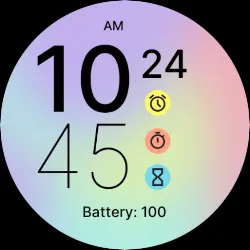
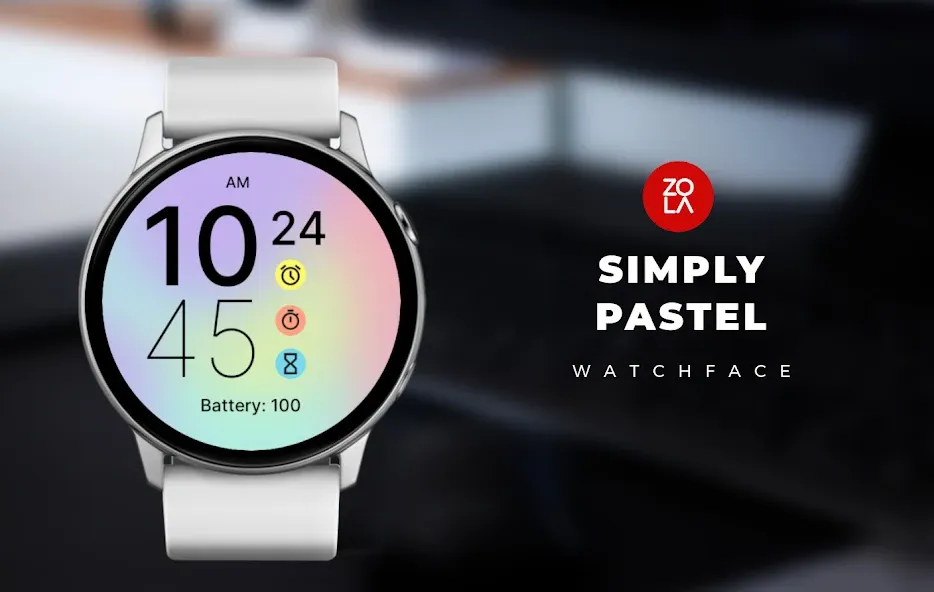
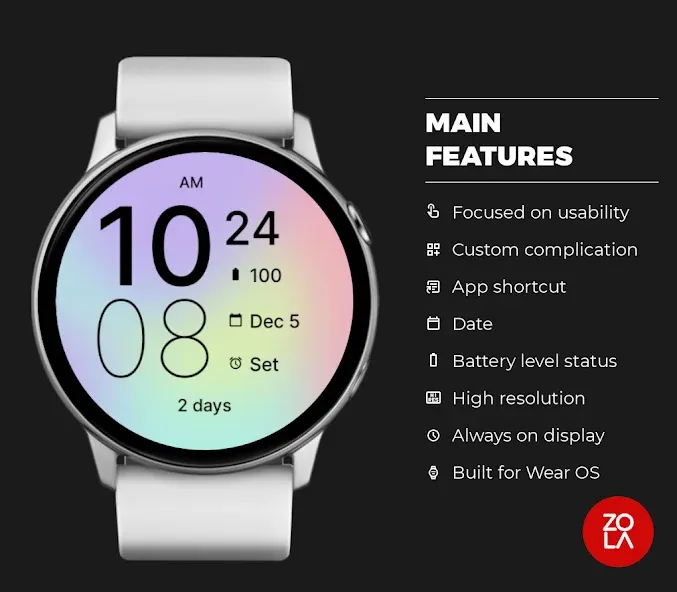
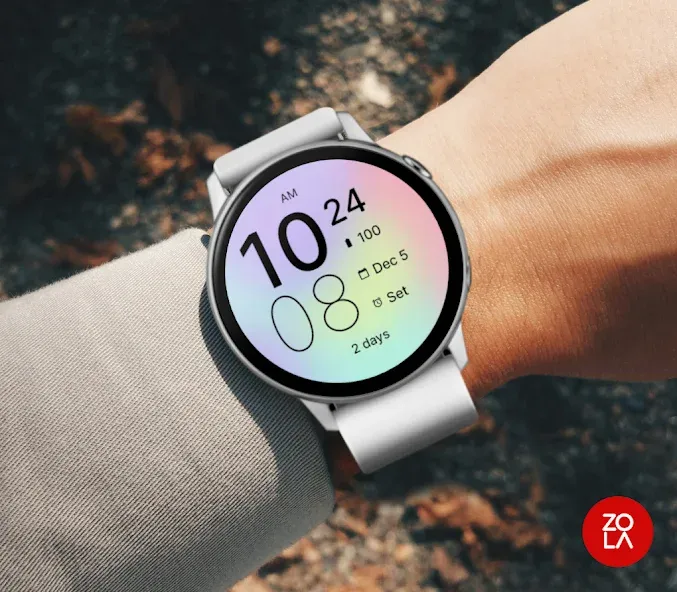
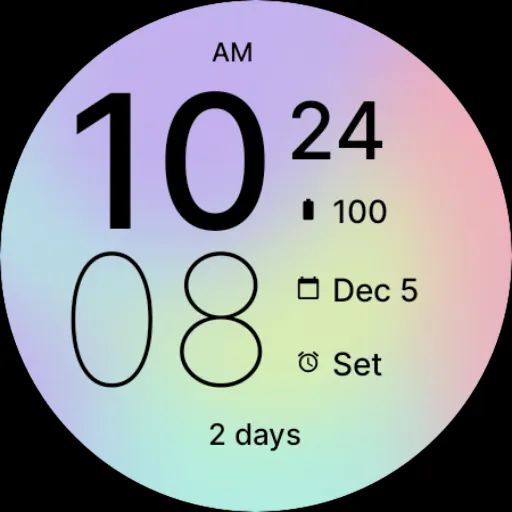
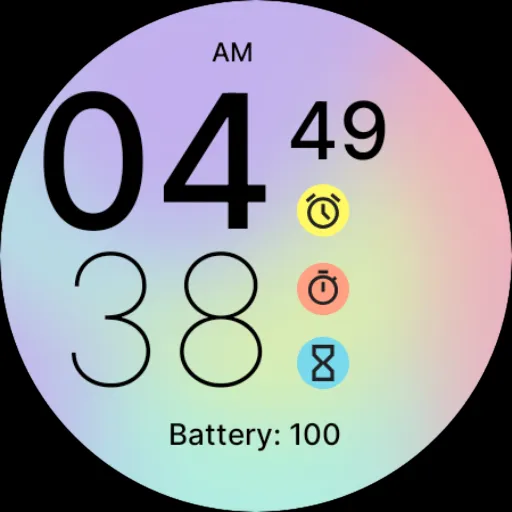
The Simply Pastel Watch Face offers a modern, minimalist design for Wear OS, featuring a digital display in soft pastel hues, enhancing elegance and simplicity.
Main Features:
- Digital time display
- 12/24 hours mode based on device settings
- AM/PM marker
- Battery level status
- Date
- Customizable widget complications
- Customizable app shortcut
- Always on display
- Built for Wear OS smartwatches
Custom Widget Complications:
- SHORT_TEXT complication
- SMALL_IMAGE complication
- ICON complication
Installation:
- Make sure the watch device is connected to the phone
- On the Play Store, select your watch device from the install drop-down button. Then tap install.
- After a few minutes the watch face will installed on your watch device
- Alternatively, you can install the watch face directly from on-watch Play Store by searching this watch face name between quotation marks.
Note:
Widget complications shown in the application description are for promotional only. Custom widget complications data depends on your installed applications and watch manufacturer software.
Advertisement














