 Google Maps Go
4.1


Parenting
Ratings
Downloads
Age
Advertisement
Advertisement
Name
Category
Price
Safety
Developer
Version
If your family’s safety is a top priority, then the Findmykids parental control app & GPS family tracker is just for you!
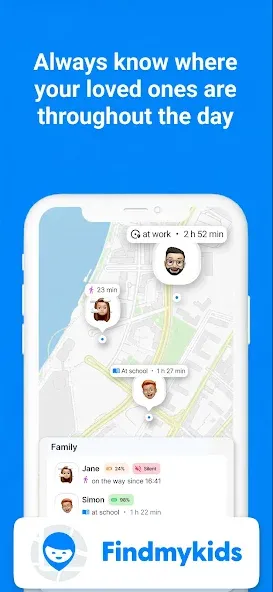
Findmykids delivers parental control, find my phone help, and precise location tracking in one GPS phone location tracker and a GPS tracker app.
Whether you come from Family Link, Qustodio parental control app or the Qustodio kids app, or you looked at Airdroid parental control, you’ll feel right at home with our clear geolocator built for parents: simple to start, reliable day to day, and respectful of your family’s privacy.
Parents who tried the iSharing gps location tracker, the Geozilla family gps locator, or an X gps tracker often say Findmykids is easier to start and easier to trust. It keeps focus on what matters: helping you understand where your child is, how they move through the day, and when they may need your attention. With thoughtful alerts and tools that support everyday routines, you stay informed without feeling overwhelmed.
It also pairs seamlessly with a child’s phone; if you used Setracker2 or the Setracker2 watch app before, moving over is straightforward. If you want a simple geo tracker app that centers on clarity and results, you’re in the right place. Set it up once and rely on consistent updates that help you make the right decisions fast.
Key features parents value:
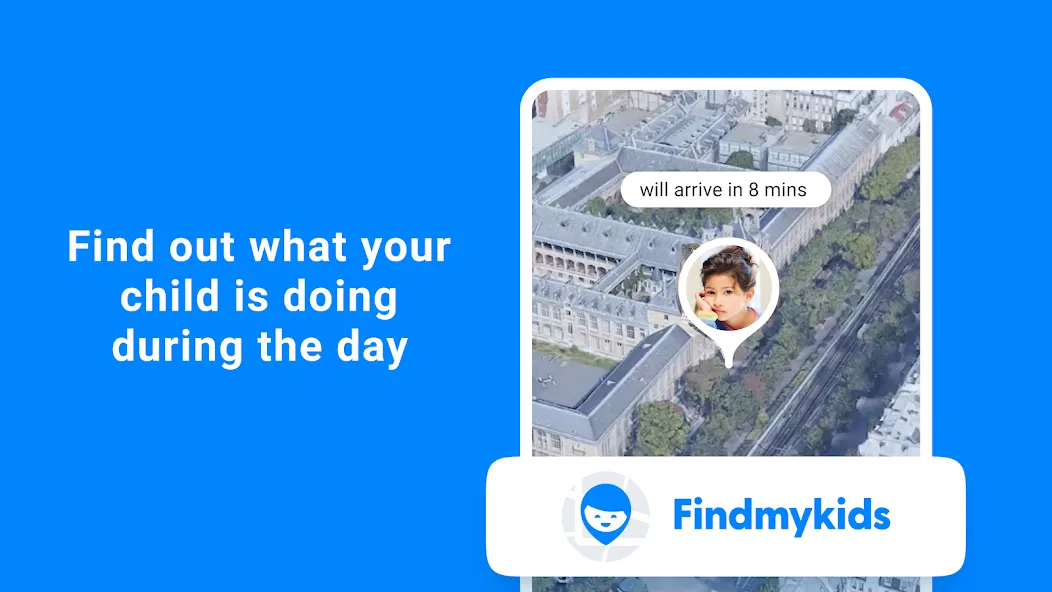
• Kid’s live location tracker and route — View your child’s current position in real time and review the route and places visited during the day.
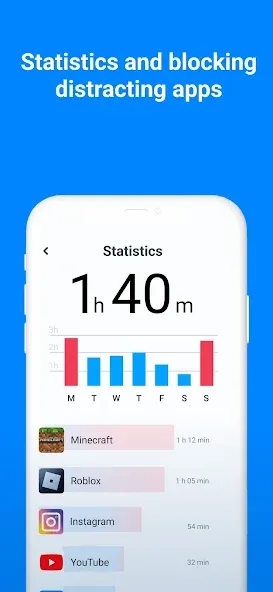
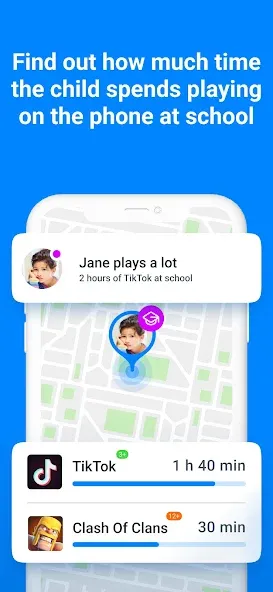
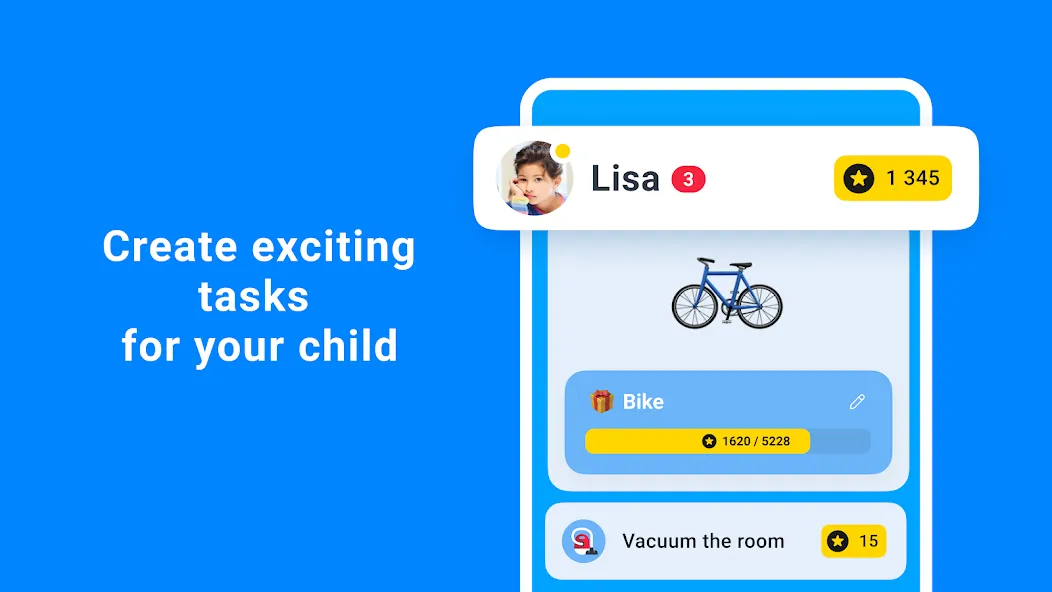
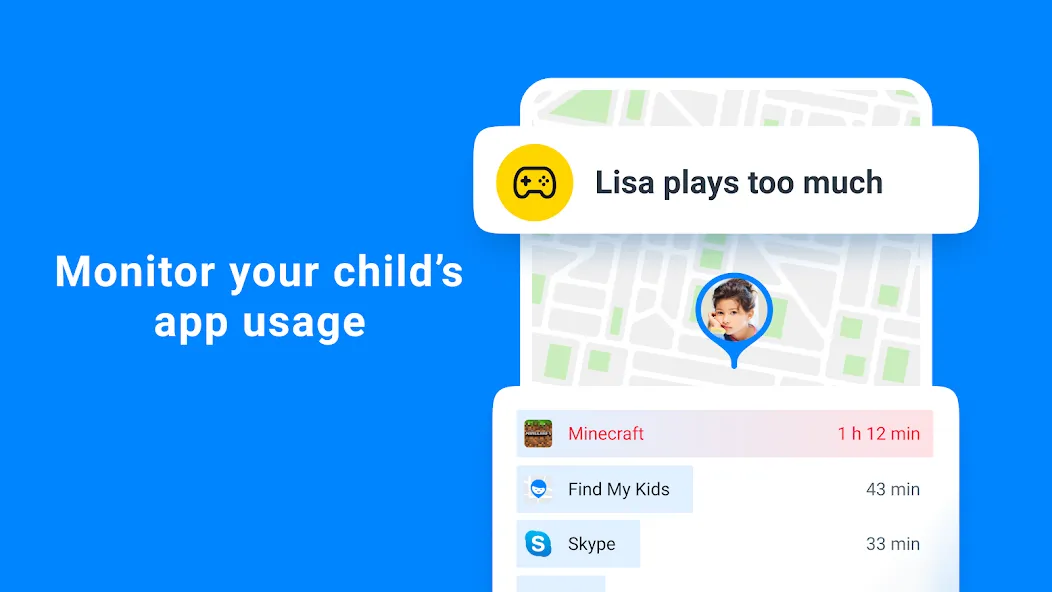
• Parental control — See how much time your child spends on apps at school and keep screen time balanced.
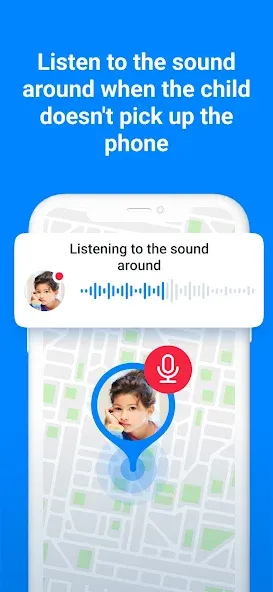
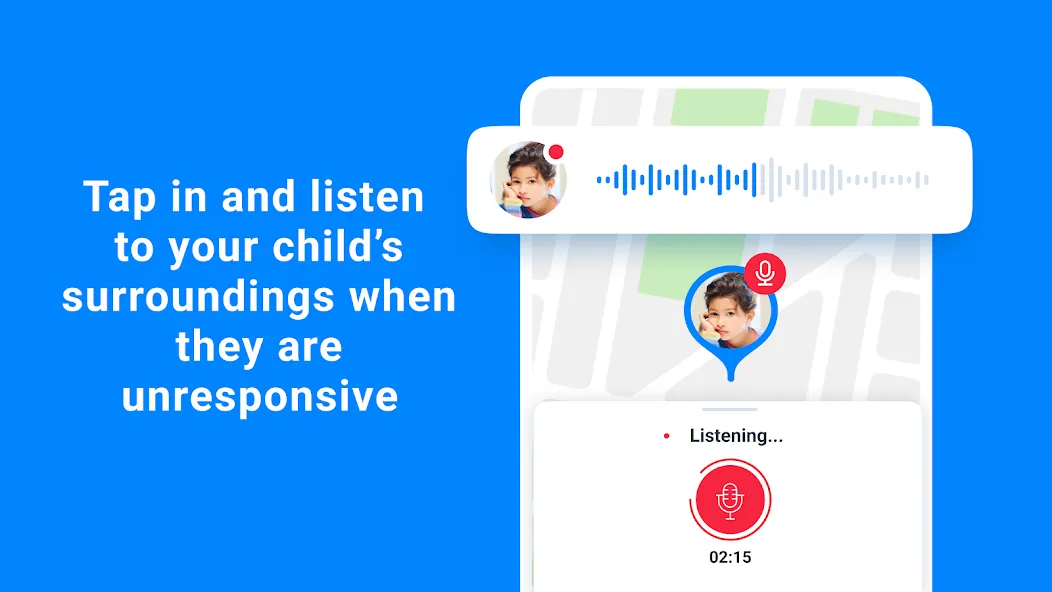
• Live listen to sound around — Hear what’s happening around your child when you need to be sure they are safe.
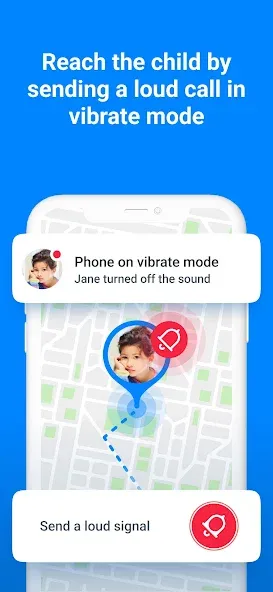
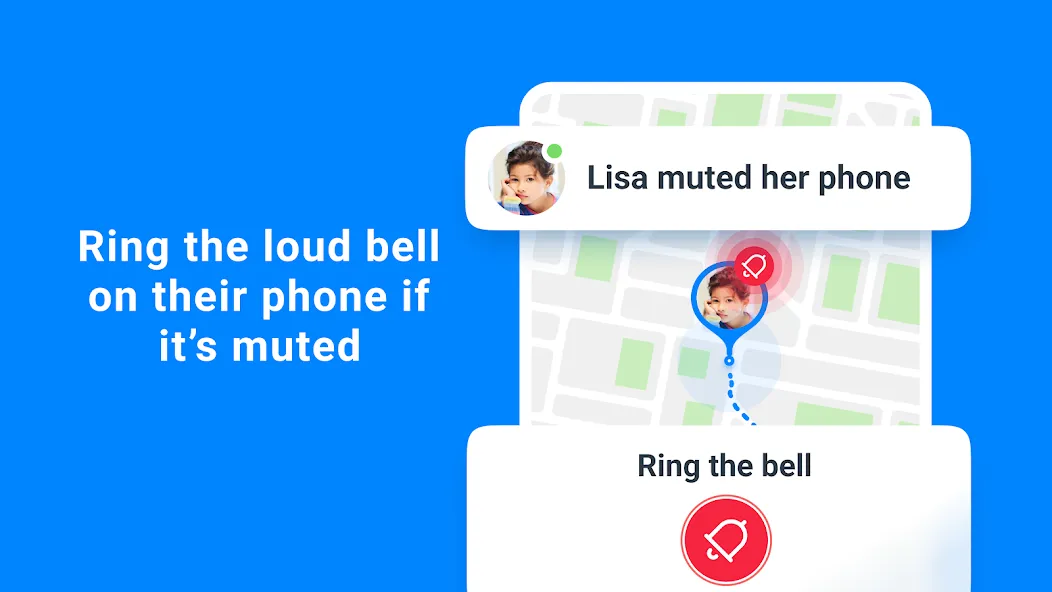
• Bypass silent mode — Send a Loud Signal that rings even if the phone is on silent or in a backpack.
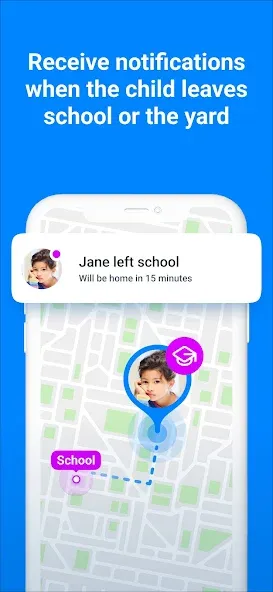
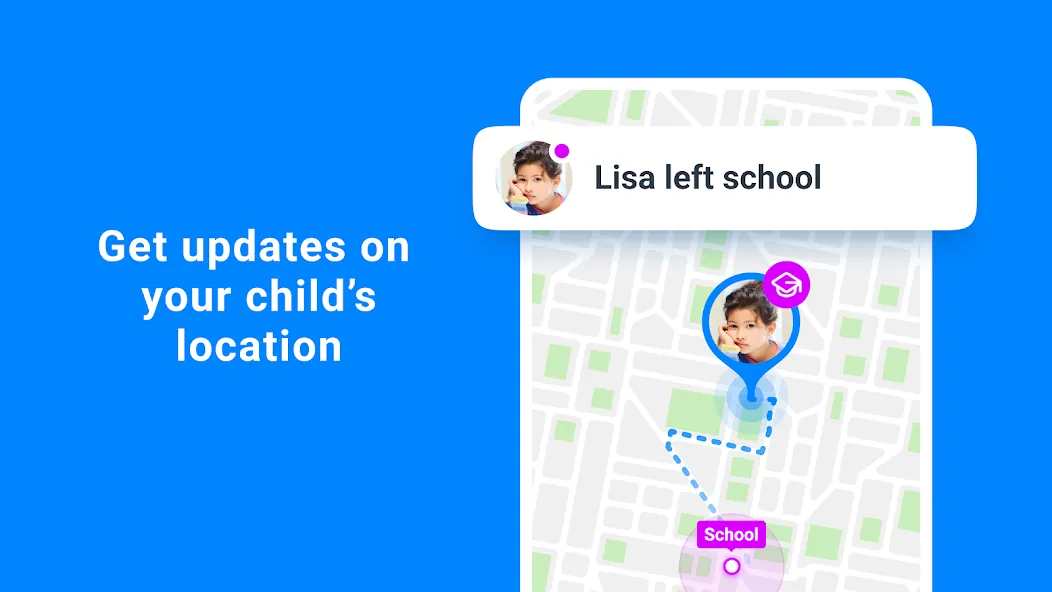
• Movement alerts — Add places such as school, home, or the park and get notified when your child arrives or leaves.
• SOS signal on kid’s phone — Your child can tap an SOS button to alert you instantly in an emergency.
When your child is walking to class, staying late at practice, or taking a new route to a friend’s house, you can check in calmly, without calling and distracting them. If a phone is on silent, the Loud Signal helps you reach them. If they need you right away, the SOS button tells you where they are and that they want help now. Location insights and arrival notifications let you know the routine is on track, so you can spend less time worrying.
Findmykids parental control app is built for families with different schedules and devices. Add key places once and the app quietly keeps watch, alerting you when your child arrives or leaves. Use it during commutes, school hours, playdates, and trips. You get context to act with confidence, all in one place. And if you’re exploring alternatives to a gps and phone location setup, or looking for a reliable gps location tracker that is easy to understand, Findmykids puts clarity first.
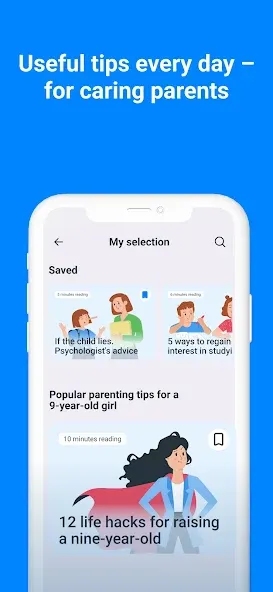
We work continuously to refine the experience: quicker updates, clearer maps, and dependable notifications. If you prefer a familiar style used by a gps kids tracker or a classic geo tracker app, you’ll find the interface intuitive from the first day. Thoughtful guidance inside the app helps you set everything up in minutes, with tips that make it simple to share access with a co-parent or caregiver when that helps your routine.
Our app asks for the following permissions:
– access to the camera and photos – to install the child’s avatar;
– access to a microphone – to send voice messages in the chat;
– accessibility services - to limit time at the smartphone screen.
If you encounter any technical issues using Findmykids, you can always reach 24/7 support through the app’s chat or via email at [email protected].
You can familiarize yourself with our documents:
- User Agreement - https://findmykids.org/docs/terms-of-use/ios/en
- Privacy Policy - https://findmykids.org/docs/privacy-policy/ios/en
Advertisement