 Nice Mind Map - Mind mapping
4.4


Productivity
Ratings
Downloads
Age
Advertisement
Advertisement
Name
Category
Price
Safety
Developer
Version
Major Update: Collaboration Now Supported!
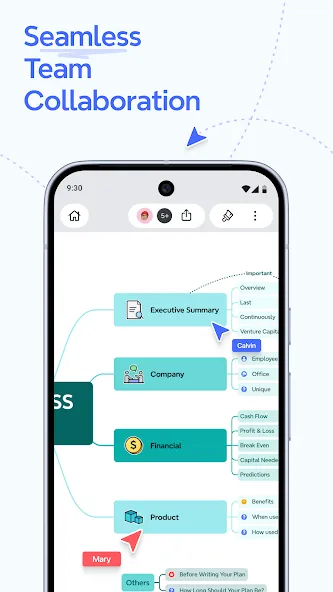
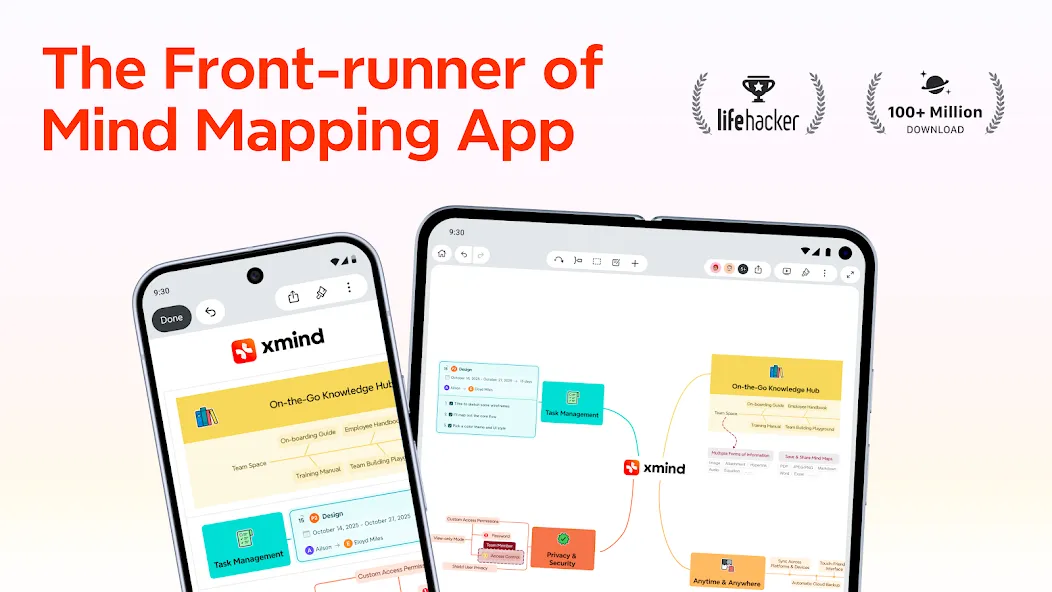
From real-time collaboration to cloud storage and cross-device syncing, Xmind redefines productivity for every team member.
Mind map: Your Productivity Booster for Smarter Thinking and Collaboration
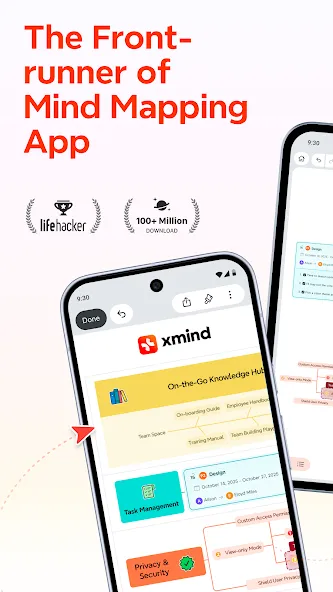
As a front-runner in mind mapping apps, Xmind has been continuously refining and innovating to craft this all-in-one thinking tool for over 19 years. Our commitment to delivering unprecedented efficiency in mind mapping experiences has earned the loyalty of hundreds of millions of users worldwide.
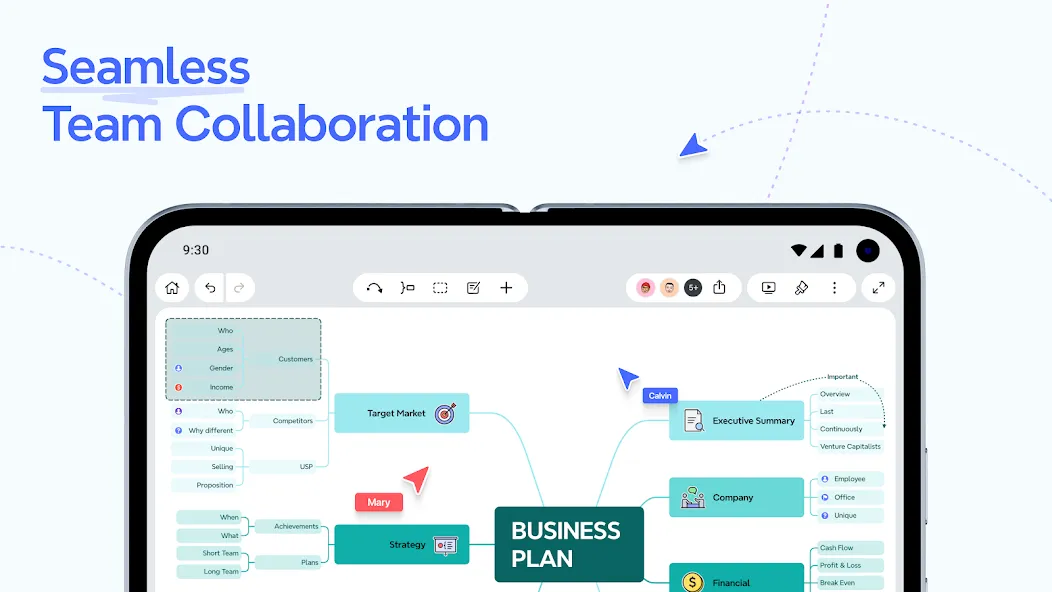
REAL-TIME COLLABORATION: IGNITE TEAM-WIDE PRODUCTIVITY
• Online edit and comment: Efficiently boosts productivity in teamwork, such as departmental brainstorming, agile project management, and group assignments.
• Cloud storage: Automatically saves updates, allows historical version tracking, enables cross-device access to all ideas and creations anytime, anywhere, while safeguarding your privacy.
• Customized permission controls: Set files to view-only mode, assign specific editing privileges, or apply password protection.
CLARIFY THOUGHTS WITH MIND MAPS: SIMPLE & EASY
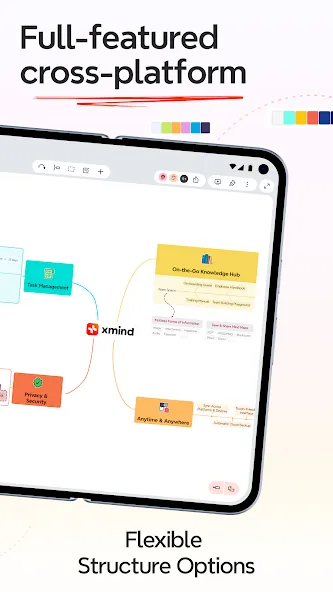
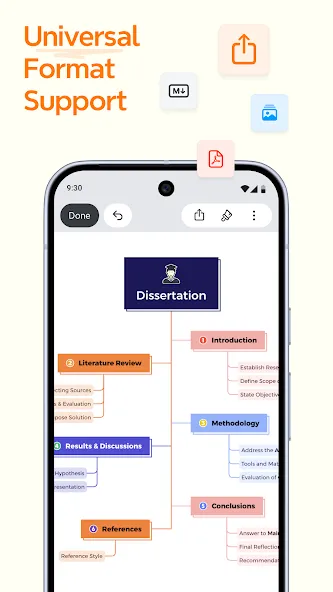
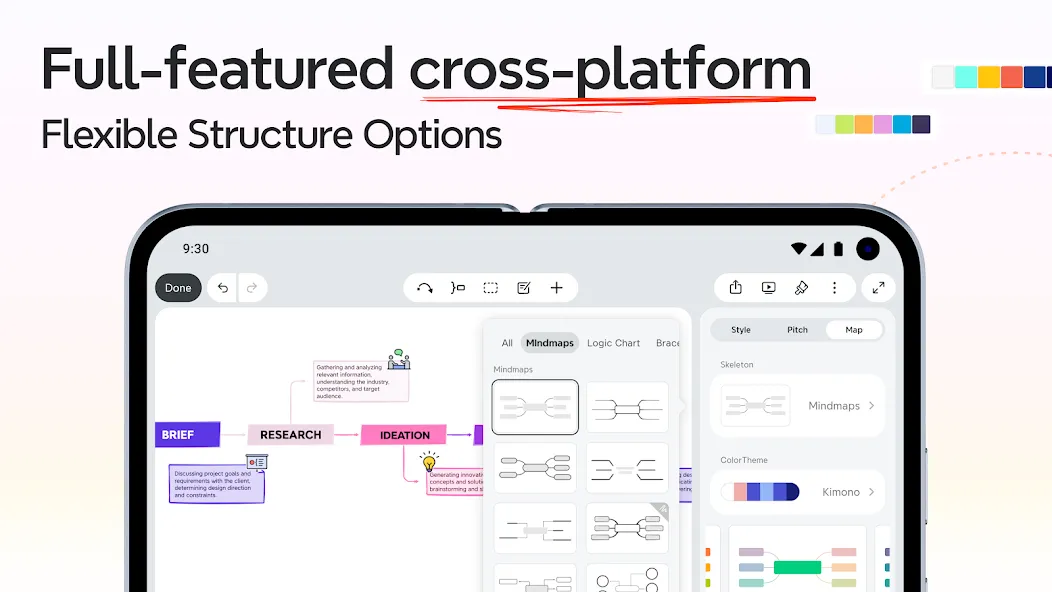
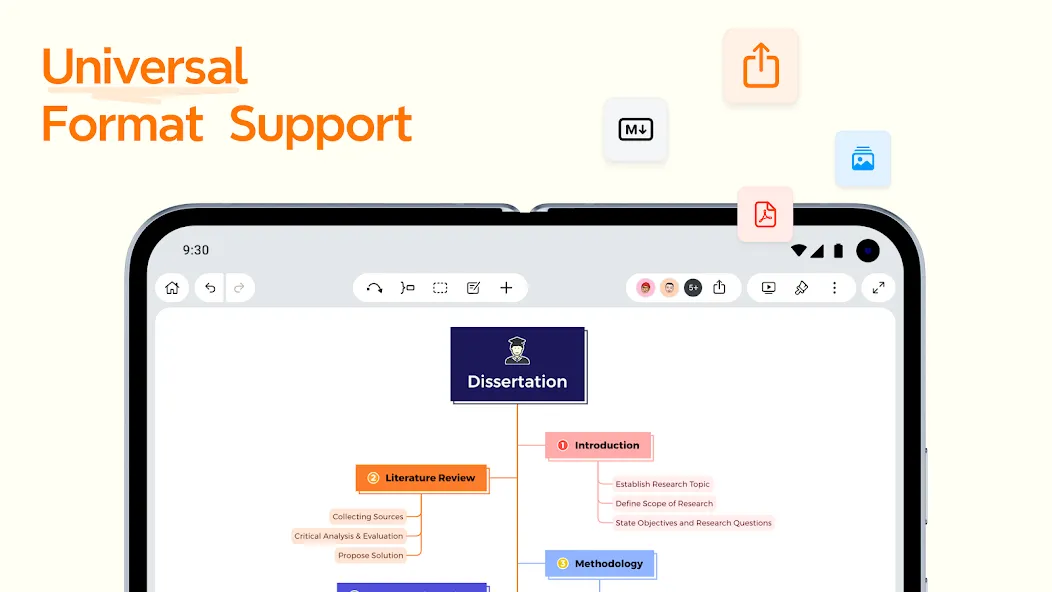
• Structures + Multi-Structure Combination (Exclusive to Xmind): Explore 10+ specialized structures — including Mind Map, Logic Chart, Brace Map, Tree Chart, Org Chart, Timeline, Fishbone, Tree Tables, Matrix, Grid, and more — to seamlessly empower your ideas and accurately present even the most complex projects.
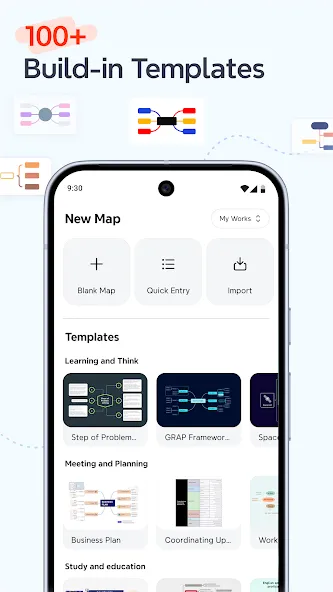
• Templates & Smart Color Themes: Kick-start any mind map with 100+ specially designed templates and aesthetic color themes, powered by a smart algorithm that ensures your creations stay stylish.
• Multiple Organizers: Connect any two topics with “Relationship”, group ideas with “Boundary”, and conclude each part with “Summary”.
CONTENT AND PRESENTATION: WHERE POSSIBILITIES MULTIPLY
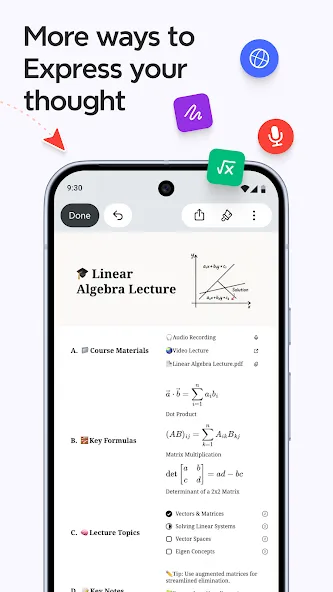
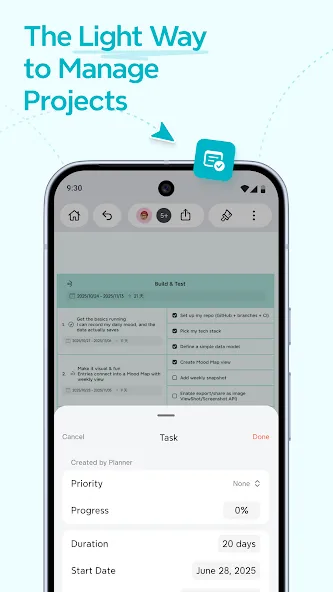
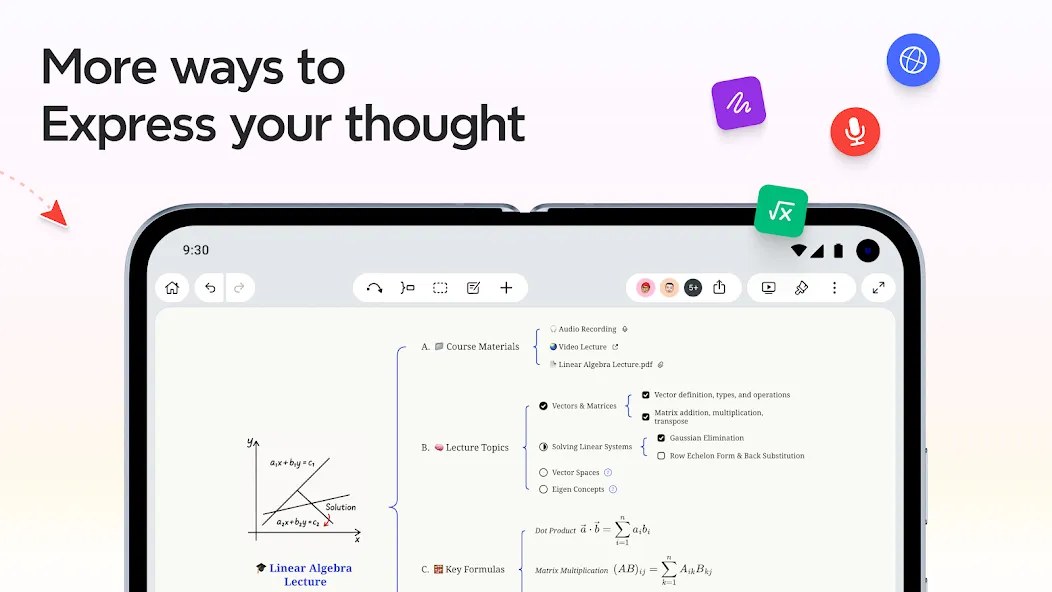
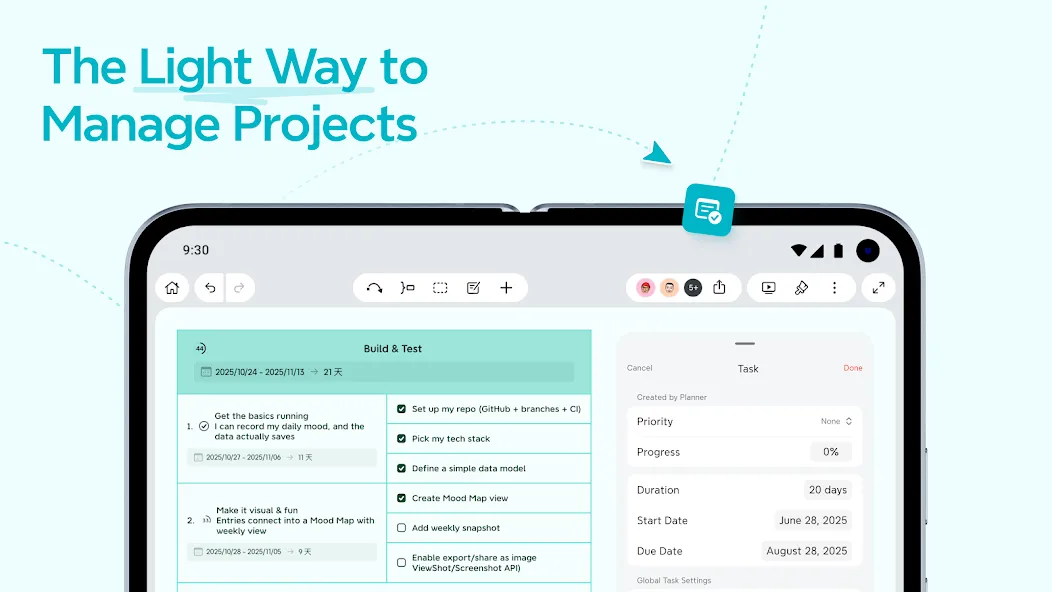
• Insert: Elaborate and enrich a topic with images, audio notes, equations, labels,web links, topic links, attachments, drawings, tasks and jot down mathematics and chemical equations with LaTeX.
• Search and Replace: Search, locate and replace any content within the mind map.
• Outliner: One-click switch to outline your thoughts and sharpen thinking focus.
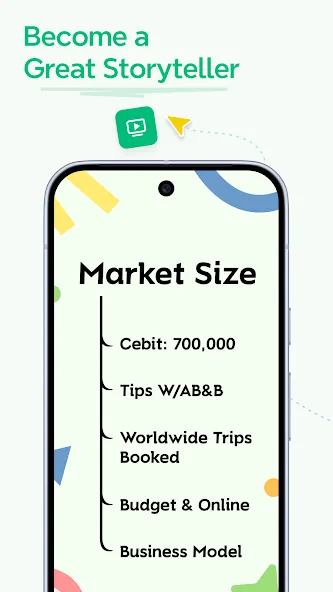
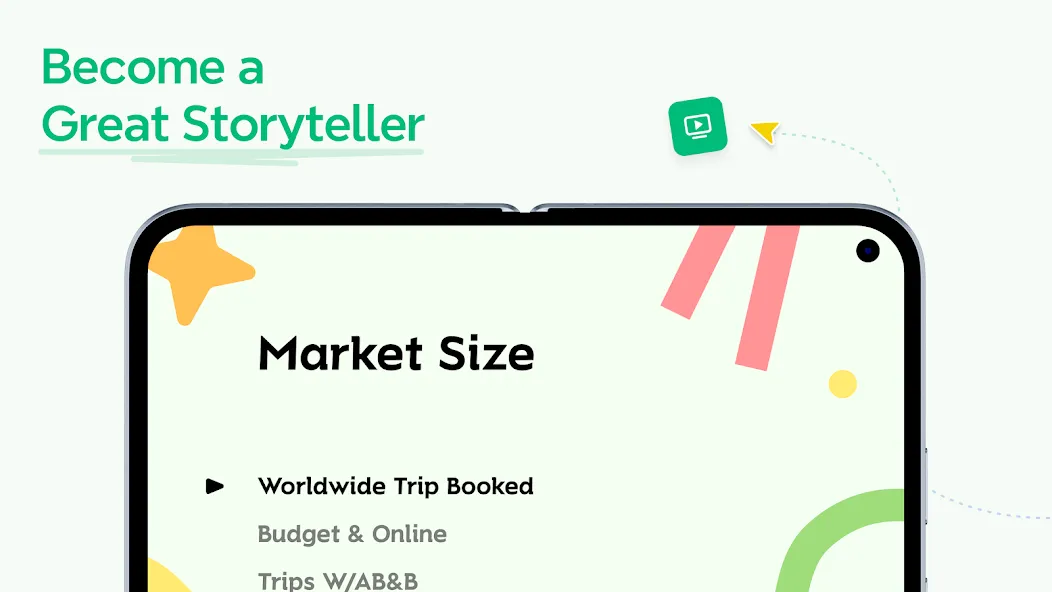
• Pitch Mode: Present mind map as a slideshow with auto-generated transitions and layouts based on your content with just a click.
• ZEN Mode: A full-screen and distraction-free mode built to help you focus on the content and leave everything behind.
• Filters: Tag topics using markers & labels to quickly locate and filter topics.
LET THINKING BE A VIBRANT JOURNEY: WHERE CREATIVITY KNOWS NO BOUNDS
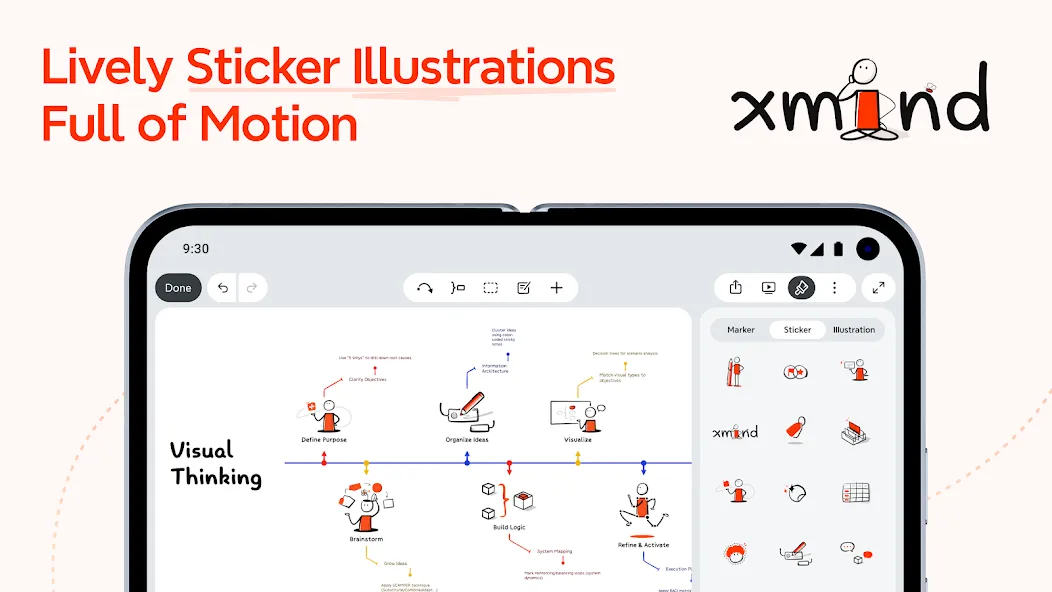
• Stickers & Illustrations: 400+ illustrations crafted by senior designers & AI, 200+ stickers for your mind map mastery.
• Hand-drawn Style: Turn your maps into playful doodles in one tap, injecting whimsical charm into your ideas.
• Colored Branch: Color-adaptive branches that fuel your creative brilliance.
SUBSCRIBE TO XMIND
• Products: All Platforms Xmind Premium (Yearly), All Platforms Xmind Premium (Monthly), All Platforms Xmind Pro (Yearly), All Platforms Xmind Pro (Monthly).
• Type: Auto-Renewable Subscriptions.
• Cancel Subscription:
Open the Google Play Store app.
Click your profile icon > “Payments & Subscriptions” > “Subscriptions”
Select Xmind Pro/Premium and click “Cancel Subscription”
• Terms of Service: https://www.xmind.app/terms/
• Privacy Policy: https://www.xmind.app/privacy/
Contact Xmind
* To explore more Xmind tips and unlock exclusive fan benefits by following Xmind’s official YouTube, Instagram, and X: @Xmind
* Let us know if you have any feedback or if we can help in any way: [email protected]
Google Play
APP STORE
Advertisement
Taptostore.com is an independent app discovery and editorial review platform. We publish reviews, comparisons, and recommendations designed to help users explore apps and make informed choices.
Download links on Taptostore.com direct users to the relevant official app store or another distribution channel designated by the developer or publisher. App downloads and installations take place through those external platforms.
Our content is developed through product research, editorial analysis, publicly available information, and, where appropriate, an assessment of the app’s features and user experience. Reviews and recommendations represent our editorial judgment at the time of publication.
The security and privacy practices of each app are determined by its developer. Before installing an app, users should review its official store listing, developer information, requested permissions, privacy policy, update history, and recent user feedback.
Taptostore.com does not control or independently certify third-party apps and cannot guarantee their security, reliability, performance, or privacy practices.
Not necessarily. Apps may be free, paid, advertising-supported, or include in-app purchases and recurring subscriptions. Pricing and availability may vary by region, device, platform, and time. Please refer to the relevant official store listing for current terms.
Availability may be affected by geographic restrictions, device compatibility, operating-system requirements, age limitations, store policies, or decisions made by the developer or publisher. These factors are outside the control of Taptostore.com.
Taptostore.com does not operate the apps featured on the website and cannot access their accounts or internal systems. Questions about login credentials, account recovery, technical issues, data deletion, or app functionality should be directed to the relevant developer through its official support channels.
Please do not send passwords, verification codes, recovery credentials, or payment information to Taptostore.com.
App-related payments, subscriptions, cancellations, and refunds are administered by the app store, developer, or payment provider responsible for the transaction. Taptostore.com does not process these transactions and cannot manage subscriptions or issue refunds.
Uninstalling an app may not cancel an active subscription. Users should manage subscriptions through the platform on which the purchase was made.
We make reasonable efforts to publish accurate and useful information. However, app features, pricing, compatibility, availability, and policies may change without notice. For the most current details, users should consult the relevant official store listing or developer documentation.
Unless expressly stated, Taptostore.com is not affiliated with, sponsored by, endorsed by, or officially connected with the developers, publishers, brands, or platforms featured on the website.
Product names, logos, brands, and trademarks belong to their respective owners and are referenced solely for identification and informational purposes.
Advertisement