 PicCollage: Photo Video Editor
4.7


Art & Design
Ratings
Downloads
Age
Advertisement
Advertisement
Name
Category
Price
Safety
Developer
Version
Bazaart is an easy-to-use AI photo editor and design app. No design background needed. Create fast for online selling, digital marketing, and social media. Get your design superpowers today!
What you can make 💫
For your business:
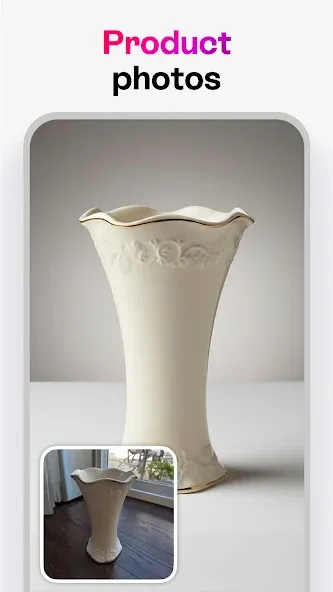
Product photos, home listings, model shots, profile pics, logos, flyers, ads, posters.
For your social media:
Stories, posts, carousels, thumbnails, covers.
For your everyday life:
Collages, cards, invitations, memes, WhatsApp stickers, backgrounds, wallpapers, works of art.
AI tools ✨
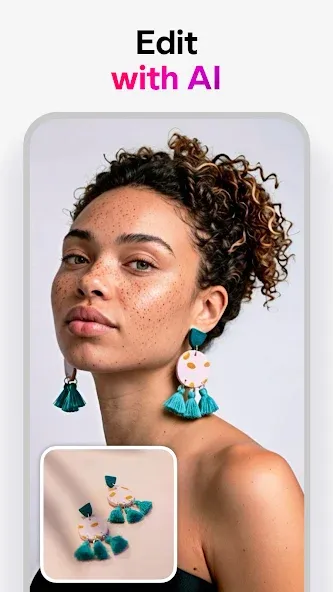
• Edit with AI: change or replace anything in a photo with simple prompts
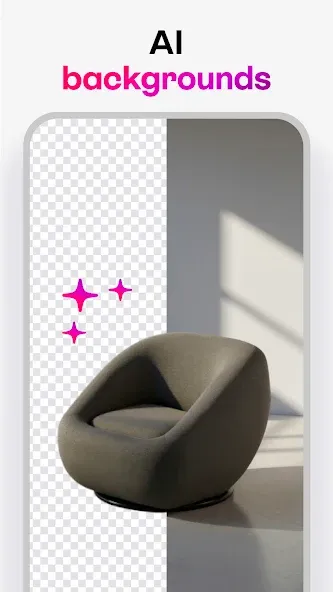
• Remove background: background remover for photos
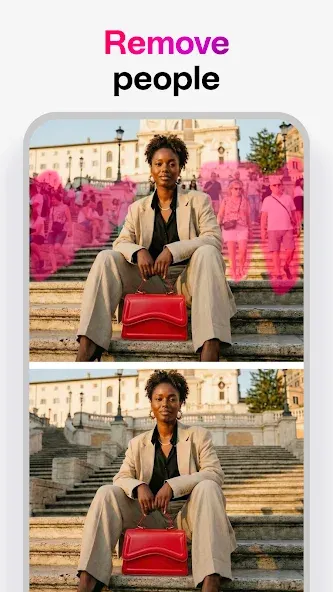
• Remove: remove objects and people from any photo
• AI models: create amazing on-model product photos
• Magic Background: create on-brand, AI-generated scenes for products and portraits
• AI Image: turn text prompts into images
• AI Restyle: restyle photos in one tap (from product try-ons to creative looks)
• Magic Edit: select an area and replace it using a prompt
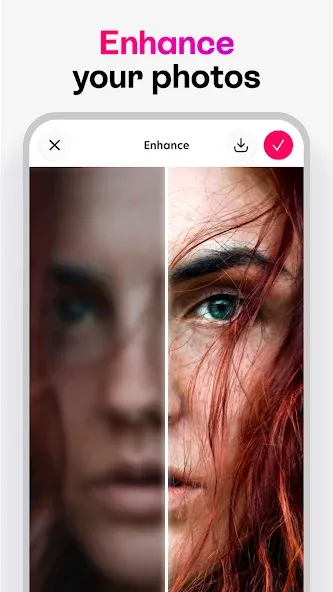
• Enhance: improve photo quality in a tap
• Expand: extend your photos to any size
Photo editing tools 🧰
• Cut out with crop, eraser, and shape cut-out
• Adjust exposure, contrast, saturation, vibrance, warmth, tint, shadows, highlights, fade, sharpness, and blur
• Make elements stand out with outlines and shadows
• Combine photos with blending modes
• Blur background of any photo for a portrait look
Design tools 🎨
• Create in custom sizes and popular presets
• Sketch and draw freely
• Fine-tune text alignment, letter spacing, and line spacing
• Auto-snapping for perfect alignment
• Nudge tool for precise positioning
• Work with layers; every change is reversible
• Organize projects into folders
Content that speeds you up 🚀
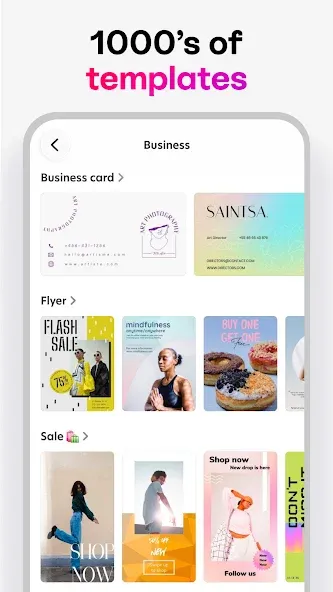
• Beautiful templates made by designers
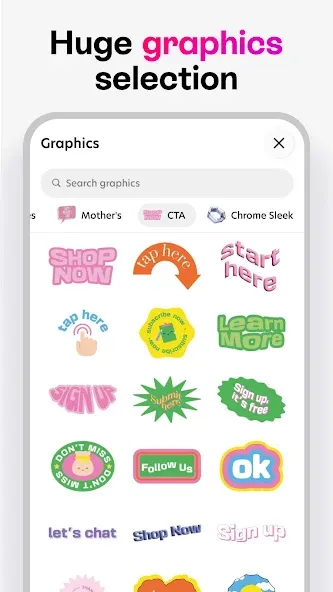
• Thousands of backgrounds, graphics, and shapes
• Photo effects
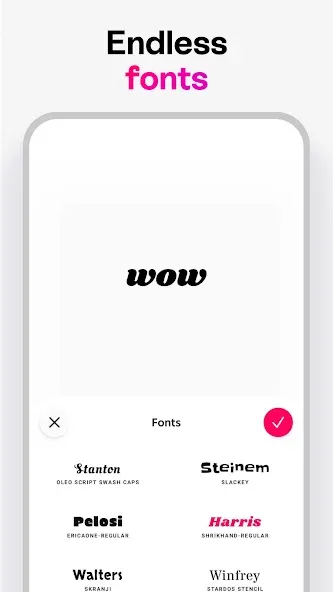
• Large font library, plus add your own
• Use photos from gallery, Google Photos, Google Drive, Dropbox, and stock
Export and share 👏
• Save images as JPG or PNG with transparency
• Save as PDF
• Share anywhere
Upgrade your design experience 🍒
Bazaart Premium
Access to all tools and content, higher usage of AI tools, save without watermark, and VIP support.
Terms of Service: https://www.bazaart.com/terms
Privacy Policy: https://www.bazaart.com/terms/#privacy
Need help? Email [email protected] and we’ll get back to you quickly.
BAZAART is a registered trademark of Bazaart Ltd.
Advertisement