 eero wifi system
4.8


Productivity
Ratings
Downloads
Age
Advertisement
Advertisement
Name
Category
Price
Safety
Developer
Version
Yescan, Better Scans
Free OCR Scan & PDF Converter
Superior Quality and More Efficient!
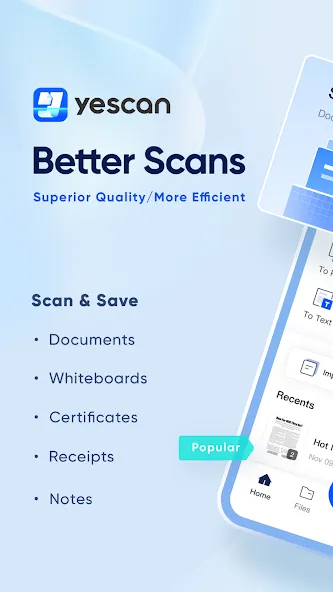
Yescan is a file processing software that allows paper documents to be freed from constraints, and uses mobile phones to scan and automatically optimize them, making file organization more intelligent.
The text recognition function is powerful. With a simple scan, the text is automatically recognized and accurately restored to the layout of the paper document.
Important documents can be reviewed and efficiently found at any time, eliminating the hassle of losing files and making your work easier and more efficient.
==== KEY FEATURES ====
● Universal scanning, documents, certificates, invoices, receipts, notes, invoices, whiteboards, business cards, certificates, paintings Easily scan electronic screens, and generate high-definition PDF scans through intelligent beautification.
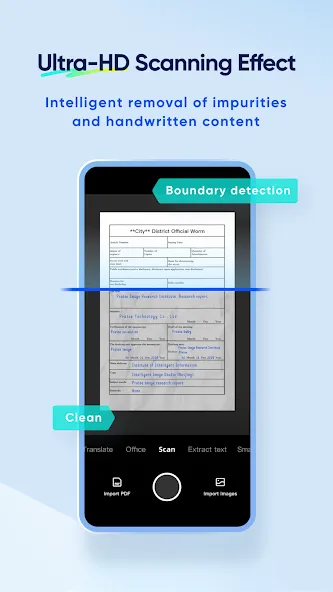
● Ultra-HD Scanning Effect: Turn documents/pictures into ultra-high-definition effects, Intelligent removal of impurities and handwritten content,Reading more convenient
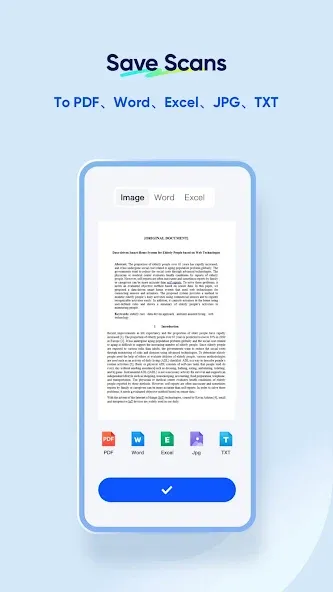
● Save in multiple formats: Save scanned documents in multiple formats such as PDF, Word, Excel, JEPG, txt, etc., for quick export/sharing.
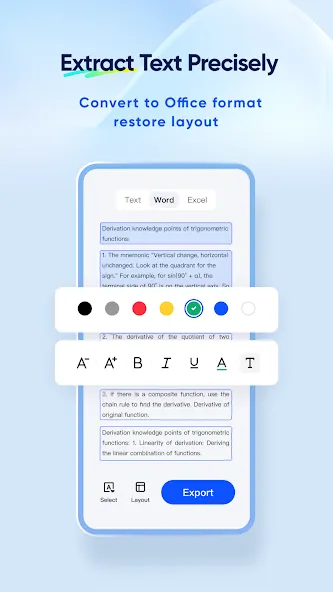
● Accurate text extraction: Accurately identify text in images, support word-by-word or paragraph-by-paragraph free selection and copying, restore layout and convert to Word for online editing.
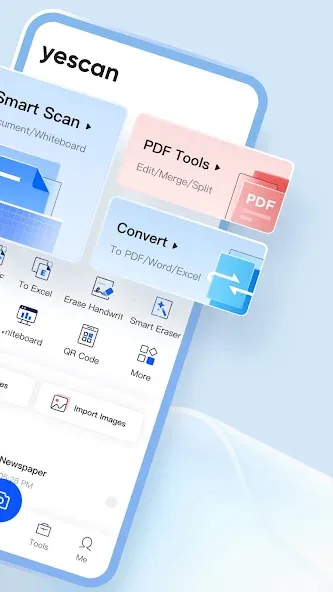
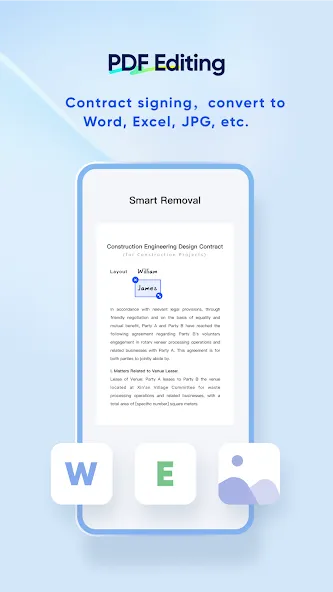
● PDF editing: Free deletion or addition of PDF page management, universal format conversion, online addition of signatures, stamps, and watermarks.
● Removing handwriting: Taking pictures automatically removes handwriting, and one-click restores the original effect of an empty document.
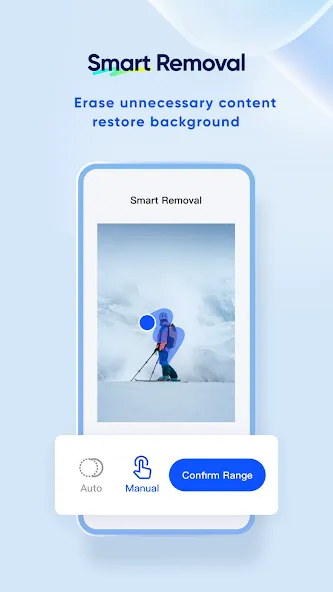
● Smart Erase: Erase the passerby in the picture magically, delete unnecessary content, and restore the original background intelligently.
● Record screen: Take PPT, complete intelligent correction after shooting, remove screen moire image content for higher definition, and extract key notes with OCR for one-click copying.
==== Contact us ====
We’d love to hear your feedback:
● Feedback on issues: [email protected]
● Product suggestions: [email protected]
Advertisement