 Sleep Number
4.3


Lifestyle
Ratings
Downloads
Age
Advertisement
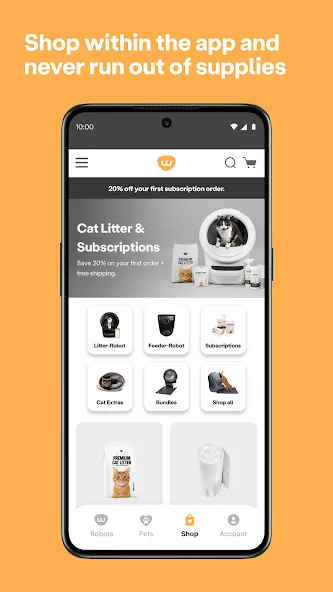
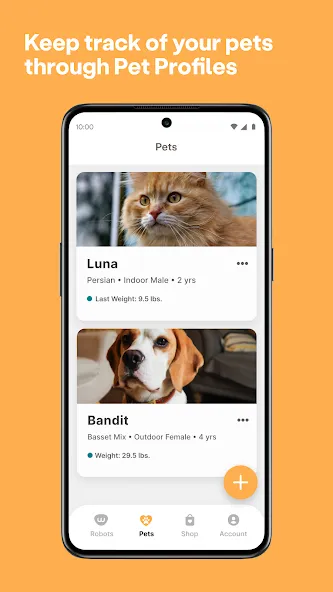
Advertisement
Life with your pet, endlessly better.
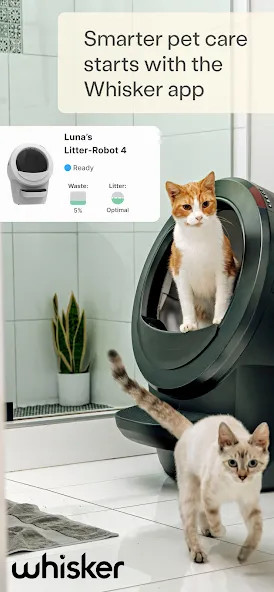
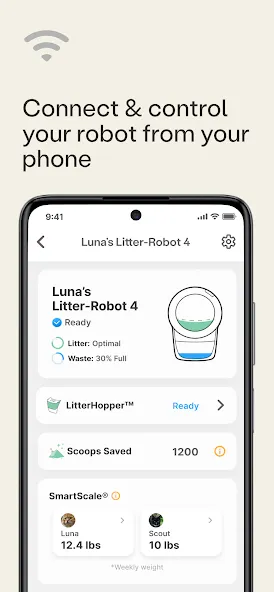
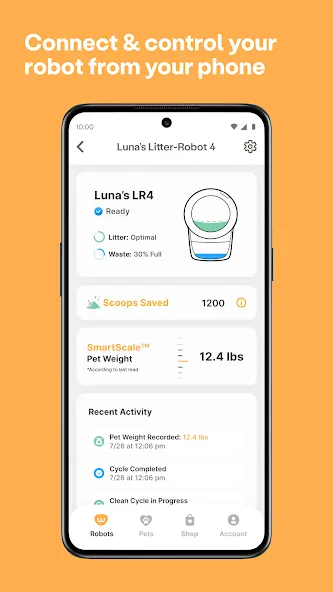
The Whisker app uses our proprietary WhiskerOS™ software to allow you to remotely monitor and control your WiFi-enabled Whisker device.
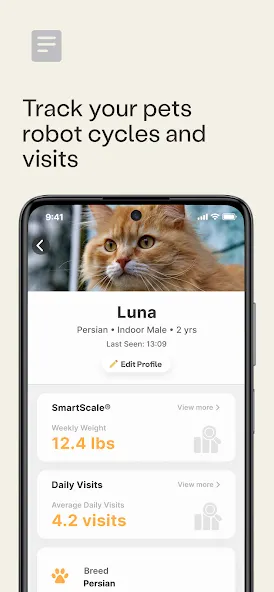
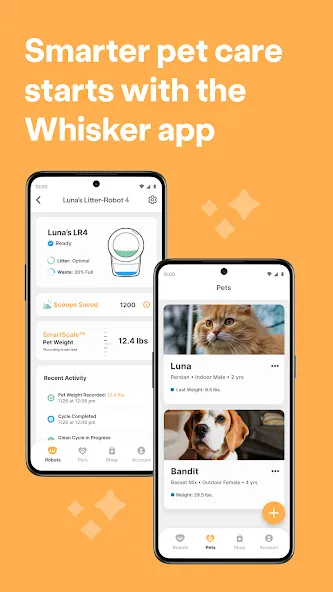
Use the Whisker app to monitor, control, and get insights from your Whisker devices—including Litter‑Robot and Feeder‑Robot—anytime, anywhere.
Works with
Litter‑Robot 3 Connect, Litter‑Robot 4, Litter‑Robot 5, Litter‑Robot 5 Pro, Litter‑Robot EVO, PetTag, and Feeder‑Robot.
Litter‑Robot features
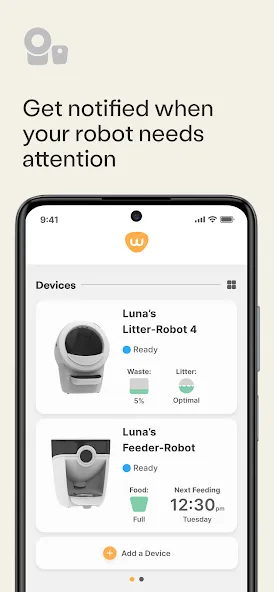
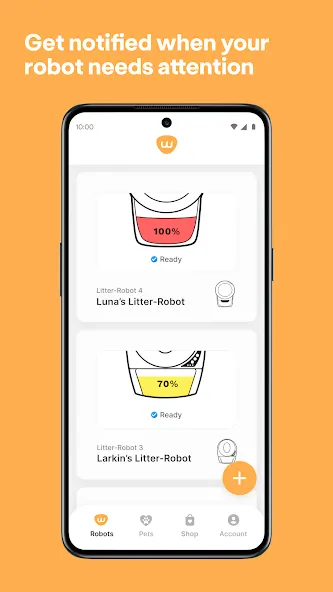
• Real‑time alerts: Know when a cycle starts, pauses, or the drawer needs emptying.
• Litter & waste status: See litter level and waste drawer status at a glance.
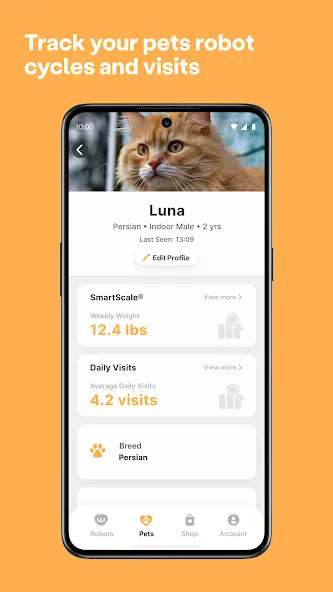
• Usage insights: Track trends that help you monitor your cat’s routine.
• Remote controls: Adjust cycle delay time, lock the control panel, toggle night light, or schedule sleep mode.
• Multi‑robot support: Set up and manage multiple units in one place.
Feeder‑Robot features
• Flexible schedules: Create and edit feeding schedules from your phone.
• Snack on demand: Dispense a snack anytime, wherever you are.
• Low‑food & issue alerts: Get notified when food is low or if the feeder needs attention.
• Feeding insights: View weekly and monthly trends.
Setup & requirements
• Camera permission for QR code onboarding.
• Wi‑Fi: Visible, password‑protected IPv4 network. All models support 2.4 GHz; 5 GHz is supported on select Pro models only. Use 2.4 GHz for all others.
• Location Services: Enable during onboarding to help the app find your Wi‑Fi network.
• Features may vary by device and model.
Advertisement