 ZION - minimalist digital face
4.6

Personalization
Ratings
Downloads
Age
Advertisement
Advertisement
Name
Category
Price
Safety
Developer
Version
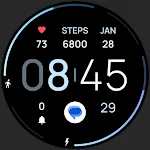
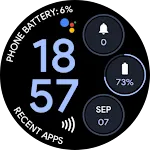
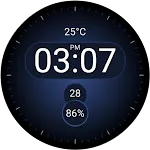
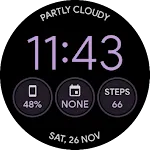
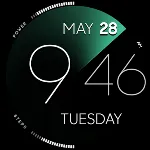
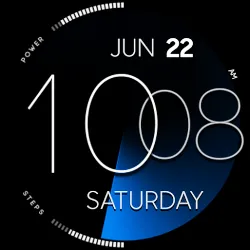
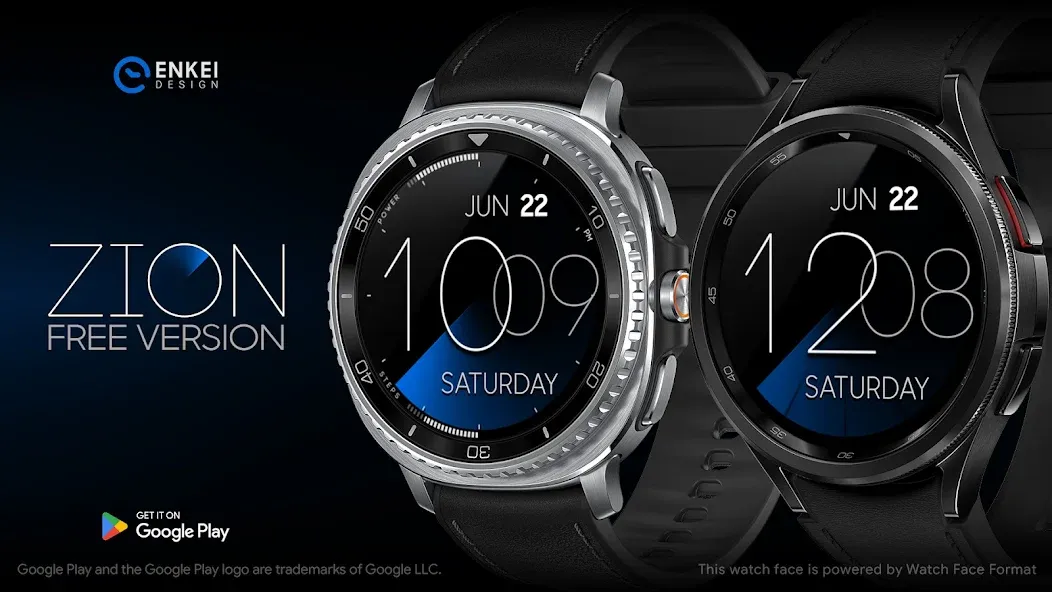
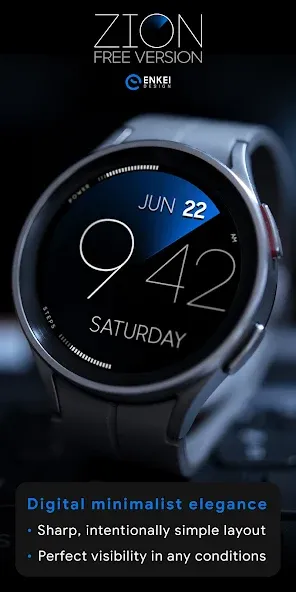
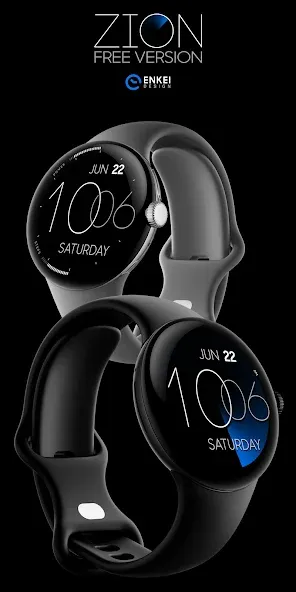
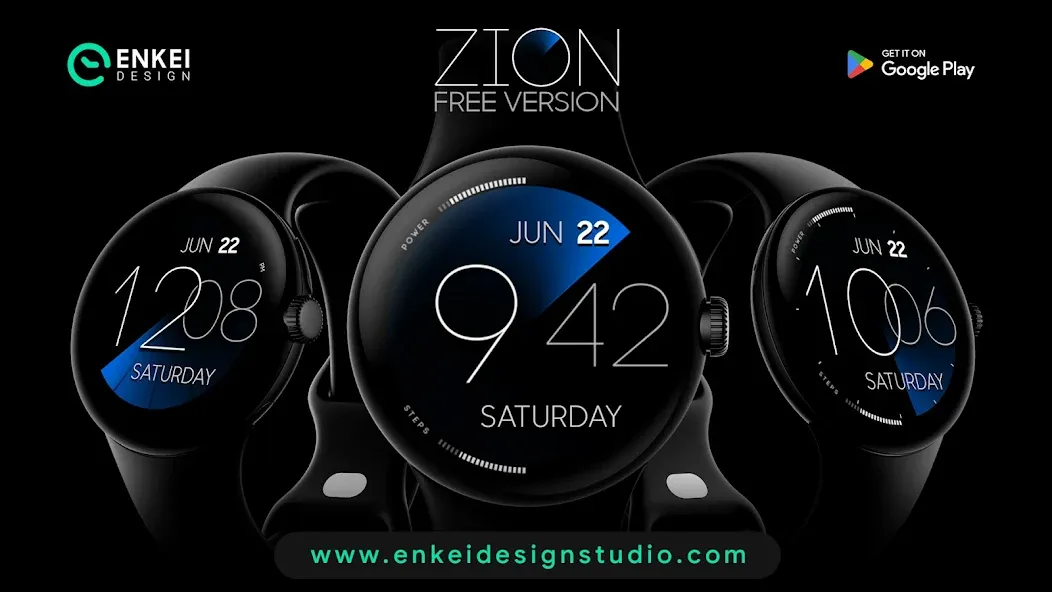
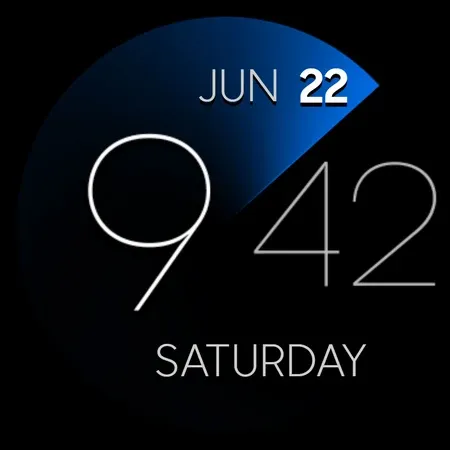
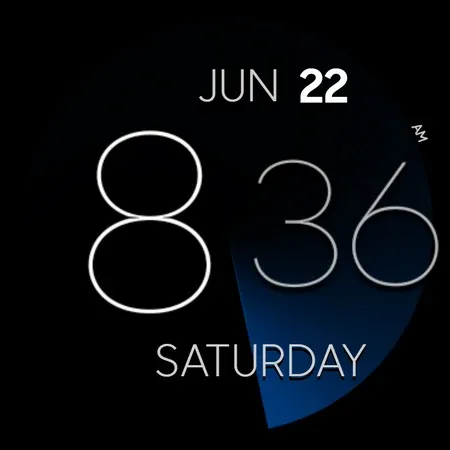
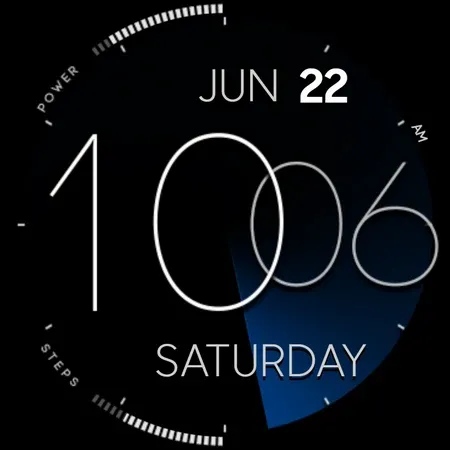
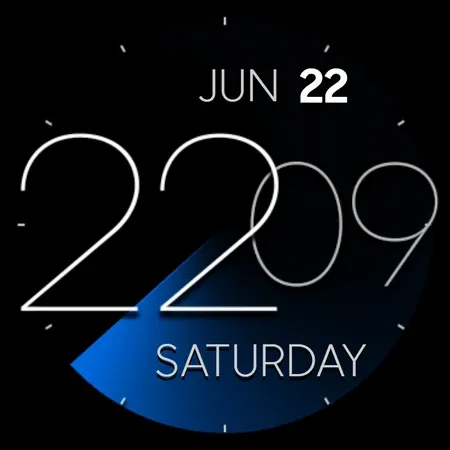
This is a free version of “ZION”, an elegant minimalist timepiece - ZION Blue!
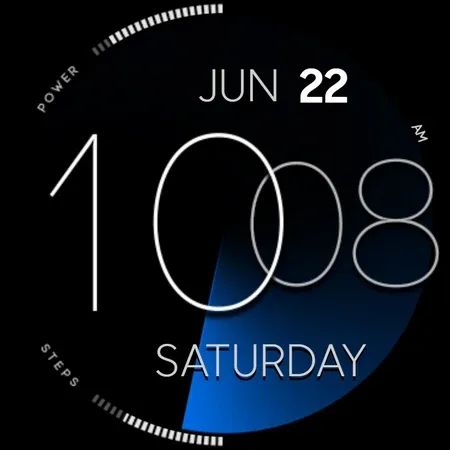
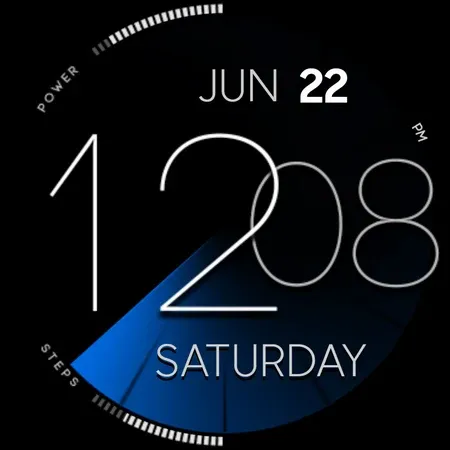
ZION Blue is a highly simplistic watch face with a design focused on pure clarity and minimalism, while still offering great usability and functionality!
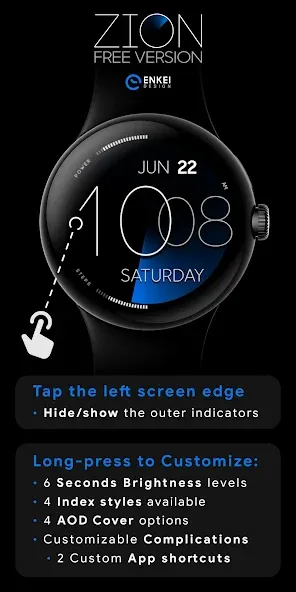
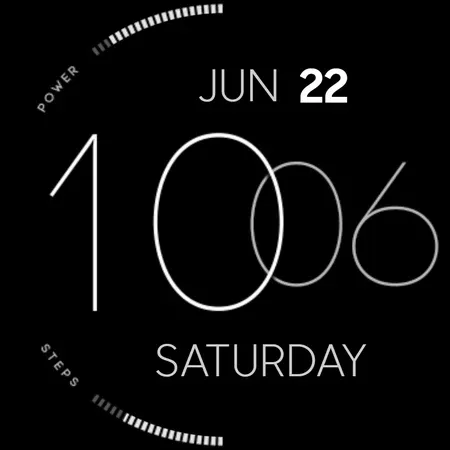
Tap the left screen edge to hide or show the edge indicators if you prefer to keep everything as simple as possible!
Paid version with customizable colors is also available:
https://play.google.com/store/apps/details?id=com.watchfacestudio.zion
Powered by Watch Face Format - offering expanded customization options and useful features!
Made only for devices running Wear OS 5.0 and newer versions (API 34+)
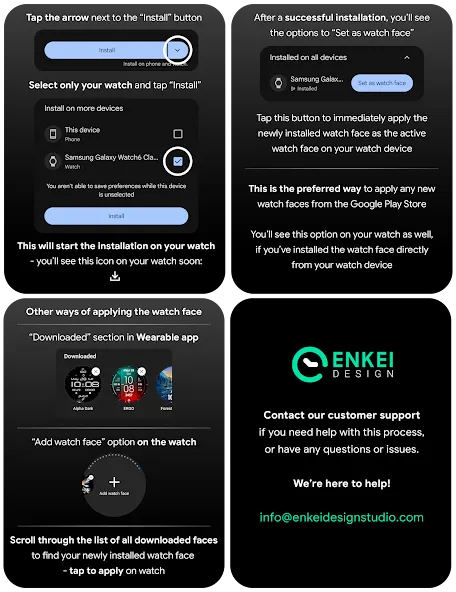
Please install only to your watch device.
Phone companion app serves only to help direct installation to your watch device.
FEATURES:
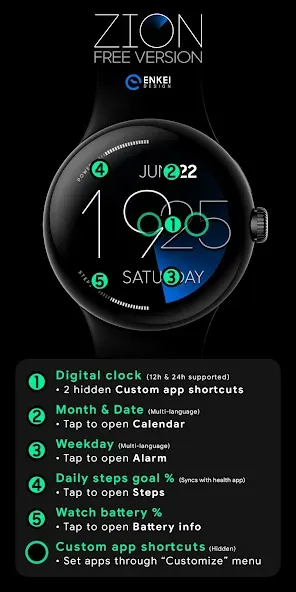
- Digital clock - 12h/24h
- TAP center or Minutes for Custom app shortcuts
- Month and Date - Multi-language support
- TAP to open Calendar
- Weekday - Multi-language support
- TAP to open Alarm
- Daily steps goal % bar - Syncs with the health app
- TAP to open Steps
- Battery % bar
- TAP to open Battery info
- Battery and Steps can be hidden
- TAP left screen edge (“9 o’clock”) to hide/show
- 2 Custom app shortcuts - Hidden
- Center of the watch face and Minutes
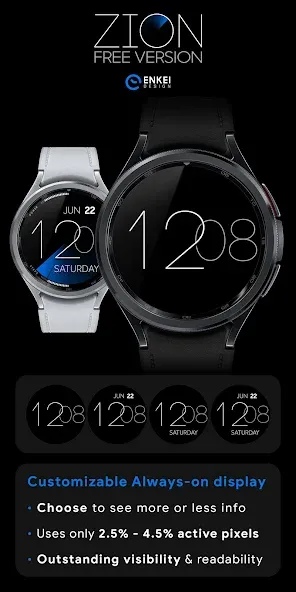
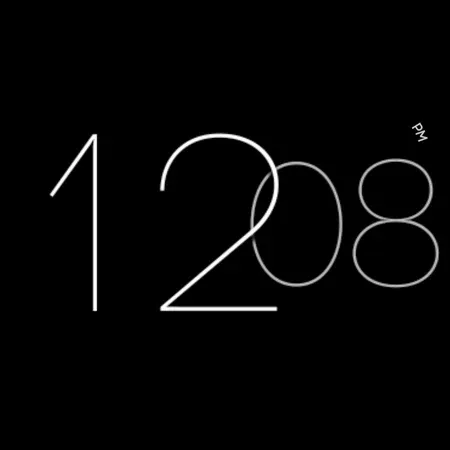
- Battery efficient AOD - Customizable
- Averaging just 2.5% - 4.5% active pixels
- Long-press to access Customize menu:
- Seconds Brightness - 6 levels
- Index styles - 4 different styles
- AOD Cover - 4 cover options
- Complications
- 2 Custom app shortcuts
INSTALLATION TIPS:
https://www.enkeidesignstudio.com/how-to-install
CONTACT:
[email protected]
E-mail us for any questions, issues or general feedback. We’re here for you!
Customer satisfaction is our main priority, we make sure to respond to each e-mail within 24 hours.
More watch faces:
https://play.google.com/store/apps/dev?id=5744222018477253424
Website:
https://www.enkeidesignstudio.com
Social media:
https://www.facebook.com/enkei.design.studio
https://www.instagram.com/enkeidesign
Thank you for using our watch faces.
Have a great day!
Advertisement