


 Google MeetCommunication
4.4

Personalization
Ratings
Downloads
Age
Advertisement
Advertisement
Name
Category
Price
Safety
Developer
Version
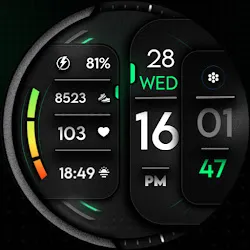
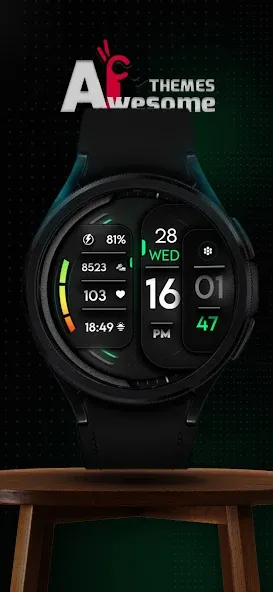
Interactive Awesome Apps is proud to present another digital & customizable watch face, the Zenith!
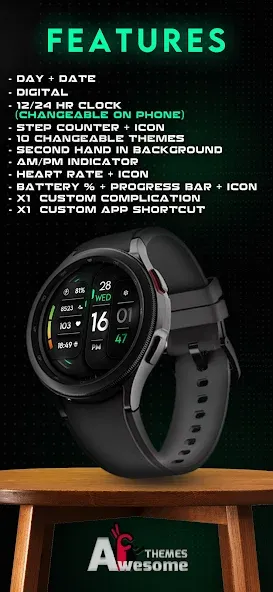
Zenith features:
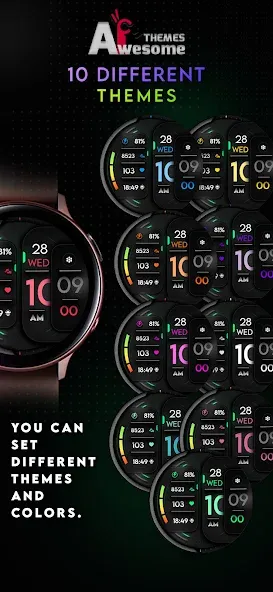
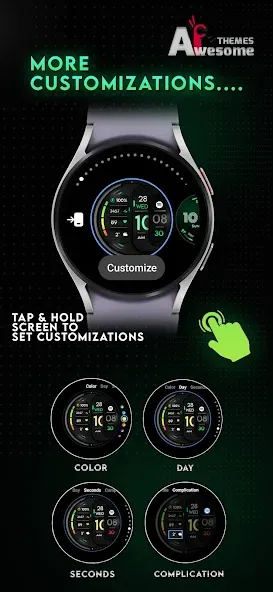
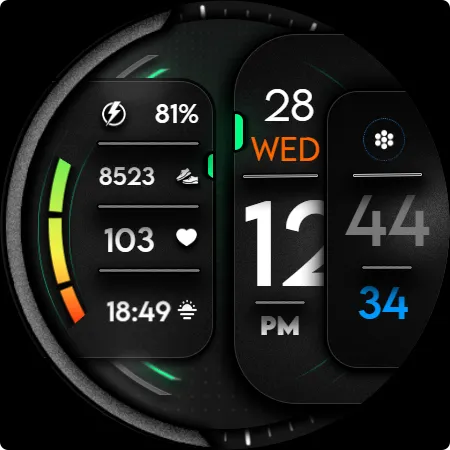
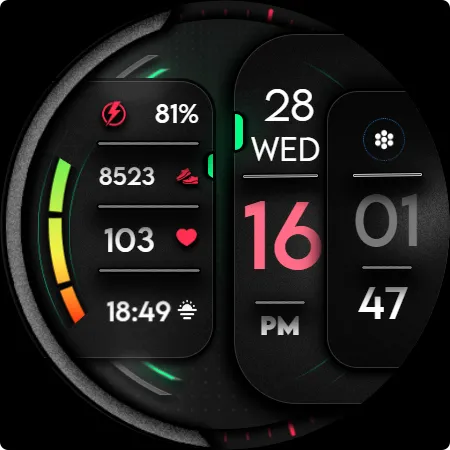
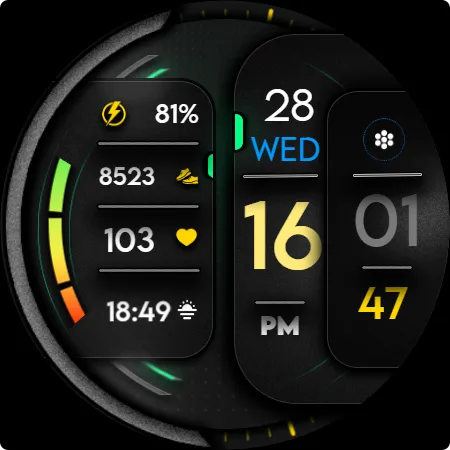
- 10 Theme Color [can be edited on watch]
- 10 day colors customizable
- 10 customizable second colors
NOTE: the features provided above can be only edited on watch ( tap and hold on the watch face and then tap on customizations to change them).
- Digital clock - supports both 12h and 24h mode
(depending on your device’s clock settings)
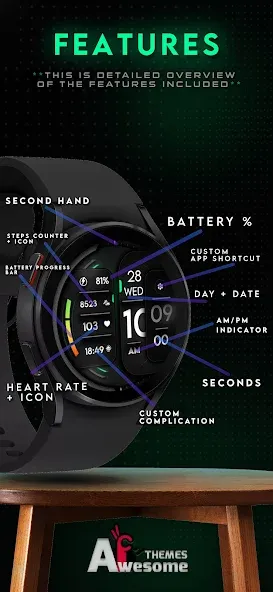
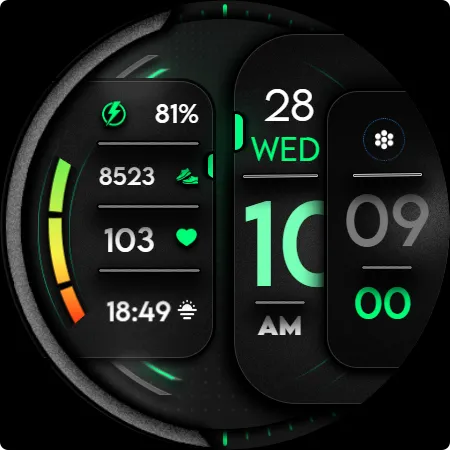
- Battery indicator with icon + progress bar + battery %
- Date indicator
- Day indicator
- Steps indicator with daily steps +icon
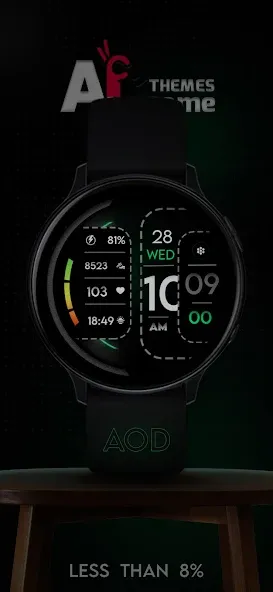
- AOD showing all indicators, averaging less then 8% active pixels
- Rotating second in the background [ customizable ]
- AM/PM Indicator
- x1 custom complication
- x1 custom app shortcut
NOTE - This app is made only for Wear OS devices.
Select only your watch device from the “INSTALL” drop-down menu.
Alternatively, use our provided phone companion app to help you install the watch face directly on your watch.
Galaxy Watch 4/5/6 users: Find and apply the watch face from the “Downloads” category in the Galaxy Wearable app on your phone.
NOTE:
Please see the provided visuals for detailed info on all available features and app shortcuts!
This watch face is compatible with most Wear OS devices, but keep in mind that it will run best and smoothest on newer devices with latest Wear OS software versions.
All our watch faces are tested on Samsung Galaxy Watch 4 devices, where they are confirmed to work without any issues.
For full functionality of all indicators enable all Sensors permissions after installation, thank you!
CONTACT:
[email protected]
E-mail us for any questions, issues or general feedback - we’re here for you!
Customer satisfaction is our main priority, and we take every comment, suggestion and complaint very seriously, making sure to respond to each e-mail within 24 hours.
More from Interactive Awesome Apps:
https://play.google.com/store/apps/dev?id=8552910097760453185
Visit our Website:
https://www.hayattech.com
Pinterest:
https://pin.it/5b5DJQBNU
Thank you for using our watch faces, have a great day!
Advertisement














