WIN Informative Black icon

WIN Informative Black

Personalization

5.0

Ratings

3.3K

Downloads

3+

Age

DOWNLOAD

Advertisement

Screenshots

WIN Informative Black screenshot 1
WIN Informative Black screenshot 2
WIN Informative Black screenshot 3
WIN Informative Black screenshot 4
WIN Informative Black screenshot 5
WIN Informative Black screenshot 6
WIN Informative Black screenshot 7
WIN Informative Black screenshot 8
WIN Informative Black screenshot 9
WIN Informative Black screenshot 10
WIN Informative Black screenshot 11
WIN Informative Black screenshot 12
WIN Informative Black screenshot 13
WIN Informative Black screenshot 14
WIN Informative Black screenshot 15
WIN Informative Black screenshot 16
WIN Informative Black screenshot 17
WIN Informative Black screenshot 18
WIN Informative Black screenshot 19
WIN Informative Black screenshot 20
WIN Informative Black screenshot 21
WIN Informative Black screenshot 22
WIN Informative Black screenshot 23
WIN Informative Black screenshot 24
WIN Informative Black screenshot 25
WIN Informative Black screenshot 26
WIN Informative Black screenshot 27
WIN Informative Black screenshot 28
WIN Informative Black screenshot 29
WIN Informative Black screenshot 30
WIN Informative Black screenshot 31
See all →
WFP 324 Digital watch face iconWFP 324 Digital watch face
4.8

Advertisement

About this app

Name

WIN Informative Black

Category

Personalization

Price

Free

Safety

100% Safe

Developer

WinWatchfaces

Version

Varies with device

Description

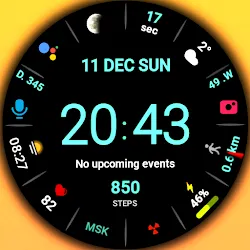
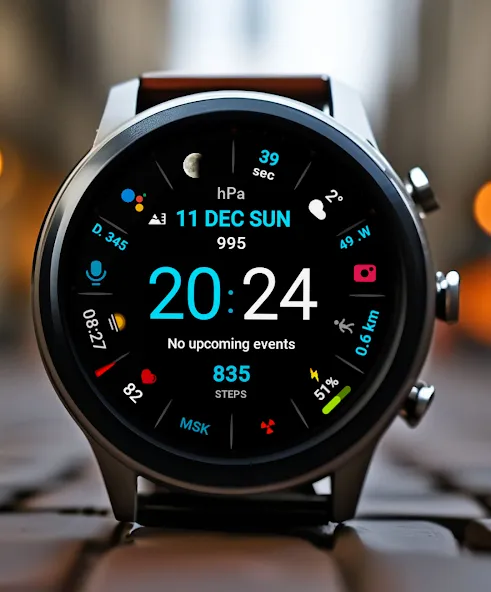
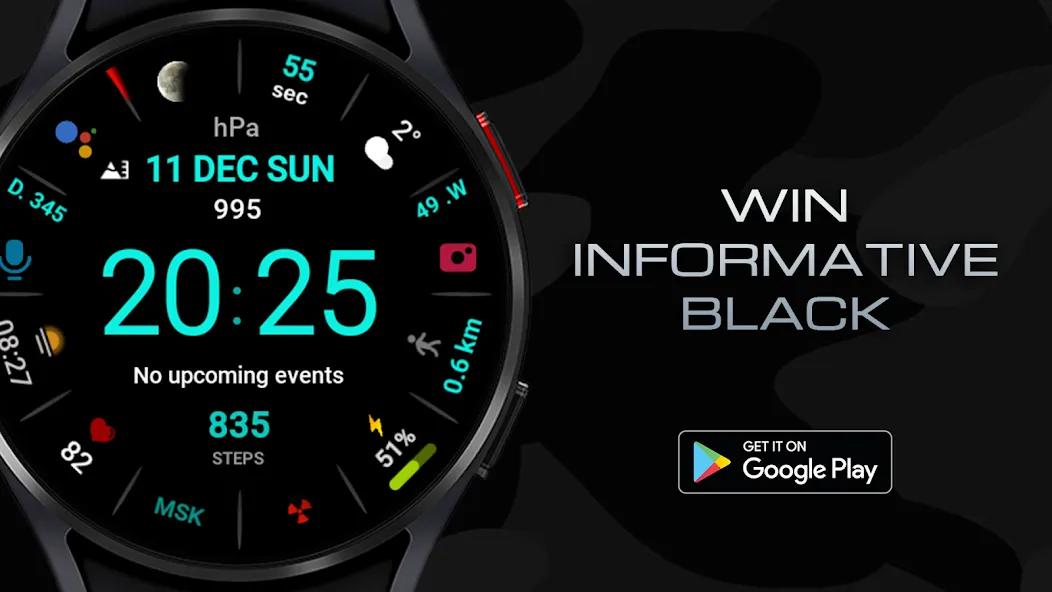
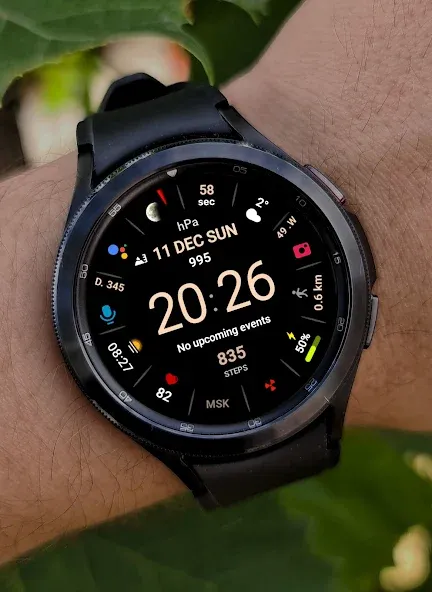
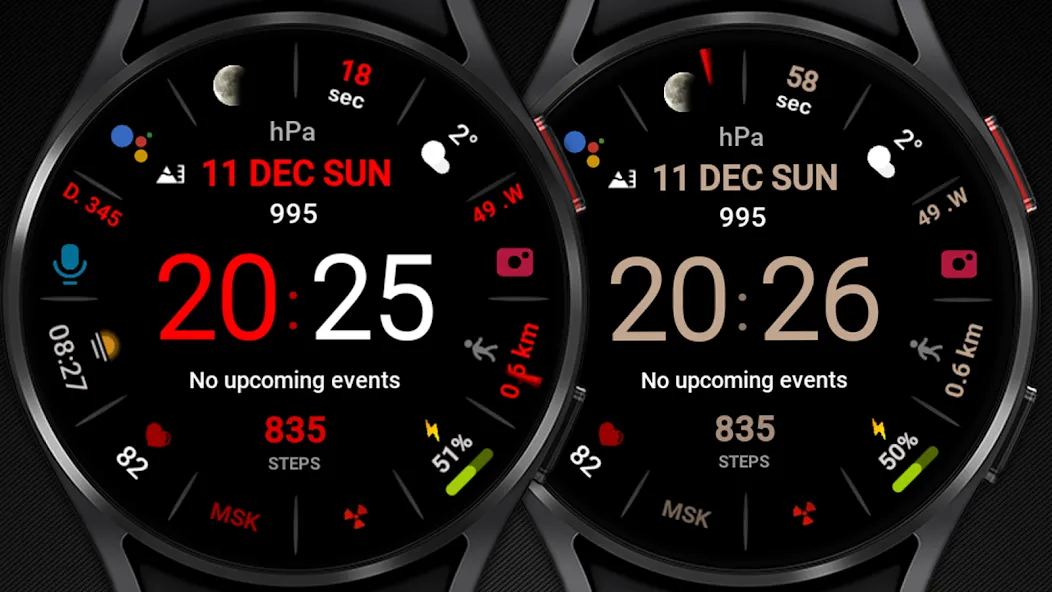
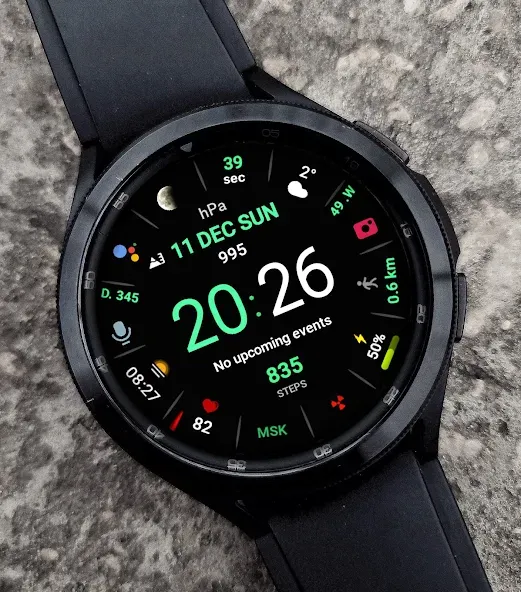
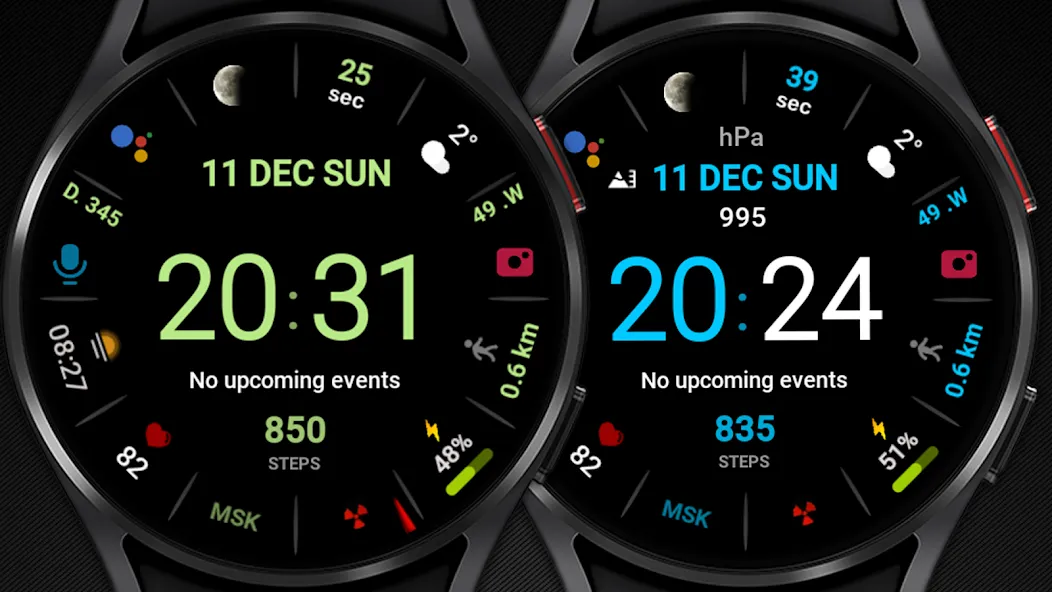
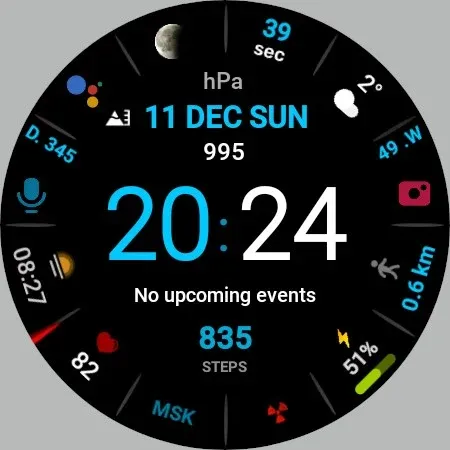
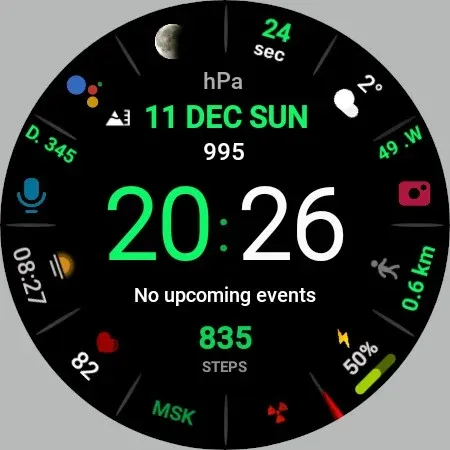
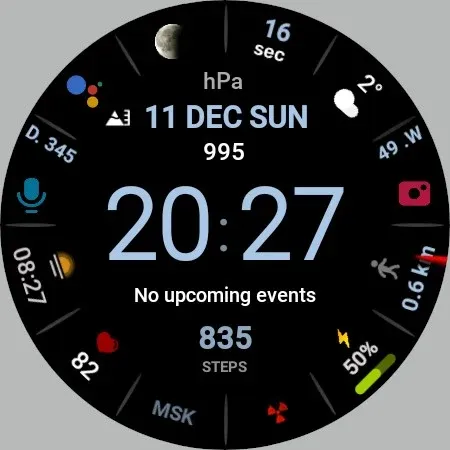
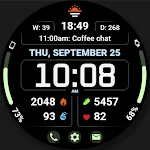
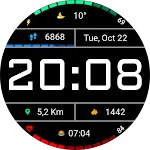
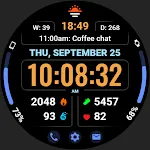
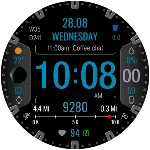
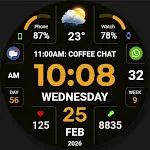
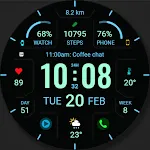
Stylish modern digital watch face with a lot of information for every day for Wear OS

This watch face supports all Wear OS devices with API level 33+, such as Samsung Galaxy Watch 4, 5, 6, 7, 8, Pixel Watch, etc.

Basic moments:

- 12/24 hour digital time (Depending on smartphone settings)
- A high resolution;
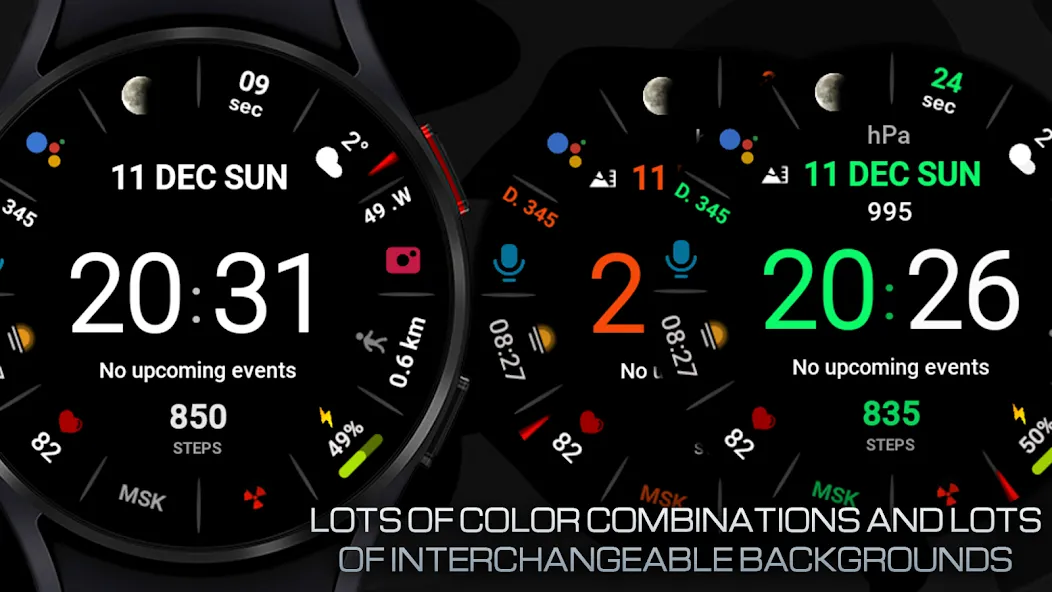
- Ability to change color
- Ability to change the background (Styles)
- Custom complications
- Display the number of the day of the year
- Display the week number of the year
- Moon phase display
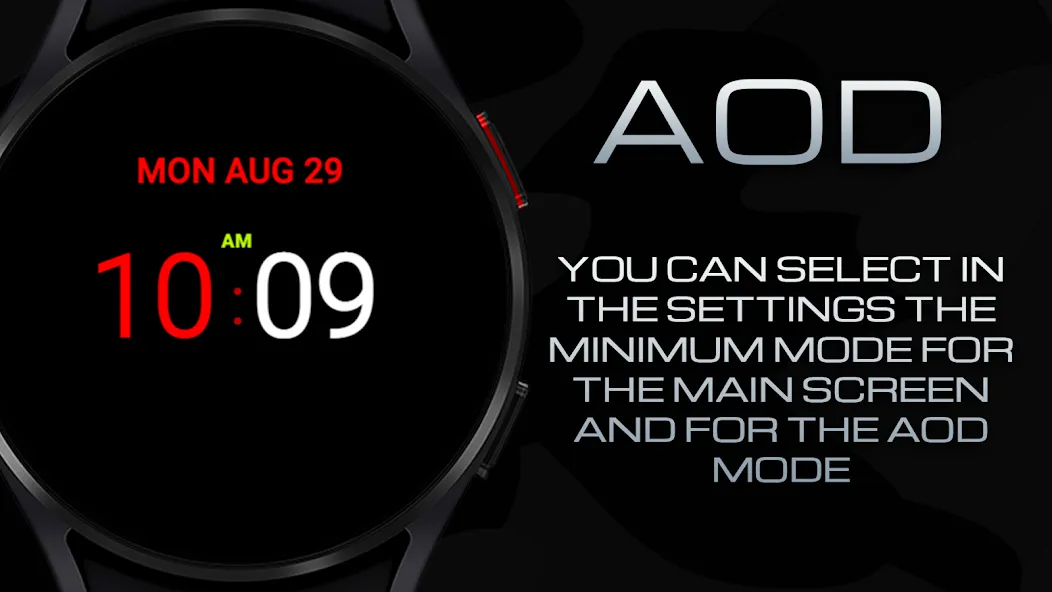
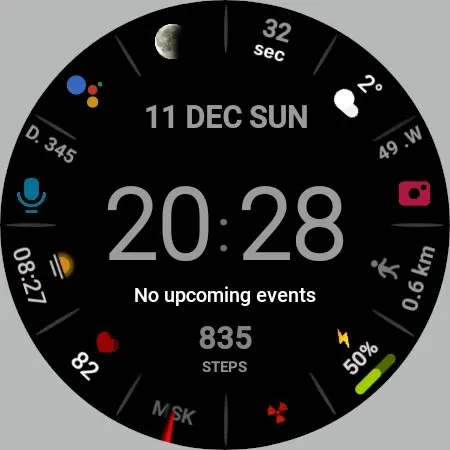
- AOD mode (Full or minimum mode)

- NOTES FOR INSTALLING WATCH FACE -

If you have problems with installation, please follow the instructions: https://bit.ly/infWF

Settings
- To customize your watch face, simply touch and hold the display, then tap the Customize button.
- IMPORTANT - since there are many settings here, it is better to configure the watchface on the watch itself as shown in the video: https://youtu.be/YPcpvbxABiA

Support
- Contact [email protected].

Check out my other watch faces in the Google Play store: https://bit.ly/WINwatchface

TOP FREE APPS

See all →
Google Meet iconGoogle MeetCommunication
4.4

TOP FREE GAMES

See all →

Advertisement

Top Downloads

See all →
  1. Files by Google icon
    Files by GoogleTools
    4.5
    GET
  2. 4