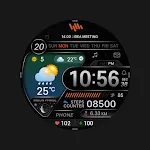
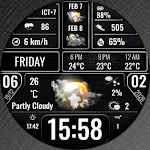
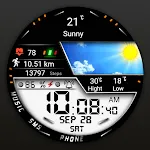
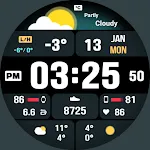
 Animated Weather Digital ECO53
4.1

Personalization
Ratings
Downloads
Age
Advertisement
Advertisement
Name
Category
Price
Safety
Developer
Version
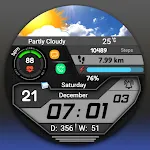
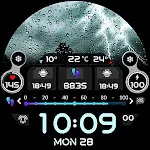
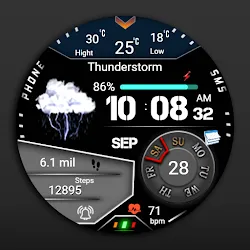
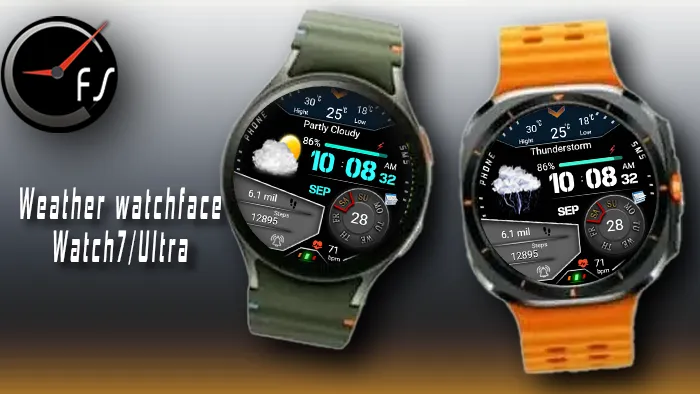
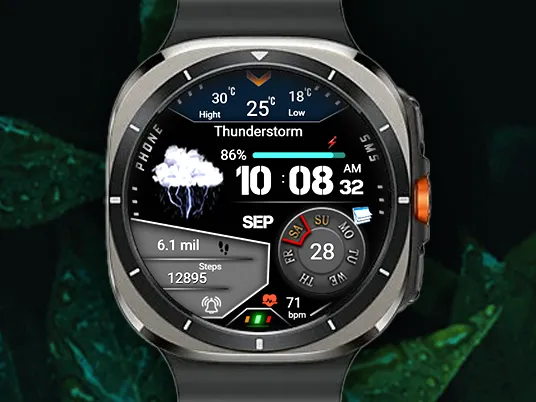
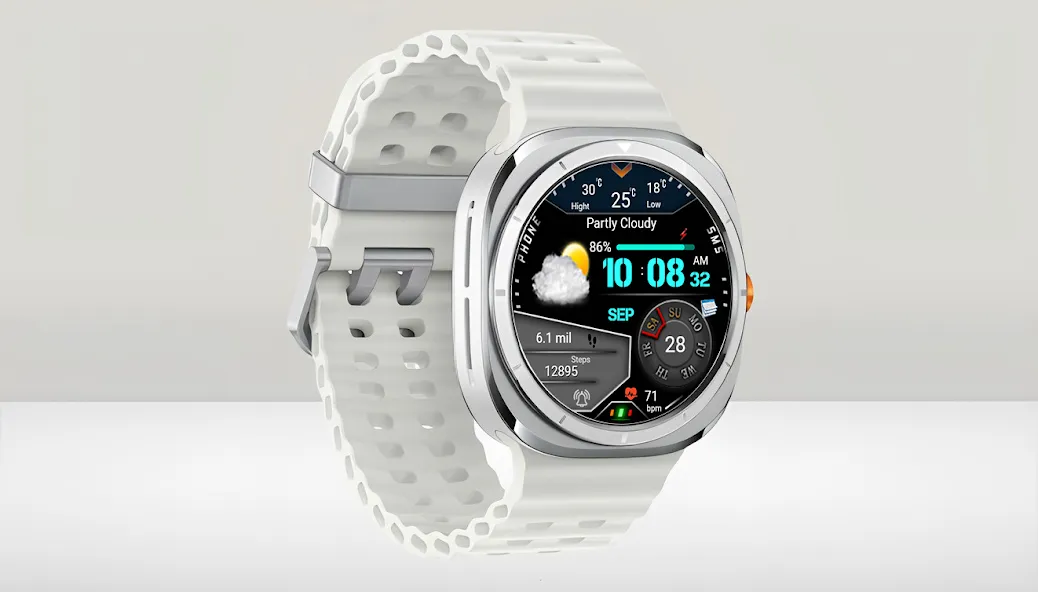
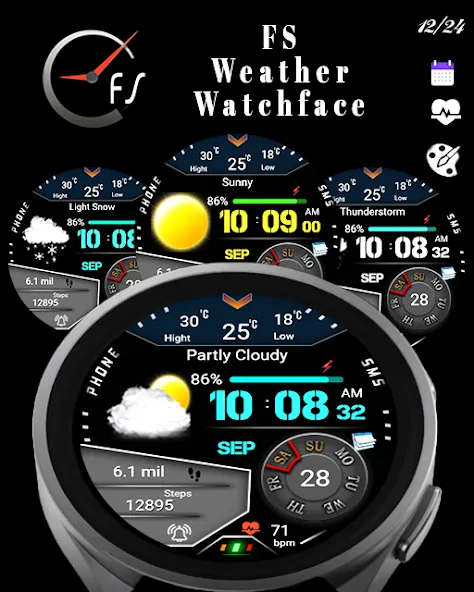
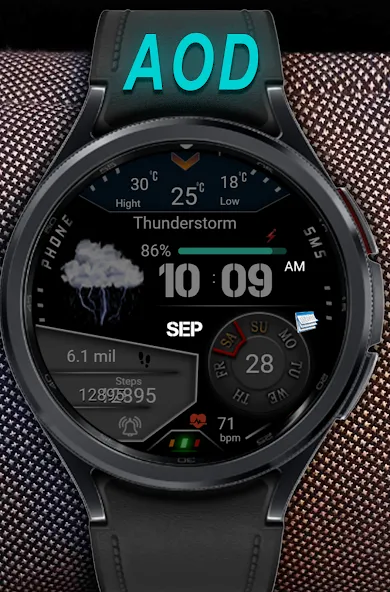
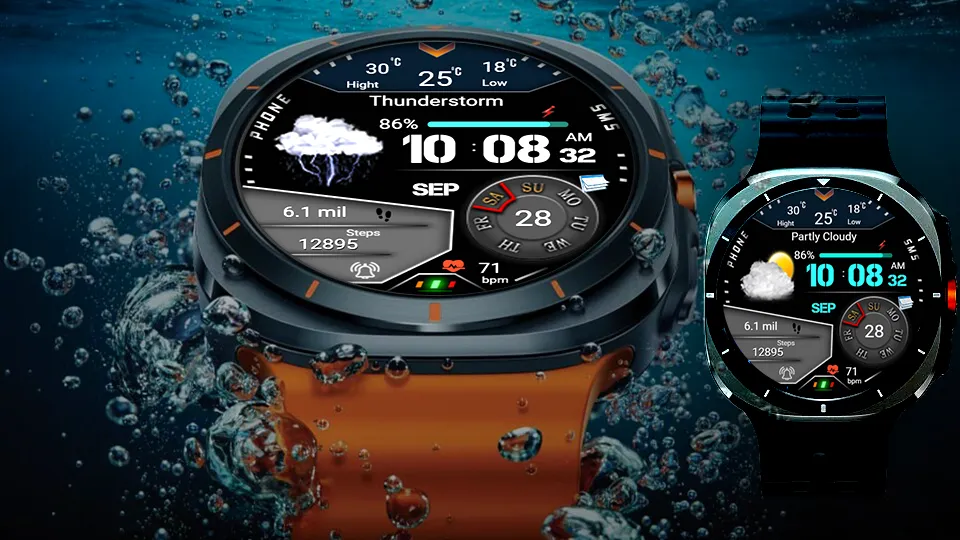
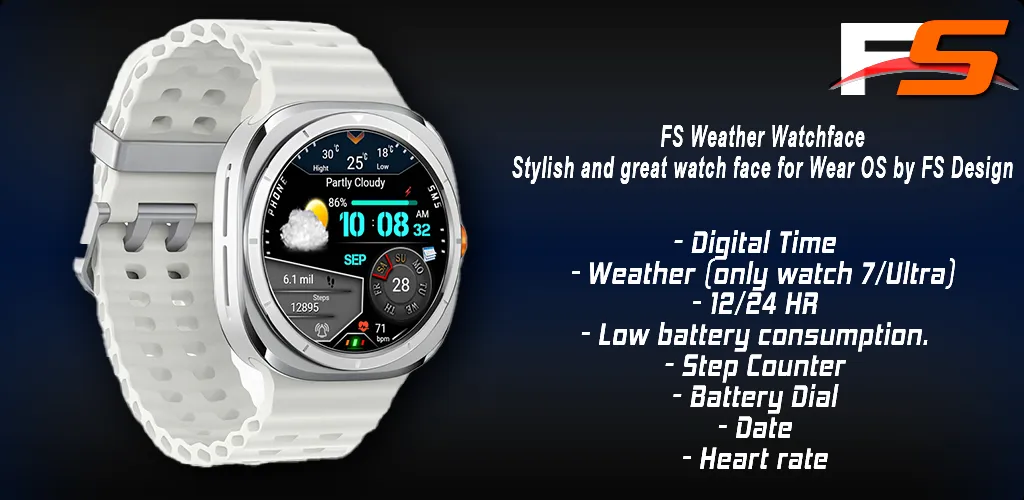
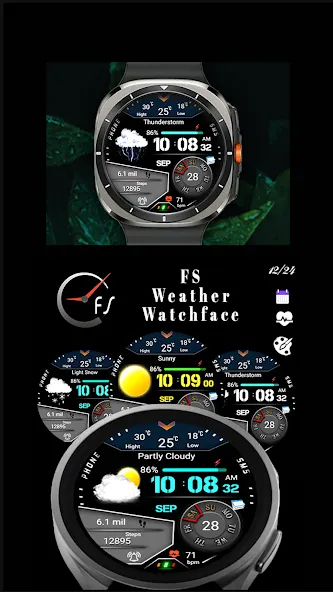
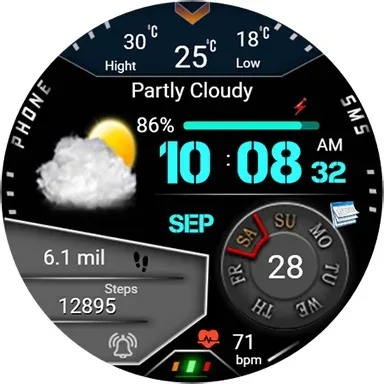
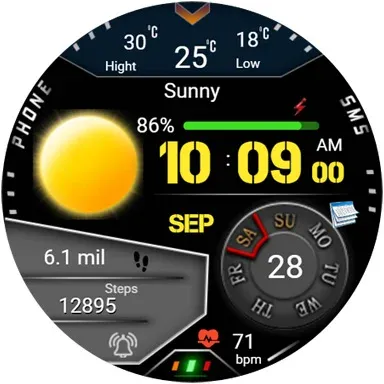
Weather Watchface Watch7/ultra
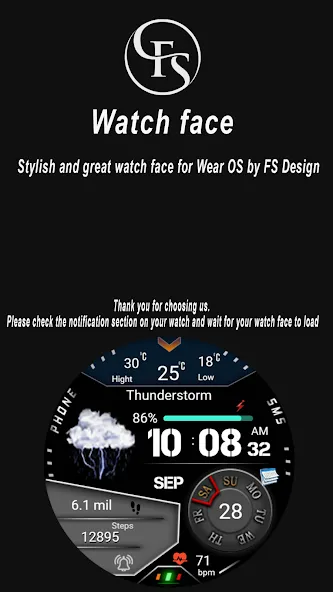
Stylish and great watch face for Wear OS by FS Design
Weather watch face for Wear OS 5
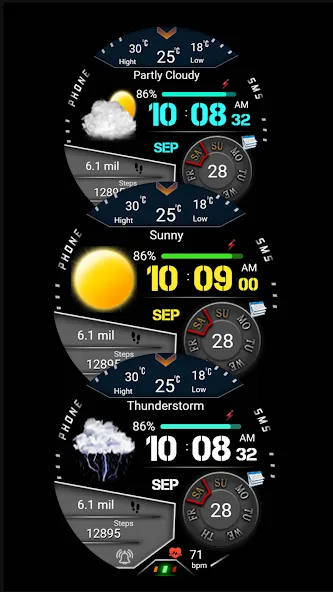
Watch face with realistic weather icons for Wear OS 5 (API 34+).
For Wear OS 5 (API 34+) devices only - Samsung Galaxy Watch 7 and Samsung Galaxy Watch Ultra.
Other devices running Wear OS 4 and earlier are not supported.
Weather Watchface Watch7/ultra is a Digital watch Face for Wear OS by FS Design
[For Wear OS devices only]
Note: For now weather forecast only works on galaxy watch 7
FEATURES
- Low battery consumption
- Battery Dial
- Date
Note: If you can’t see the watch face on your watch after installing it, please follow the steps below
1-long press on your watch screen and scroll the screen to the last screen
2-click add watch and find your watch face
How to install?
1.Swipe to on the watch screen
2.Click on the Google Play app icon
3.Click it a type ‘‘Weather Watchface Watch7/ultra’’ and search
4.Select watch face and click '‘Install.’
NOTE:
if you see message “Your devices are not compatible”, use Play Store on WEB browser from PC / Laptop instead of app on phone.
PLEASE FOLLOW ME:)
FS WATCHFACES WEB SITE: http://fswatchfaces.com/
FACEBOOK: https://m.facebook.com/groups/717379668440579?ref=bookmarks
FACEBOOK PAGE: https://www.facebook.com/Fs-design-2300540343310561/?ref=bookmarks
İNSTAGRAM: https://www.instagram.com/fs.watchface/?hl=tr
TWİTTER :https://twitter.com/FSWatchface
TELEGRAM:https://web.telegram.org/k/#@fswatchface
YOUTUBE : https://www.youtube.com/channel
Advertisement