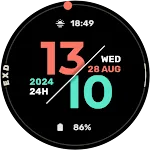
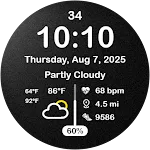
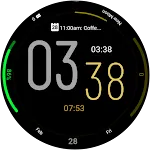
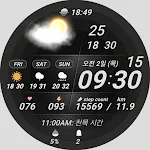
 OT | Digital Minimalist 3
4.7

Personalization
Ratings
Downloads
Age
Advertisement
Advertisement
Name
Category
Price
Safety
Developer
Version
IF ANY ELEMENTS OF THE WATCH FACE ARE NOT DISPLAYING, SELECT A DIFFERENT WATCH FACE IN THE SETTINGS AND THEN SWITCH BACK TO THIS ONE. (THIS IS A KNOWN WEAR OS ISSUE THAT SHOULD BE FIXED ON THE OS SIDE.)
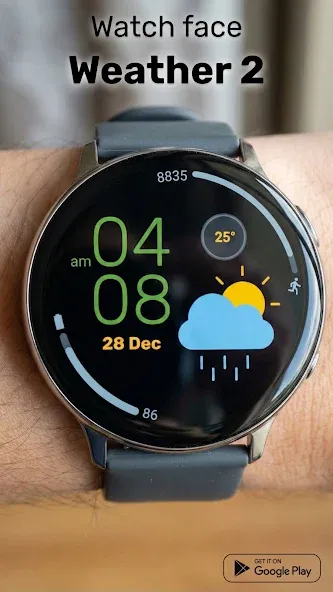
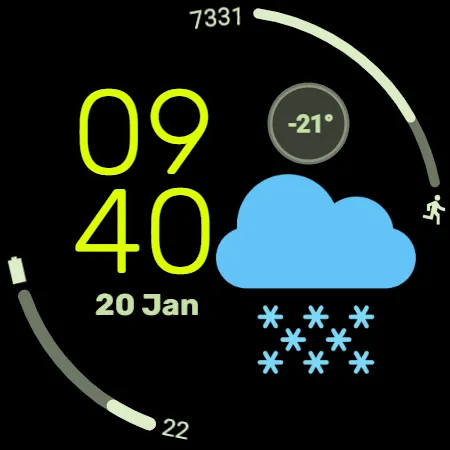
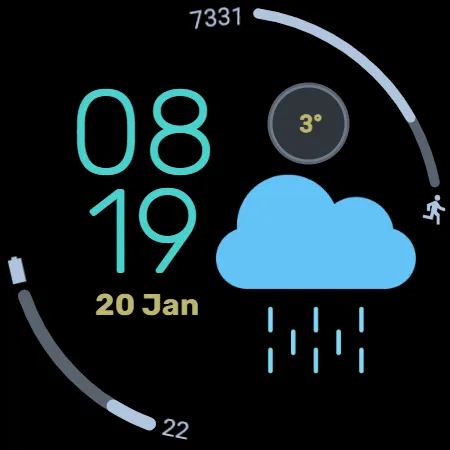
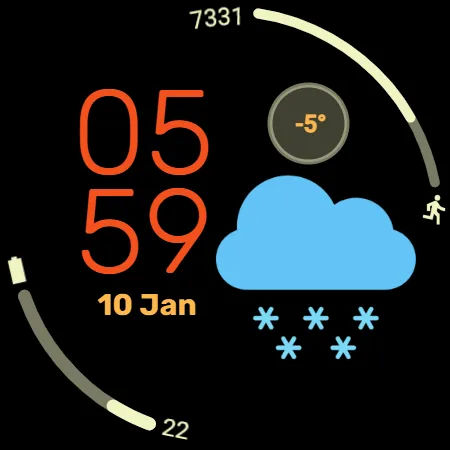
Weather 2 – Your Stylish Weather Watch Face for Wear OS
Stay ahead of the weather with Weather 2, a sleek and modern watch face designed to display real-time weather updates right on your wrist.
Stay ahead of the elements with Weather 2, a modern digital watch face designed for Wear OS. This face places clear, high-contrast weather visualization at the center of your day, ensuring you never get caught in the rain without an umbrella. Perfect for daily commuters, outdoor enthusiasts, and anyone who values information at a glance.
Key Features:
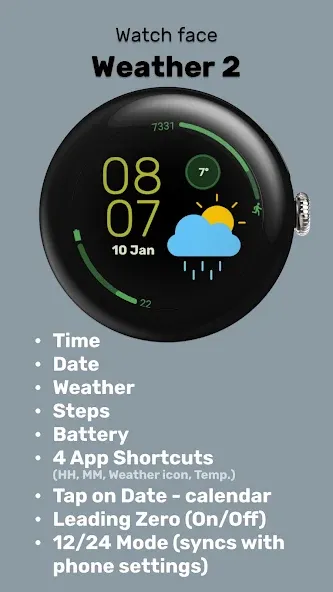
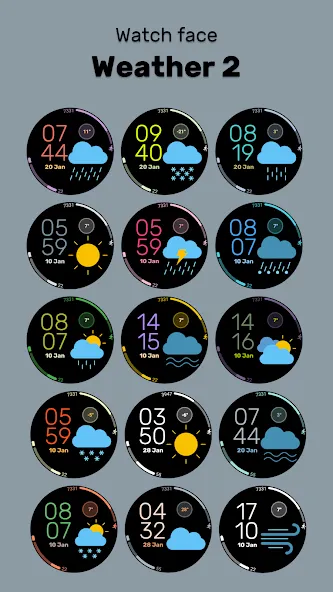
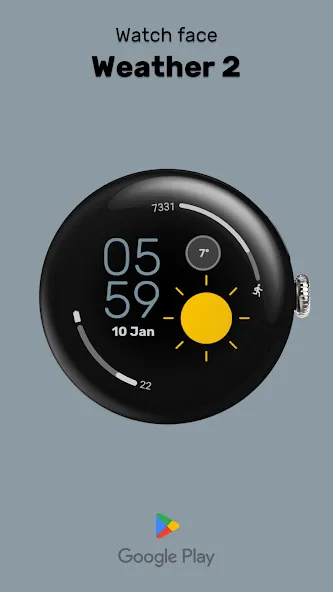
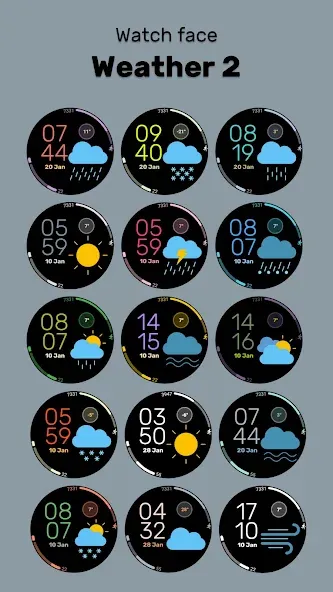
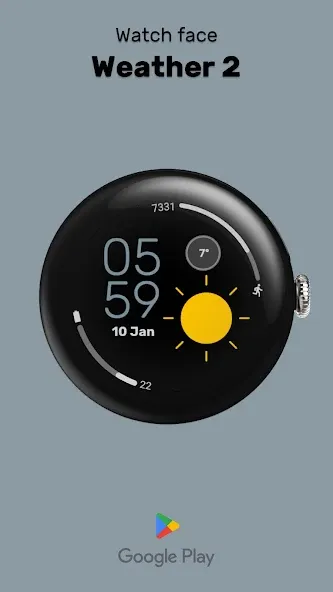
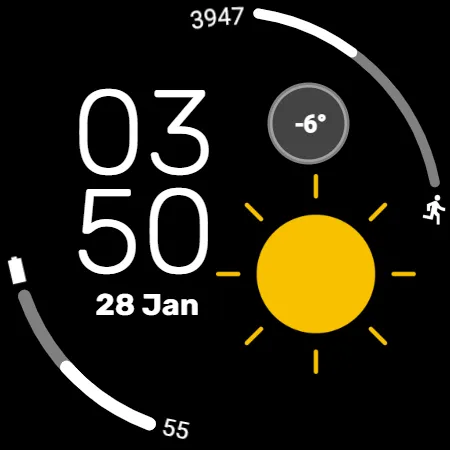
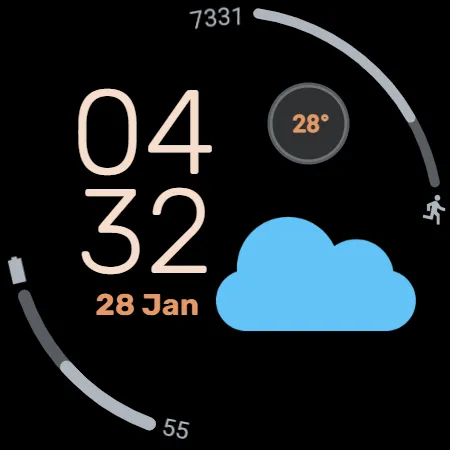
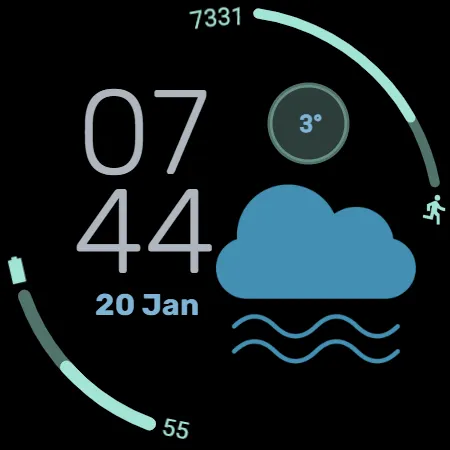
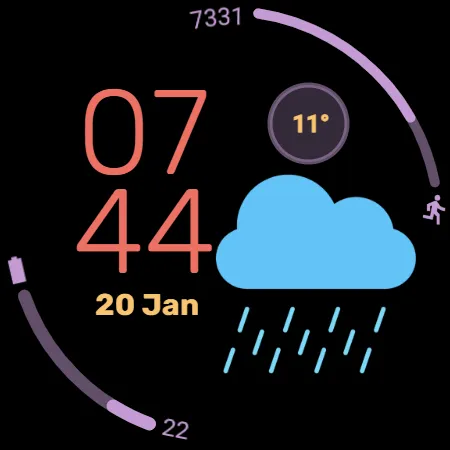
• Dynamic Weather Display: The centerpiece of this watch face is a large, beautiful weather icon that updates to show current conditions (Rain, Sun, Clouds, etc.) alongside the live temperature.
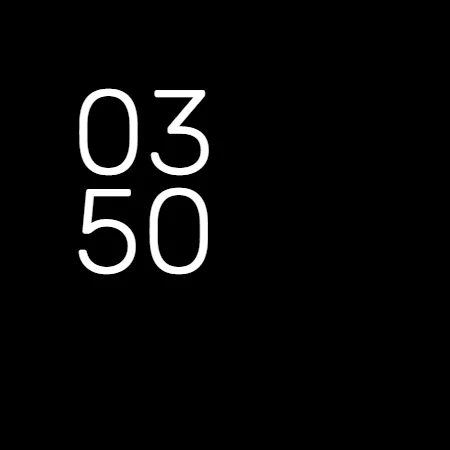
• Smart “Leading Zero” Control: We know style is personal. You can toggle the Leading Zero (On/Off) for the hour digit (e.g., switch between “09:00” and “9:00”) to match your preferred aesthetic.
• Essential Health & Power: Keep track of your daily activity with the integrated Steps Counter and monitor your device with the clear Battery Status indicator.
• Global Time Formats: The watch face supports both 12-hour and 24-hour modes, automatically syncing with your phone’s system settings.
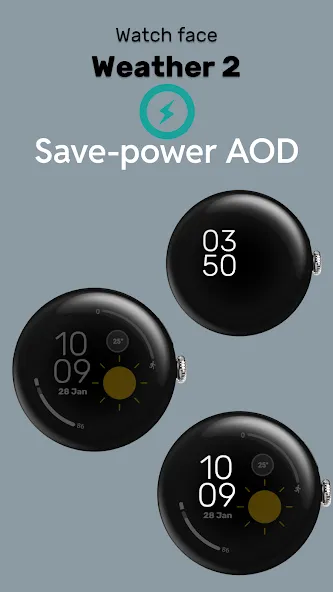
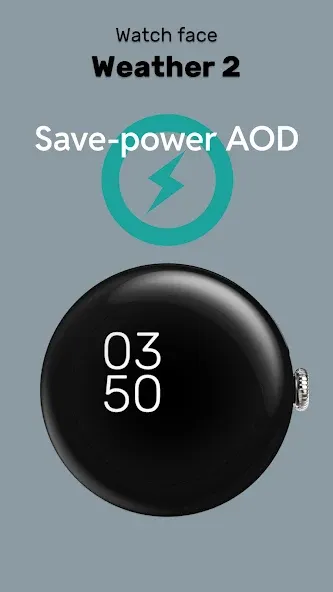
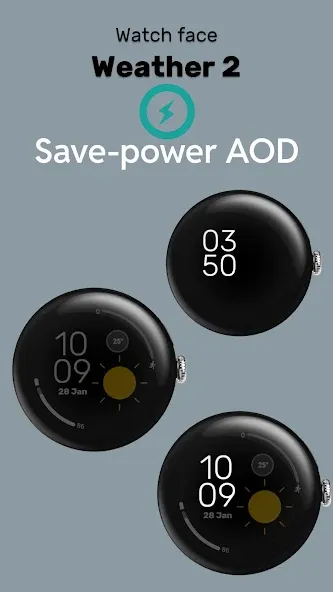
• Save-Power AOD: The optimized Always-On Display (AOD) shows you the time and essential info in a minimalist, battery-friendly mode, so your watch lasts longer.
Interactive Shortcuts:
Navigate your watch faster with 5 integrated tap zones designed for maximum efficiency:
• Tap Date: Instantly opens your Calendar
• Tap Hours (HH): Custom App Shortcut
• Tap Minutes (MM): Custom App Shortcut
• Tap Weather Icon: Custom App Shortcut
• Tap Temperature: Custom App Shortcut
Installation:
• Ensure your watch is connected to your phone via Bluetooth.
• Download Weather 2 from the Google Play Store.
• Long-press your watch screen and select “Weather 2” from your list of installed faces.
Compatibility:
Designed for Wear OS 5+ devices, including:
• Samsung Galaxy Watch
• Google Pixel Watch
• TicWatch
• Fossil
This watchface has been designed using resources from Flaticon.com
https://www.flaticon.com/authors/rosa-suave
Advertisement