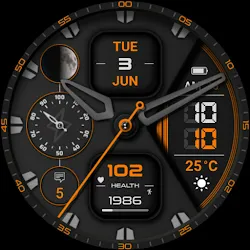
Watch face CNW0023 icon

Watch face CNW0023

Personalization

0.0

Ratings

100 - 500

Downloads

3+

Age

DOWNLOAD

Advertisement

Screenshots

Watch face CNW0023 screenshot 1
Watch face CNW0023 screenshot 2
Watch face CNW0023 screenshot 3
Watch face CNW0023 screenshot 4
Watch face CNW0023 screenshot 5
Watch face CNW0023 screenshot 6
Watch face CNW0023 screenshot 7
Watch face CNW0023 screenshot 8
Watch face CNW0023 screenshot 9
Watch face CNW0023 screenshot 10
Watch face CNW0023 screenshot 11
Watch face CNW0023 screenshot 12
Watch face CNW0023 screenshot 13
Watch face CNW0023 screenshot 14
Watch face CNW0023 screenshot 15
Watch face CNW0023 screenshot 16
Watch face CNW0023 screenshot 17
Watch face CNW0023 screenshot 18
Watch face CNW0023 screenshot 19
Watch face CNW0023 screenshot 20
Watch face CNW0023 screenshot 21
Watch face CNW0023 screenshot 22
Watch face CNW0023 screenshot 23
Watch face CNW0023 screenshot 24
Watch face CNW0023 screenshot 25
Watch face CNW0023 screenshot 26
Watch face CNW0023 screenshot 27
Watch face CNW0023 screenshot 28
Watch face CNW0023 screenshot 29
Watch face CNW0023 screenshot 30
Watch face CNW0023 screenshot 31
Watch face CNW0023 screenshot 32
See all →
Classic Watch Face 028 iconClassic Watch Face 028
0.0

Advertisement

About this app

Name

Watch face CNW0023

Category

Personalization

Price

Free

Safety

100% Safe

Developer

10h08.com - Wear Os Watch Face

Version

Varies with device

Description

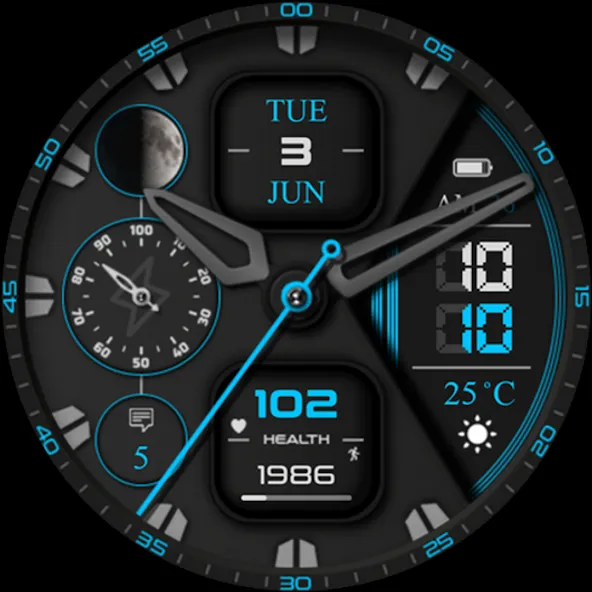
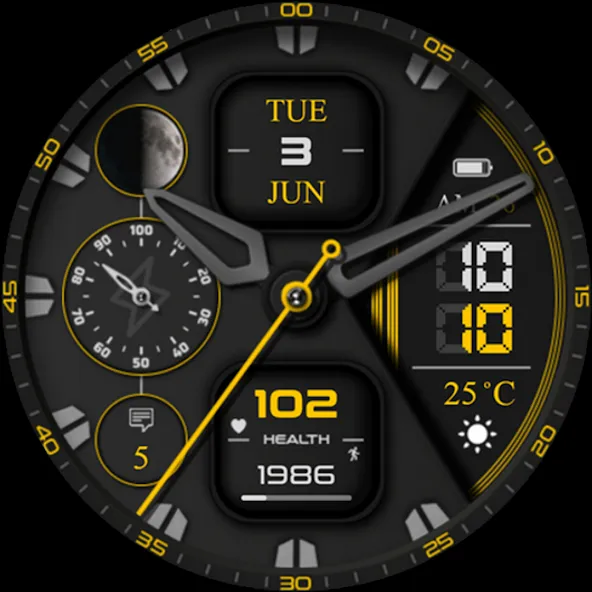
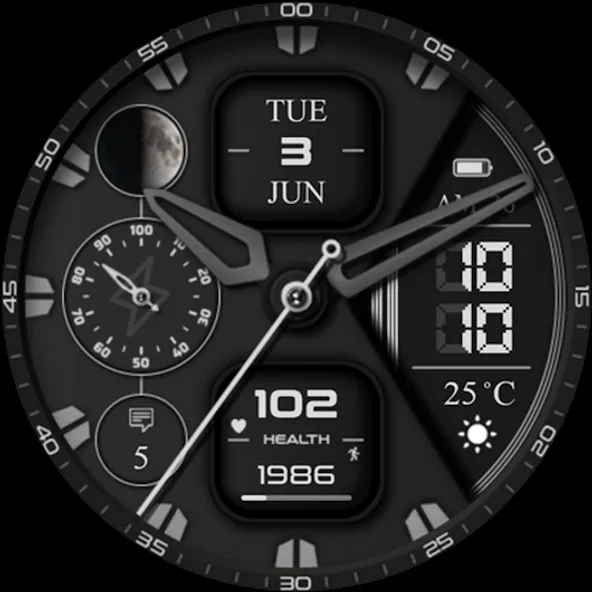
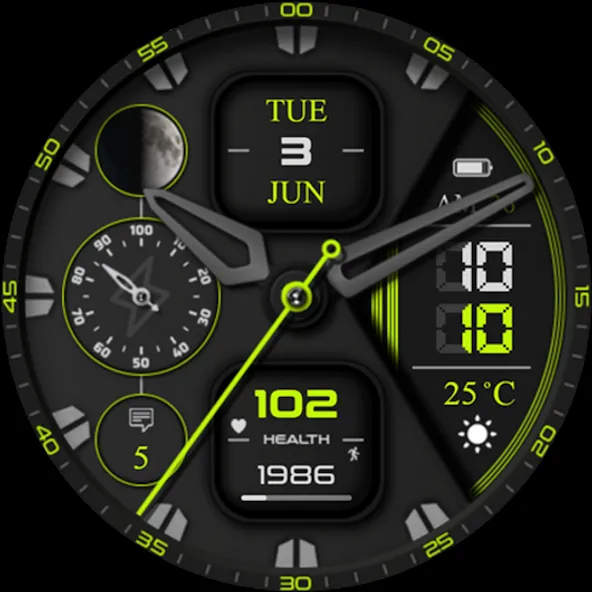
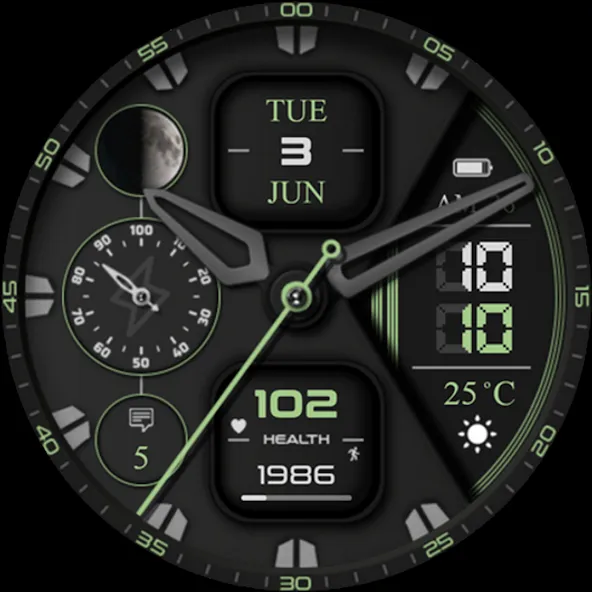
⌚️ Watch face CNW0023

🟥 Infomation:
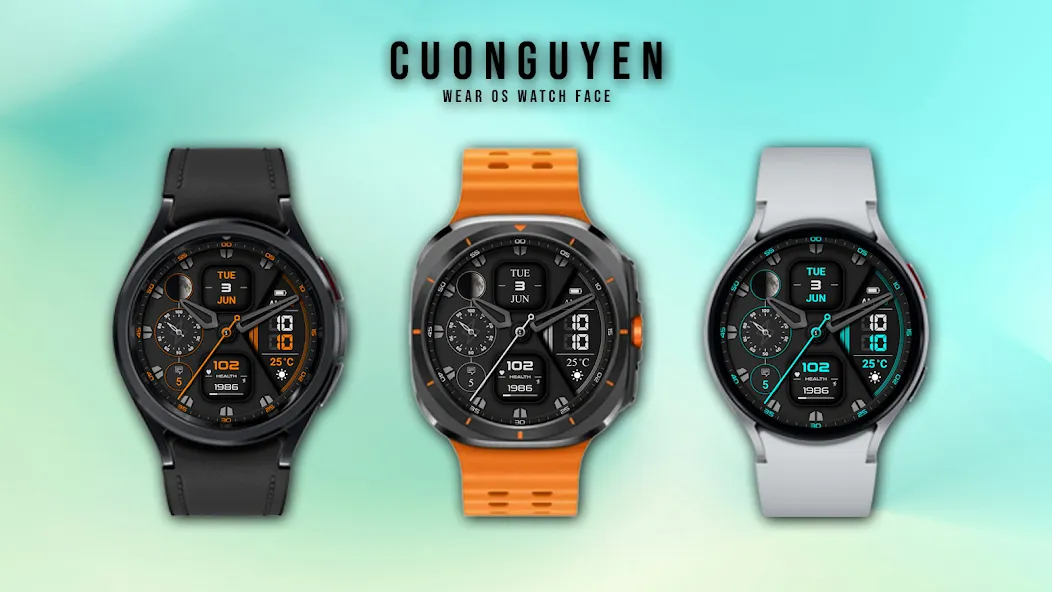
- Analog/Digital time
- Date, month
- Chronograph second hand
- Moon phase
- Message count
- Weather
- Step count, step goal, heart rate
- Blink icon heart
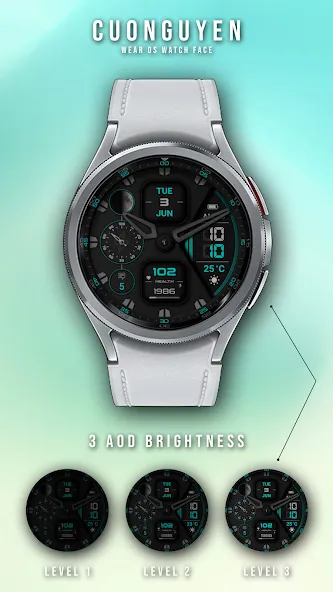
- Battery level, battery optimization with three AOD brightness levels
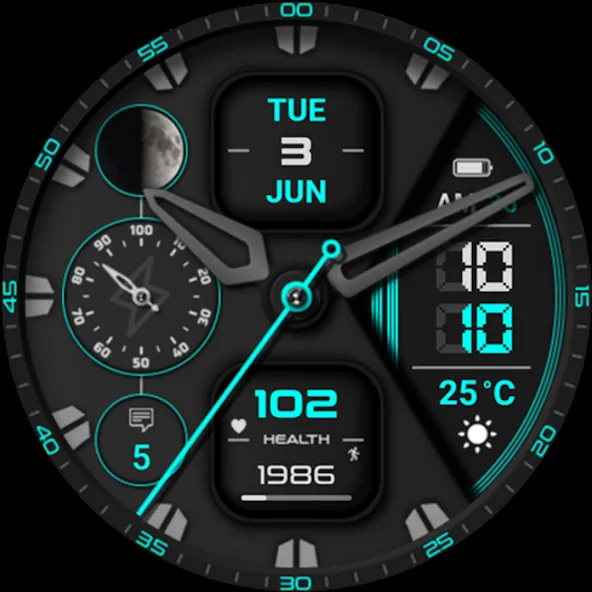
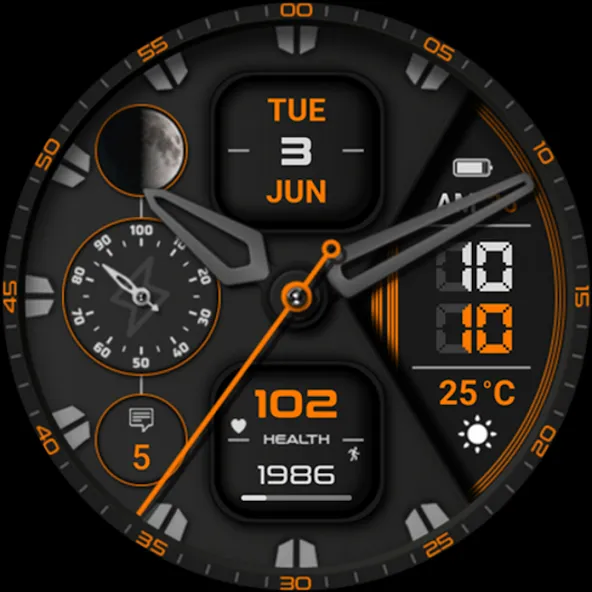
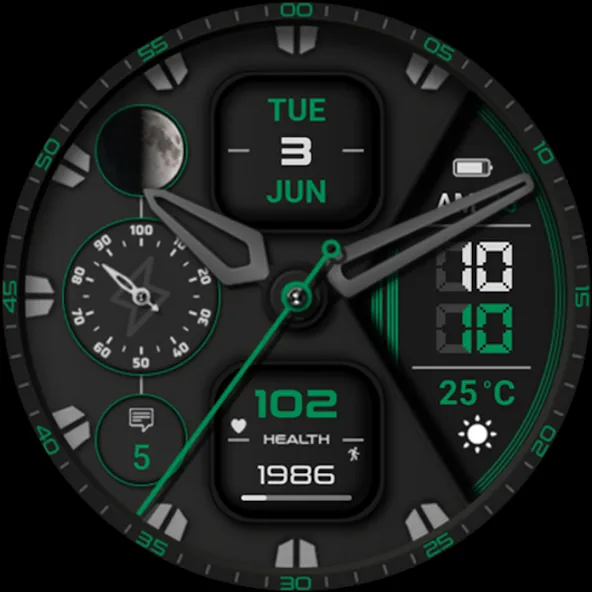
- Customize multiple color themes: See more photos on Google Play store

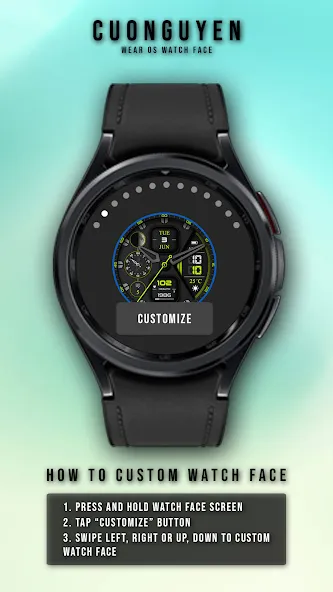
🟨 How to custom this watch face?
1. Press and hold watch face screen
2. Tap “Customize” button
3. Swipe left or right, up or down to customize watch face

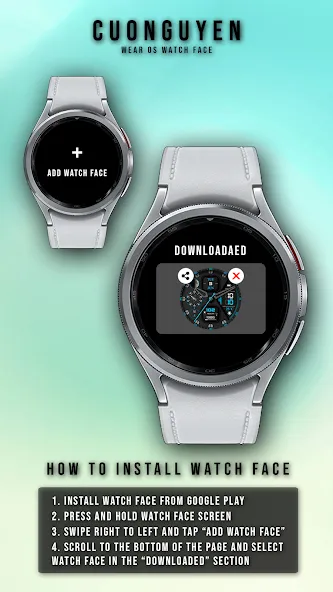
🟦 How to install watch face on your watch?
1. Install watch face from Google Play store
2. Press and hold watch face screen
3. Swipe right to left and tap “Add watch face”
4. Scroll to the bottom of the page and selectwatch face in the “downloaded” section

🟧 Compatible with smart watches running Wear OS 5+ SDK 34+
For example: Galaxy Watch 6, Galaxy Watch 7 Ultra, Ticwatch Pro 5, Pixcel Watch 2, Watch 2 Pro,…

🟩 See all my paid watch faces & free watch faces: https://play.google.com/store/apps/developer?id=cuonguyen

🟪 Follow my social media pages for the latest watch face updates:
https://www.facebook.com/cnwwatchface
https://www.instagram.com/cnwwatchface
https://www.threads.com/@cnwwatchface
https://x.com/cnwwatchface
https://www.pinterest.com/cnwwatchface

TOP FREE APPS

See all →
Microsoft OneDrive iconMicrosoft OneDriveProductivity
4.6

TOP FREE GAMES

See all →

Advertisement

Top Downloads

See all →
  1. Files by Google icon
    Files by GoogleTools
    4.5
    GET
  2. 4