 Halo Watch Face
3.8

Personalization
Ratings
Downloads
Age
Advertisement
Advertisement
Name
Category
Price
Safety
Developer
Version
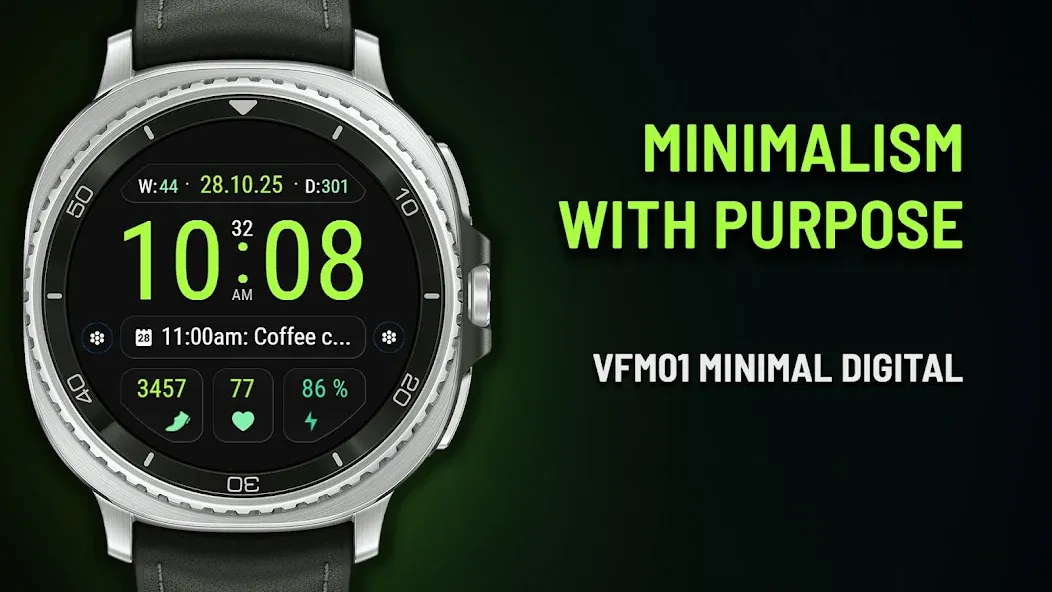
VFM01 Minimal Digital Watch Face — Minimalism with purpose
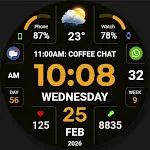
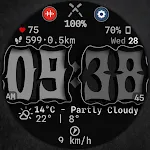
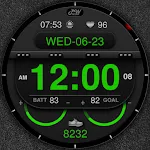
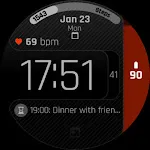
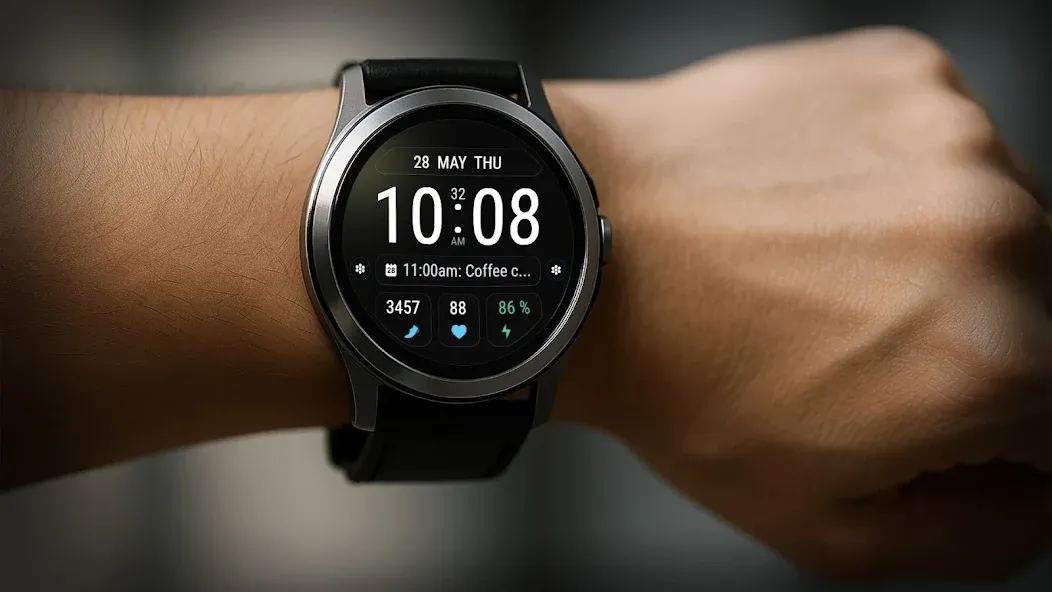
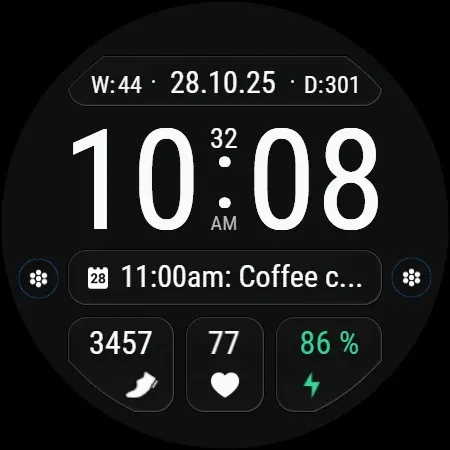
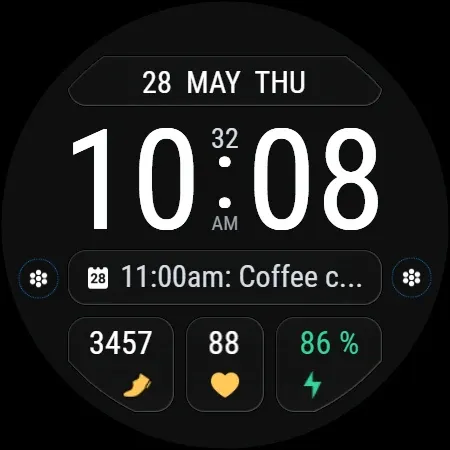
A digital watch face for Wear OS (API 34+) with key data and flexible personalization.
Designed for maximum legibility and everyday convenience—at work, in the gym, or on the go.
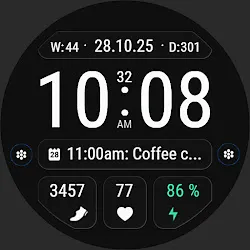
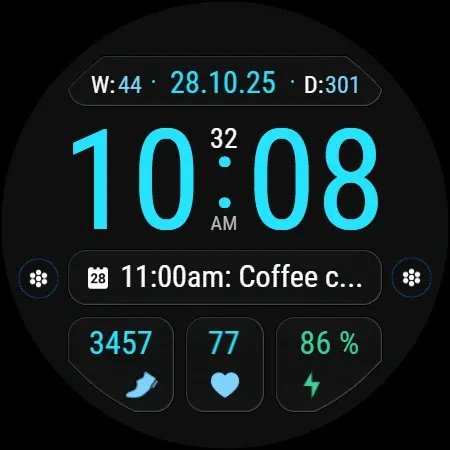
✅ Essential info at a glance: time, date, battery level
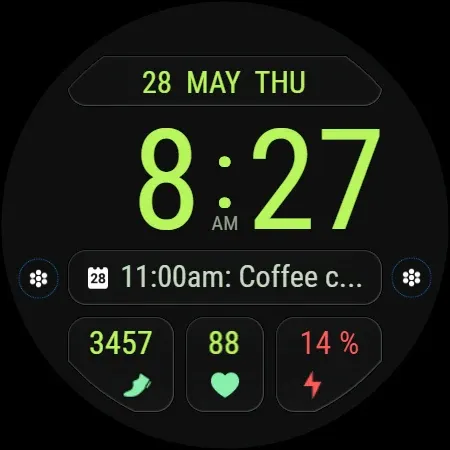
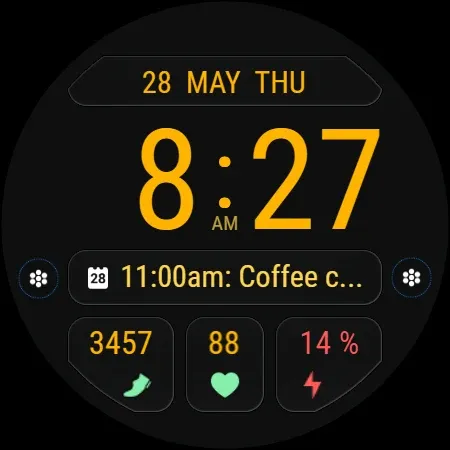
✅ Smart battery color indicator — color changes with the current charge level
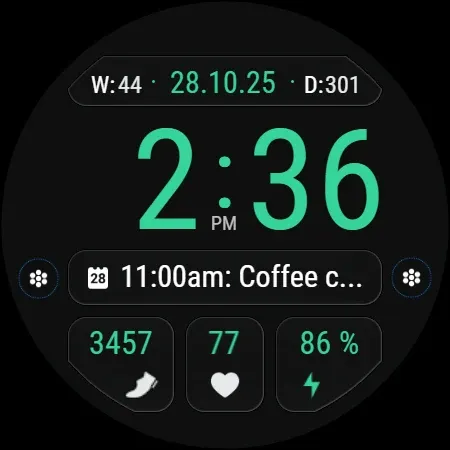
✅ Week number (W) and Day of Year (D) - - are displayed by default together with the numeric date format
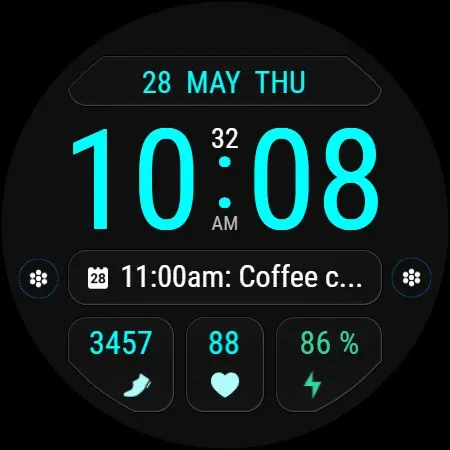
✅ Text date format
✅ Option to hide the leading zero in 12-hour format
✅ Option to hide seconds
✅ Option to disable the blinking colon
🎨 Personalization:
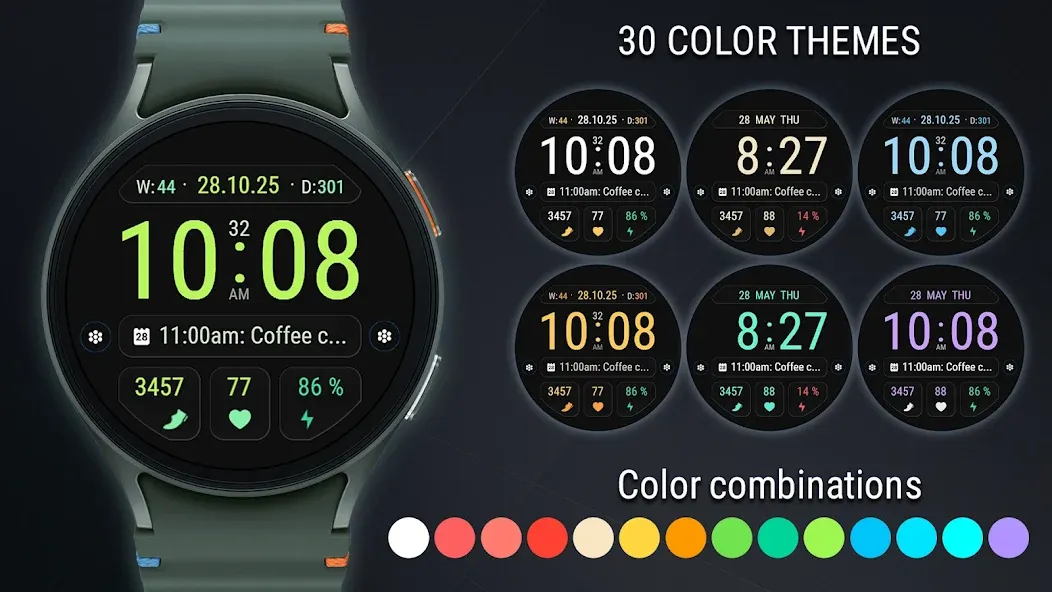
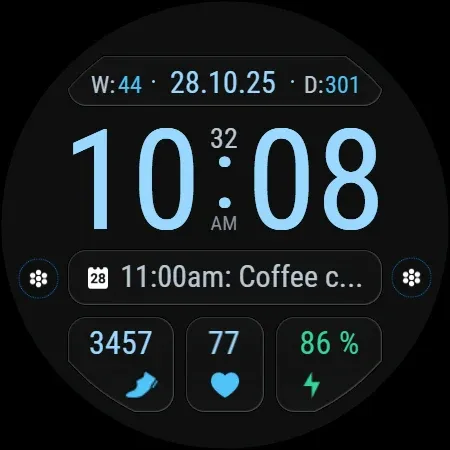
• 30 color themes
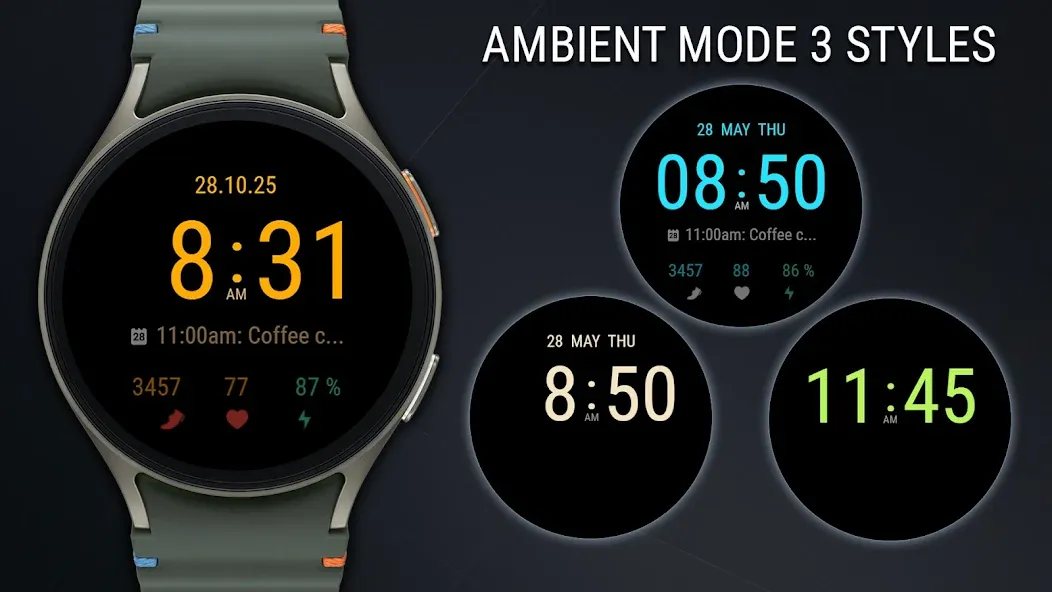
• 3 Always On Display (AOD) styles
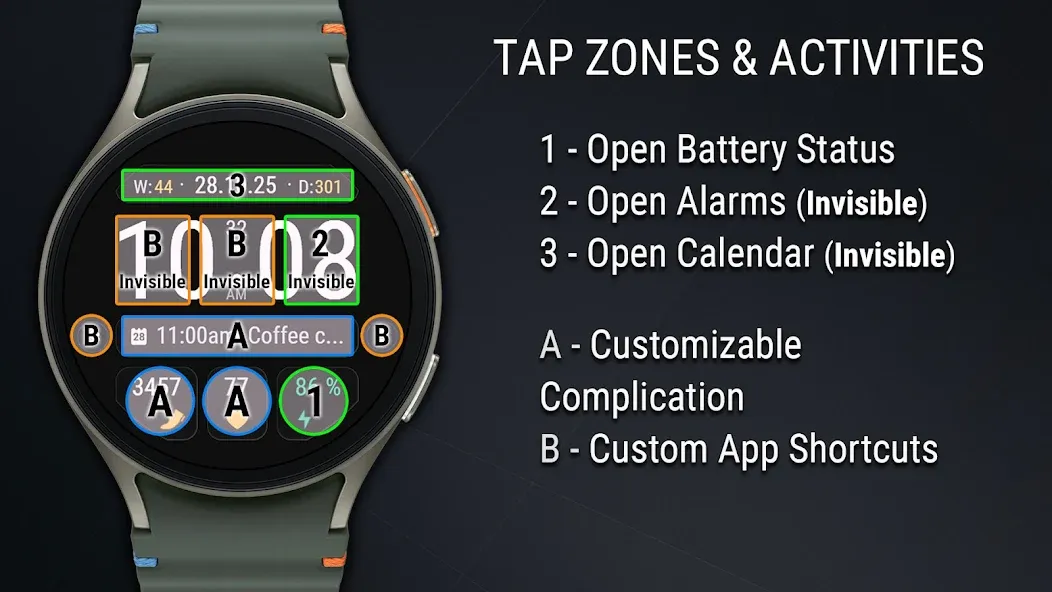
• 3 customizable complications
• 4 app shortcuts, 2 of them invisible (in the time area and in the colon area)
• Hidden Alarm button — tap the minute digits
• Hidden Calendar button — tap the date
🕒 Time & Date Format
12/24-hour mode is selected automatically based on your phone settings.
• Leading zero (in 12-hour mode) — enabled by default; can be turned off in the watch face settings.
• Seconds — enabled by default; can be turned off in the watch face settings.
• Blinking colon — enabled by default; can be turned off in the watch face settings.
• Text date format — can be selected in watch face settings.
⚠ Requires Wear OS, API 34+
🚫 Not compatible with rectangular watches
🙏 Thank you for choosing my watch face!
✉ Have questions? Contact me at [email protected] — I’ll be happy to help!
➡ Follow me for exclusive updates and new releases!
• Facebook - https://www.facebook.com/veselka.watchface/
• Telegram - https://t.me/VeselkaFace
• YouTube - https://www.youtube.com/@VeselkaFace
Advertisement