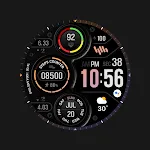
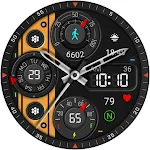
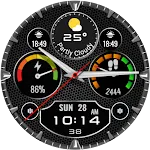
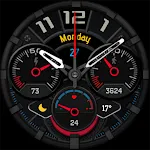
 MD305 Analog watch face
4.6

Personalization
Ratings
Downloads
Age
Advertisement
Advertisement
Name
Category
Price
Safety
Developer
Version
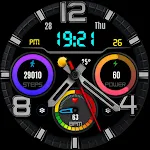
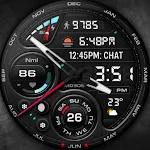
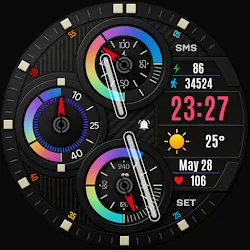
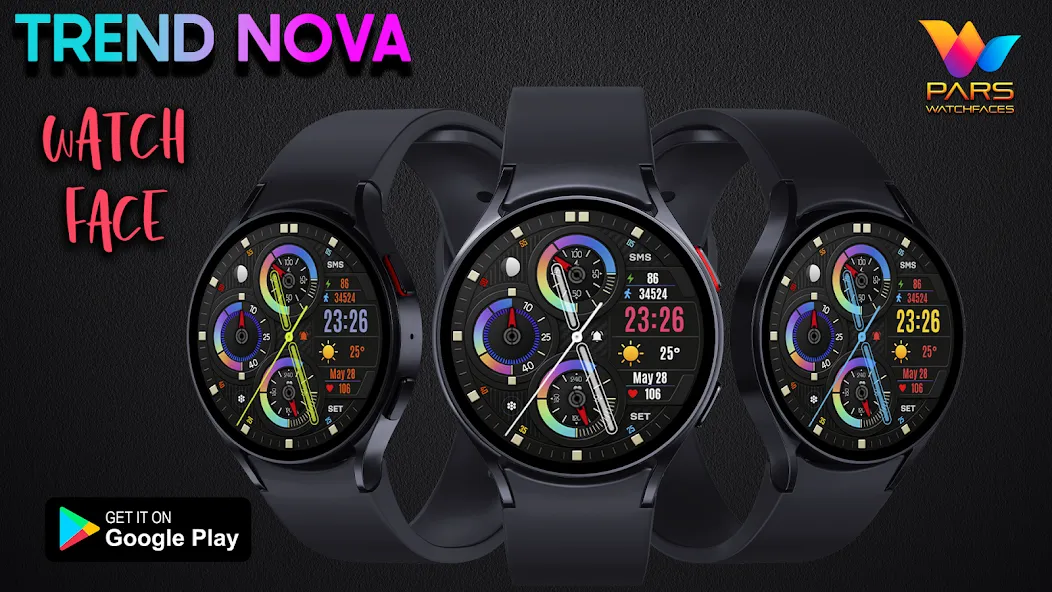
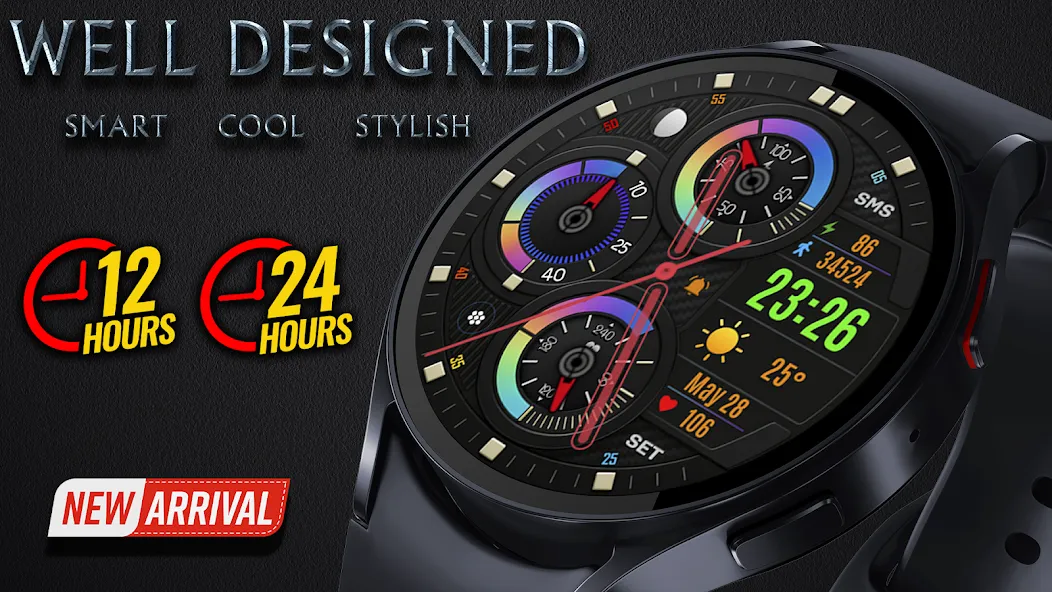
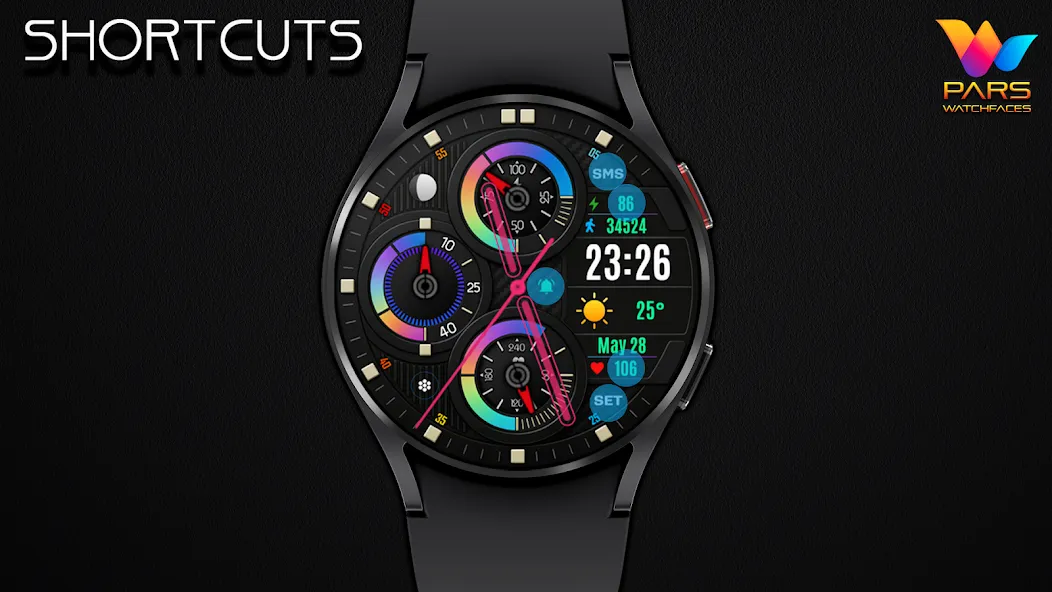
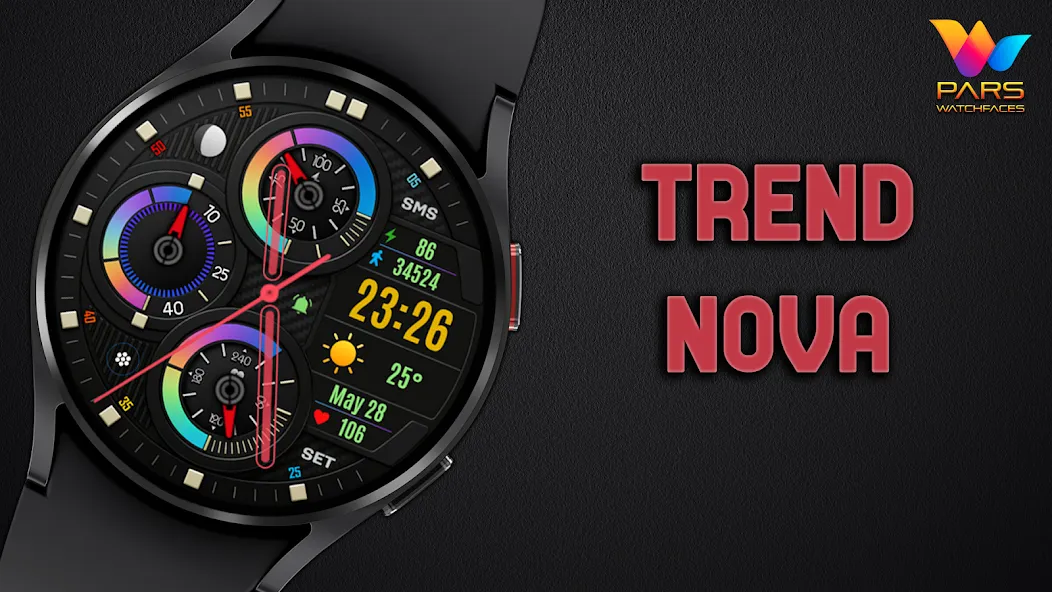
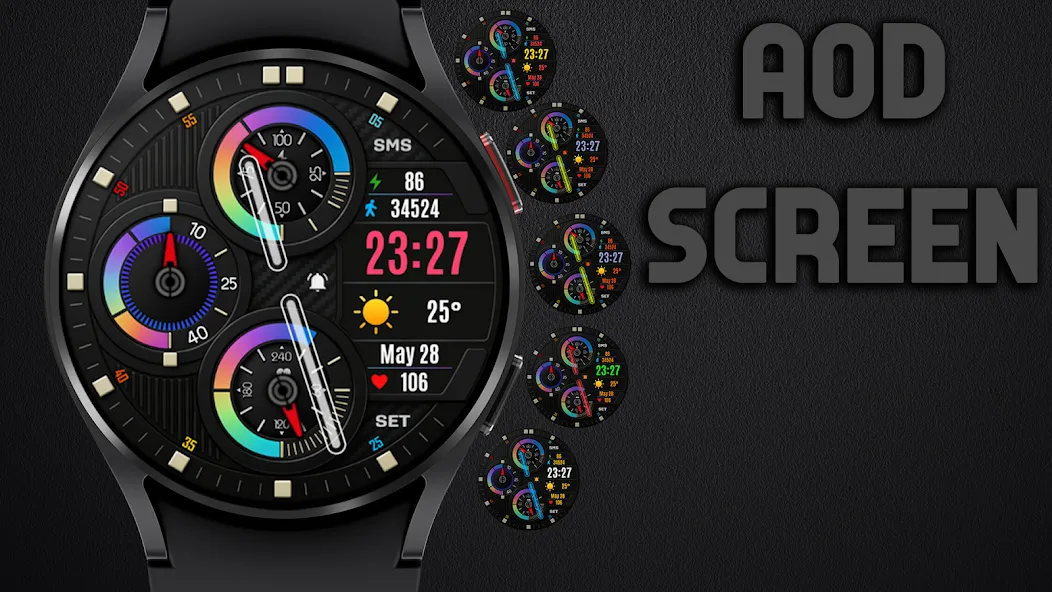
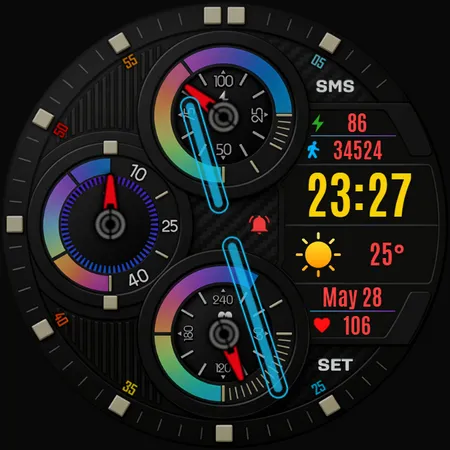
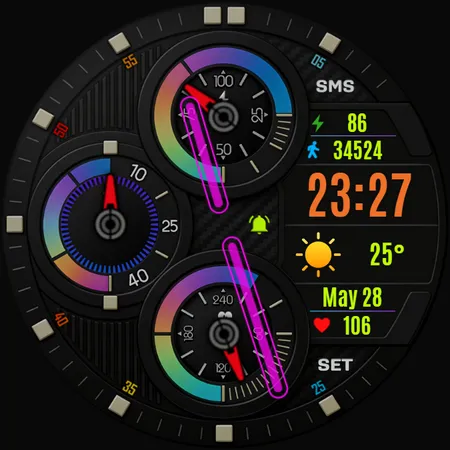
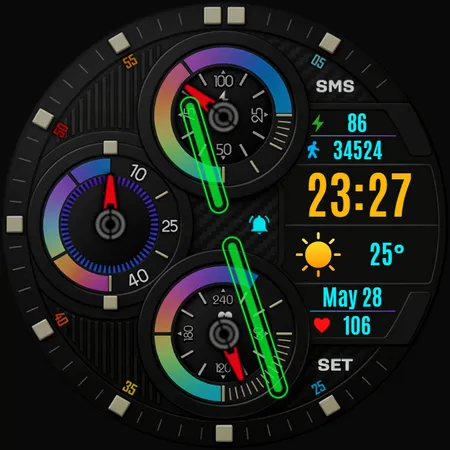
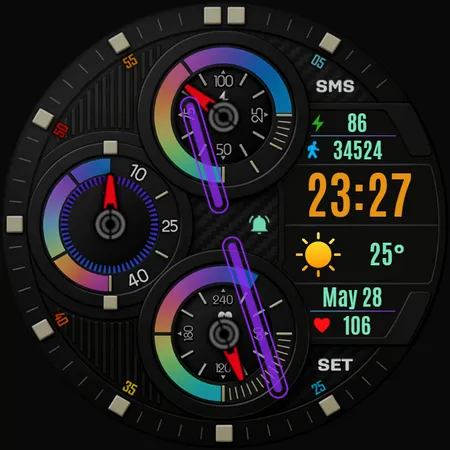
This Wear OS hybrid watch face is optimized for clarity, readability, and everyday use.
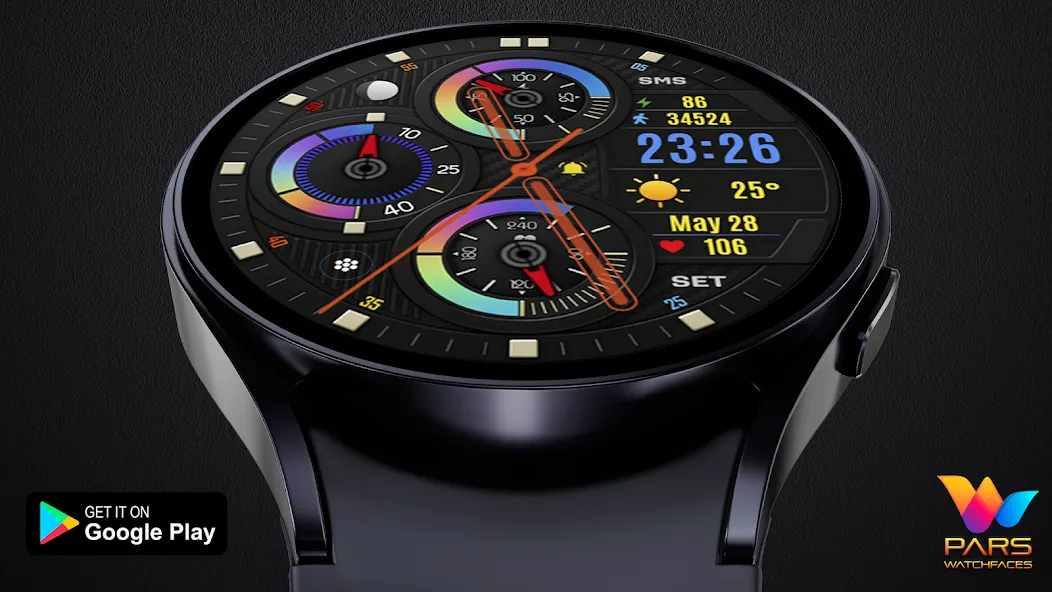
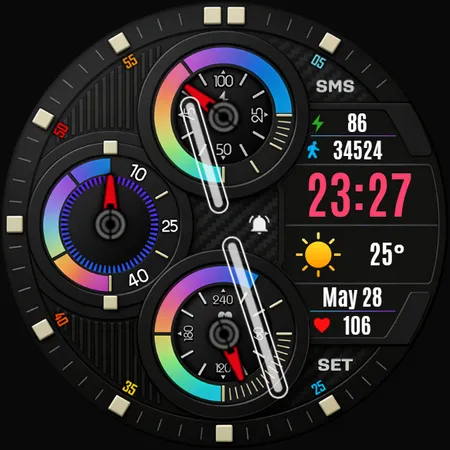
Check your weather, heart rate, steps, and battery instantly — without clutter.
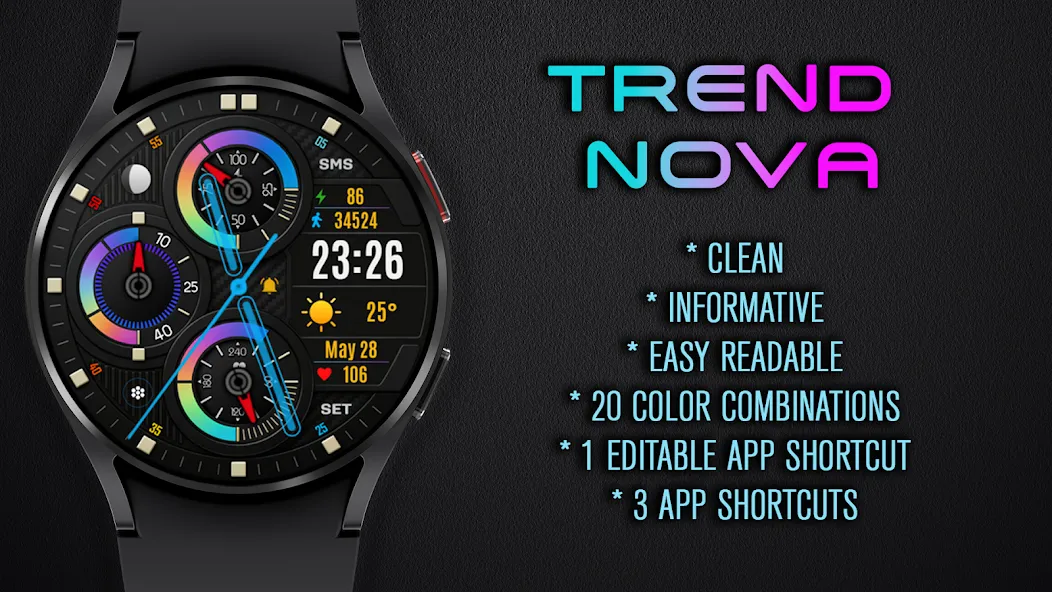
🔥 Key Features:
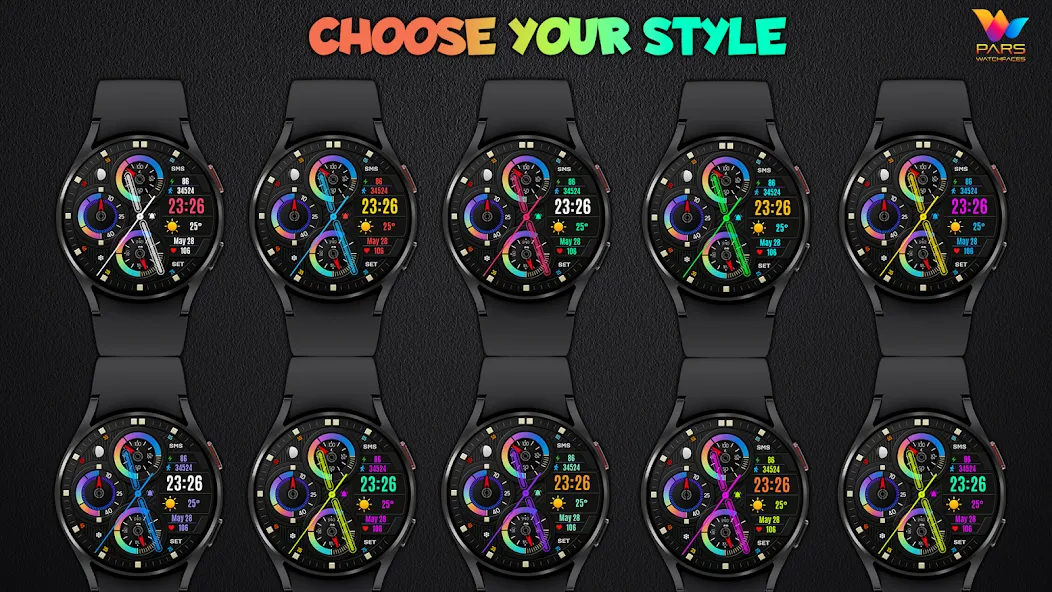
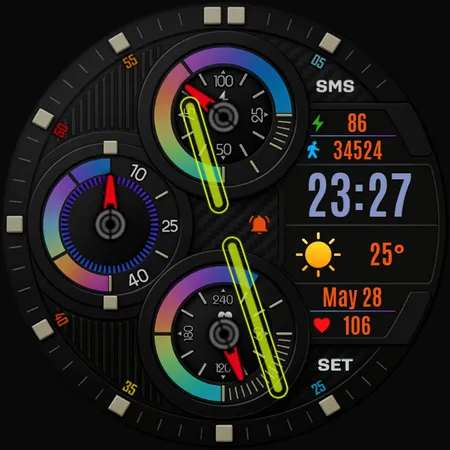
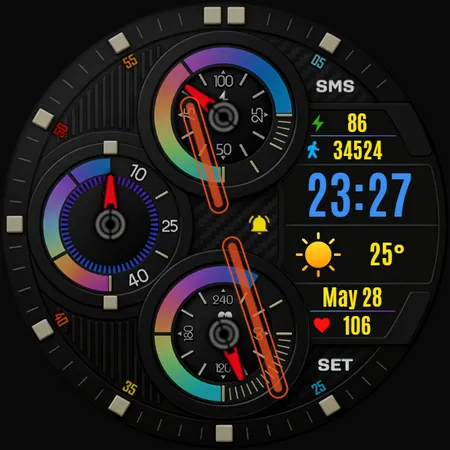
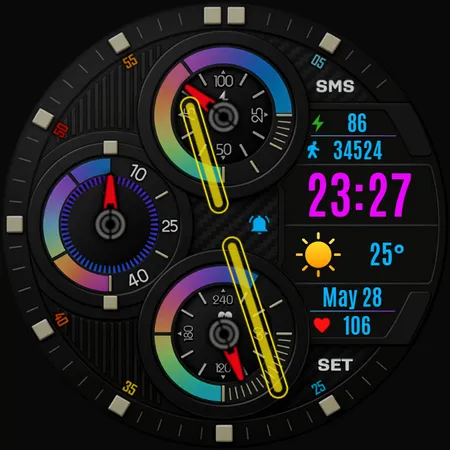
🎨 20 Vivid Color Options
⚙️ 1 App Shortcut
⌚ Hybrid Design
🌤 Weather Information
🔋 Battery Percentage
👣 Step Counter
❤️ Heart Rate Monitor
Trend Nova Hybrid Watch Face is compatible with all watches using Wear OS SDK 34 and Api 34+.
IMPORTANT NOTE: The companion application installed on your phone is for informational purposes only. The watch face will be automatically installed on your watch. All you need to do is activate the Always Set Watch Face section from the settings menu in the Play Store application on your watch. This will automatically bring the watch face to your home screen. For more information, please check the link below.
https://www.parswatchfaces.com/set/
PLEASE NOTE: In some watch brands and models, functions specific to Samsung Galaxy series watches may not work.
* Please check the pictures of the watch face for more information.
NOTES:
- Make sure you have allowed the access sensors.
- Step target set to 10k.
- Turning on the pedometer by clicking on the Pedometer text may not work on some watch models other than Samsung watch models.
- This watch face is compatible with Samsung Galaxy Watch 4,Watch 5, Watch 6, Watch 7, Pixel Watch etc.It supports all Wear OS devices with API Level 30+.
ISTALLING NOTES:
1 - Make sure the watch is properly connected to the phone.
The Phone app just acts as a placeholder to make it easy to set up and find the watch face on your Wear OS watch
PS: If you get stuck in the payment cycle, don’t worry, only one payment will be made even if you are asked to pay a second time. Wait 5 minutes or restart your watch and try again.
There may be a synchronization issue between your device and Google servers.
or
2 - Alternatively, try to install the watch face from the web browser on your PC.
PS: While installing the watch face, the developer has no any control about the installation.
Before writing a negative comment or giving 1 star rating please read the Installation Guide carefully in the link below and please contact us via e-mail if you get any other problem.
https://www.parswatchfaces.com/installation-guide/
NOTE :If you get the message “Your devices are not compatible” instead of app on phone, please use Play Store in WEB browser from PC or Laptop.
IMPORTANT NOTICE :
After installation, the watch face can load the last heart rate measurement result, but it doesn’t have to.
The watch face does not automatically measure and does not automatically display the heart rate result.
To view your current heart rate score, you’ll need to take a manual measurement.
To do this, sit still, wait a few minutes and click on the heart rate display area.
Wait a few seconds. The watch face will take a measurement and display the current result.
Do this whenever you want to see your current heart rate.
MY WATCH FACES CATALOG
https://play.google.com/store/apps/dev?id=7655501335678734997
FOLLOW US :
FACEBOOK
https://www.facebook.com/profile.php?id=100078915463662
INSTAGRAM
https://www.instagram.com/parswf/
TELEGRAM
https://t.me/parswatchfaces
if you have any question, please contact with me: [email protected]
I would be very grateful for the rate and review in the Store.
Thanks.
Advertisement