 SG-102
4.6

Health & Fitness
Ratings
Downloads
Age
Advertisement
Advertisement
Name
Category
Price
Safety
Developer
Version
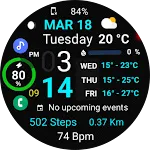
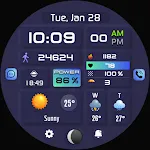
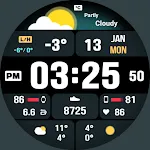
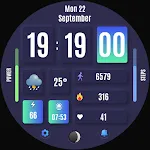
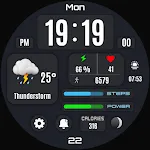
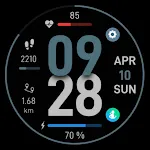
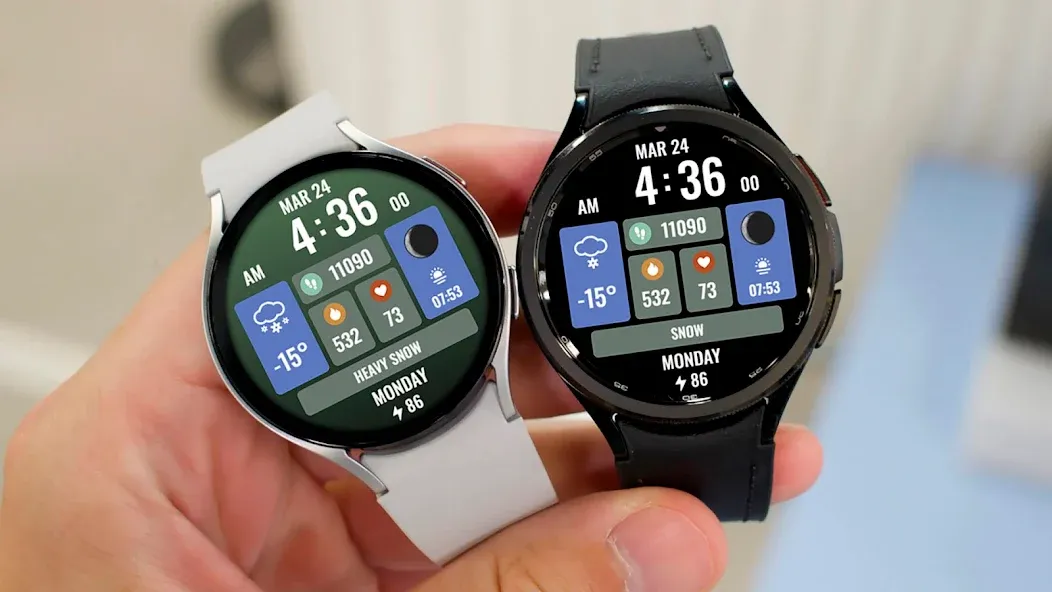
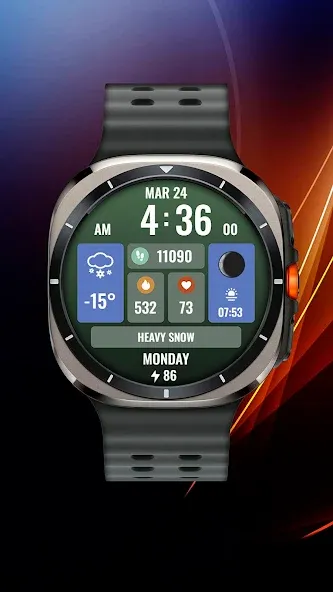
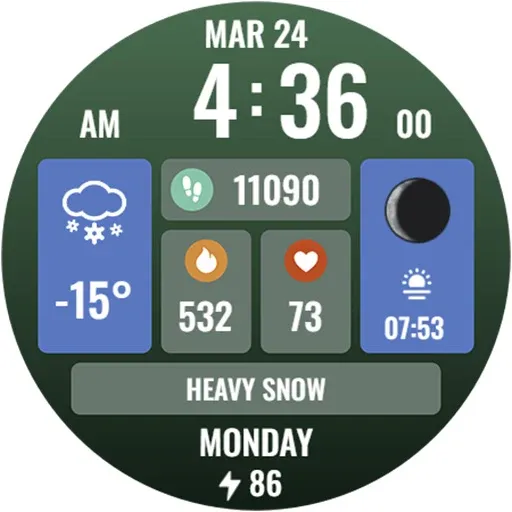
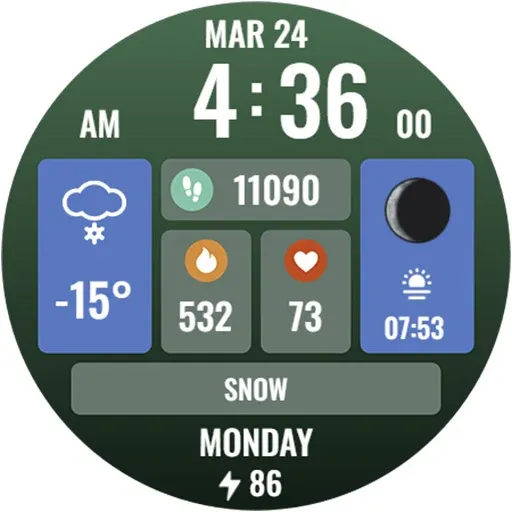
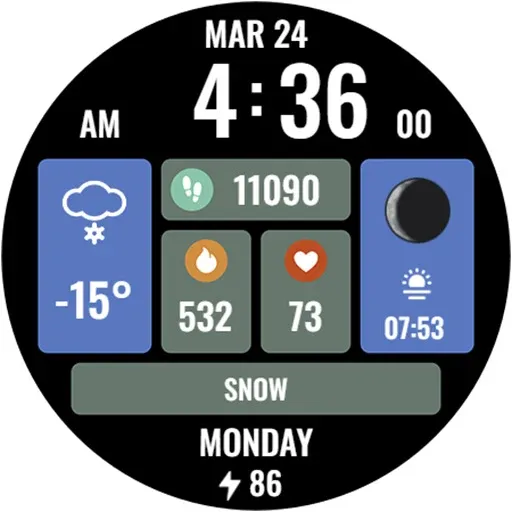
The watch face for Wear OS smartwatches supports the following functionality:
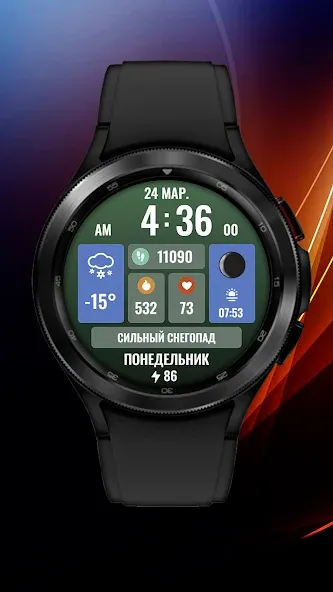
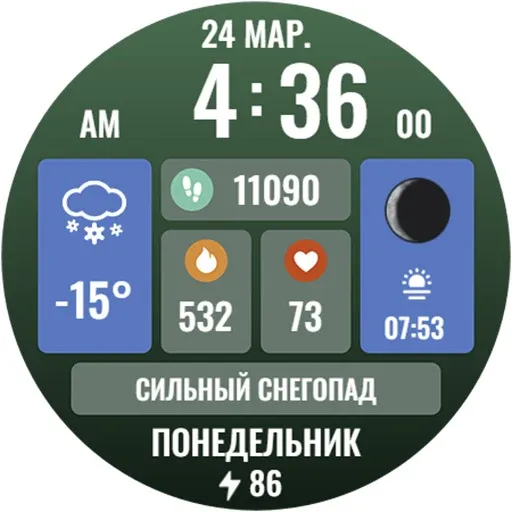
- Multilingual display of date and day of the week. The watch face language is synchronized with the one installed on your smartphone
- Automatic switching of 12/24 hour modes. The watch display mode is synchronized with the one installed on your smartphone
- Battery charge display
- Upcoming calendar event display
- Number of steps taken
- Number of calories burned (calculated based on the average number of steps taken)
- Current heart rate
- Sunrise and sunset times
- Two tiles can be configured to display data from your watch applications. I recommend putting weather data on the left large tile, and humidity information or temperature sensation on the upper right one. The thing is that not all applications on the watch are able to correctly display data in the current tile format. Please take this feature into account when buying a watch face
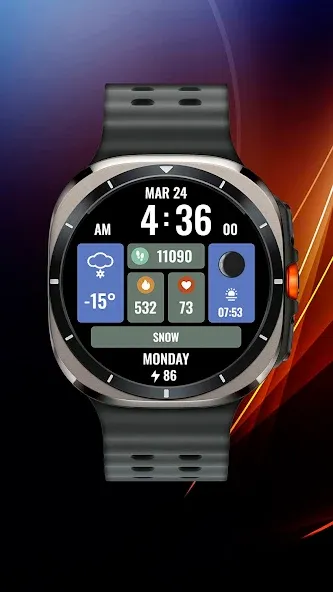
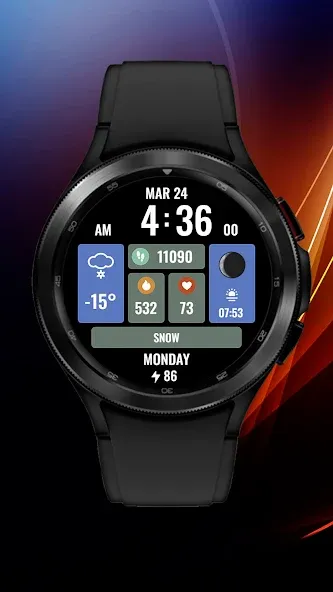
- You can either put a gradient backing under the tiles, or change it to pure black. The setting also occurs through the watch face menu.
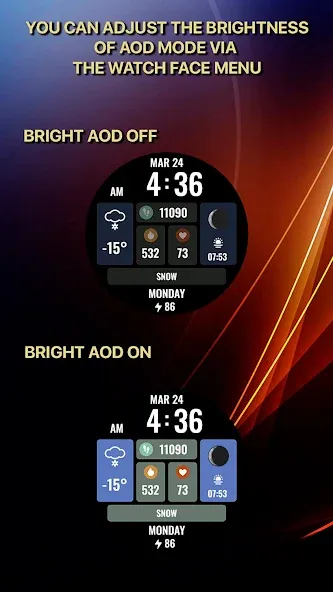
I made an original AOD mode for this watch face. In order for it to be displayed, you need to activate it in the menu of your watch. In addition, in the watch face settings, you can set the brightness of the AOD mode:
- The “Bright AOD Off” setting is an economical AOD mode
- The “Bright AOD On” setting is a bright AOD mode (the battery consumption of the watch will increase)
For comments and suggestions, please write to e-mail: [email protected]
Join us on social networks
https://vk.com/eradzivill
https://radzivill.com
https://t.me/eradzivill
https://www.facebook.com/groups/radzivill
Sincerely,
Eugeniy Radzivill
Advertisement