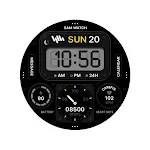
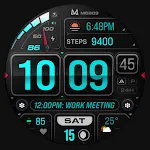
 MD309 Digital watchface
4.8

Personalization
Ratings
Downloads
Age
Advertisement
Advertisement
Name
Category
Price
Safety
Developer
Version
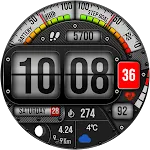
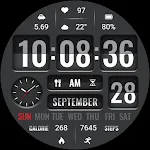
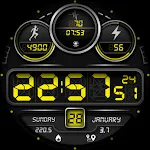
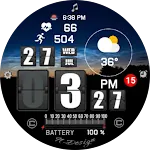
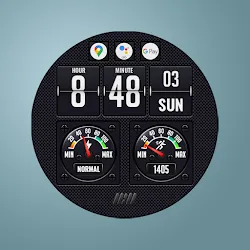
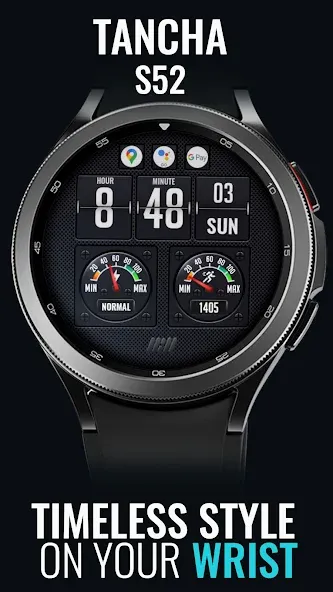
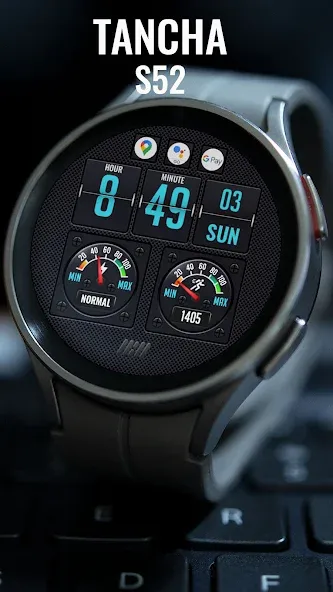
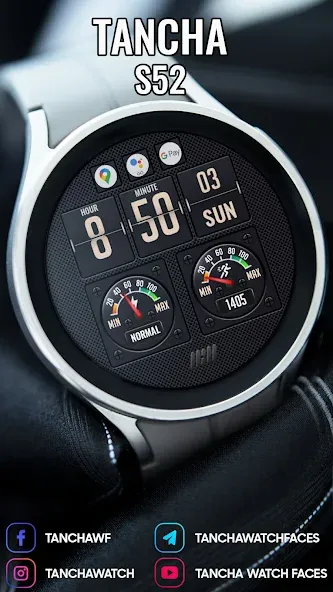
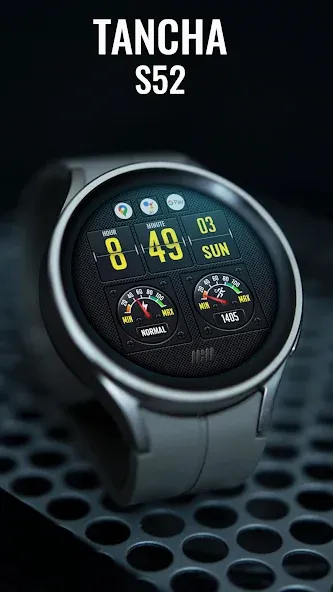
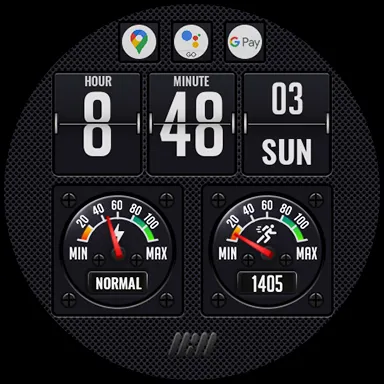
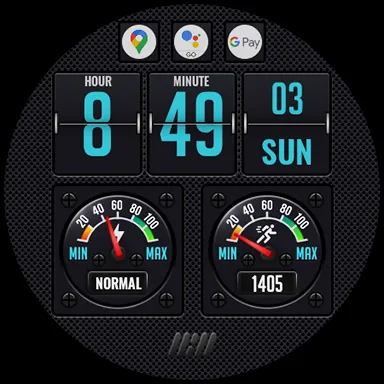
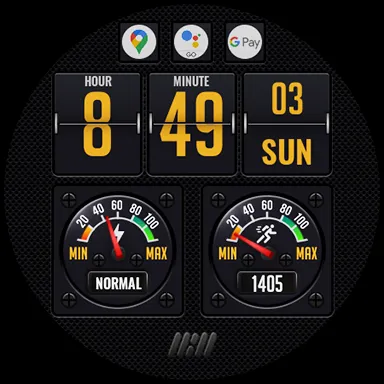
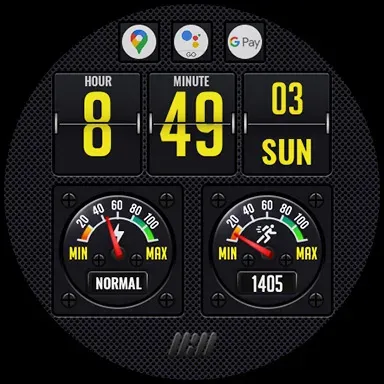
Tancha S52 Digital Watch Face
The perfect looks Digital watch face.
This watch face is developed by Tancha Watch Faces for use on Wear OS devices.
FEATURES
Digital watch face
* Color Customization.
* 12/24 hour time format. (No leading zero.)
* Battery status.
* Steps counter.
* App Shortcuts.
* Always on view.
FAQ :
1- The watch face is installed on your watch but does not appear in the catalog?
FOLLOW THESE STEPS:
Press and hold your watch screen.
Swipe right until you see the text ‘Add watch face.’
Press the ‘+ Add watch face’ button.
Find and activate the watch face you installed.
2- If the companion app is installed but the watch face is not, follow the steps below:
FOLLOW THESE STEPS:
Open the companion app on your phone (ensure that your smartwatch is connected to your phone).
Next, tap the ‘INSTALL WATCH FACE ON WATCH’ button at the bottom of the app.
This will open the Play Store on your WEAR OS smartwatch, displaying the purchased watch face and allowing you to install it directly.
If you have any questions or requests, please don’t hesitate to get in touch with me at [email protected].
Thank you sincerely for your support.
Best regards,
Tancha Watch Faces
Advertisement