 ML2U 199 Watch Face
0.0

Personalization
Ratings
Downloads
Age
Advertisement
Advertisement
Name
Category
Price
Safety
Developer
Version
New Watch Face Format
Watch face for Wear OS
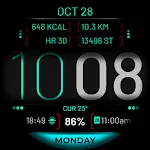
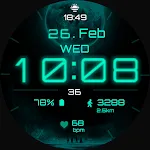
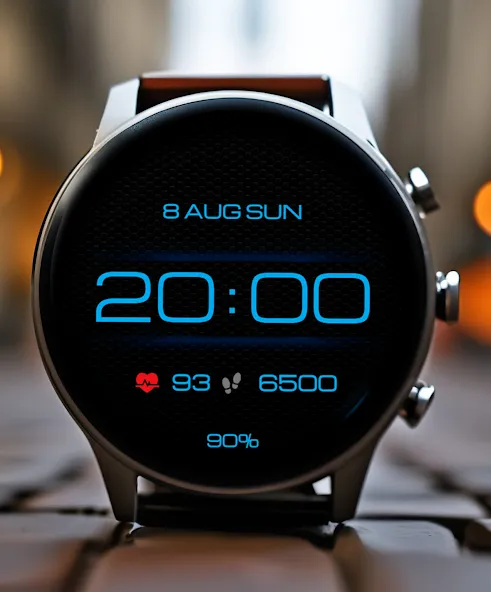
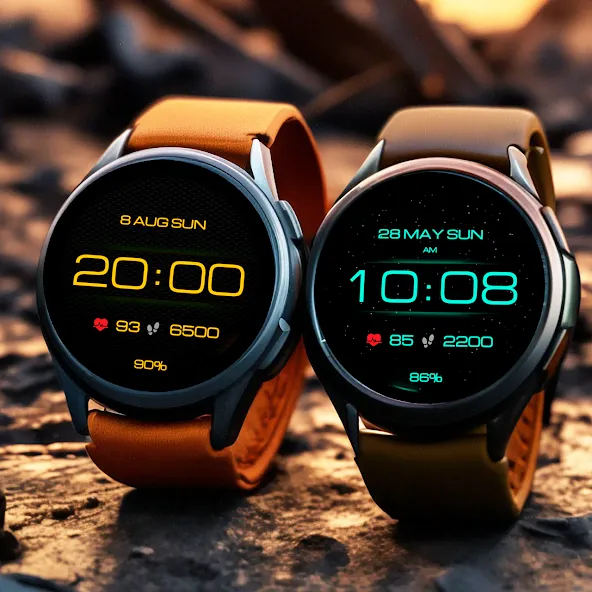
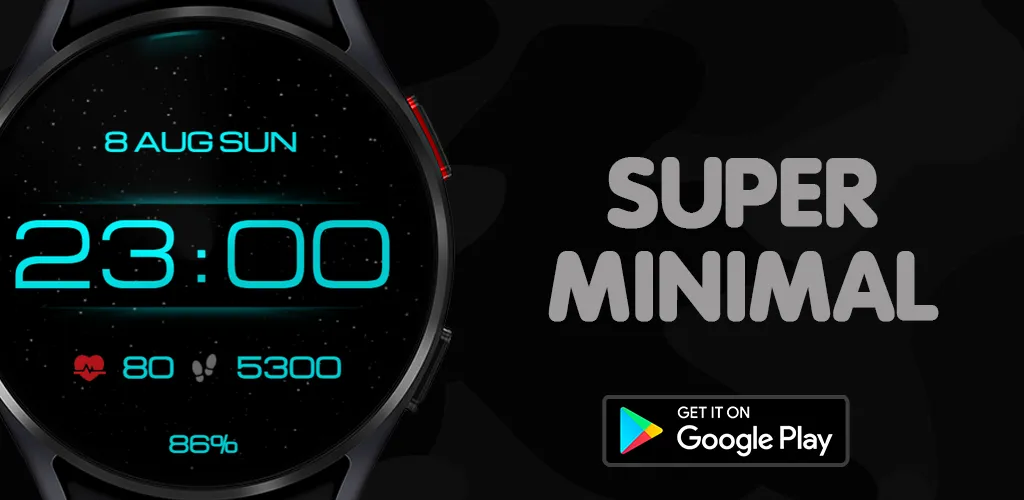
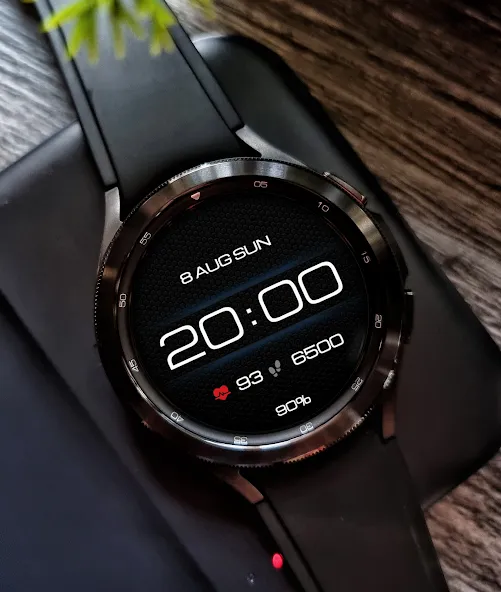
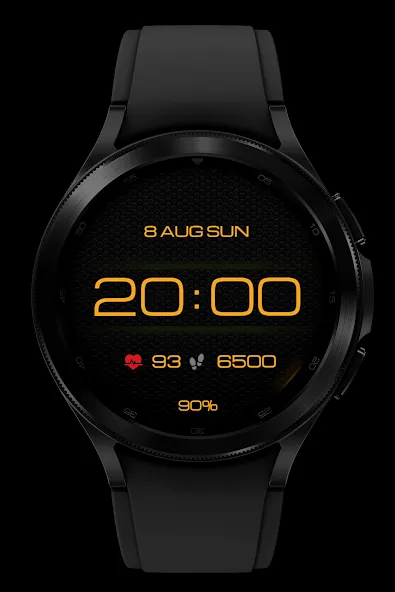
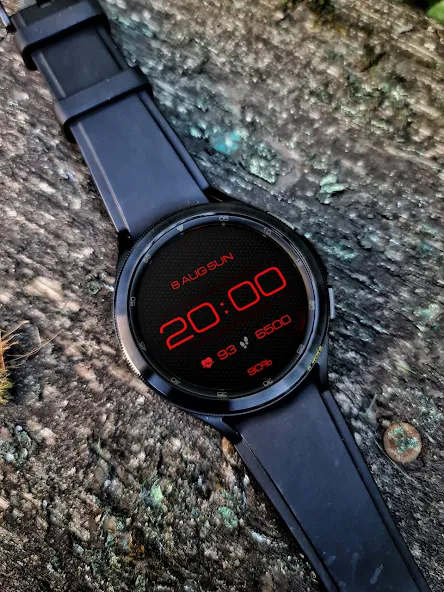
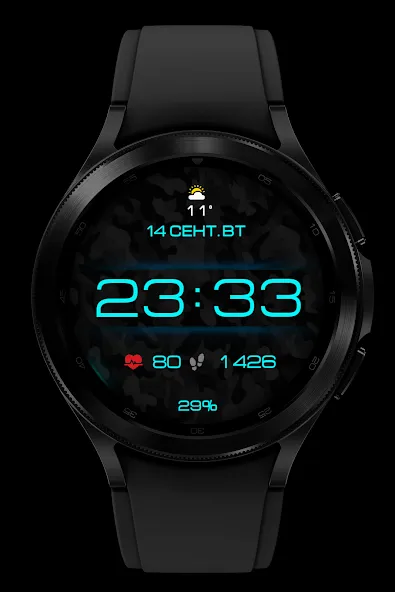
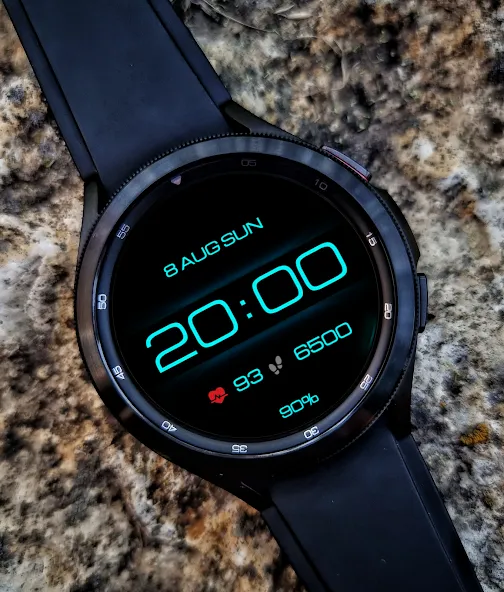
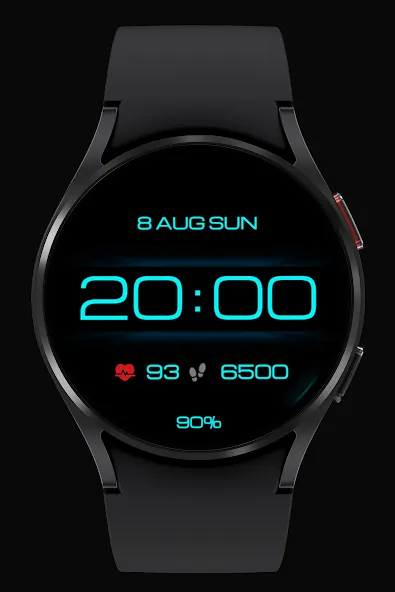
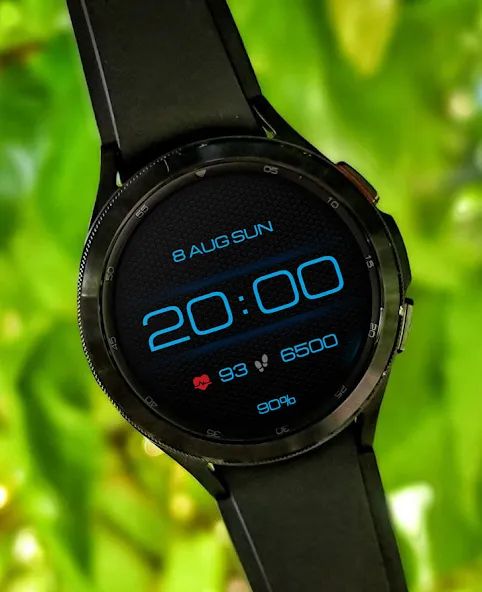
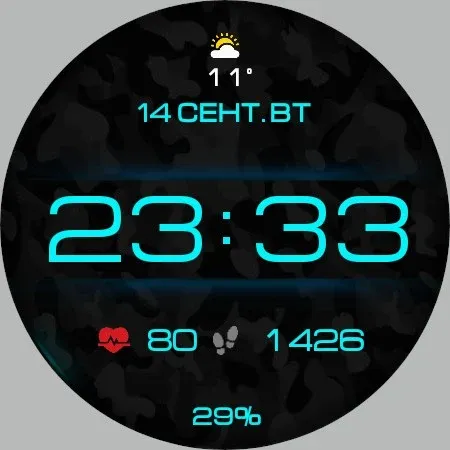
Here is a stylish modern watchface in a minimalist form, with background settings, here you can see a nice animation of twinkling stars on the main screen, this watchface will decorate your watch and give thoughtful brevity and ease of use for every day!
Basic moments:
- Time format 12\24 hours depending on the smartphone settings
- Date (month, day, week)
- Steps
- Pulse
- Custom complications
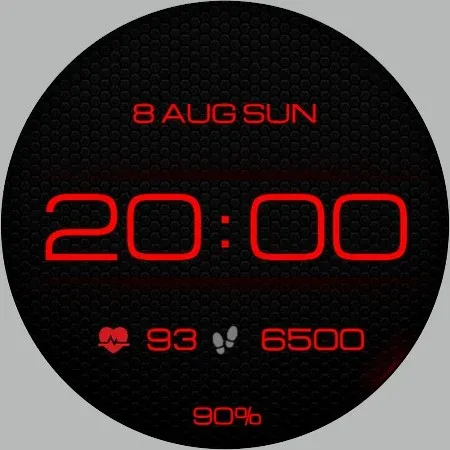
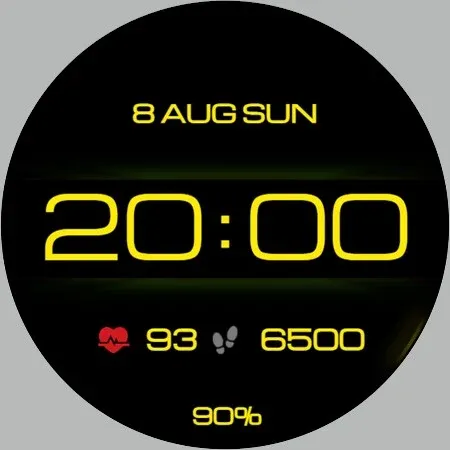
- Ability to change backgrounds
- Change colors
- AOD mode
This watch face supports all Wear OS devices with API level 33+, such as Samsung Galaxy Watch 4, 5, 6, 7, 8, Pixel Watch, etc.
- NOTES FOR INSTALLING WATCH FACE -
If you have problems with installation, please follow the instructions: https://bit.ly/infWF
Settings
- To customize your watch face, simply touch and hold the display, then tap the Customize button.
- IMPORTANT - since there are many settings here, it is better to configure the watchface on the watch itself as shown in the video: https://youtu.be/YPcpvbxABiA
Support
- Contact [email protected].
Check out my other watch faces in the Google Play store: https://bit.ly/WINwatchface
Advertisement