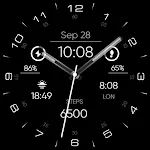
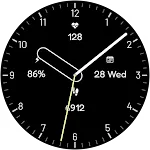
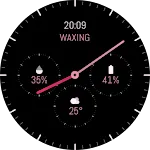
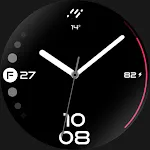
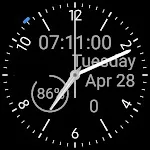
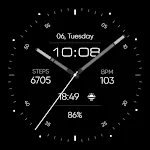
 Minimal - Analog - RE17
4.5

Personalization
Ratings
Downloads
Age
Advertisement
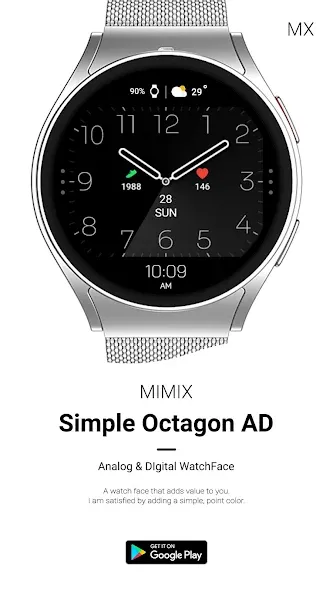
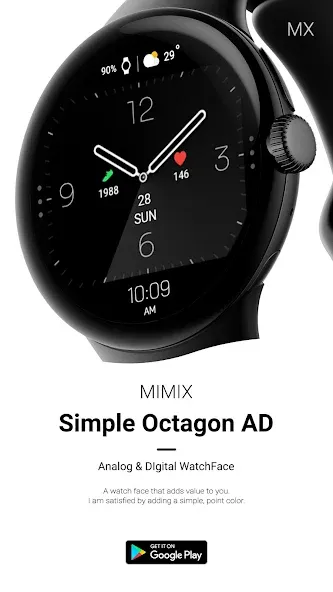
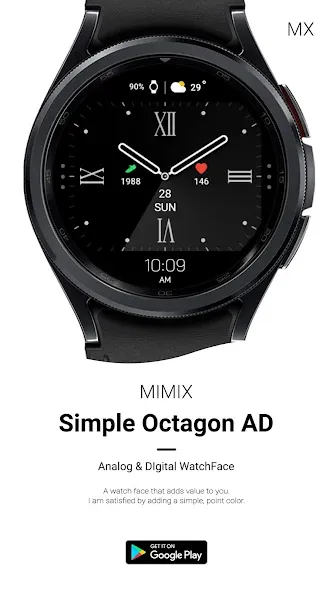
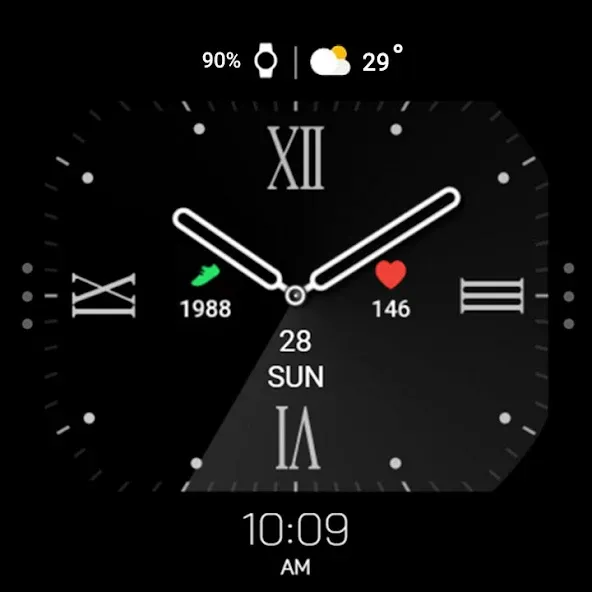
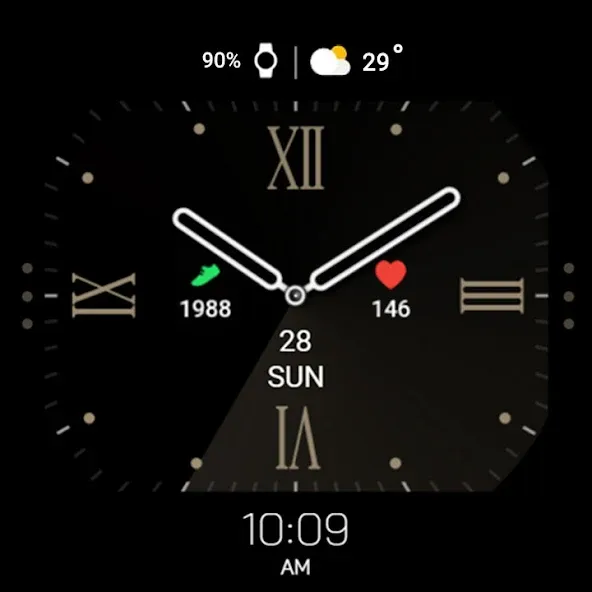
Advertisement
Name
Category
Price
Safety
Developer
Version
*How to install
Payment and installation of the Play Store app on the smartphone (touch the right arrow and install the smart watch)
*Caution ** Need to check the connection between watch device and mobile phone
Find installed watchfaces
Press and hold the watch face > 2. Click the Decorate button > 3. Click ‘Add watch face’ on the last right > Confirm the purchased watch face
Installing as a Web browser
Copy the play store address of the watch face (click the three dots next to the magnifying glass in the upper right corner of the play store > share)
Go to the Samsung Internet on your PC or mobile phone and click ‘Install on another device’ (select a watch device)
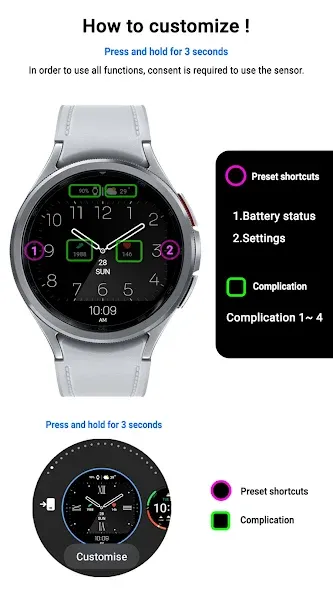
How to set up Customize
Press and hold the watch face > 2. Click the Decorate button > 3. Tap each complication area to set the corresponding information > 4. Click OK
In order to use all functions, consent to use the sensor is required.
*If the Play Store app is shown as incompatible, please install it using a web web browser on your PC/laptop in addition to the app on your phone.
*Supports Wear OS devices.
For new watch face news, please visit the link below
https://play.google.com/store/apps/dev?id=5105465284863988309
For inquiries about the app, please contact us at the email below.
[email protected]
Advertisement