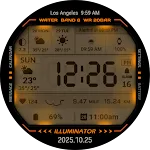
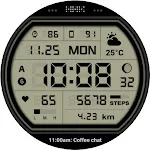
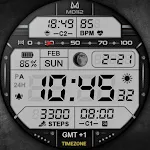
 MD112 Digital watch face
4.4

Personalization
Ratings
Downloads
Age
Advertisement
Advertisement
Name
Category
Price
Safety
Developer
Version
All watch faces: https://play.google.com/store/apps/dev?id=7427443638746033211
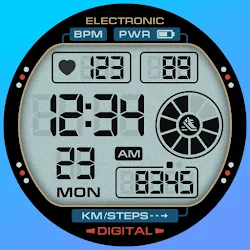
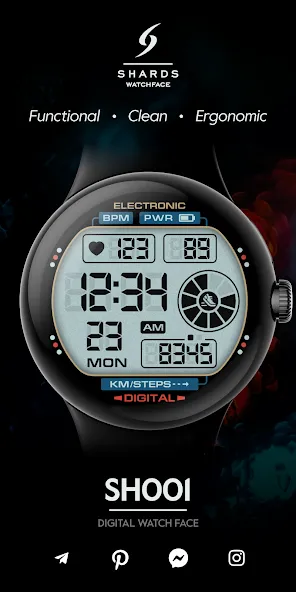
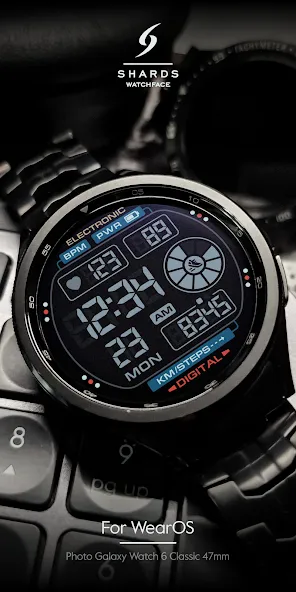
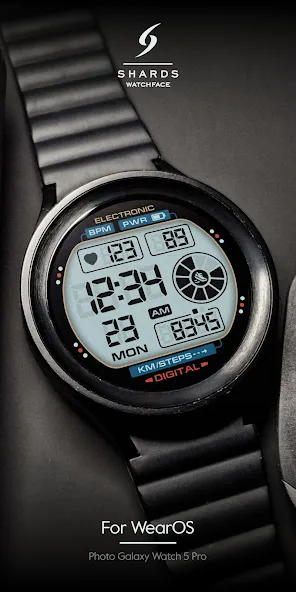
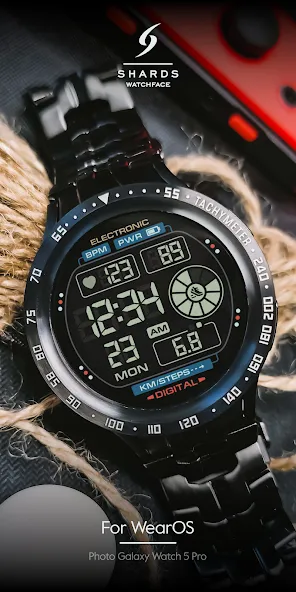
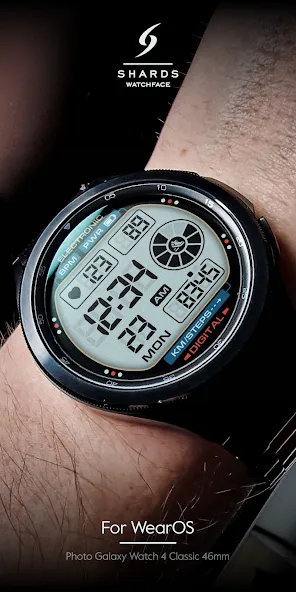
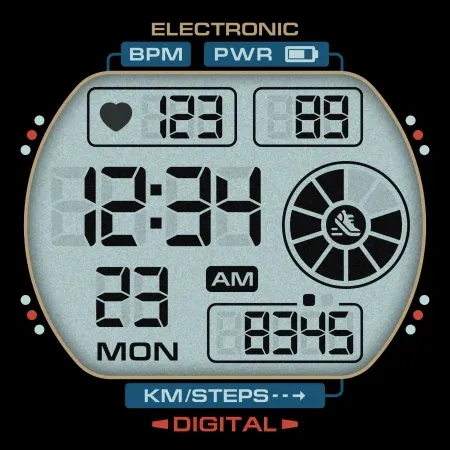
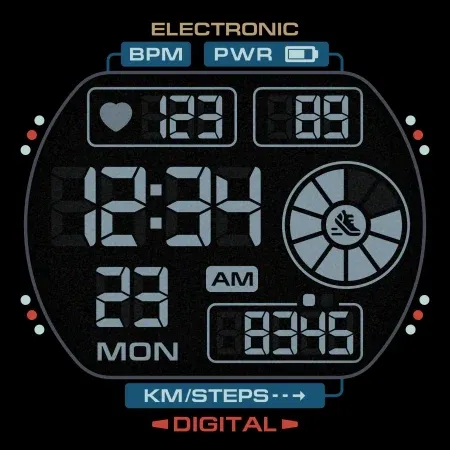
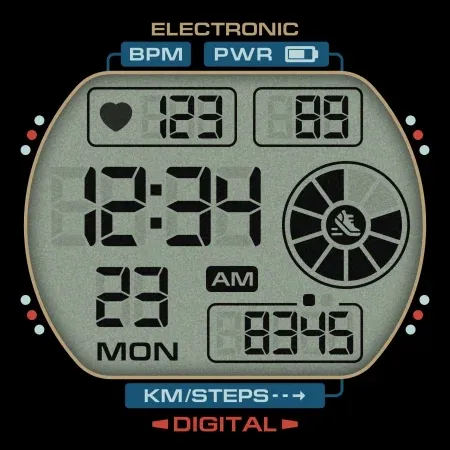
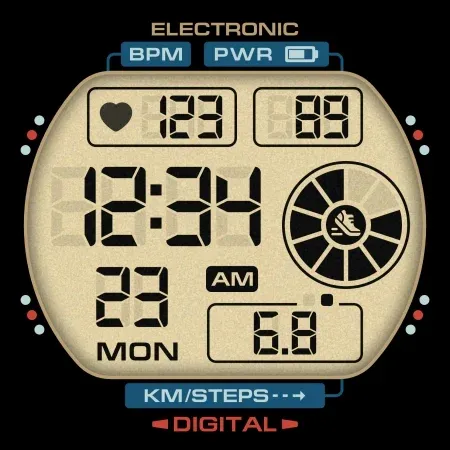
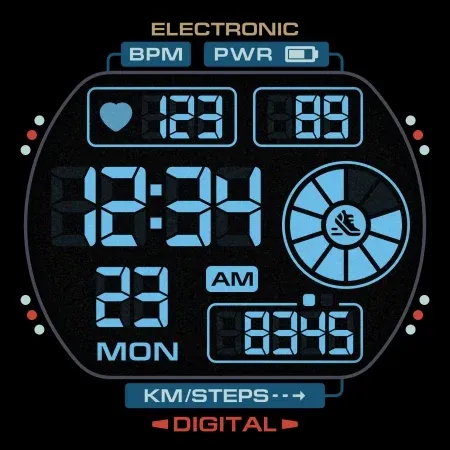
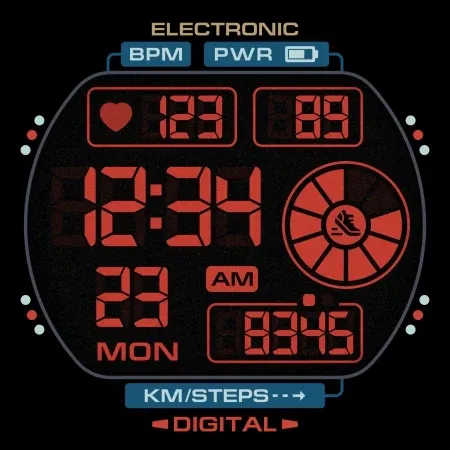
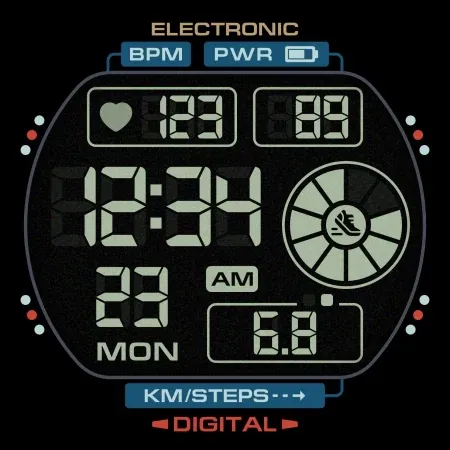
The SH001 is a Digital watch face for Wear OS by Shards.
Shards is the perfect choice of watch faces for Wear OS smartwatches.
Watch face installation notes on smart watch:
Phone app serves only as a placeholder to make it easier to install & find the watch face on your Wear OS watch. You have to select your watch device from the install dropdown menu
TELEGRAM:
https://t.me/joinchat/TxsjXaUXKMQgqn5N
FACEBOOK:
https://www.facebook.com/groups/655756995056226/?ref=share
INSTAGRAM:
https://www.instagram.com/shards_watch_face
Watch face features:
- BPM
- Digital 12/24h
- Day of week
- Date
- Steps*
- Battery %
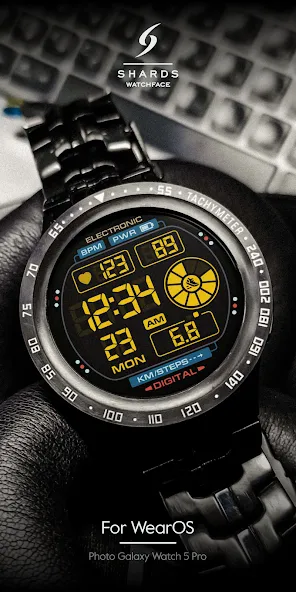
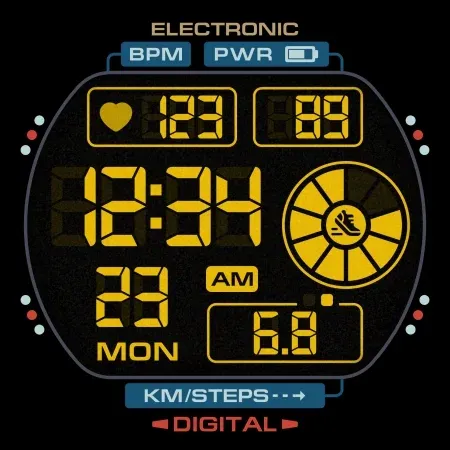
- Color change
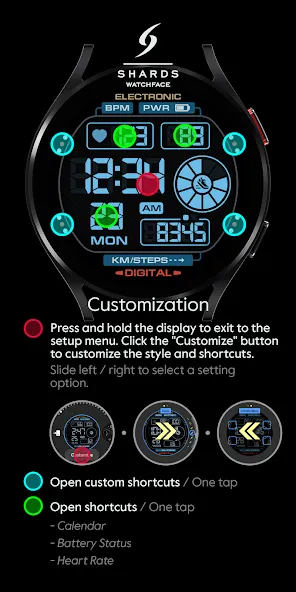
- 4 customizable shortcuts
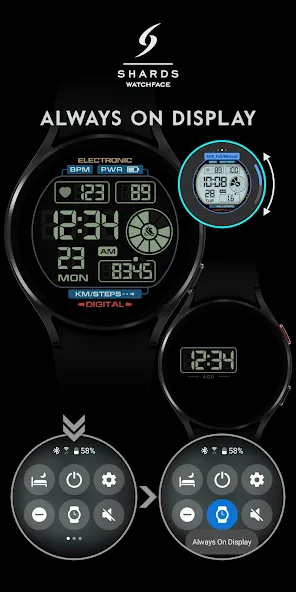
- Always ON Display
- Distance ,
Shows the value of the sensors(Steps/Distance) in turn - 5 seconds. In AOD mode, only the number of steps taken is displayed.
Mileage will automatically show on devices with language set to UK and US English. For other languages, the distance will be shown in KM.
Watch face customization:
1 - Touch and hold display
2 - Tap on customize option
Some features may not be available on some watches.
Not Suitable for Rectangular Watches.
This watch face supports all Wear OS devices with API Level 30+
All watch faces: https://play.google.com/store/apps/dev?id=7427443638746033211
Advertisement