


 Google MeetCommunication
4.4

Personalization
Ratings
Downloads
Age
Advertisement
Advertisement
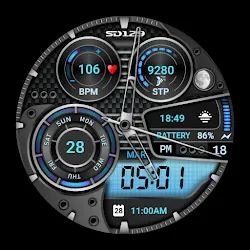
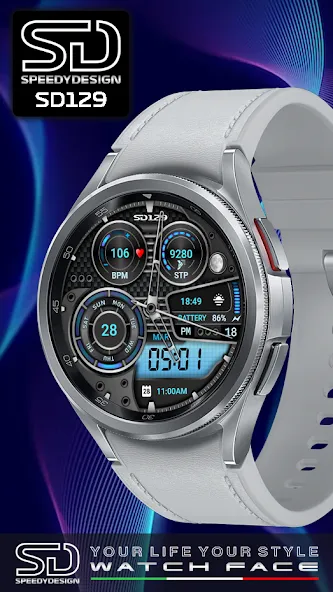
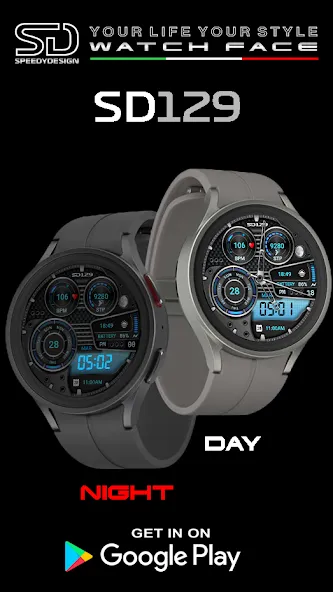
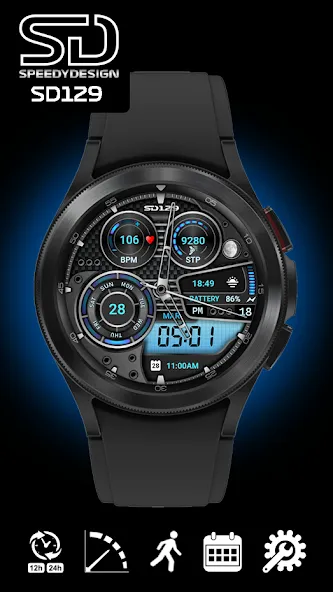
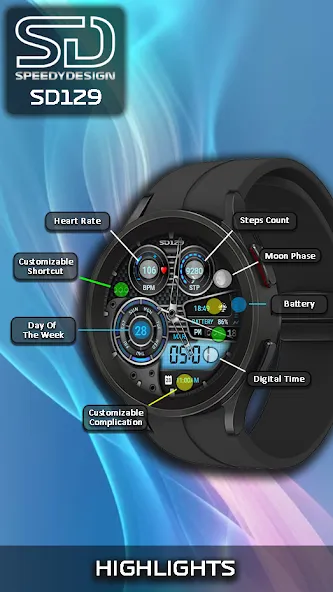
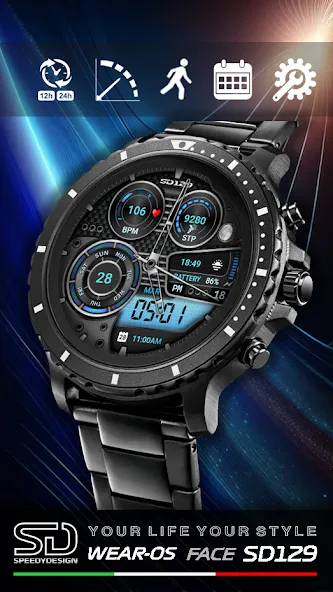
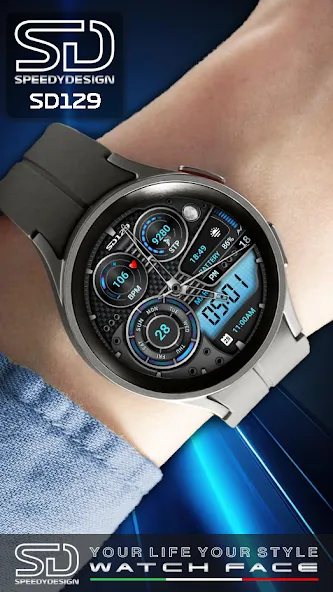
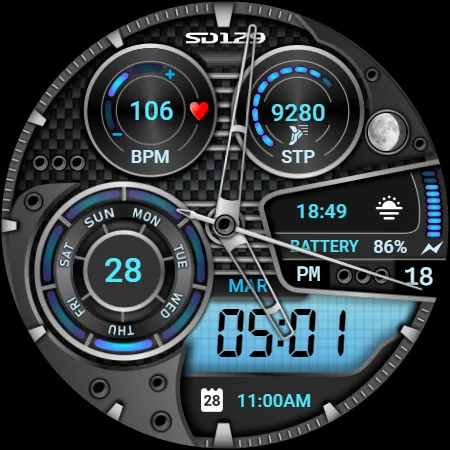
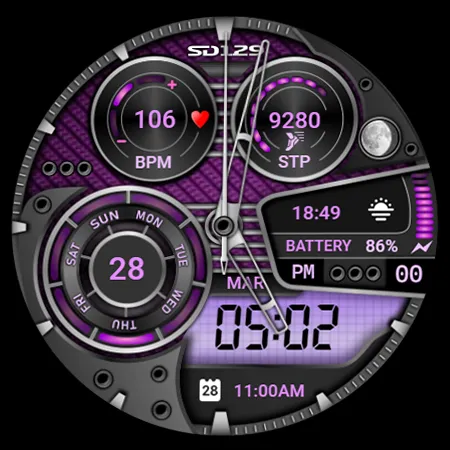
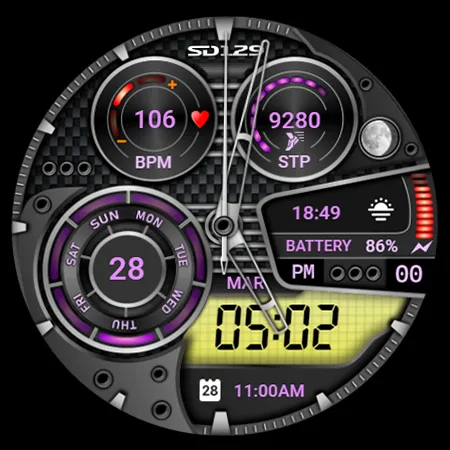
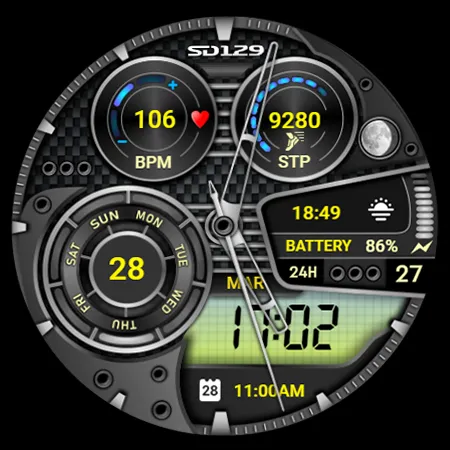
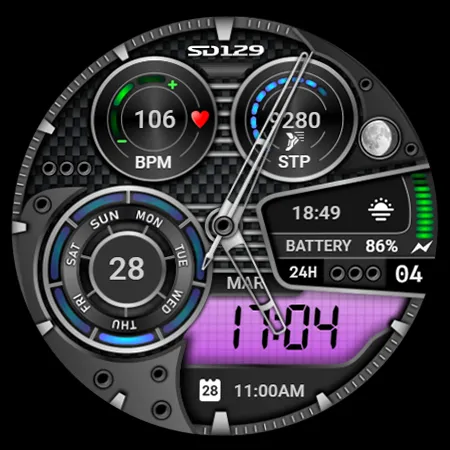
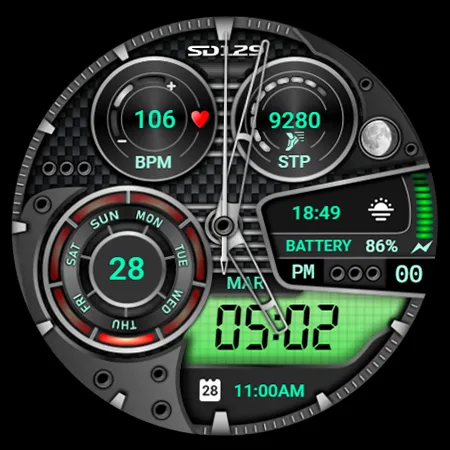
Sport Face with Analog & Digital time, Contains: 2 customizable shortcuts, 2 customizable complications in which you can have the data you prefer such as weather, barometer, distance travelled, calories, UV index, possibility of rain and much more.
INSTALLATION NOTES:
Please check this link for installation and troubleshooting guide: https://speedydesign.it/installazione
This watch face supports all Wear OS devices with API level 28+ like Samsung Galaxy Watch 4, 5, 6, Pixel Watch etc.
Description:
• Analog time
• Digital time (12/24 hours based on phone settings)
• Heart rate
• Steps count
• Moon phase
• Battery level
• Day of the week
• Month
• Complications
• Shortcut
• AOD
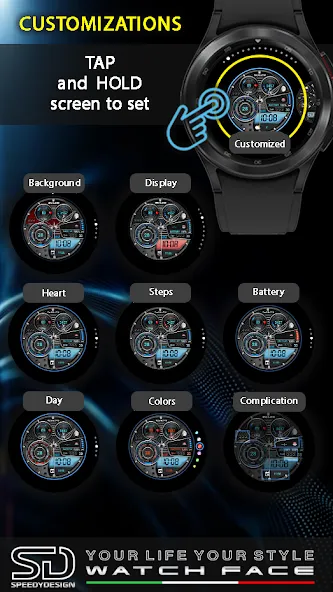
Customizable:
x 02 Customizable Complication
x 02 Customizable Shortcut
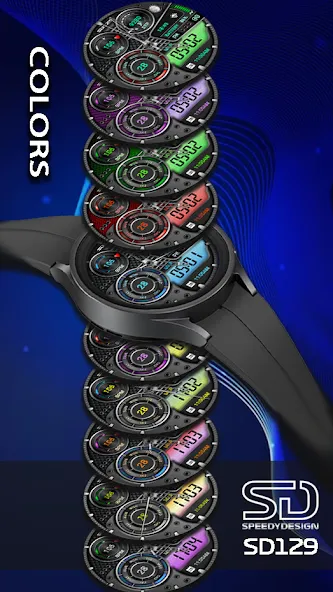
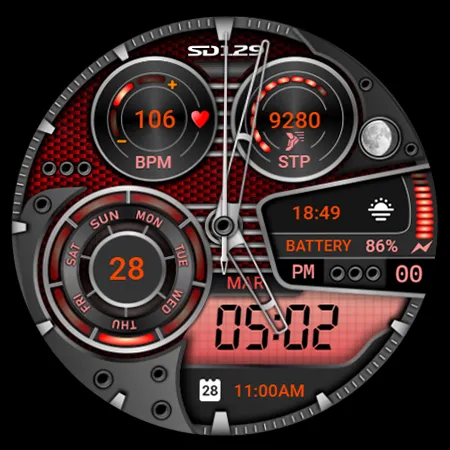
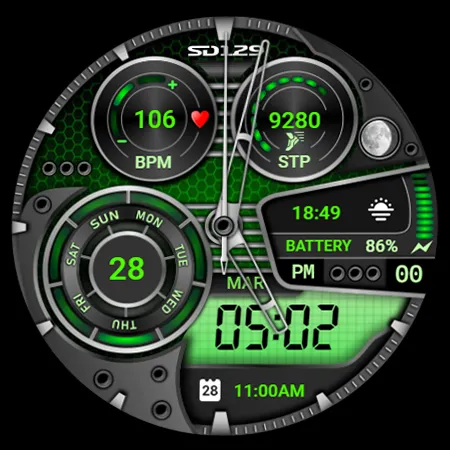
x 05 Backgrounds Colors
x 05 Heart Colors
x 05 Steps Colors
x 05 Day of the week Colors
x 10 Display Colors
x 10 Text Colors
Dial customization:
1 - Touch and hold the display
2 - Tap on the Customize option
Dial Complications:
you can customize the dial with all the data you want.
For example, you can select weather, heart rate, barometer etc.
Notes on heart rate:
The watch face does not automatically measure and does not automatically display the heart rate result when installed.
To see current heart rate data on the dials, you will need to take a manual measurement.
To do this, tap the heart rate display area.
Wait a few seconds. The dial will take a measurement and display the current result.
Make sure you enabled the use of sensors when you installed the watch face, otherwise swap it with another watch face and then go back to this one to enable the sensors.
After the first manual measurement, the dial can automatically measure your heart rate every 10 minutes. Manual measurement will also be possible.
(Some features may not be available on some watches).
STAY TUNED:
[email protected]
SPEEDYDESIGN:
https://www.speedydesign.it
FACEBOOK:
https://www.facebook.com/Speedy-Design-117708058358665
INSTAGRAM:
https://www.instagram.com/speedydesign.ita/
LNK BIO
https://lnk.bio/speedydesign
Thank you !
Advertisement














