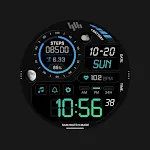
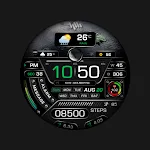
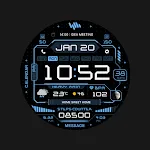
 SamWatch Digital Final 3 2025
5.0

Personalization
Ratings
Downloads
Age
Advertisement
Advertisement
Name
Category
Price
Safety
Developer
Version
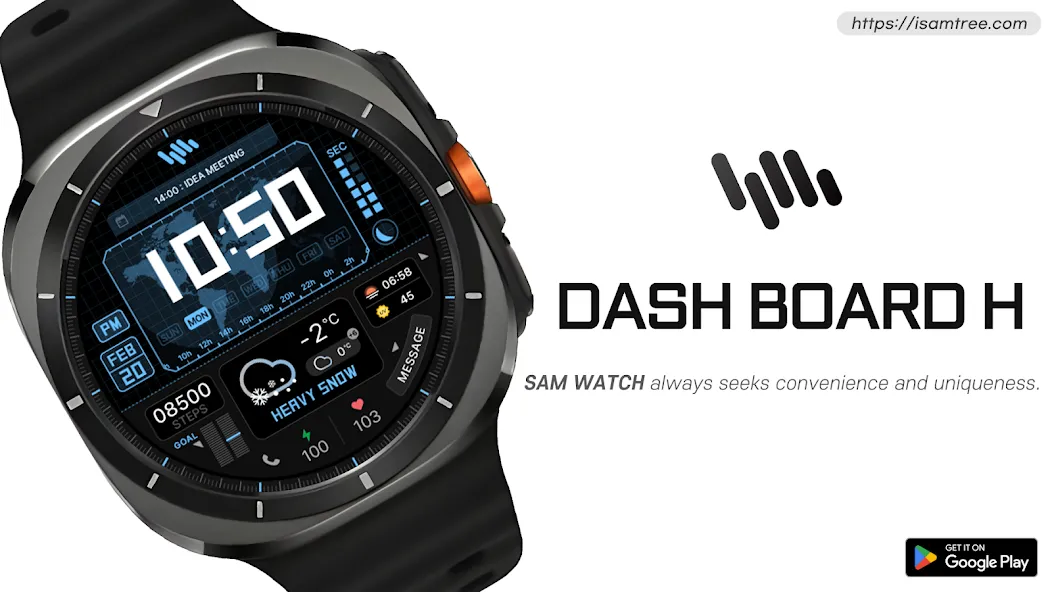
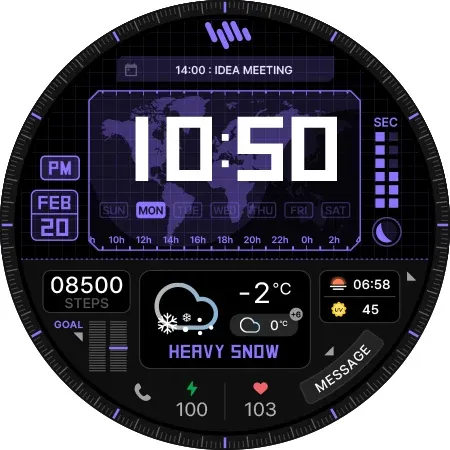
SamWatch Digital Watch Face | Premium Design for Wear OS
IMPORTANT NOTICE
This watch face is supported only on One UI 6.0 or above.
This app is designed exclusively for smartwatches. Users without a compatible smartwatch will not be able to use the watch face after purchase.
WATCH FACE FEATURES
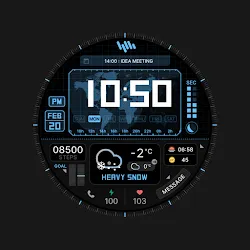
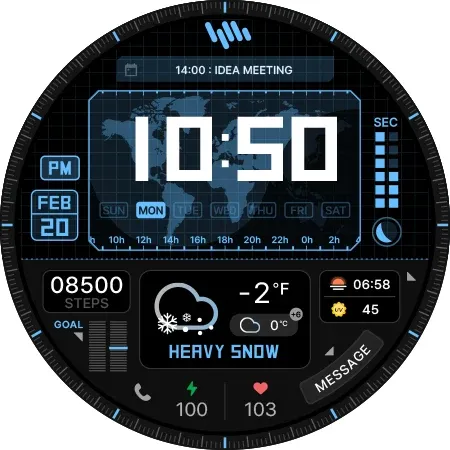
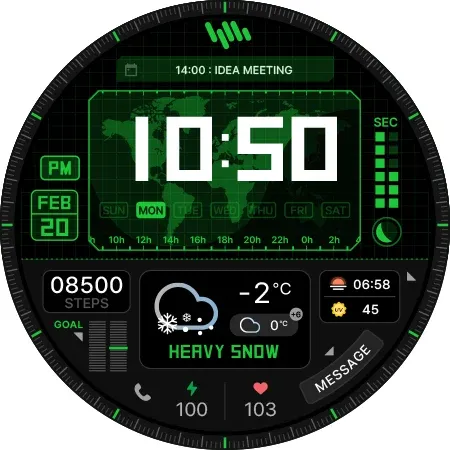
• Premium Digital Design - Elegant interface combining traditional and modern elements
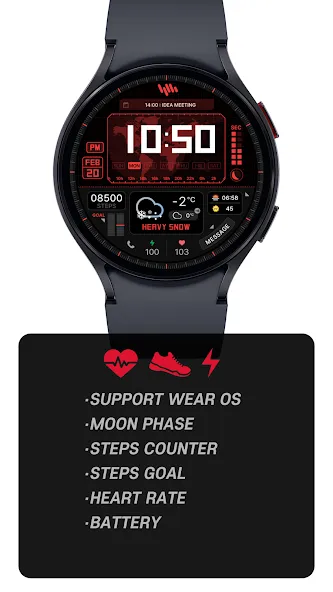
• Moon Phase Display - Track lunar cycles with accurate moon phase visualization
• Step Counter - Monitor your daily activity levels
• Goal Progress - Track your progress toward daily step goals
• Heart Rate Monitor - Display heart rate data measured by your watch
• Battery Status - Keep track of your watch’s battery level
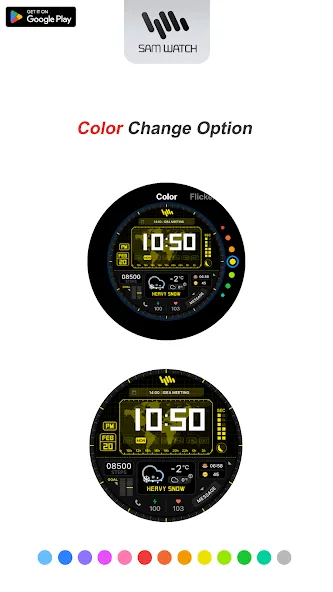
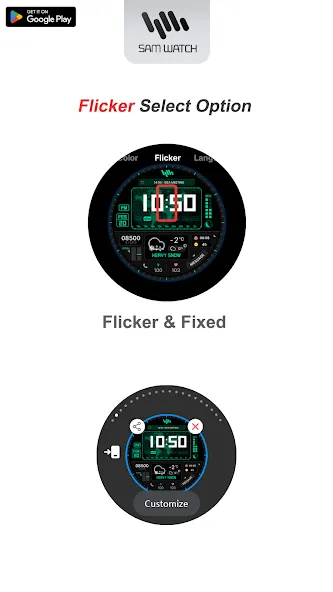
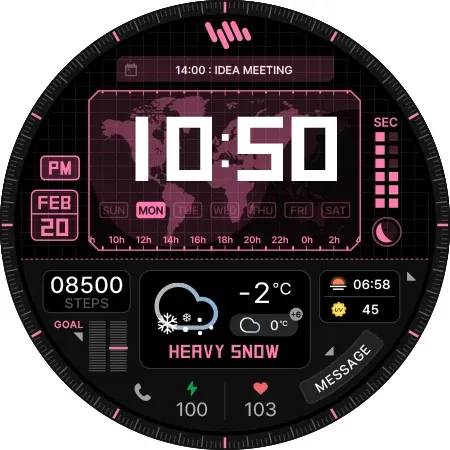
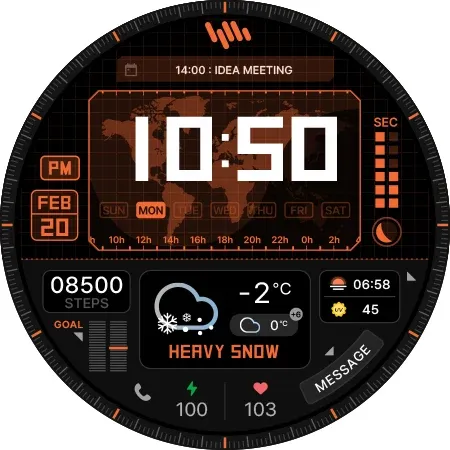
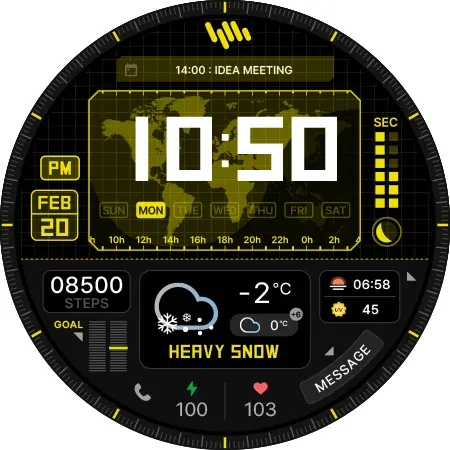
• Customizable Colors - Personalize your watch face with various color options
SAMWATCH INSTALL GUIDE
The ‘SamWatch Install Guide’ apps are companion applications that facilitate downloading watch faces on Wear OS devices. Please note that the preview screenshots in the guide app may differ from the actual downloaded watch face. Most SamWatch products include smartphone companion apps, and the ‘SamWatch Install Guide’ only assists in downloading Wear OS applications.
ADDITIONAL INFORMATION
This item includes additional applications for your smartphone that provide:
• Access to Samtree’s official website
• Detailed instructions for installing watch faces
• Troubleshooting solutions if the watch face fails to install on your watch
USAGE NOTES
• Depending on your device, an OK button may appear in customize mode
• Heart rate information represents data measured by the heart rate app on your watch
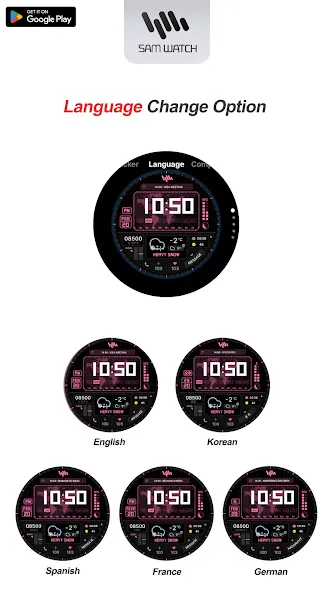
• You can identify supported languages by the SamWatch brand name
• This watch face belongs to the SamWatch Digital Dashboard collection
COMMUNITY & SUPPORT
Connect with us through our official channels:
• Official Website: https://isamtree.com
• X: https://x.com/samtree_watch
• Galaxy Watch Community: http://cafe.naver.com/facebot
• Facebook: www.facebook.com/SamtreePage
• Telegram: https://t.me/SamWatch_SamTheme
• YouTube: https://www.youtube.com/channel/UCobv0SerfG6C5flEngr_Jow
• Blog: https://samtreehome.blogspot.com/
• Korean Blog: https://samtree.tistory.com/
Advertisement