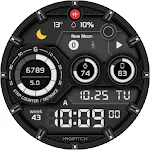
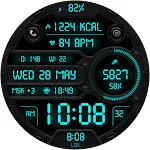
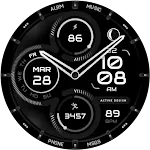
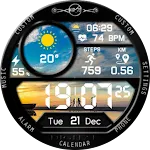
 NTV352 - Digital Pro watchface
0.0

Personalization
Ratings
Downloads
Age
Advertisement
Advertisement
Name
Category
Price
Safety
Developer
Version
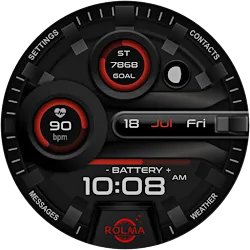
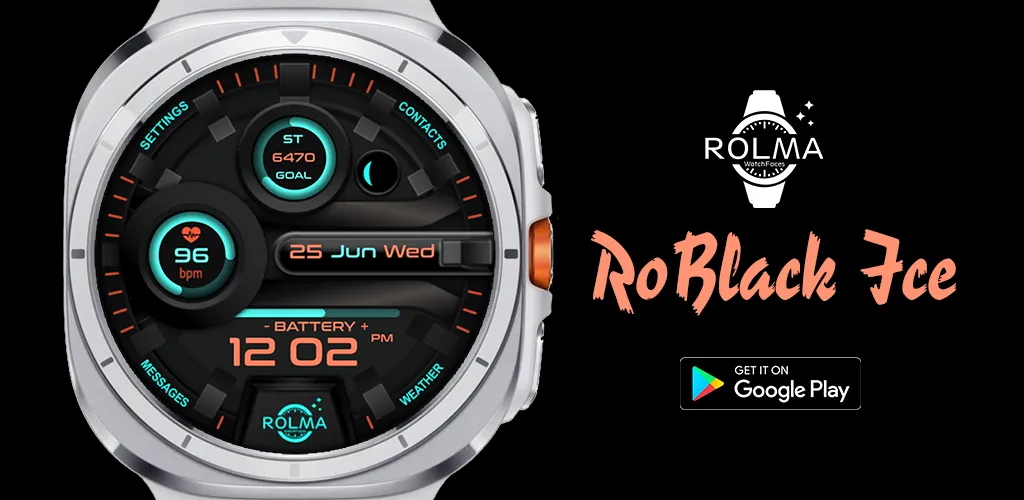
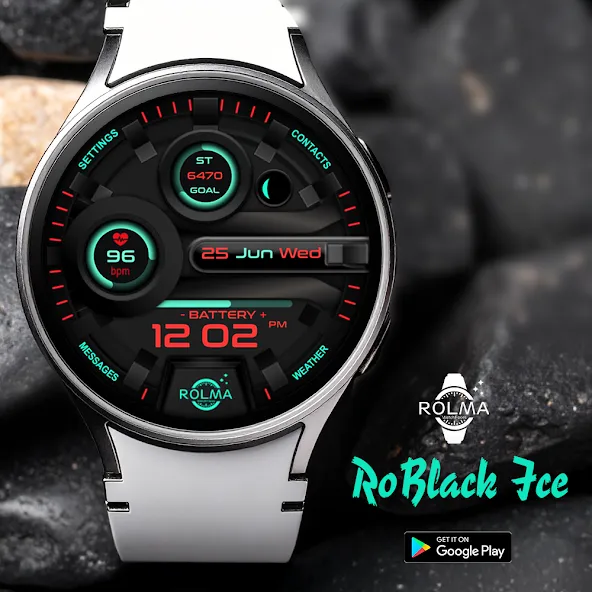
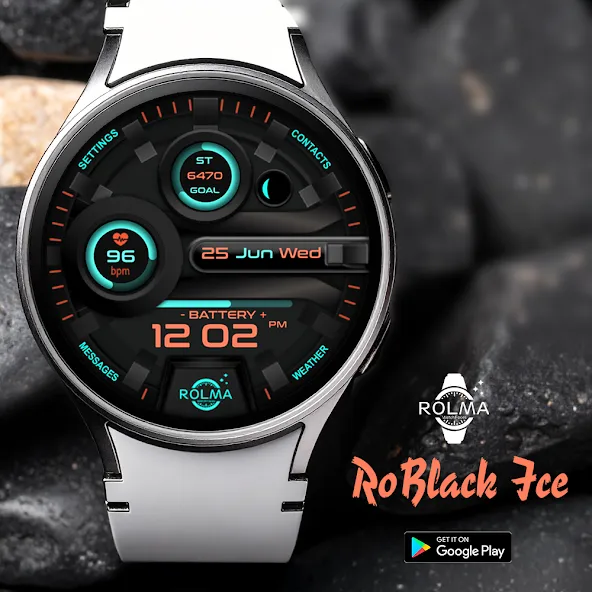
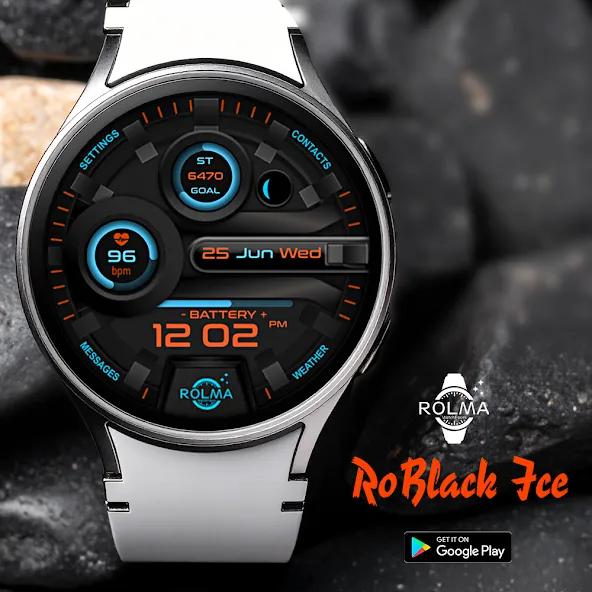
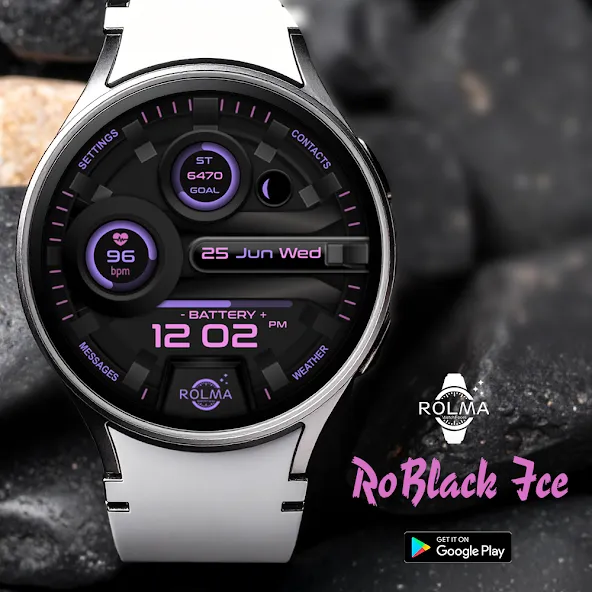
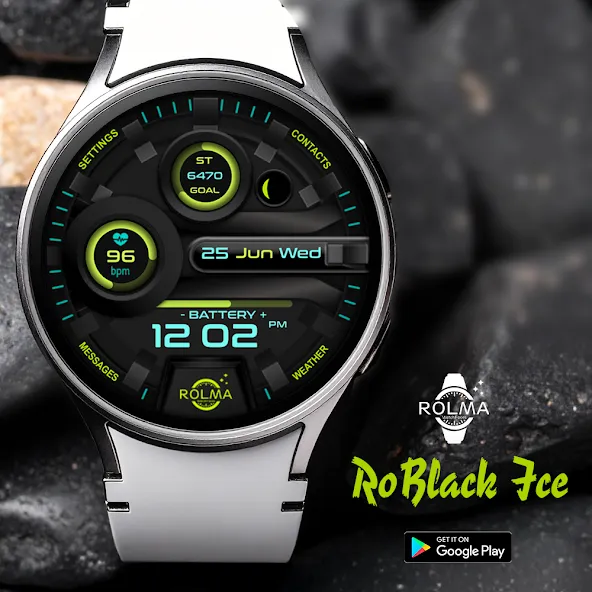
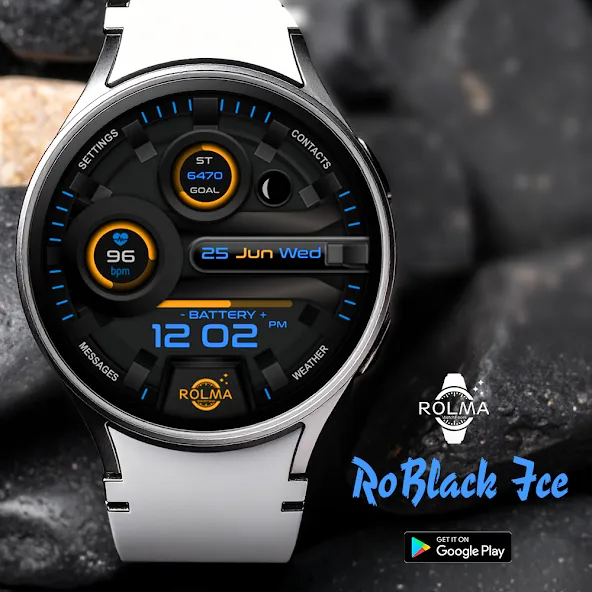
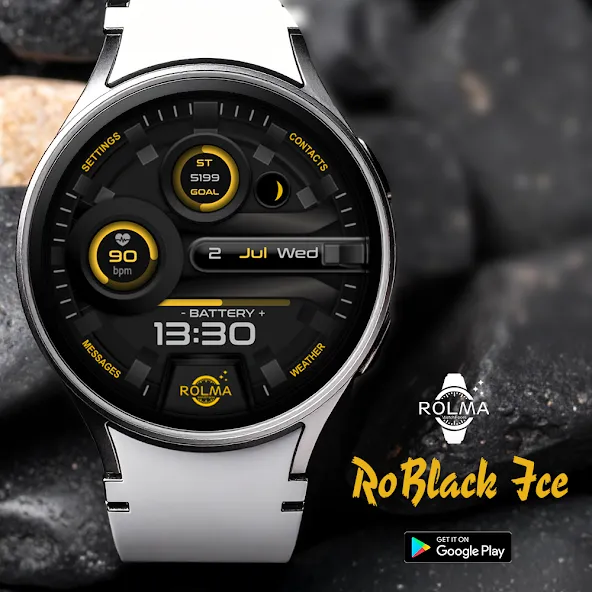
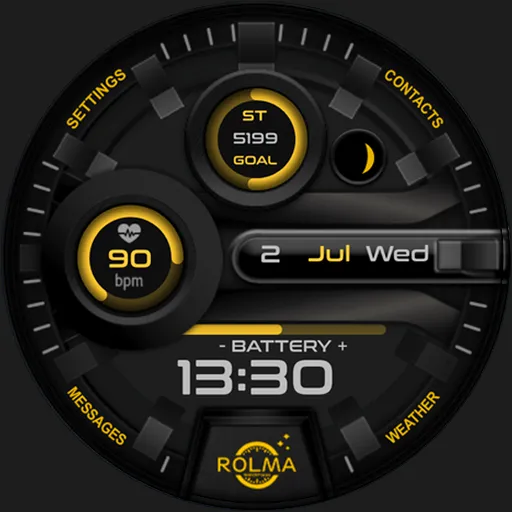
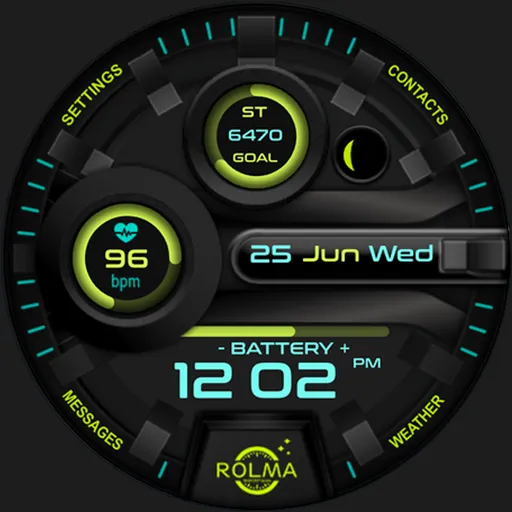
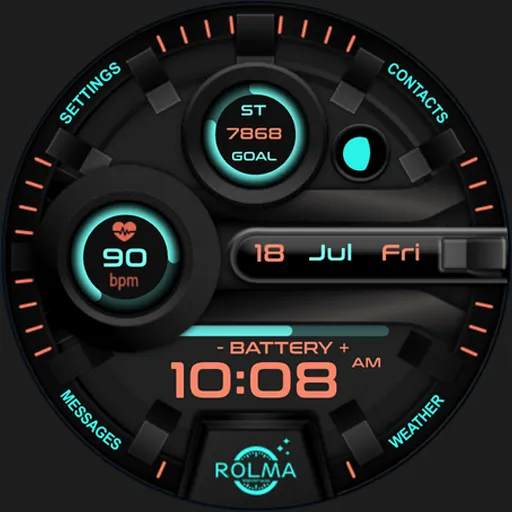
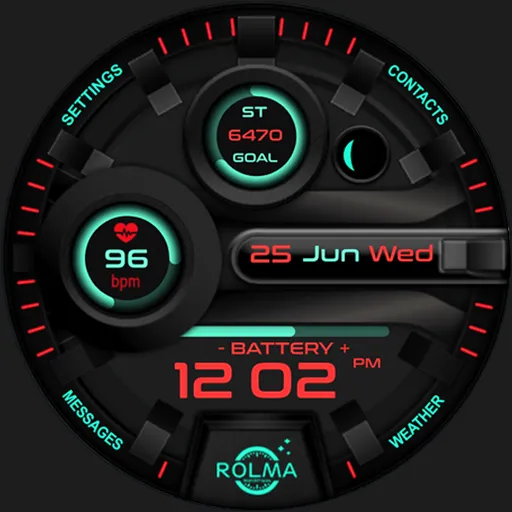
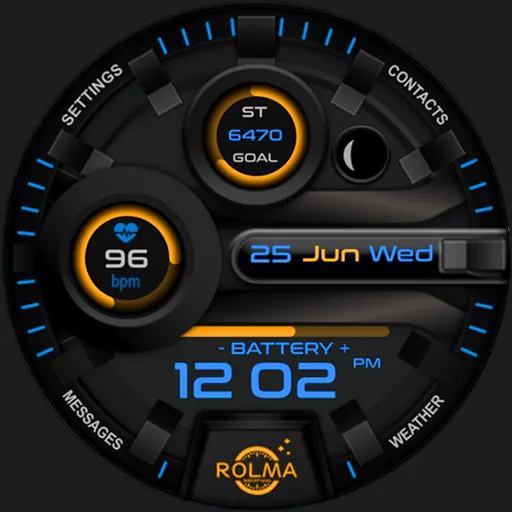
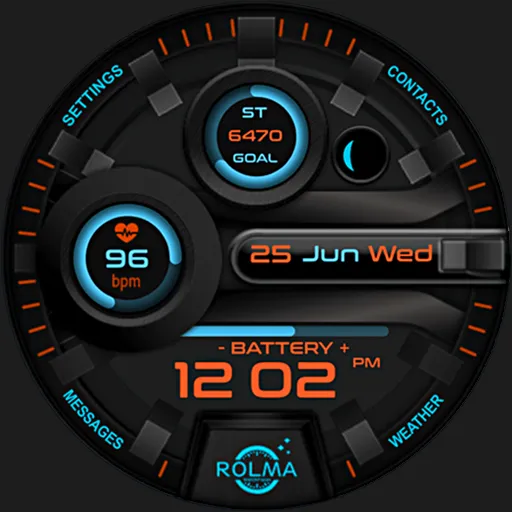
The “RoBlackIce” is a Sporty look digital modern watch face for Wear OS devices.
This watch face was designed using Watch Face Studio tool.
Note: watch faces for the a round watches are not suitable for rectangular or square watches.
INSTALLATION:
1. Keep your watch connected to your phone.
2. Install in the watch. After installation, check your watch face list in your watch by pressing and hold display then swipe to the right end and click Add watch face. There you can see the newly installed watch face and just activate it.
3. After installation, you can also check the following:
I. For Samsung watches, check your Galaxy Wearable app in your phone (install it if not yet installed). Under Watch faces > Downloaded, there you can see the newly installed watch face and then just apply it to connected watch.
II. For other smartwatch brands, for other Wear OS devices, please check the watch app installed in your phone that comes with your smartwatch brand and find the newly installed watch face in the watch face gallery or list.
CUSTOMIZATION:
1. Press and hold display then hit “Customize”.
2. Swipe left and right to choose what to customize.
3. Swipe up and down to choose options available.
4. Hit “OK”.
FEATURES:
- Digital Watch Face.
- Moon Phases.
- Digital/Analog Heart Rate indicator with flashing heart icon when pulses
<50.
- Analog Battery Power indicator.
- Full Date Informations.
- Analog/Digital Steps Counter & steps percentage of steps goal (the target
steps value is (0-10000).
- App Shortcut For (Settings-Contacts-Weather-Messages-Heart Rate-battery-
steps, calendar).
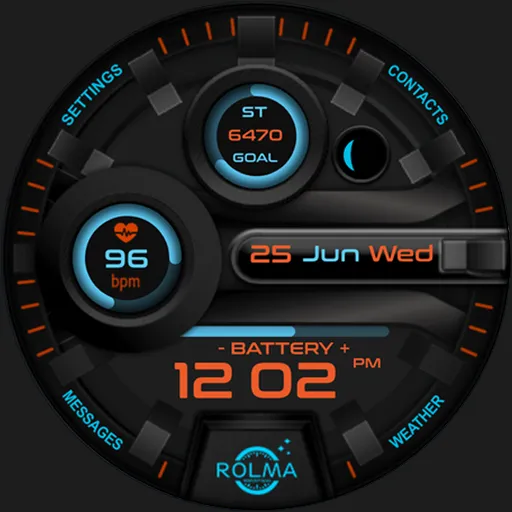
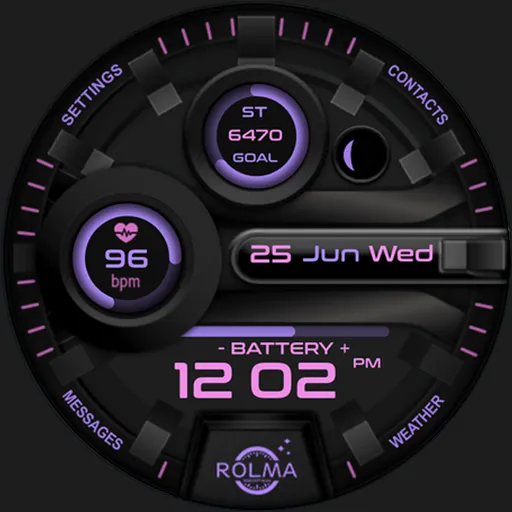
- 14 Color themes.
- Always on display.
For support and request, Do not hesitate emailing me at [email protected]
Advertisement