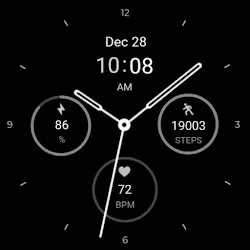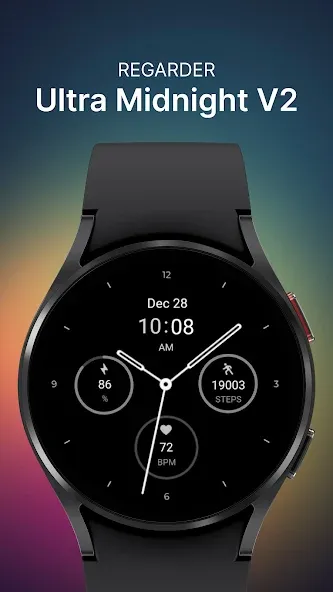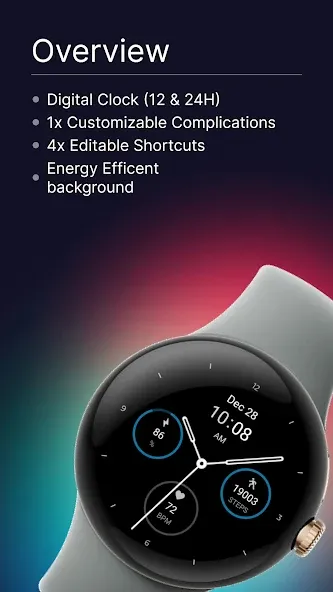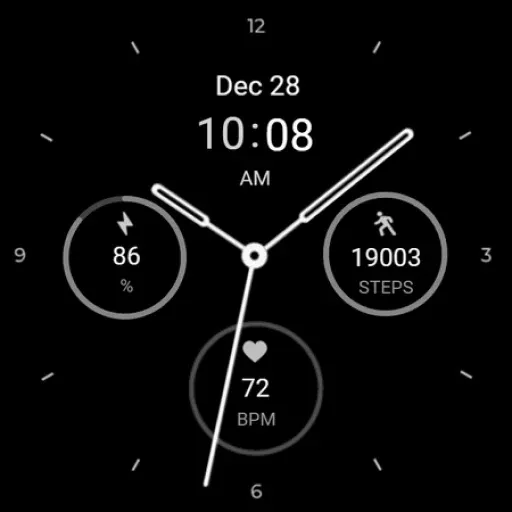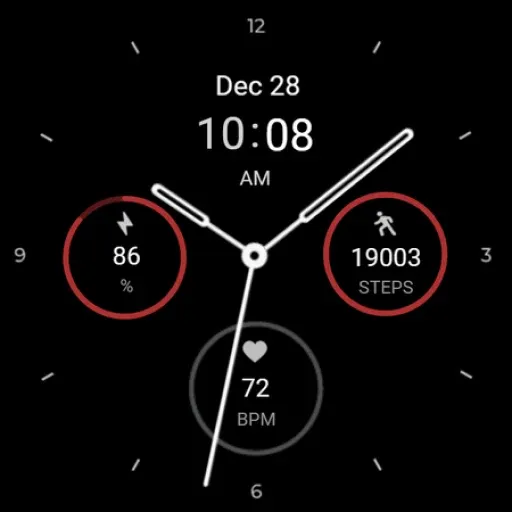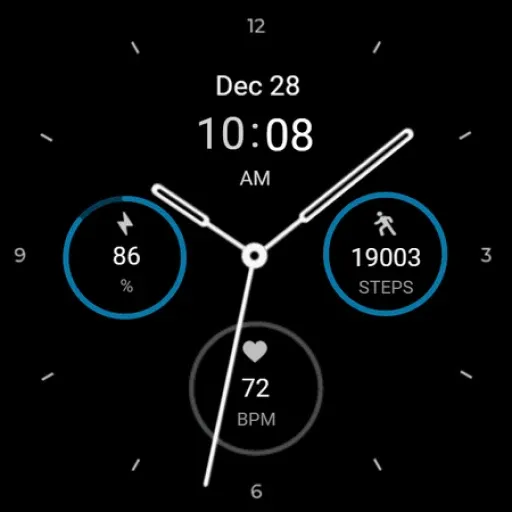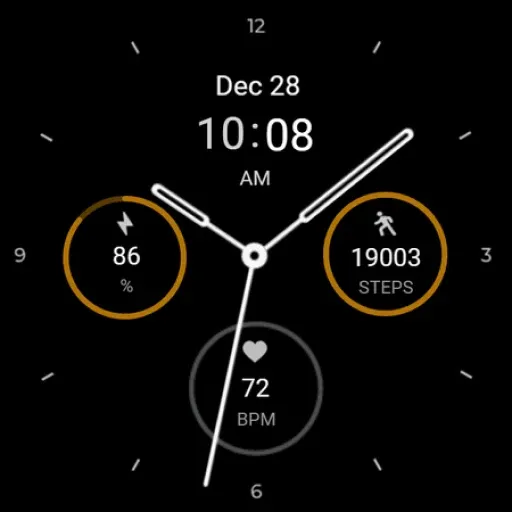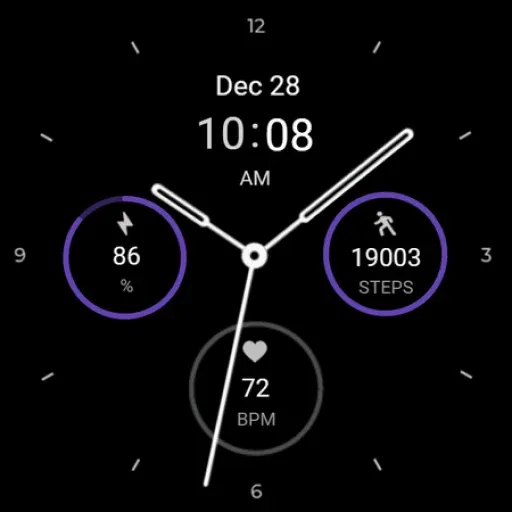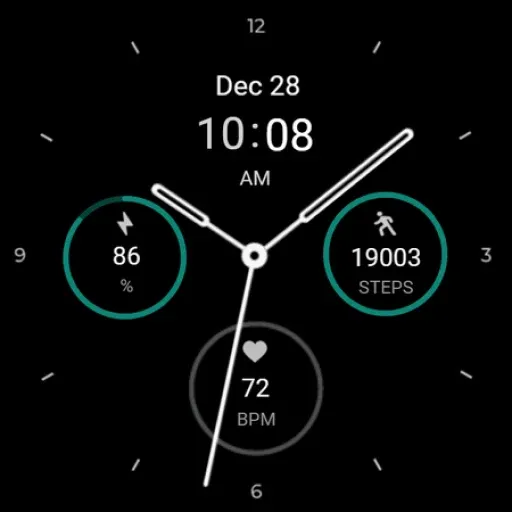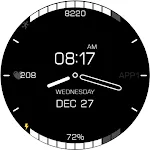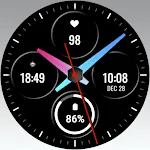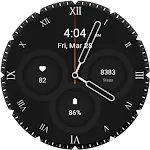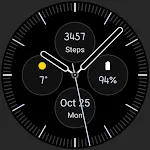
Regarder Midnight V2 Watchface icon

Regarder Midnight V2 Watchface

Personalization

3.3

Ratings

500 - 1K

Downloads

3+

Age

DOWNLOAD

Advertisement

Screenshots

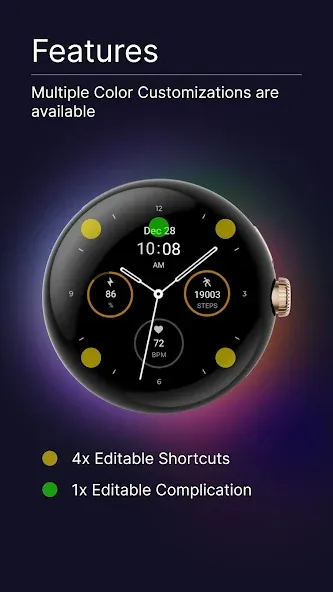
Regarder Midnight V2 Watchface screenshot 1
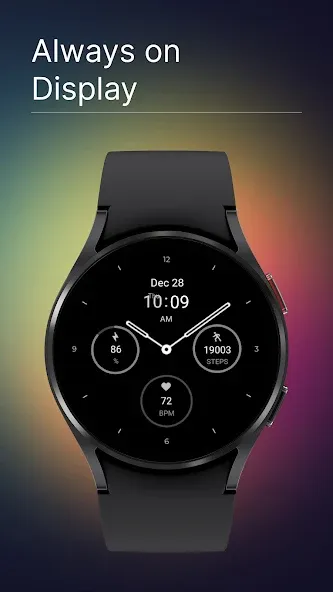
Regarder Midnight V2 Watchface screenshot 2
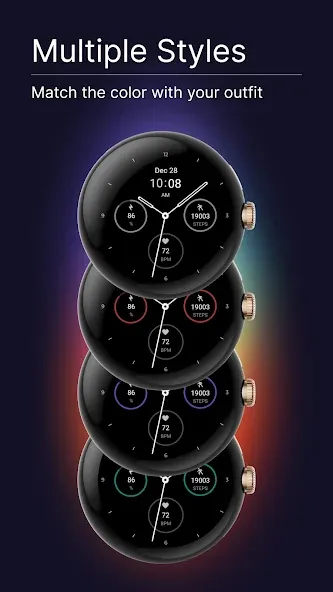
Regarder Midnight V2 Watchface screenshot 3
Regarder Midnight V2 Watchface screenshot 4
Regarder Midnight V2 Watchface screenshot 5
Regarder Midnight V2 Watchface screenshot 6
Regarder Midnight V2 Watchface screenshot 7
Regarder Midnight V2 Watchface screenshot 8
Regarder Midnight V2 Watchface screenshot 9
Regarder Midnight V2 Watchface screenshot 10
Regarder Midnight V2 Watchface screenshot 11
Regarder Midnight V2 Watchface screenshot 12
Regarder Midnight V2 Watchface screenshot 13
Regarder Midnight V2 Watchface screenshot 14
Regarder Midnight V2 Watchface screenshot 15
Regarder Midnight V2 Watchface screenshot 16
Regarder Midnight V2 Watchface screenshot 17
Regarder Midnight V2 Watchface screenshot 18
Regarder Midnight V2 Watchface screenshot 19
Regarder Midnight V2 Watchface screenshot 20
Regarder Midnight V2 Watchface screenshot 21
Regarder Midnight V2 Watchface screenshot 22
Regarder Midnight V2 Watchface screenshot 23
Regarder Midnight V2 Watchface screenshot 24
Regarder Midnight V2 Watchface screenshot 25
Regarder Midnight V2 Watchface screenshot 26
See all →
Analog 2: Watch face iconAnalog 2: Watch face
4.7

Advertisement

About this app

Name

Regarder Midnight V2 Watchface

Category

Personalization

Price

Free

Safety

100% Safe

Developer

Regarder Watch Faces

Version

Varies with device

Description

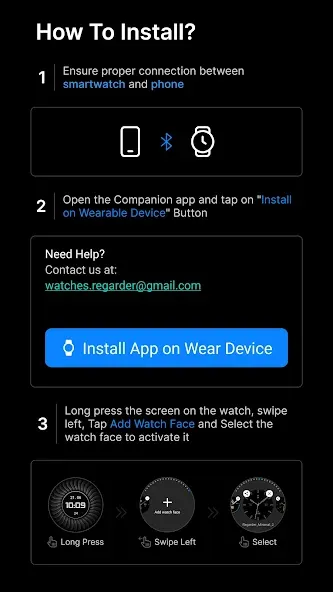
Installing Regarder Midnight V2 watch face is easy:

Just open the Mobile Companion app and follow the instructions there.
In case this does not work. You can use a PC and install it from there

If this option still does not work you can install the watch face from your wear os Device, here are the instructions:

1. On your Wear OS smartwatch, open the Google Play Store.
2. Search for “Regarder Minimal 2” and select the app from the search results.
3. Tap “Install” to begin the installation process.
4. Once the installation is complete, you can find the watch face in the “Watch Faces” section of your smartwatch’s settings.
5. Select Regarder Minimal 2 as your active watch face.

TOP FREE APPS

See all →
Microsoft OneDrive iconMicrosoft OneDriveProductivity
4.6

TOP FREE GAMES

See all →

Advertisement

Top Downloads

See all →
  1. Files by Google icon
    Files by GoogleTools
    4.5
    GET
  2. 4