 Minimal & Simple Watch - RE
4.4

Personalization
Ratings
Downloads
Age
Advertisement

Advertisement
Name
Category
Price
Safety
Developer
Version
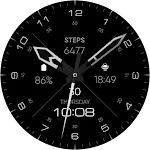
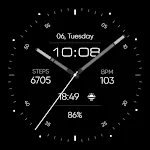
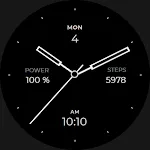
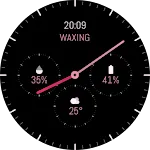
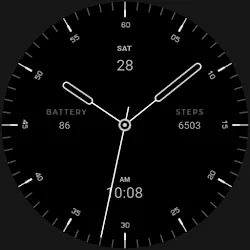
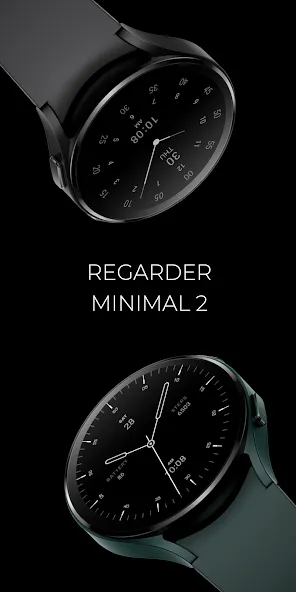
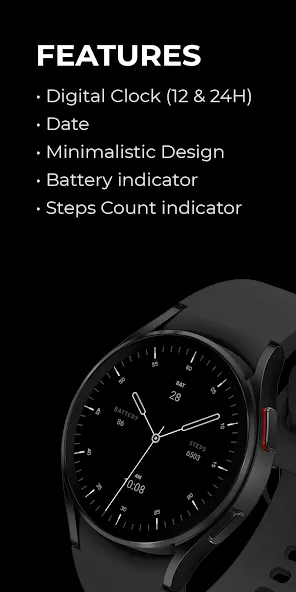
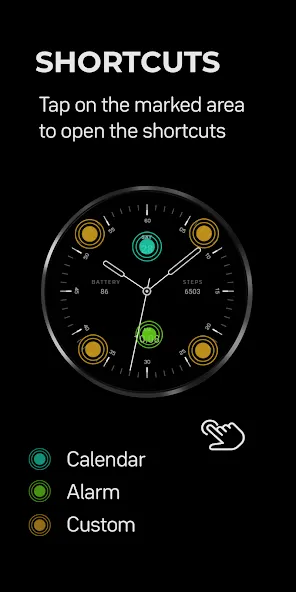
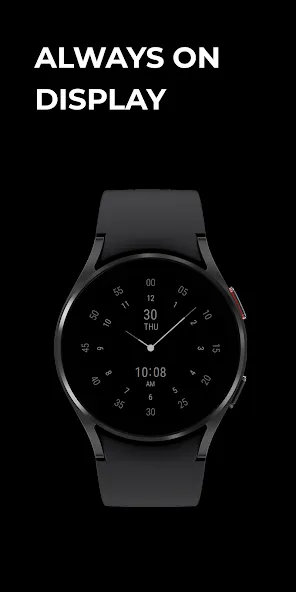
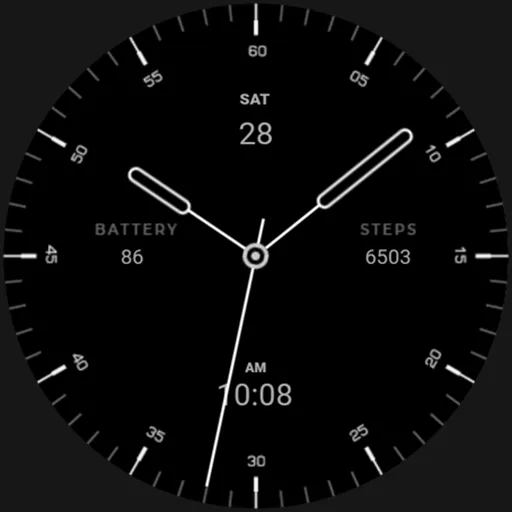
Introducing Regarder Minimal 2 - the sleek and minimalist watch face for your Wear OS smartwatch. Designed with simplicity in mind, this watch face features a clean and uncluttered display, with a focus on readability and elegance.
Installing Regarder Minimal 2 is easy:
Just open the Mobile Companion app and follow the instructions there.
In case this does not work. You can use a PC and install it from there
If this option still does not work you can install the watch face from your wear os Device, here are the instructions:
1. On your Wear OS smartwatch, open the Google Play Store.
2. Search for “Regarder Minimal 2” and select the app from the search results.
3. Tap “Install” to begin the installation process.
4. Once the installation is complete, you can find the watch face in the “Watch Faces” section of your smartwatch’s settings.
5. Select Regarder Minimal 2 as your active watch face.
Experience a new level of sophistication and class on your smartwatch with Regarder Minimal 2. It will definitely make your smartwatch look more elegant and it will make sure that you have the information you need at a glance.
Advertisement