 Fireworks Animated
3.9

Personalization
Ratings
Downloads
Age
Advertisement
Advertisement
Name
Category
Price
Safety
Developer
Version
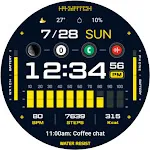
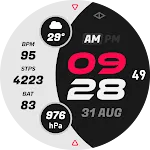
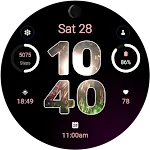
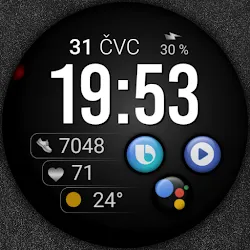
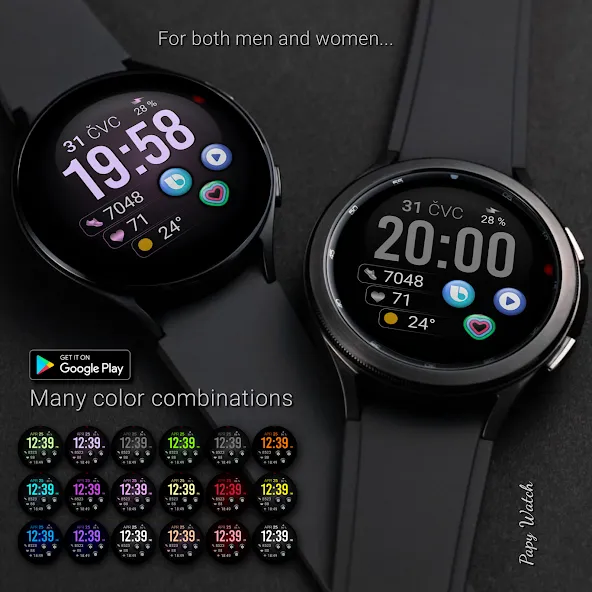
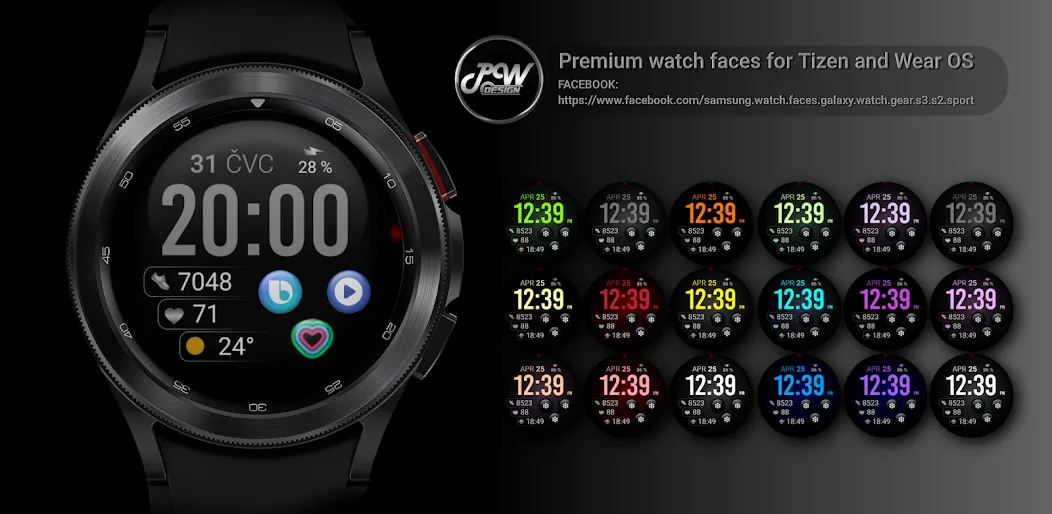
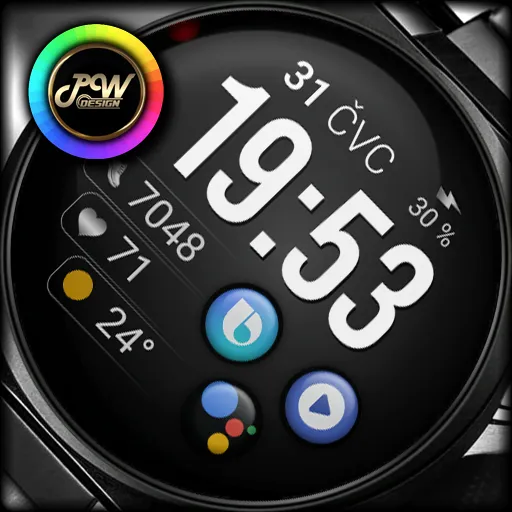
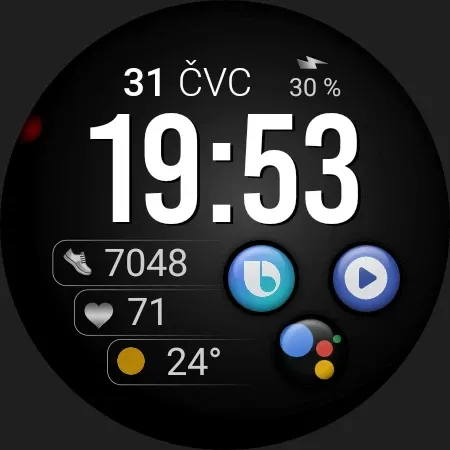
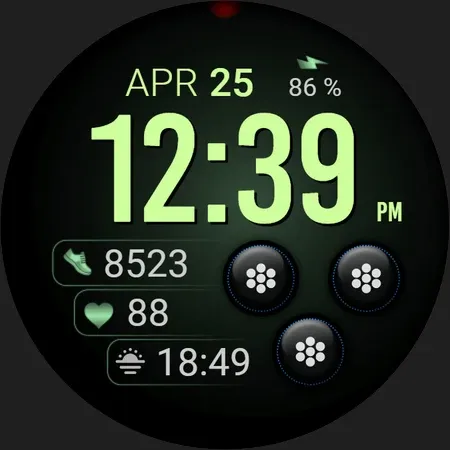
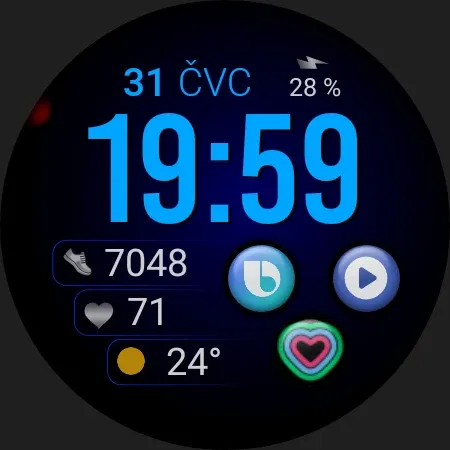
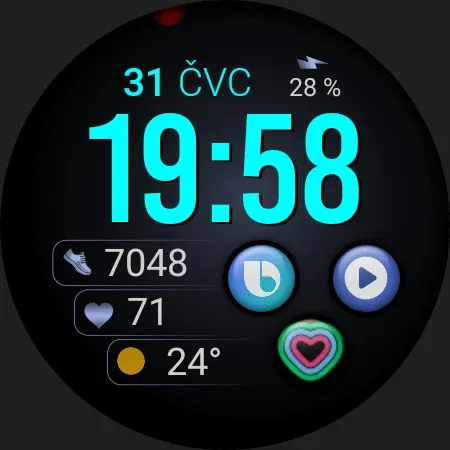
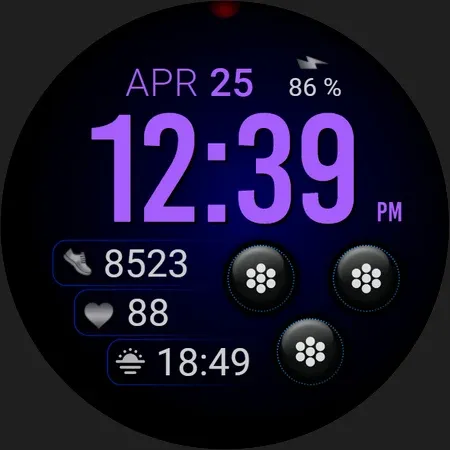
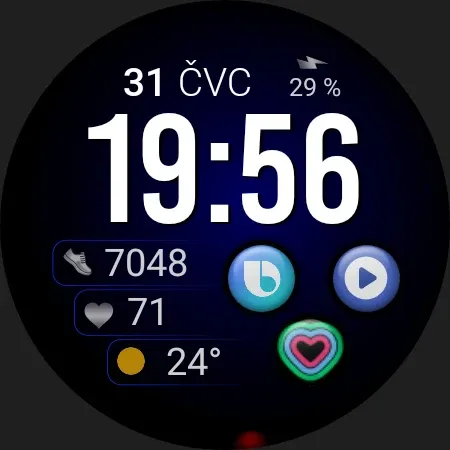
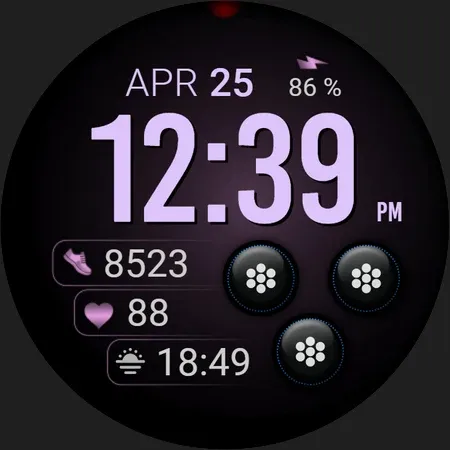
PWW47 - Sport Digi Watch Face, is stylish Watch Face for Wear OS
I would like to introduce you to a stylish watch face with a premium look and many setting options.
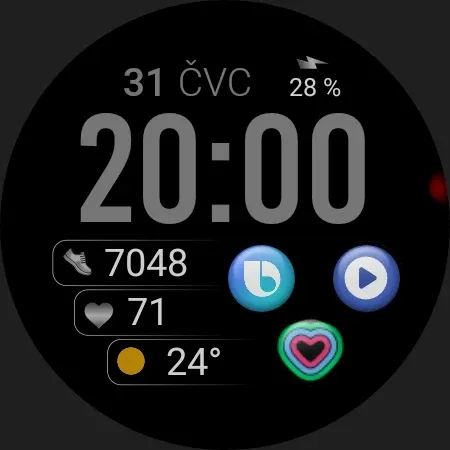
Contains information:
- 12/24hr Digital Time based on phone settings
- Date
- Day
- Steps
- Battery %
- Adjustable widget
- 3 App Shortcuts - You can set any application you want
- Always ON Display
- BPM Heart Rate
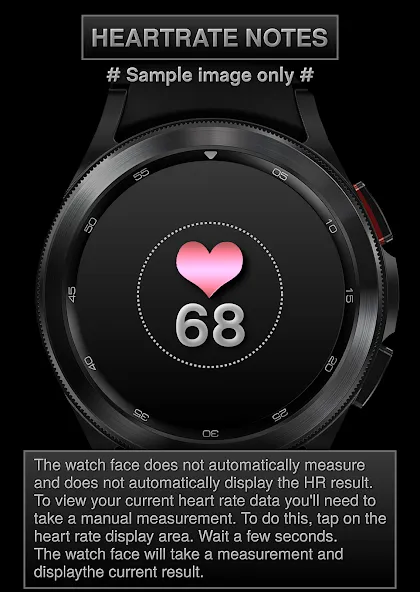
HEARTRATE NOTES:
The watch face does not automatically measure and does not automatically display the HR result.
To view your current heart rate data you’ll need to
take a manual measurement.
To do this, tap on the heart rate display area.
Wait a few seconds. The watch face will take a
measurement and displaythe current result.
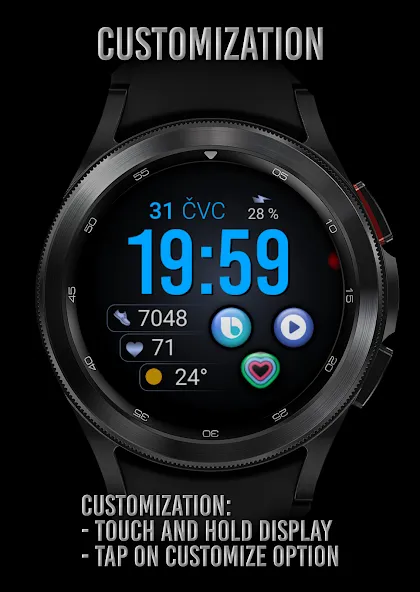
Customization:
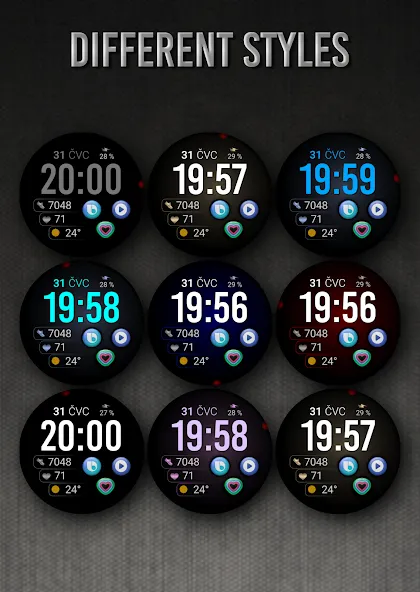
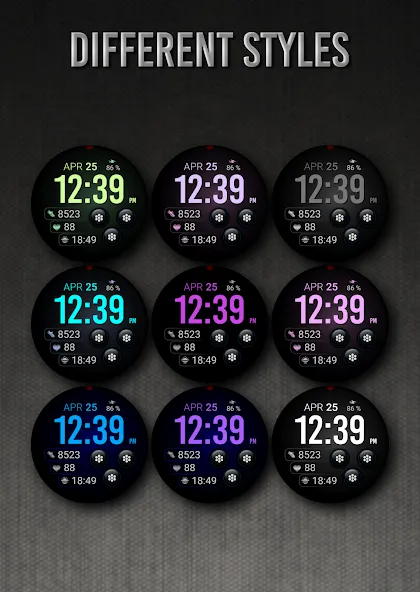
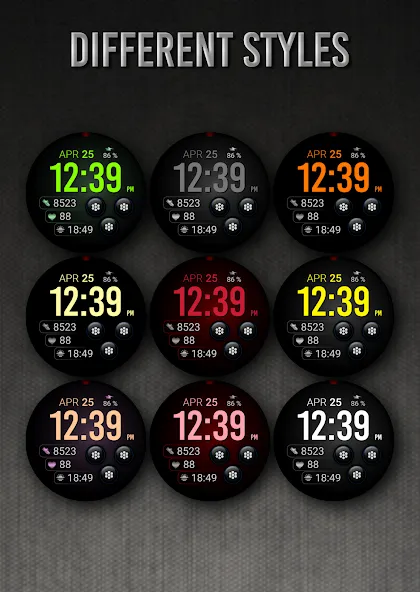
Possibility to change the color of the text
Possibility to change the color of the background
Possibility to select any application you want 3x
Possibility customize the fields with the any data you want - For example, you can select weather, time zone, sunset/sunrise, barometer and more ( !some features may not be available on some watches! )
Open Galaxy Wearable on your phone → watch faces → customize and set the watch face to your preference.
or
- 1. Touch and hold display
- 2. Tap on customize option
!!! Installation Notes !!!
Phone app serves only as an placeholder to make it easier to install & find the watch face on your Wear OS watch. You have to select your watch device from the install dropdown menu.
Sometimes it takes a little longer for the watch face to download to your watch !
After a few minutes the watch face will transferred on watch : check the watch faces installed by the Wearable app on the phone.
Note: If you stuck at payment loop, DON’T WORRY, only one charge will be made even if you are asked to pay a second time. Wait 5 minutes or restart your watch and try again. It could be a synchronization problem between your device and Google servers.
or
2 - If you are having synchronization problems between your phone and Play Store, install the app directly from watch: search “PWW45” from Play Store on watch and hit on install button.
3 - Alternatively, try installing the watch face from web browser on your PC.
Please consider that any issues on this side are NOT developer dependent. The developer has no control over the Play Store from this side. Thank you.
This watch face supports all Wear OS devices with API Level 28+
✉ If you have any questions, please contact us by e-mail [email protected]
We will be happy to assist you!
https://sites.google.com/view/papywatchprivacypolicy
Advertisement