


 Facebook LiteSocial
4.5

Personalization
Ratings
Downloads
Age
Advertisement
Advertisement
Name
Category
Price
Safety
Developer
Version
I am in social media - Here you will find many more watch faces and many coupons.
TELEGRAM:
https://t.me/PW_Papy_Watch_Faces_Tizen_WearOS
INSTAGRAM:
https://www.instagram.com/papy_watch_gears3watchface/
FACEBOOK
https://www.facebook.com/samsung.watch.faces.galaxy.watch.gear.s3.s2.sport
SAMSUNG GALAXY STORE:
http://apps.samsung.com/gear/brandPage.as?sellerId=ev9qg93xra&brandId=0000001574
GOOGLE PLAY STORE:
https://play.google.com/store/apps/dev?id=8628007268369111939
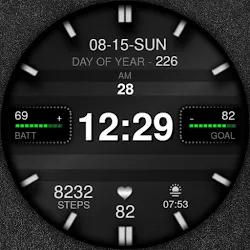
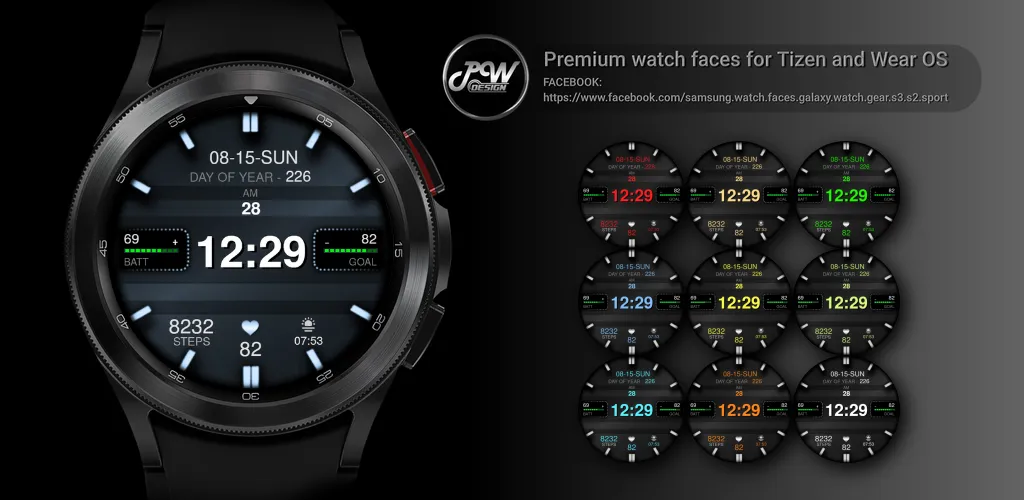
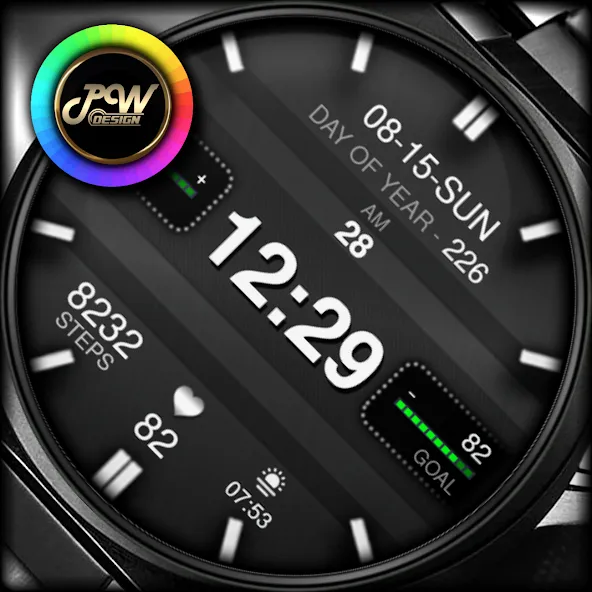
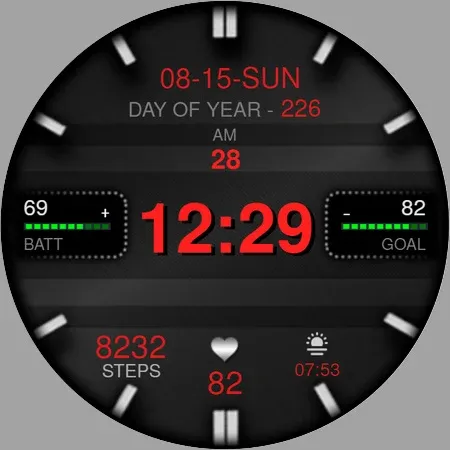
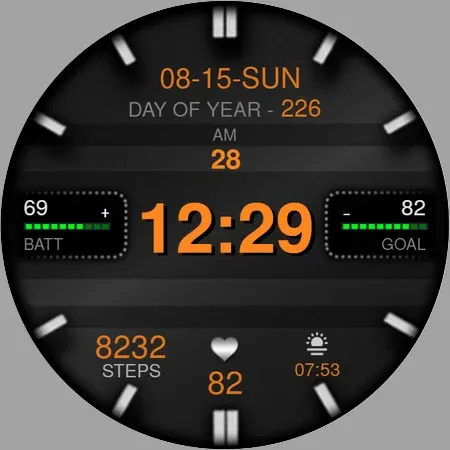
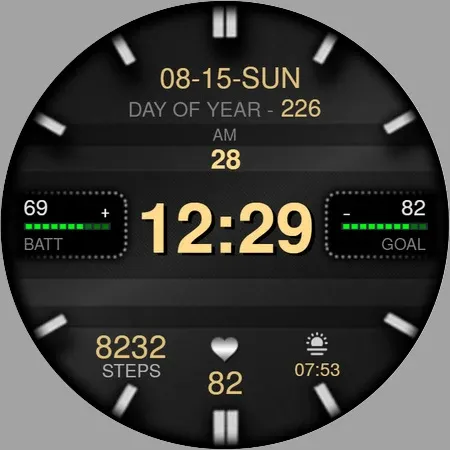
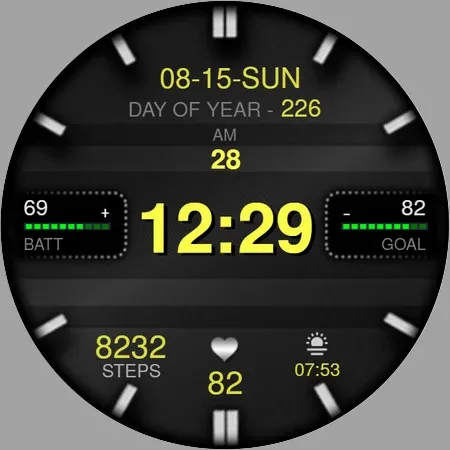
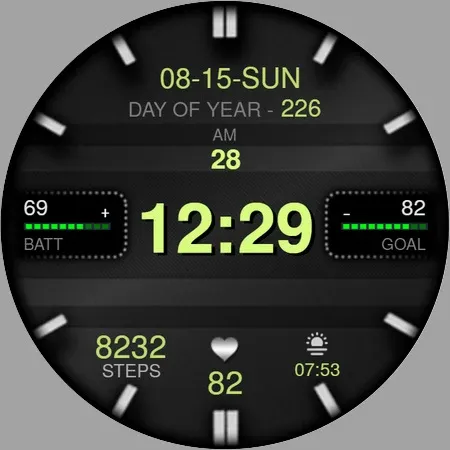
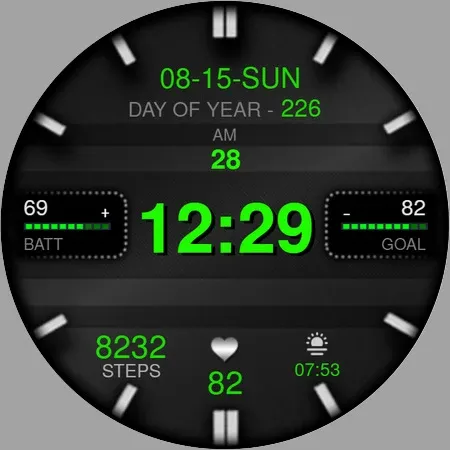
PWW33 - Sport Digi Watch Face is stylish Watch Face for Wear OS
I would like to introduce you to a stylish watch face with a premium look and many setting options.
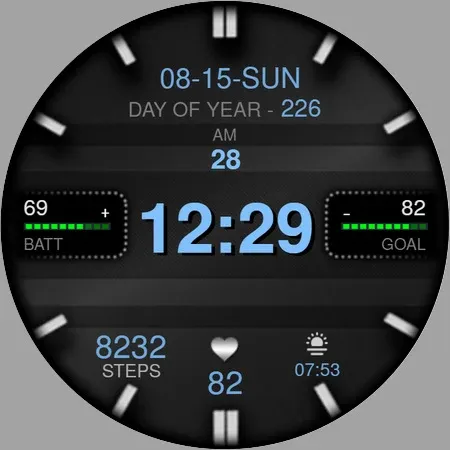
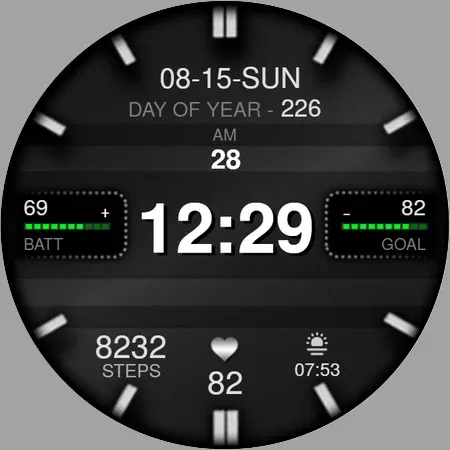
Contains information:
- 12/24hr Digital Time based on phone settings
- Date
- Day
- Day of Year
- Steps
- Daily goals % - 10000 Steps = 100%
- Battery %
- Adjustable widgets
- Always ON Display
- BPM Heart Rate
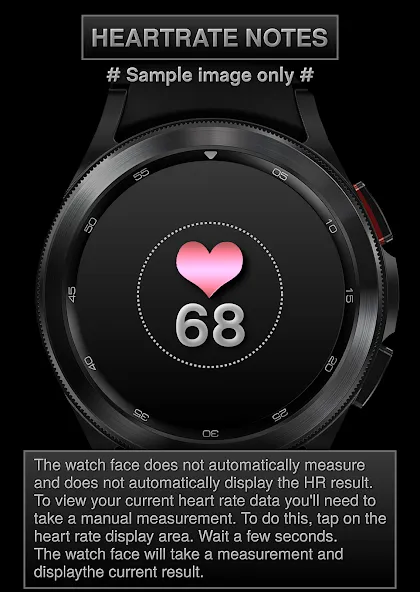
HEARTRATE NOTES:
The watch face does not automatically measure and does not automatically display the HR result.
To view your current heart rate data you’ll need to
take a manual measurement.
To do this, tap on the heart rate display area.
Wait a few seconds. The watch face will take a
measurement and displaythe current result.
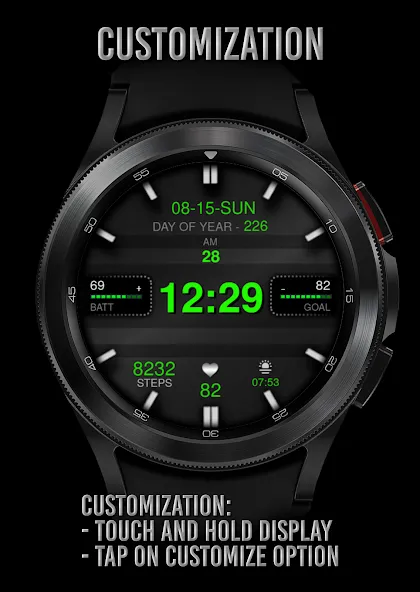
Customization:
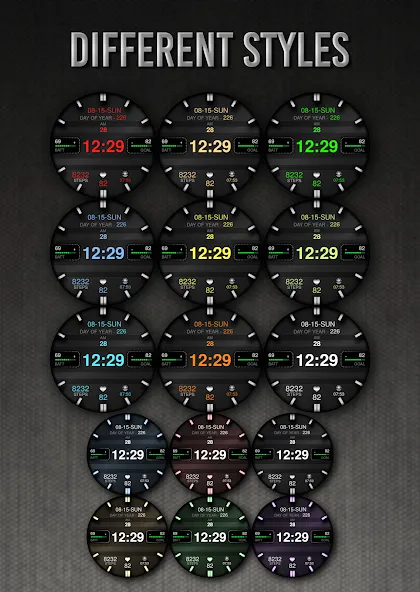
Possibility to change the color of the text
Possibility customize the fields with the any data you want - For example, you can select weather, time zone, sunset/sunrise, barometer and more ( !some features may not be available on some watches! )
Open Galaxy Wearable on your phone → watch faces → customize and set the watch face to your preference.
or
- 1. Touch and hold display
- 2. Tap on customize option
!!! Installation Notes !!!
Phone app serves only as an placeholder to make it easier to install & find the watch face on your Wear OS watch. You have to select your watch device from the install dropdown menu.
Sometimes it takes a little longer for the watch face to download to your watch !
After a few minutes the watch face will transferred on watch : check the watch faces installed by the Wearable app on the phone.
Note: If you stuck at payment loop, DON’T WORRY, only one charge will be made even if you are asked to pay a second time. Wait 5 minutes or restart your watch and try again. It could be a synchronization problem between your device and Google servers.
or
2 - If you are having synchronization problems between your phone and Play Store, install the app directly from watch: search “PWW33” from Play Store on watch and hit on install button.
3 - Alternatively, try installing the watch face from web browser on your PC.
Please consider that any issues on this side are NOT developer dependent. The developer has no control over the Play Store from this side. Thank you.
This watch face supports all Wear OS devices with API Level 28+
✉ If you have any questions, please contact us by e-mail [email protected]
We will be happy to assist you!
Google Play
APP STORE
Advertisement
Taptostore.com is an independent app discovery and editorial review platform. We publish reviews, comparisons, and recommendations designed to help users explore apps and make informed choices.
Download links on Taptostore.com direct users to the relevant official app store or another distribution channel designated by the developer or publisher. App downloads and installations take place through those external platforms.
Our content is developed through product research, editorial analysis, publicly available information, and, where appropriate, an assessment of the app’s features and user experience. Reviews and recommendations represent our editorial judgment at the time of publication.
The security and privacy practices of each app are determined by its developer. Before installing an app, users should review its official store listing, developer information, requested permissions, privacy policy, update history, and recent user feedback.
Taptostore.com does not control or independently certify third-party apps and cannot guarantee their security, reliability, performance, or privacy practices.
Not necessarily. Apps may be free, paid, advertising-supported, or include in-app purchases and recurring subscriptions. Pricing and availability may vary by region, device, platform, and time. Please refer to the relevant official store listing for current terms.
Availability may be affected by geographic restrictions, device compatibility, operating-system requirements, age limitations, store policies, or decisions made by the developer or publisher. These factors are outside the control of Taptostore.com.
Taptostore.com does not operate the apps featured on the website and cannot access their accounts or internal systems. Questions about login credentials, account recovery, technical issues, data deletion, or app functionality should be directed to the relevant developer through its official support channels.
Please do not send passwords, verification codes, recovery credentials, or payment information to Taptostore.com.
App-related payments, subscriptions, cancellations, and refunds are administered by the app store, developer, or payment provider responsible for the transaction. Taptostore.com does not process these transactions and cannot manage subscriptions or issue refunds.
Uninstalling an app may not cancel an active subscription. Users should manage subscriptions through the platform on which the purchase was made.
We make reasonable efforts to publish accurate and useful information. However, app features, pricing, compatibility, availability, and policies may change without notice. For the most current details, users should consult the relevant official store listing or developer documentation.
Unless expressly stated, Taptostore.com is not affiliated with, sponsored by, endorsed by, or officially connected with the developers, publishers, brands, or platforms featured on the website.
Product names, logos, brands, and trademarks belong to their respective owners and are referenced solely for identification and informational purposes.
Advertisement














