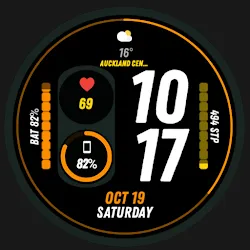
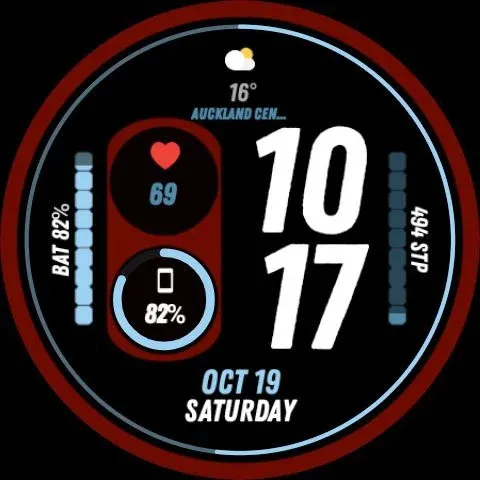
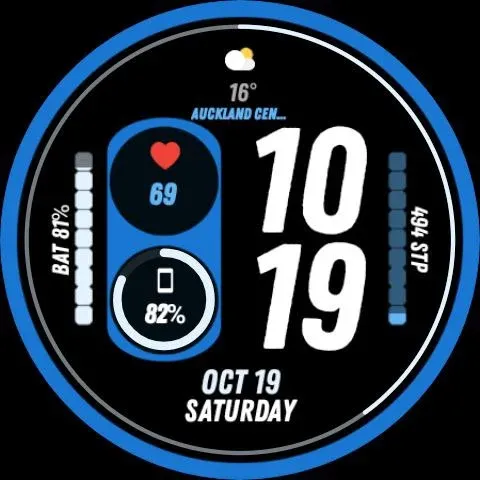
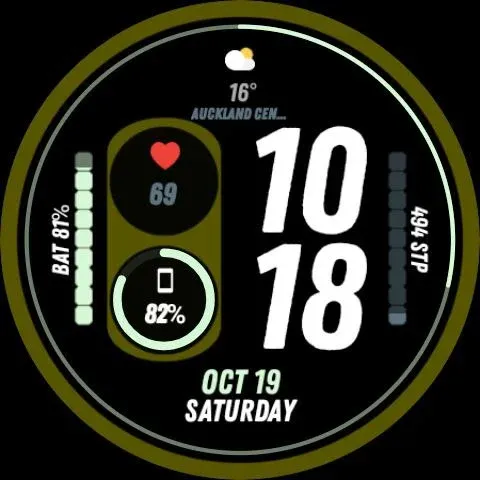
Nighty Digital 44 - watch face icon

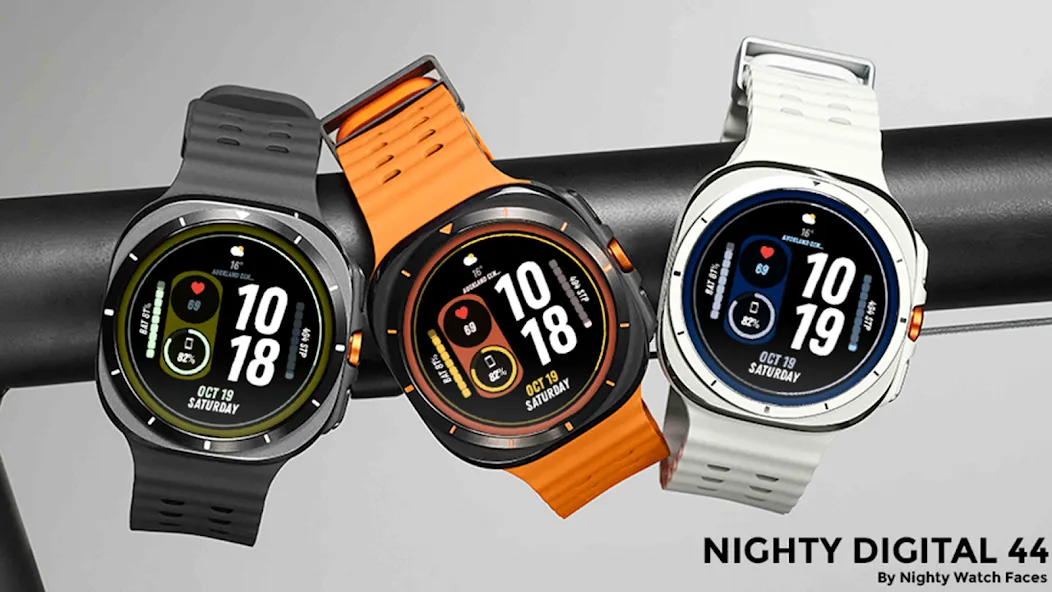
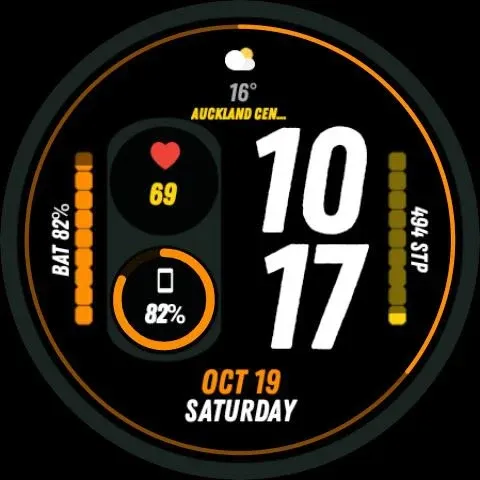
Nighty Digital 44 - watch face

Personalization

0.0

Ratings

100 - 500

Downloads

3+

Age

DOWNLOAD

Advertisement

Screenshots

Nighty Digital 44 - watch face screenshot 1
Nighty Digital 44 - watch face screenshot 2
Nighty Digital 44 - watch face screenshot 3
Nighty Digital 44 - watch face screenshot 4
Nighty Digital 44 - watch face screenshot 5
Nighty Digital 44 - watch face screenshot 6
Nighty Digital 44 - watch face screenshot 7
Nighty Digital 44 - watch face screenshot 8
Nighty Digital 44 - watch face screenshot 9
Nighty Digital 44 - watch face screenshot 10
Nighty Digital 44 - watch face screenshot 11
Nighty Digital 44 - watch face screenshot 12
Nighty Digital 44 - watch face screenshot 13
Nighty Digital 44 - watch face screenshot 14
Nighty Digital 44 - watch face screenshot 15
Nighty Digital 44 - watch face screenshot 16
Nighty Digital 44 - watch face screenshot 17
Nighty Digital 44 - watch face screenshot 18
Nighty Digital 44 - watch face screenshot 19
Nighty Digital 44 - watch face screenshot 20
Nighty Digital 44 - watch face screenshot 21
Nighty Digital 44 - watch face screenshot 22
Nighty Digital 44 - watch face screenshot 23
Nighty Digital 44 - watch face screenshot 24

Advertisement

About this app

Name

Nighty Digital 44 - watch face

Category

Personalization

Price

Free

Safety

100% Safe

Developer

Nighty.Watch.Faces

Version

Varies with device

Description

Only for Wear OS devices - API 30+

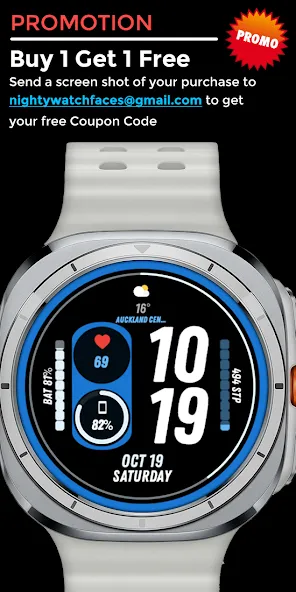
1+1 (buy one get one free)
Send a screenshot of your purchase to [email protected] to get your free promo code

Please Pay Attention:
You need to select your WEAR OS device in the installation dropdown menu to install the watch face on your watch. The phone app is a placeholder for easier installation.
You need to manually enable permissions (Sensors and Complication Data) for full functionality.

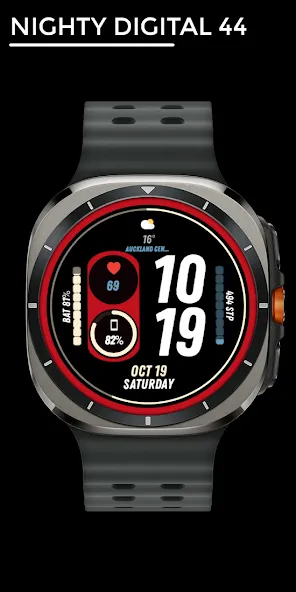
Nighty Digital 44 - Watch Face

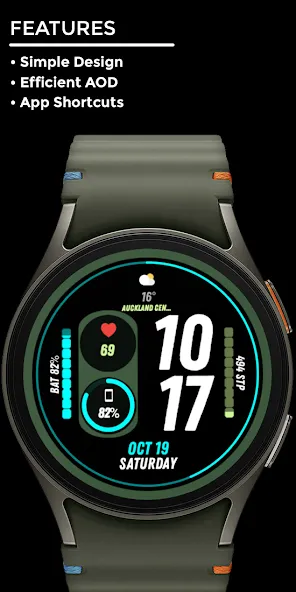
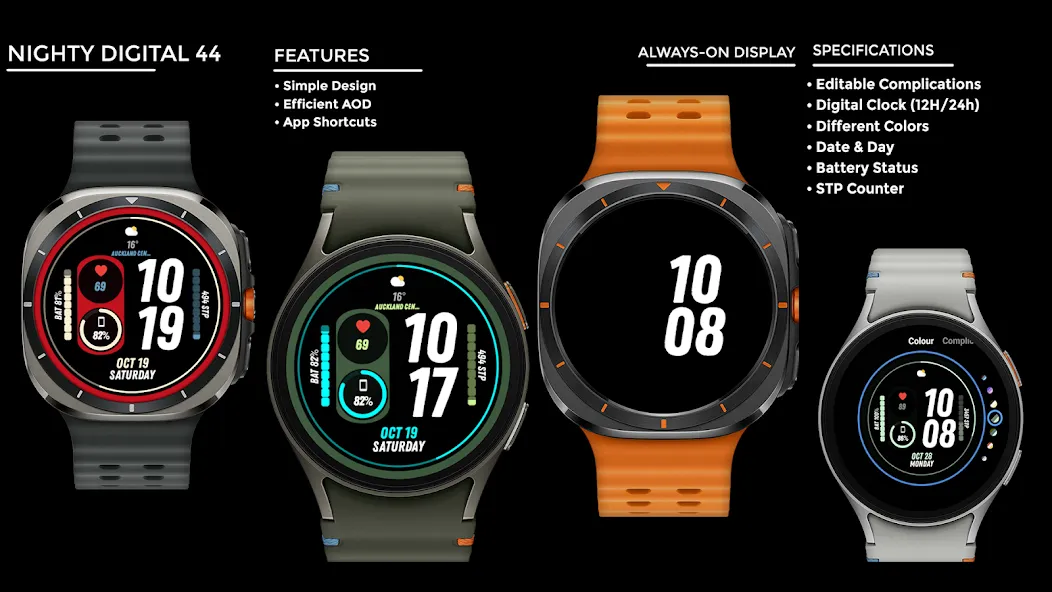
Features:
• Simple Design
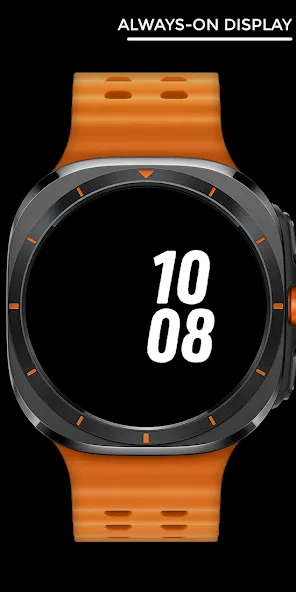
• Efficient AOD
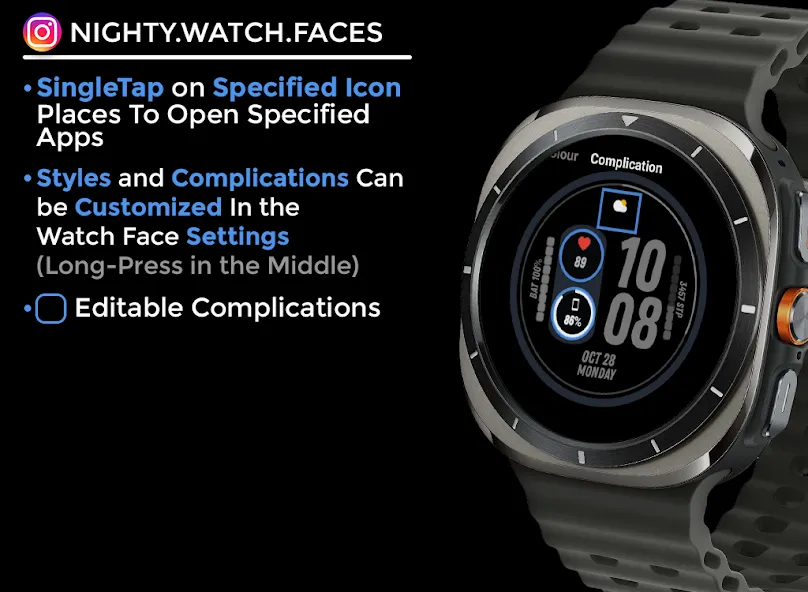
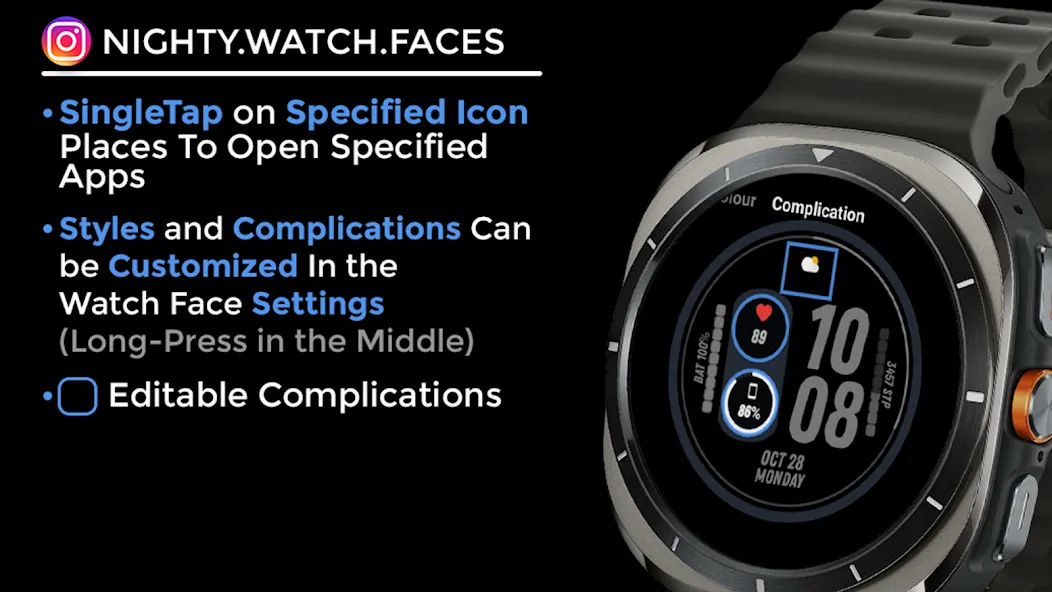
• App Shortcuts

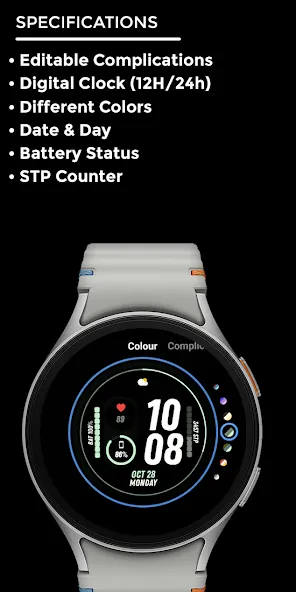
Specifications:
• Editable Complication
• Digital Clock (12h/24H)
• Date and Day
• STP Counter
• Battery Status
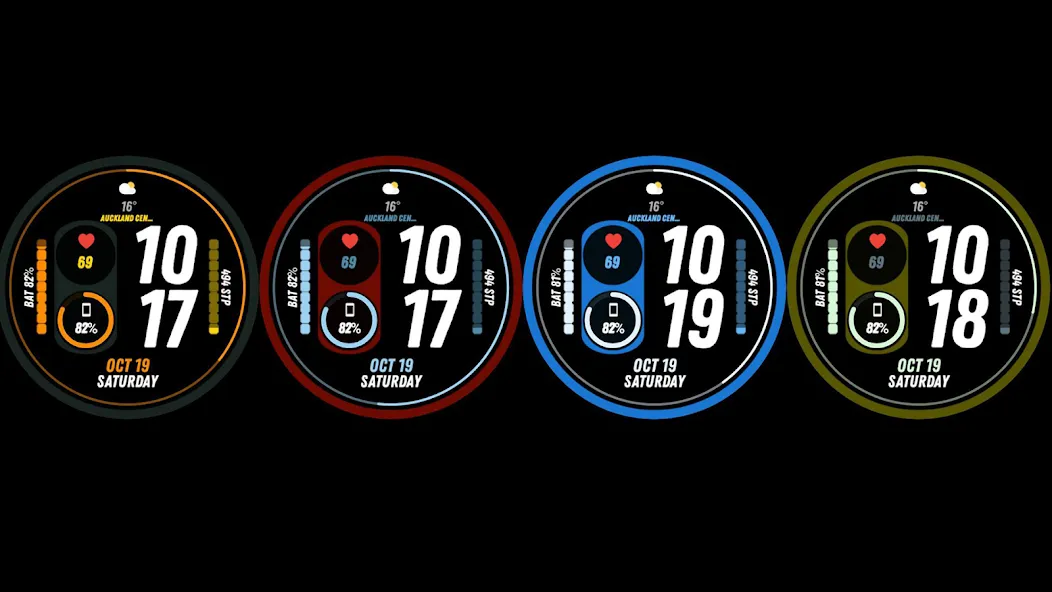
• Different Colors

- Complications Can be Customized In the Watch Face Settings (Long-Press in the Middle)

If You receive this error “Your Device isn’t compatible with this version” you can search and download the watch face from Play Store app on your watch or use your web browser on your PC or phone

You can contact me by email or on Instagram directly.
I appreciate your feedback.

Website
https://nighty-watch-faces.mailchimpsites.com/

Instagram
https://www.instagram.com/nighty.watch.faces/

Email
[email protected]

TOP FREE APPS

See all →
Google Meet iconGoogle MeetCommunication
4.4

TOP FREE GAMES

See all →

Advertisement

Top Downloads

See all →
  1. Files by Google icon
    Files by GoogleTools
    4.5
    GET
  2. 4